Best 29 Websites for Mockups : Free and Paid [2026]
Whether you're presenting a logo to a client, showcasing an app design in your portfolio, or testing how your t-shirt design looks on an actual garment, mockups save you hours of work. Instead of organizing a photoshoot or building a physical prototype, you can drop your design into a realistic template and have a professional image ready in minutes.
The challenge is finding high-quality mockups that are actually free for commercial use. Many sites advertise "free" but then watermark your downloads or restrict commercial licensing. We've tested dozens of mockup tools and compiled this list of 29 websites that offer genuinely usable free options, organized by category so you can find exactly what you need.
Quick comparison: Top websites for mockups
{{freebie}}
Top mockup websites for your next design project
1. Design at Meta - Devices
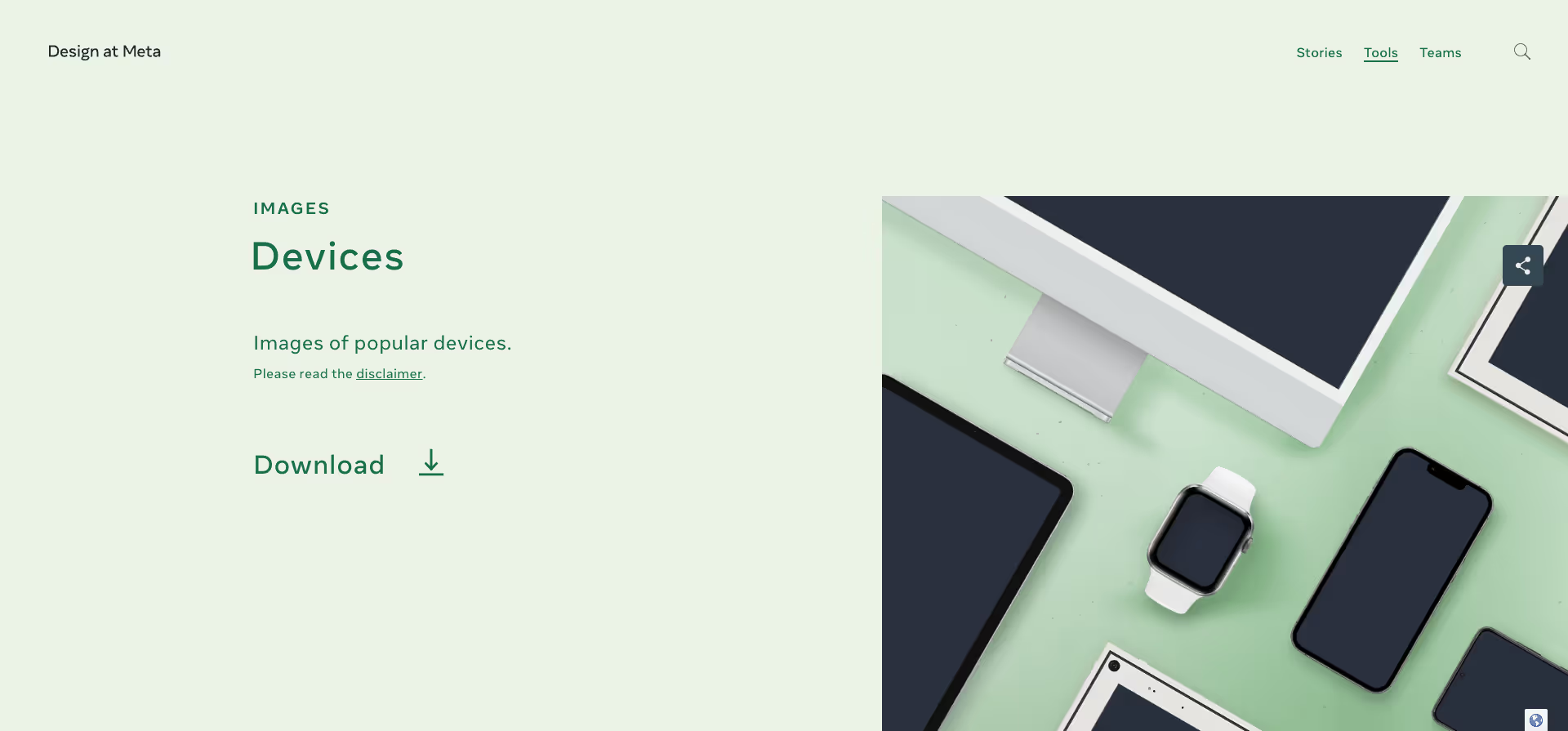
Facebook Design is a tool that allows you to optimize your designs for the Facebook platform. Device Preview lets you see how your designs look and customize them on different devices.
Website: https://design.facebook.com/toolsandresources/devices/
Type: Paid
2. MockRocket
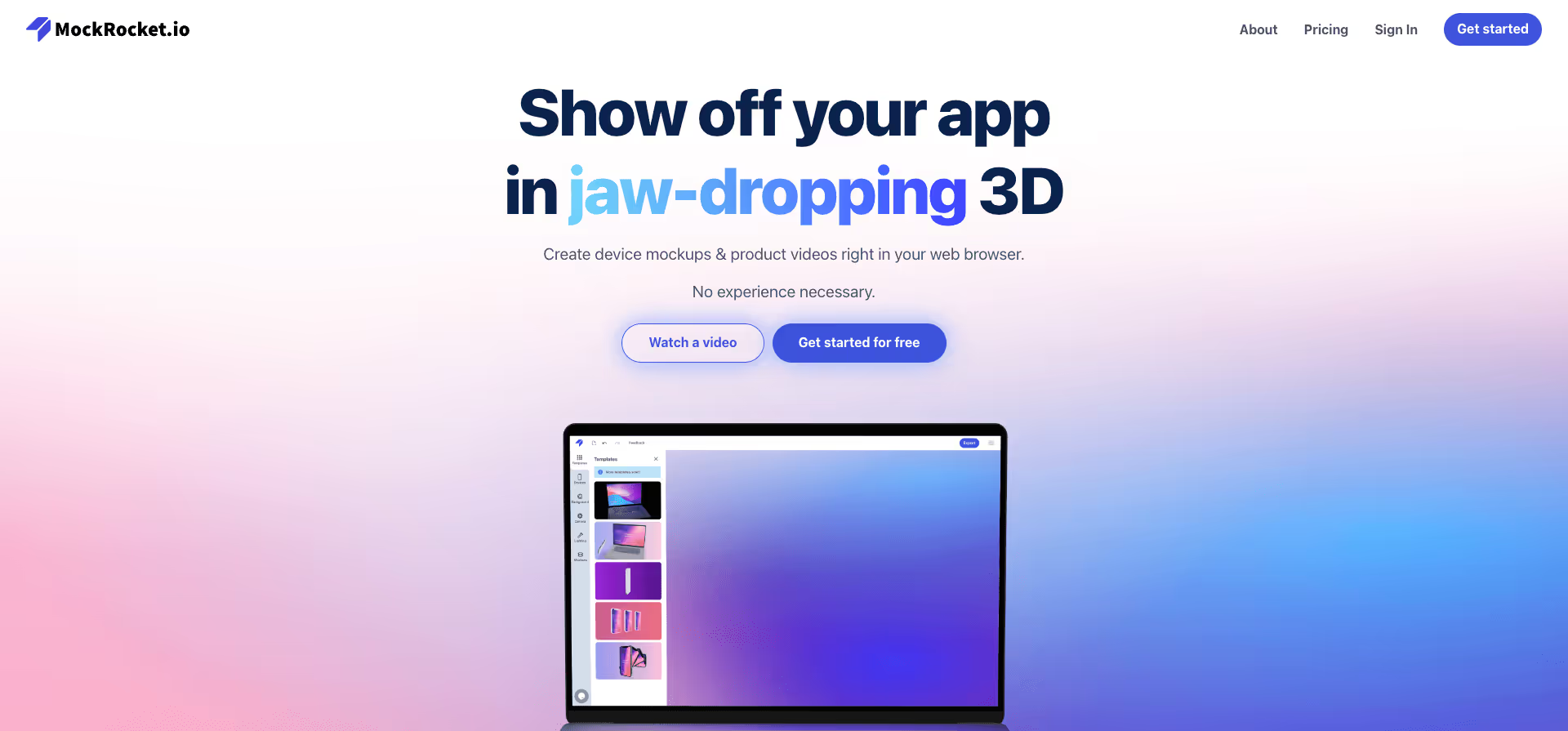
MockRocket is an online tool that allows you to quickly and easily create mockups for your projects. It offers a wide selection of templates and design options to quickly turn your ideas into professional mockups.
Website: https://mockrocket.io/
Type: Freemium
{{cta}}
3. Animockup
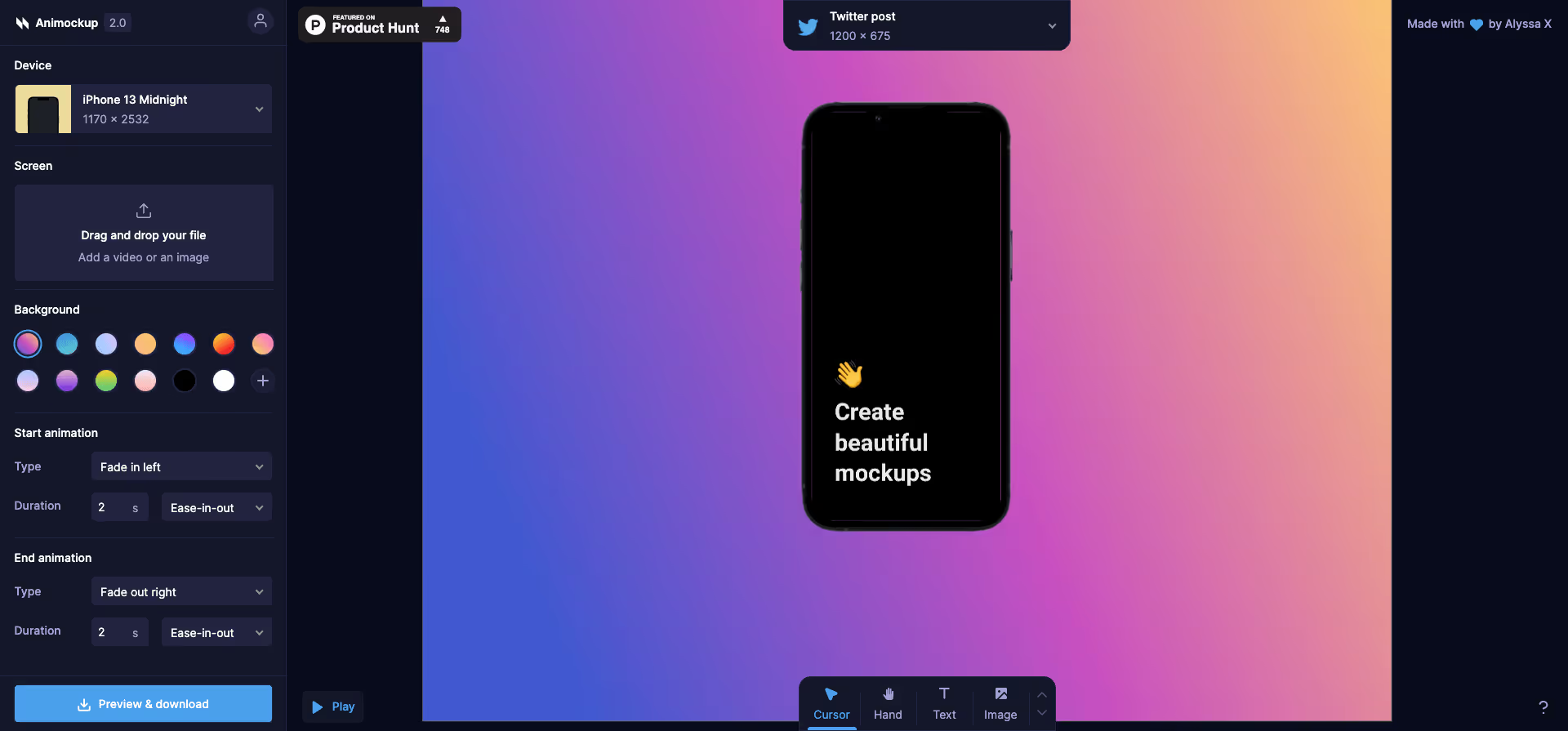
This online tool offers you a variety of templates and design options to showcase your products in motion.
Website: https://animockup.com/
Type: Free
4. Angle
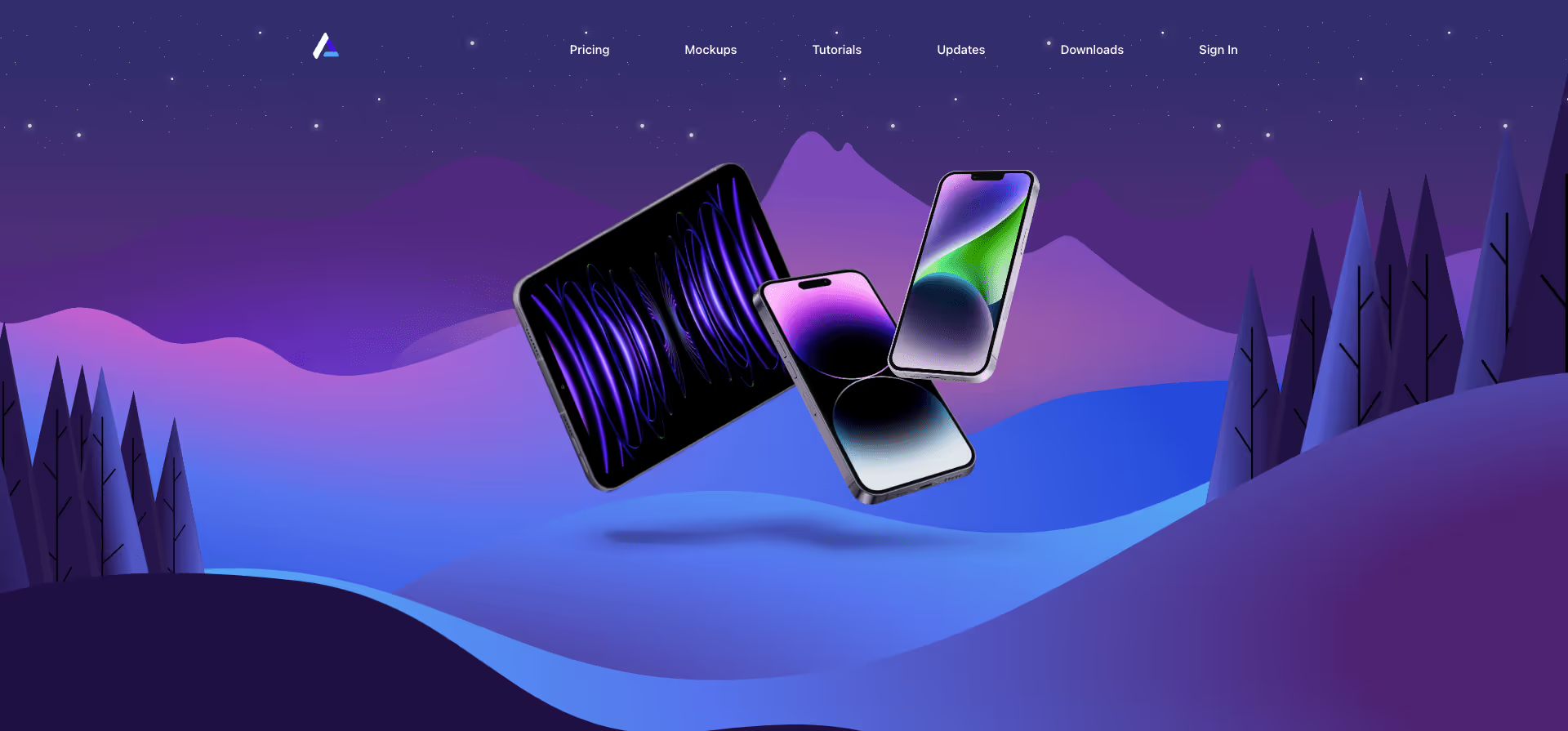
With the exclusive promo code "sketchnews," you can access advanced features and make your prototypes even more professional.
Website: https://angle.sh/?promo=sketchnews
Type: Paid
5. Rotato

Rotato is an app that allows you to create realistic and interactive 3D mockups of your products. It offers a wide selection of models and design options to showcase your products from all angles.
Website: https://rotato.app/
Type: Paid
6. MockupPhotos
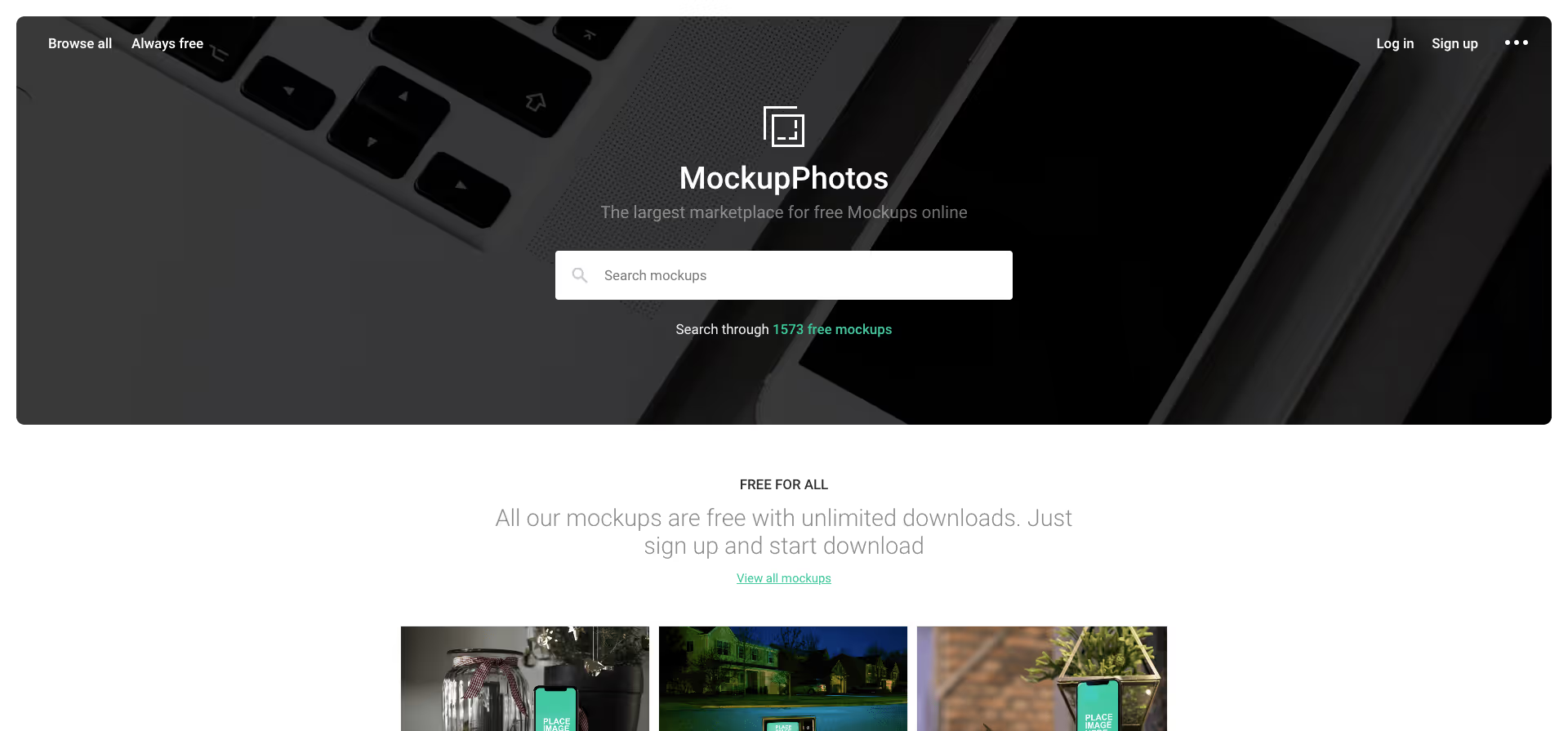
One of the largest marketplaces for free online mockups.
Website: https://mockup.photos/
Type: Free
7. Mr.Mockup
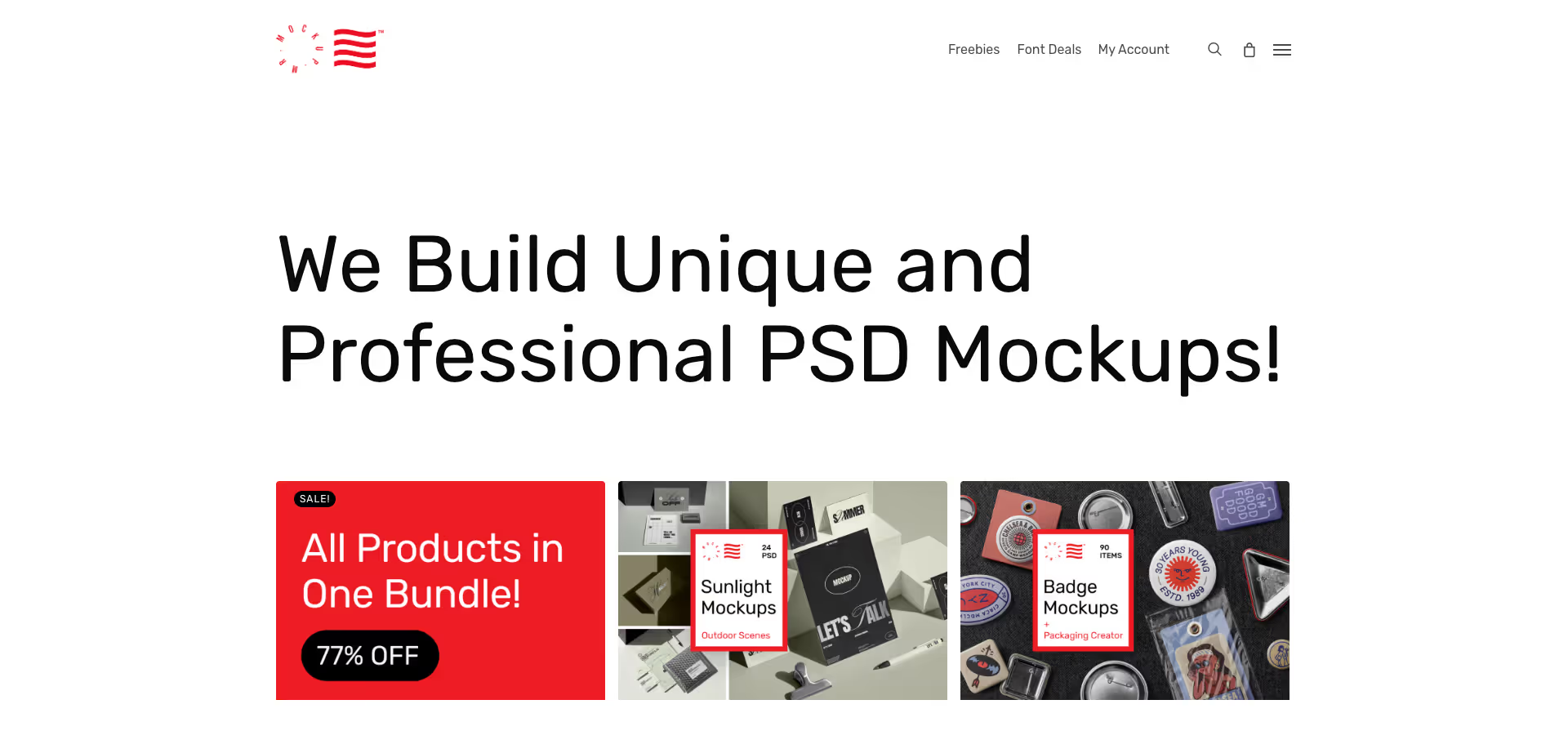
Mr.Mockup is a side project of Noeeko, a creative studio focused on graphic design and brand identity.
Website: https://mrmockup.com/
Type: Paid
8. All Hands
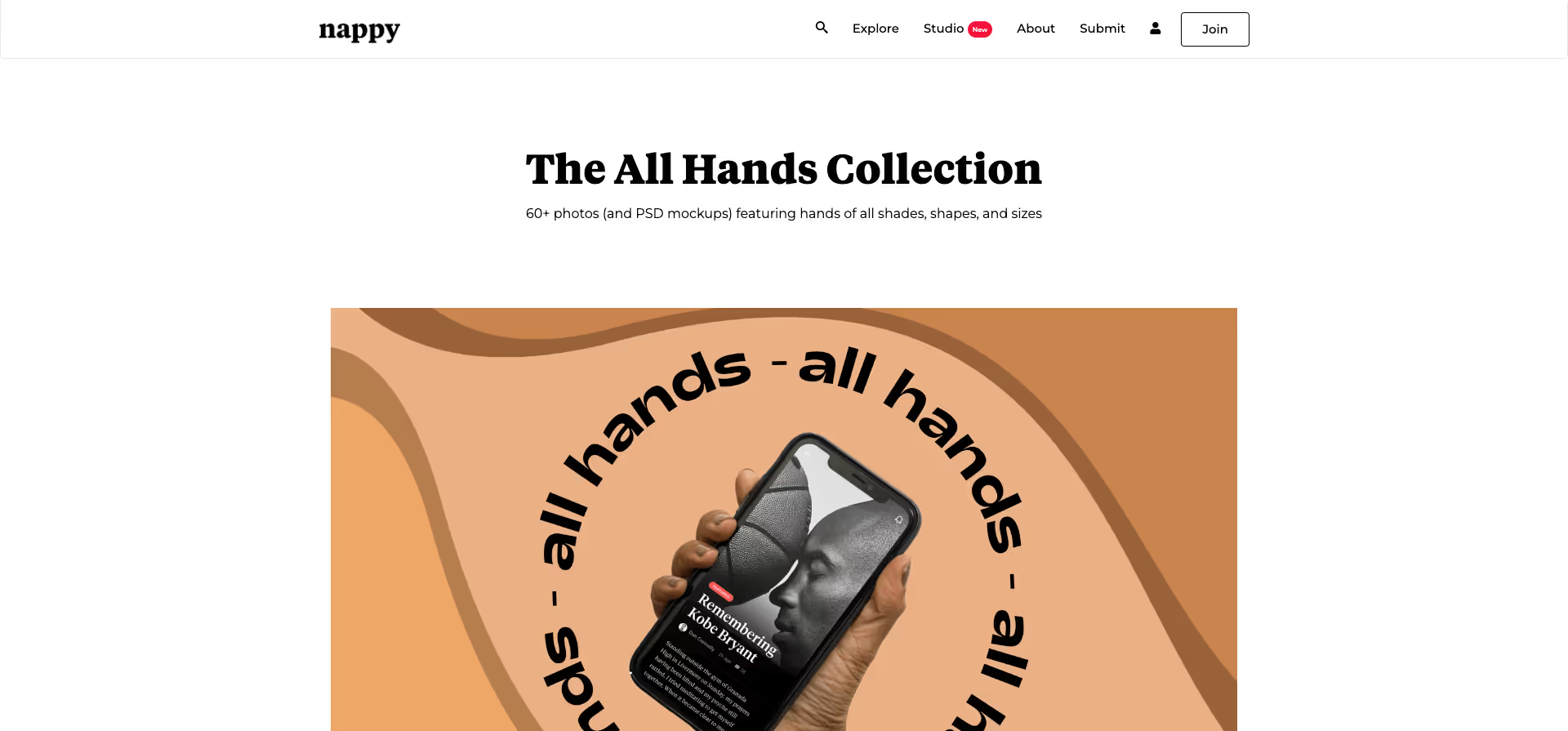
60+ photos (and PSD mockups) of hands in all shades, shapes, and sizes.
Website: https://nappy.co/all-hands
Type: Free
9. Ramotion Store

Store.Ramotion is an online shop that offers a wide selection of high-quality UI design kits, icon sets, and other resources for your projects.
Website: https://store.ramotion.com/
Type: Paid
10. Things
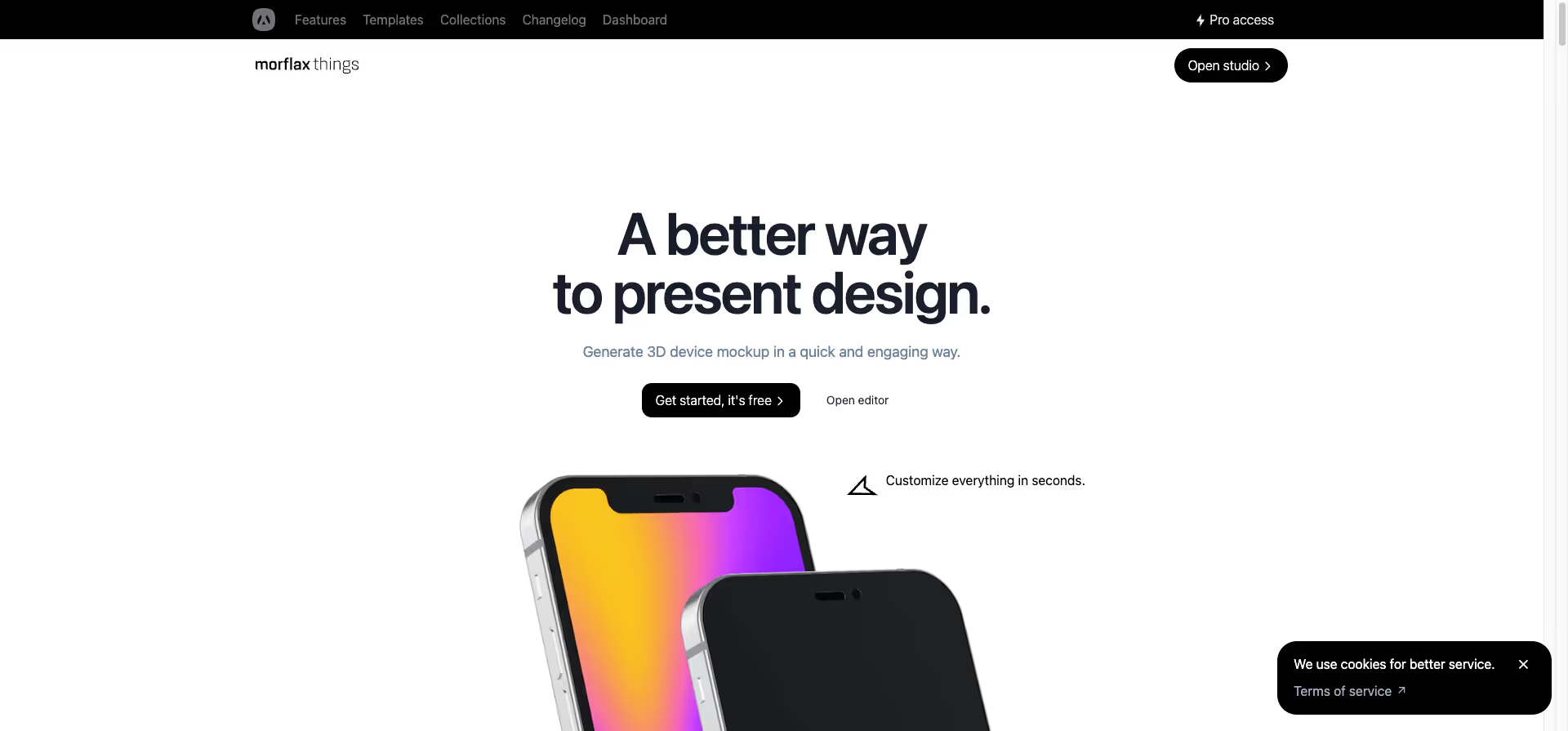
Things by Morflax is an online tool that helps you optimize your product design. Things by Morflax offers you a wide range of design options to showcase your products from all angles.
Website: https://things.morflax.com/
Typ: Freemium
11. Device Shots
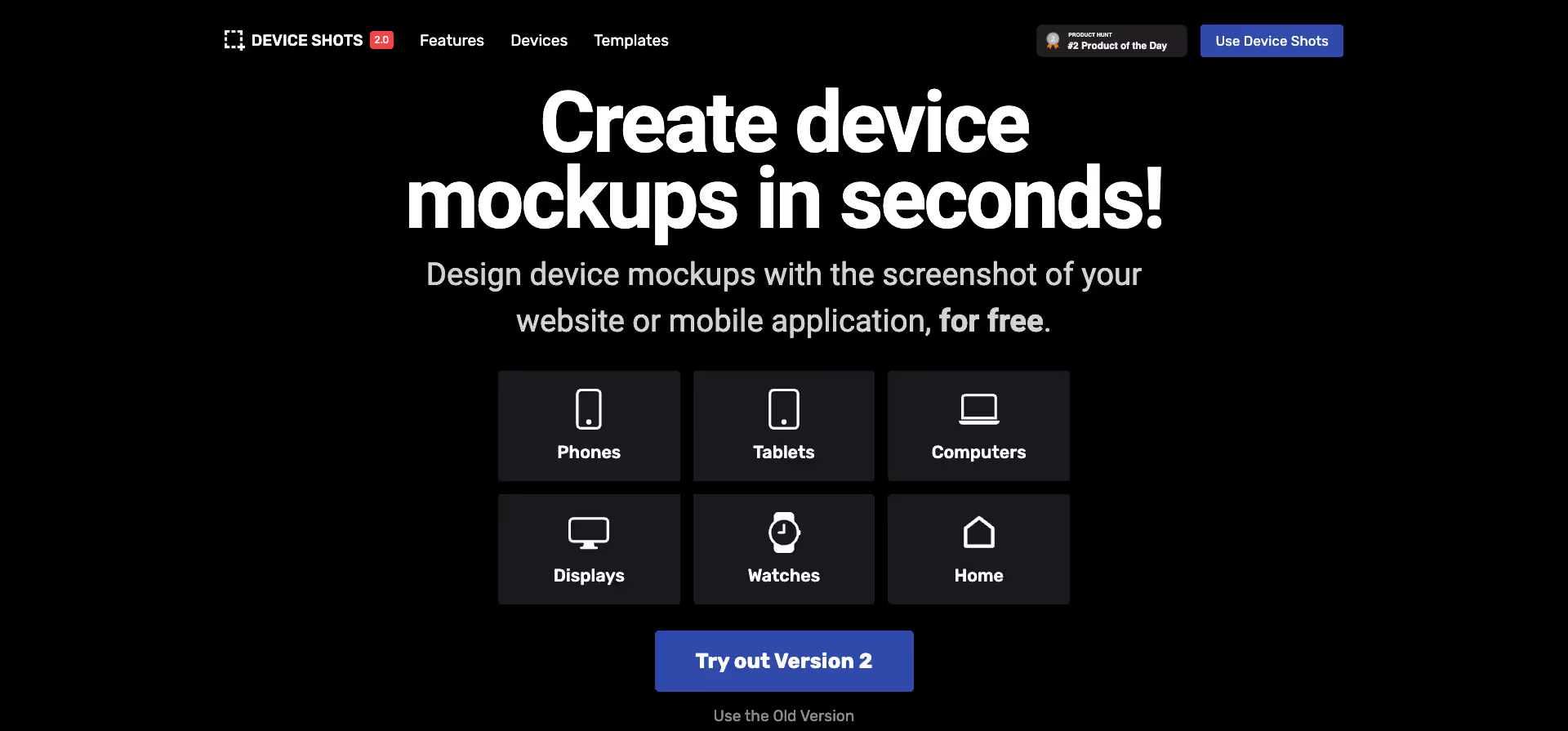
With Device Shots, you can quickly and easily create screenshots for your products.
Website: https://deviceshots.com/
Type: Free
12. Previewed

Previewed creates impressive 3D shots and animations for your app.
Website: https://previewed.app/
Type: Freemium
13. Gestures

A collection of essential hand movements for your real designs. Use them for UX/UI demonstrations or to create prototypes.
Website: https://www.semplice.com/gestures
Type: Paid
14. 3D Tranformer

Create realistic 3D models and renderings of your products with 3D Transformer. You can choose from a wide range of templates and design options to showcase your products from all angles.
Website: https://www.3dtransformer.com/
Type: Free
15. Slantt

Slantt is a browser-based tool that turns plain screenshots into 3D and isometric mockups. It works well for showcasing websites and apps, letting users create professional-looking visuals without design software or a designer. The tool is currently free for unlimited use.
Website: https://slantt.co/
Type: Free
16. Designstripe Mockups
Designstripe is a user-friendly design tool that allows users to create professional designs quickly and easily. Using artificial intelligence, designs are automatically optimized and tailored to the user's needs and requirements.
Website: https://designstripe.com/mockups/
Type: Freemium
17. Artboard Studio Mockup Generator
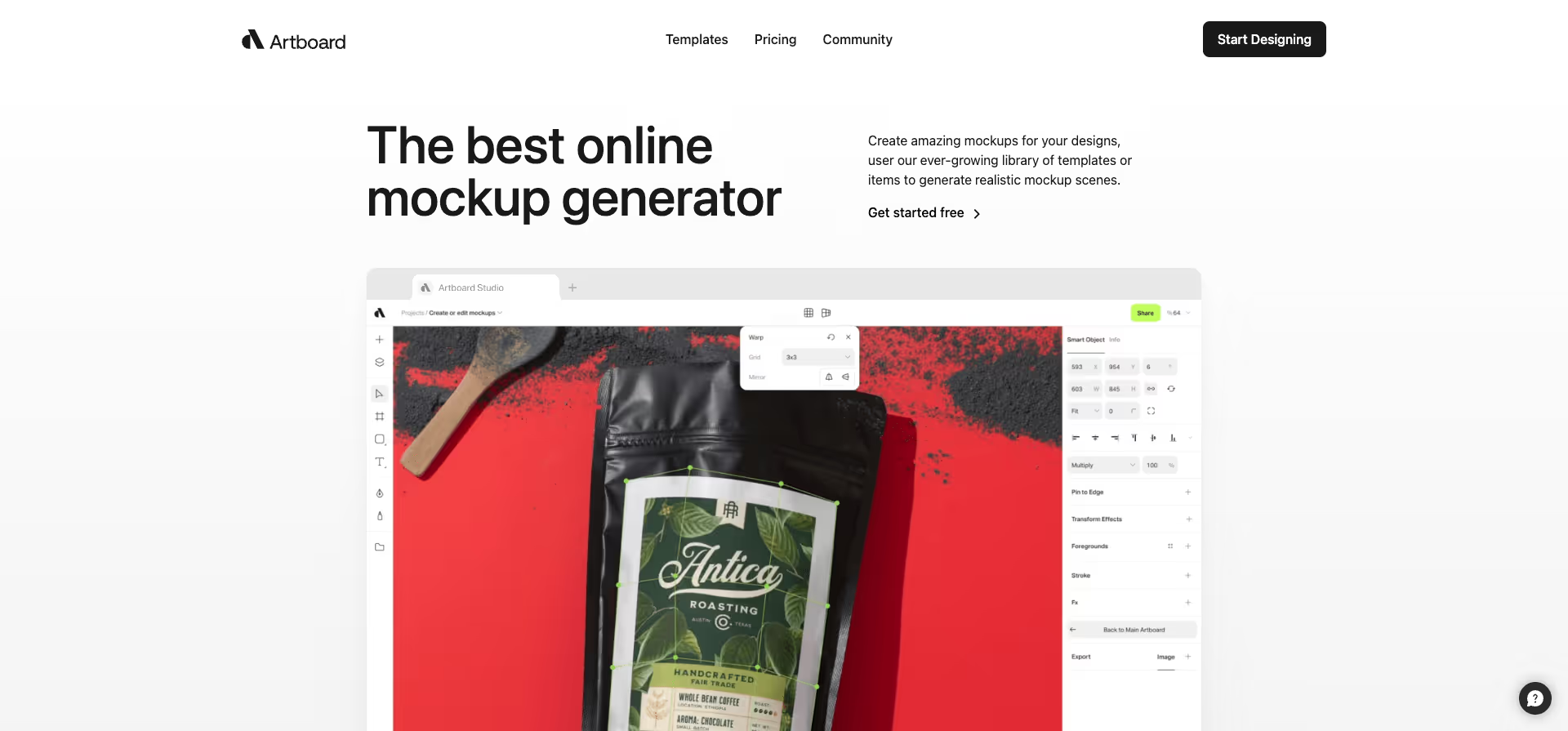
The Artboard Studio Mockup Generator allows you to create professional mockups for products quickly and easily. Perfect for designers, product developers, and anyone who wants to create professional mockups for their products.
Website: https://artboard.studio/mockup
Type: Freemium
18. Placeit

Placeit.net is a user-friendly AI tool for product design and marketing. It enables users to create professional designs, logos, websites, and marketing materials.
Website: https://1.envato.market/3P416B
Type: Paid
19. Mockup World
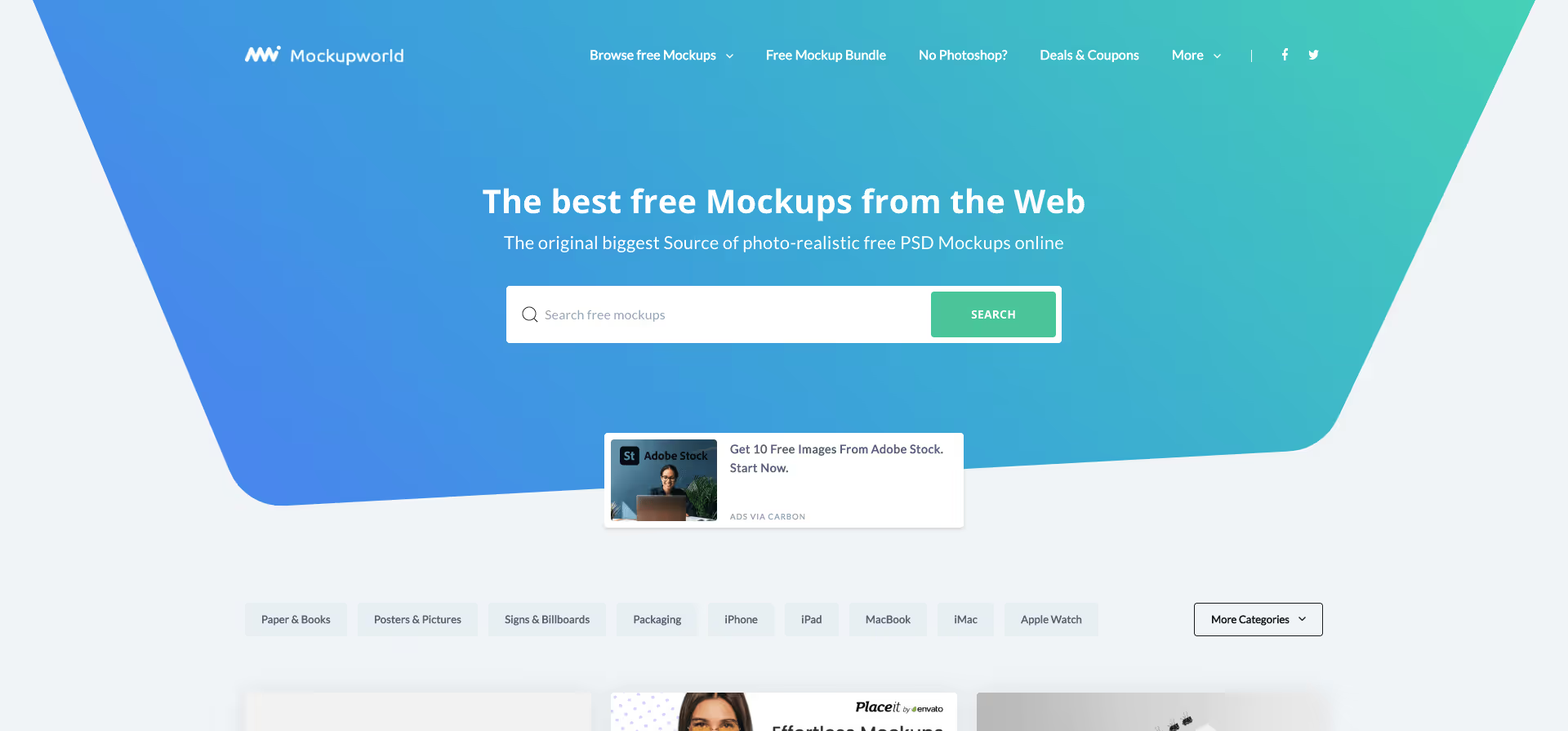
Whether it's iPhone, iPad, iMac, MacBook, Apple Watch, packaging, T-shirts, road signs, cars, or a huge billboard mockup - you'll find what you're looking for here. Mockup World is an online service that provides designers and web developers with free access to hundreds of ready-made mockups!
Website: https://www.mockupworld.co/
Type: Free
20. Pixelied Mockups

Pixelied Mockups promises online mockup creation in just a few minutes. Pixelied's free mockup generator helps you create stunning designs with editable mockup templates.
Website: https://pixelied.com/mockups?via=toools
Type: Free + Paid Options
21. Mockup Hunt
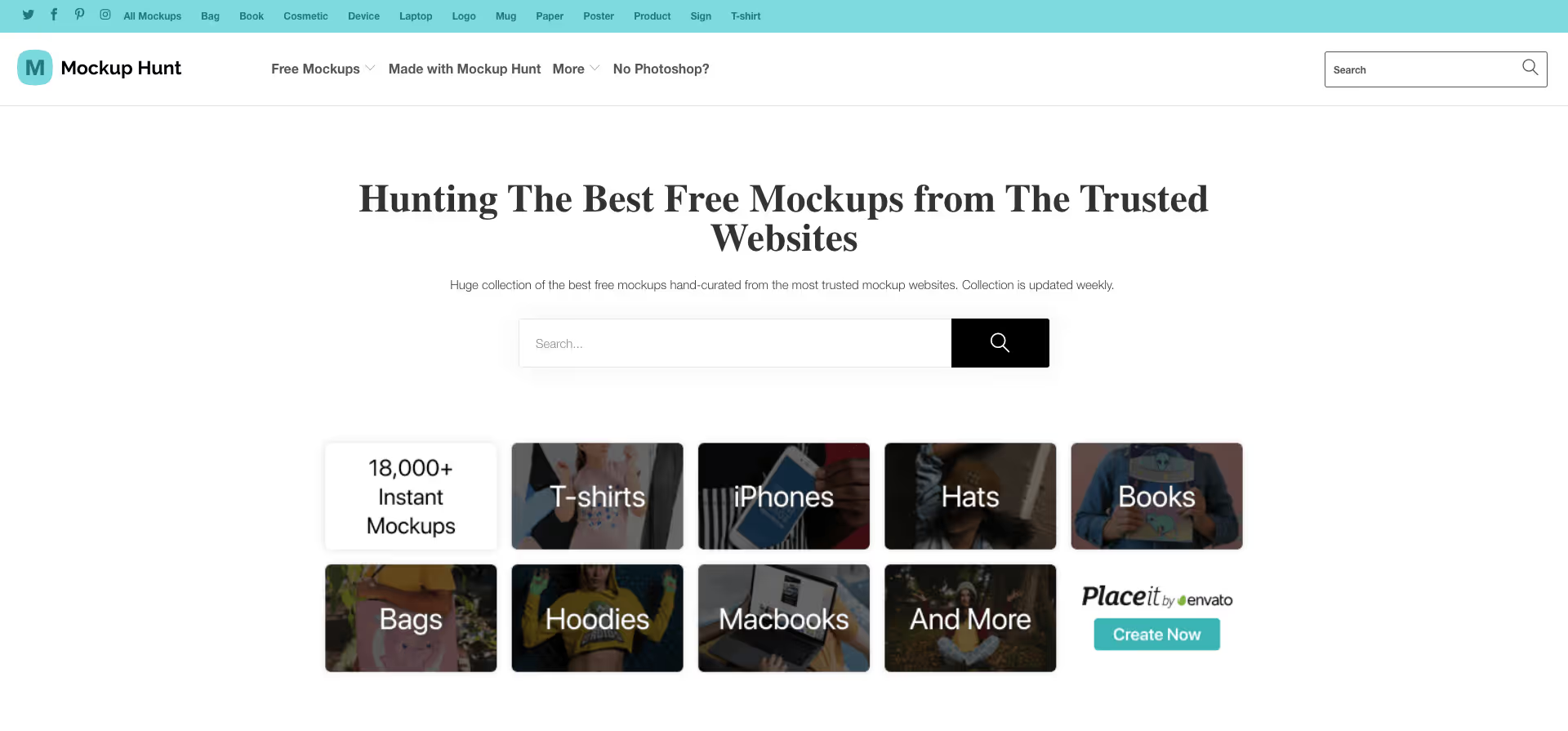
Huge collection of the best free mockups, handpicked from the most trusted mockup websites. The collection is updated every week.
Website: https://mockuphunt.co/
Type: Free
22. Fockups

Fockups is an AI tool for product design and mockups. It allows users to quickly and easily create professional mockups for their products. Using artificial intelligence, the mockups are automatically optimized and customized to meet the user's needs and requirements.
Website: https://fockups.com/
Type: Free
23. Mockover
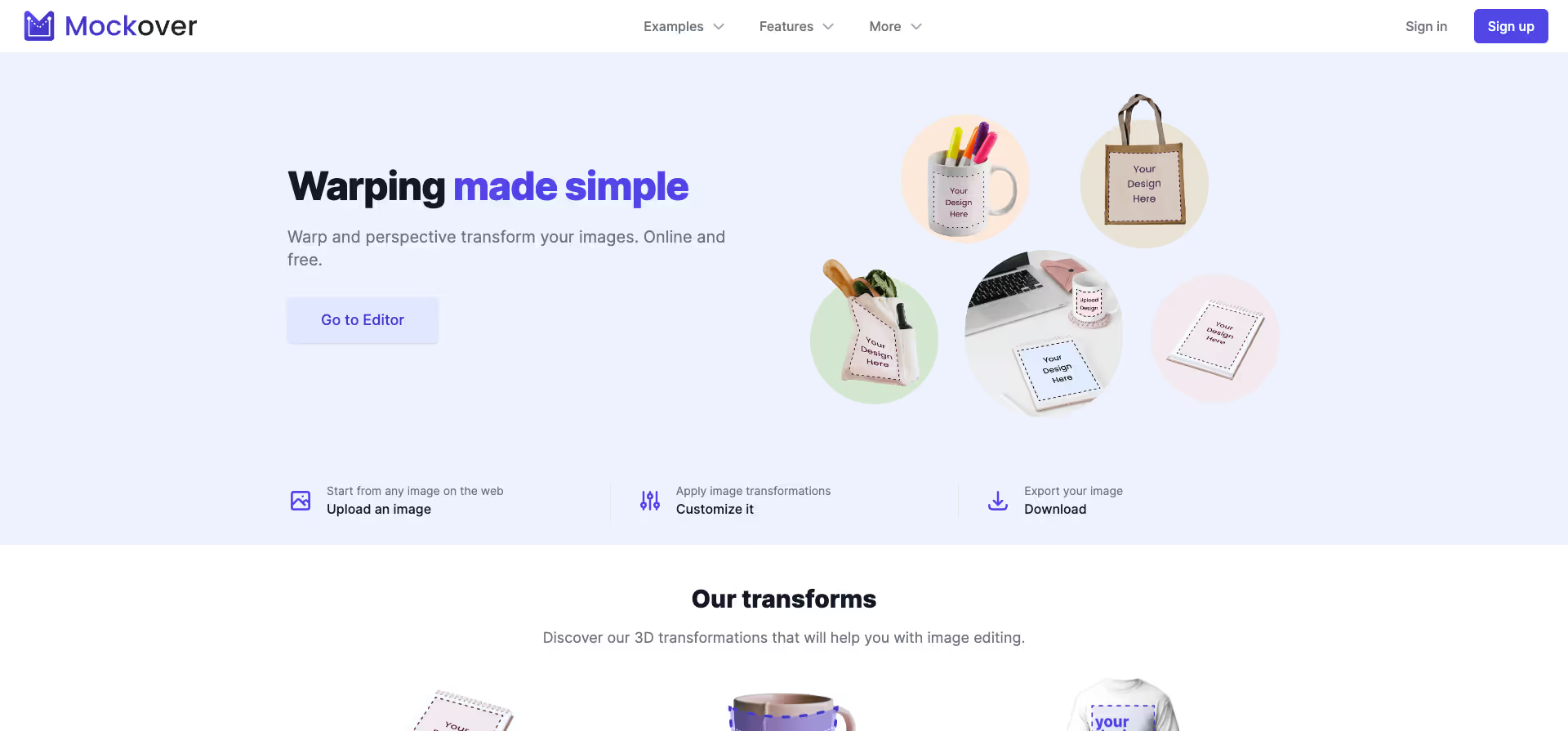
With an easy-to-use interface and simple customization options, it's perfect for anyone looking to create professional mockups without prior knowledge. Ideal for startups, designers, and anyone looking to showcase their products.
Website: https://mockover.com/
Type: Freemium
24. Glorify Mockup Tool

With the Glorify Mockup Tool, you can create your products with realistic 3D models and model scenes.
Website: https://www.glorify.com/mockup-tool/
Type: Freemium
25. Mockey AI
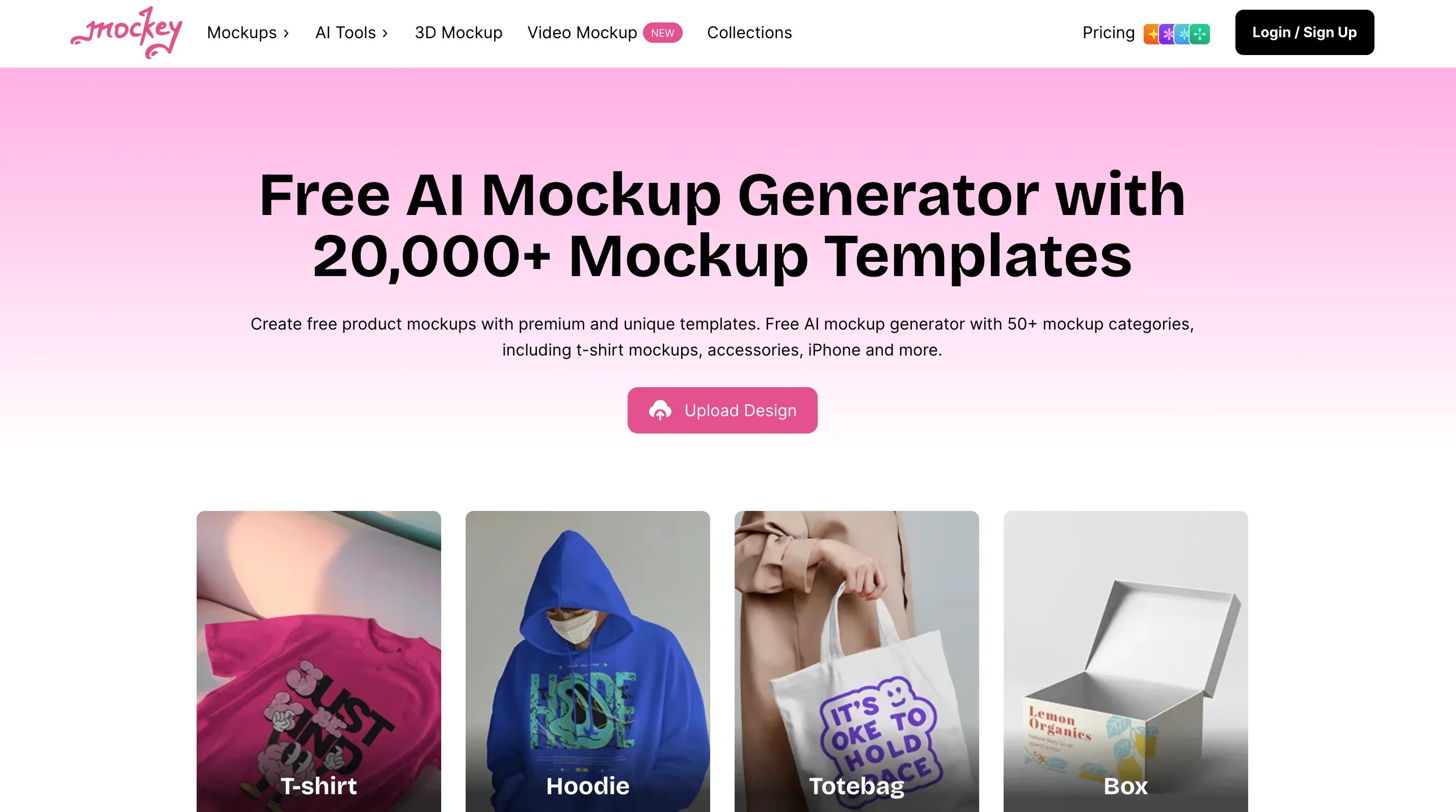
Mockey is an AI-powered mockup generator that's become popular in the print-on-demand community. You can upload your design and generate mockups for t-shirts, hoodies, mugs, phone cases, and more without Photoshop. The free tier is genuinely unlimited with no watermarks, which is rare. Mockey claims to have generated over 2 million mockups, and it integrates directly with Shopify, Etsy, and WooCommerce if you're selling products.
Website: https://mockey.ai
Type: Free (unlimited)
26. Mediamodifier
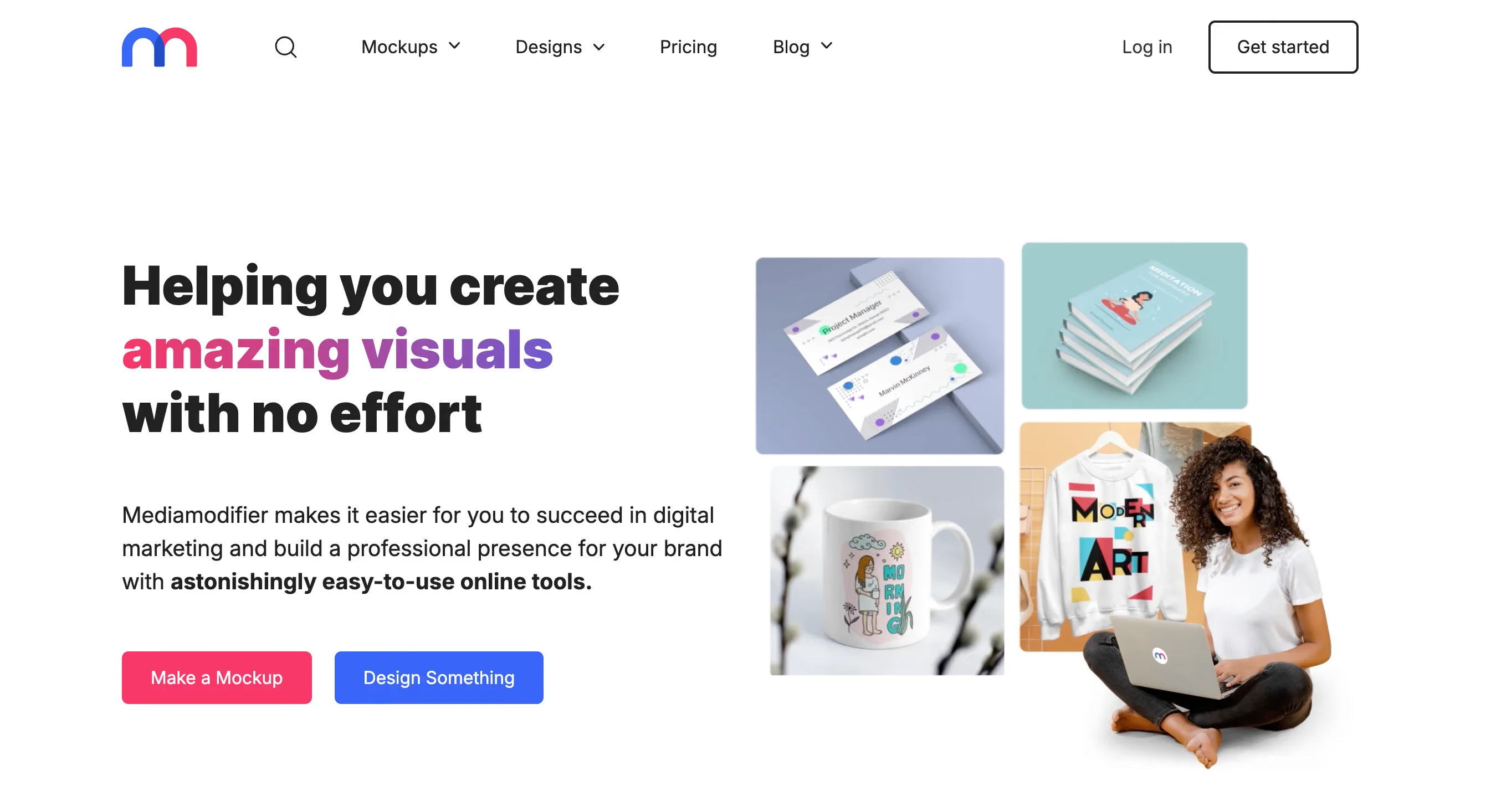
Mediamodifier is a browser-based mockup generator with a library of over 4,000 templates. The free plan allows 3 downloads per day, which is enough for light use. Templates span devices, apparel, print materials, and social media graphics. The tool runs entirely in your browser, so there's no need for Photoshop.
Website: https://mediamodifier.com
Type: Freemium (3 free/day)
27. LS Graphics
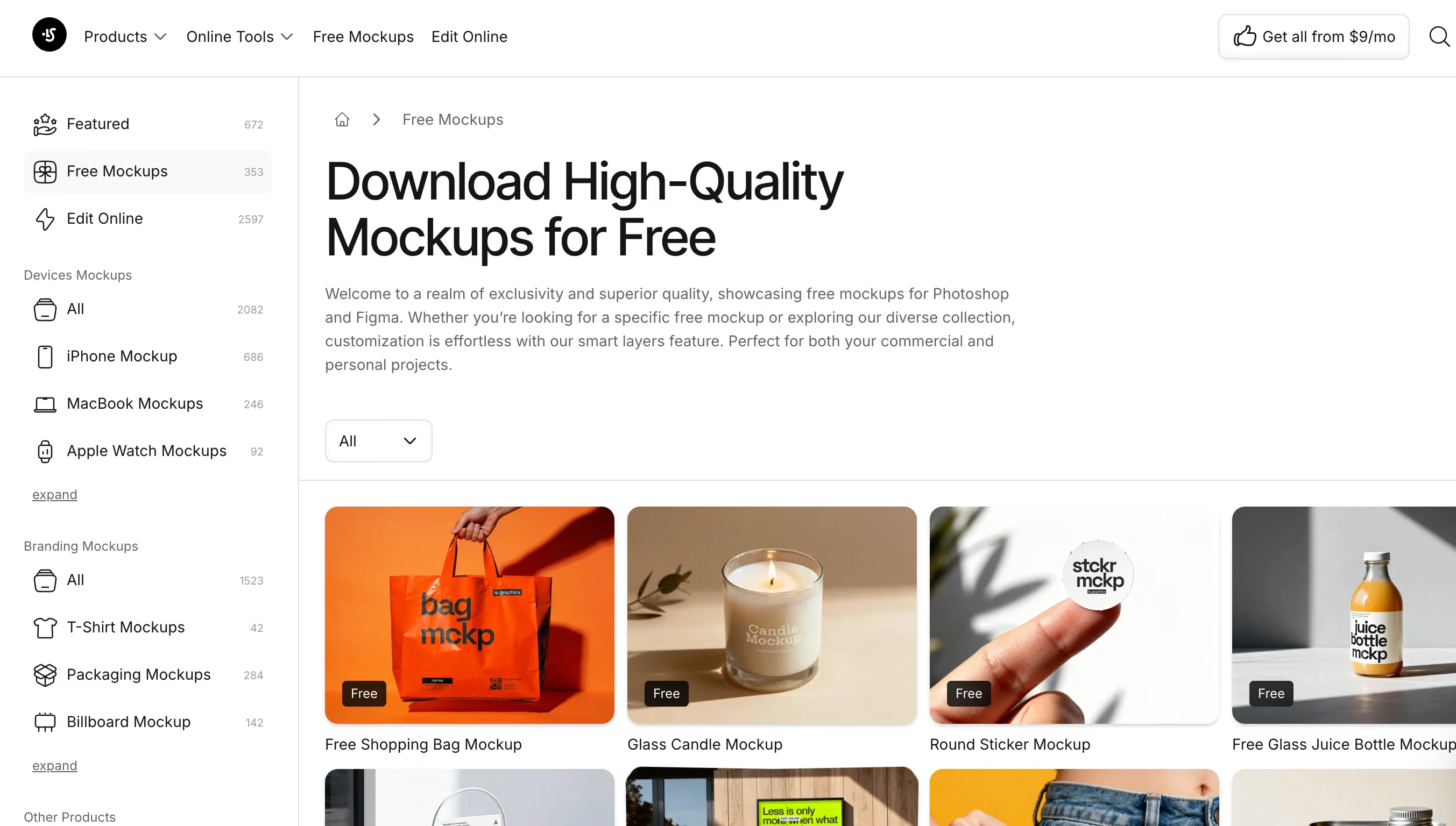
LS Graphics offers premium-quality free mockups for Photoshop, Figma, and Sketch. Their library includes device mockups (iPhone, MacBook, iPad), UI kits, and scene creators. The free mockups are genuinely high quality and come with clear licensing for both personal and commercial use. This is one of the go-to resources in the r/graphic_design community.
Website: https://www.ls.graphics/free-mockups
Type: Free
28. Canva
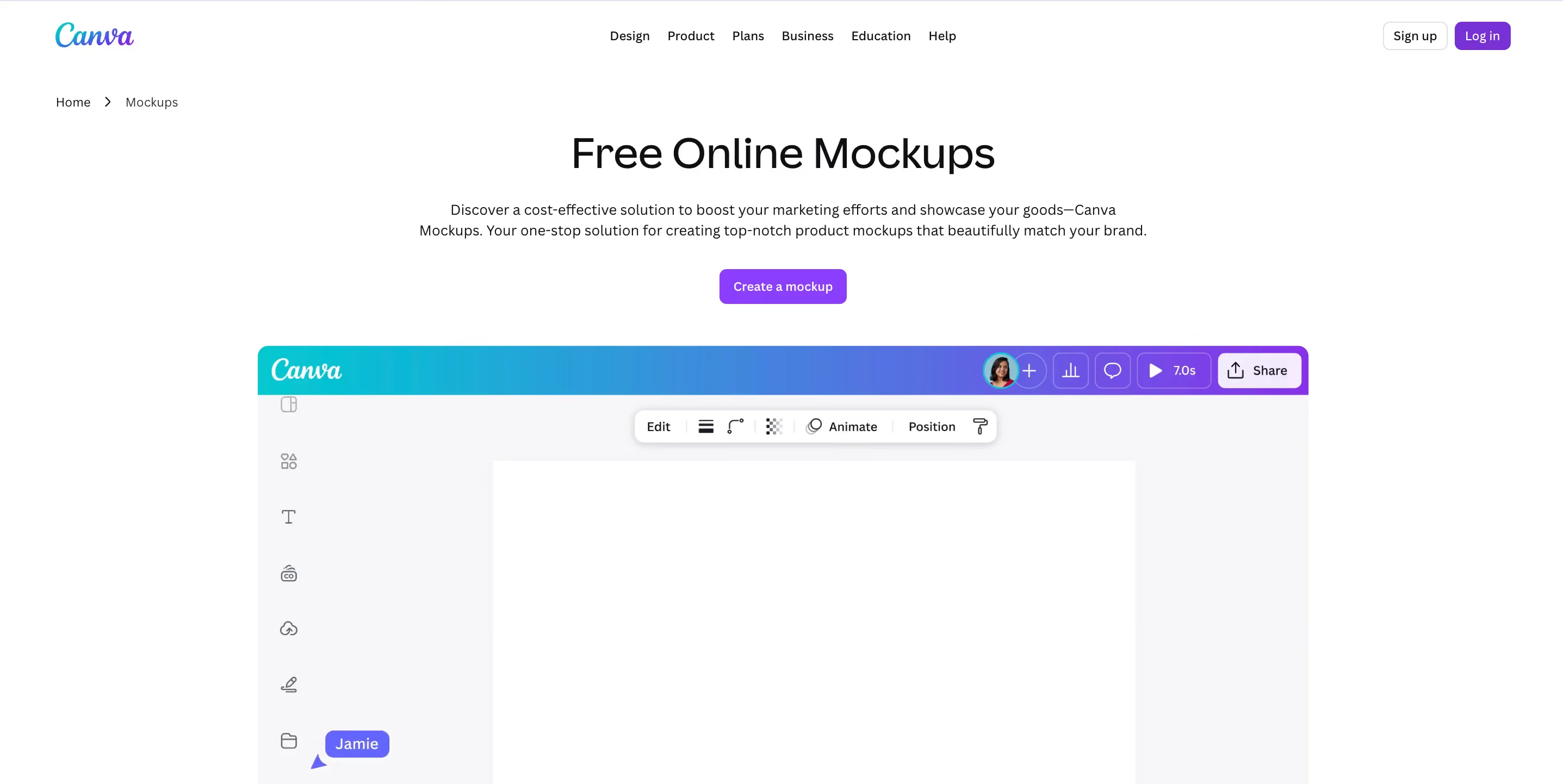
Canva's mockup feature lets you create product shots directly within the Canva editor. You can drop your designs onto t-shirts, mugs, books, devices, and more. The free tier includes access to many mockup templates, though some are Pro-only. The advantage is that you can combine mockups with other Canva elements (text, backgrounds, graphics) without leaving the platform.
Website: https://www.canva.com/mockups
Type: Freemium
29. Freepik
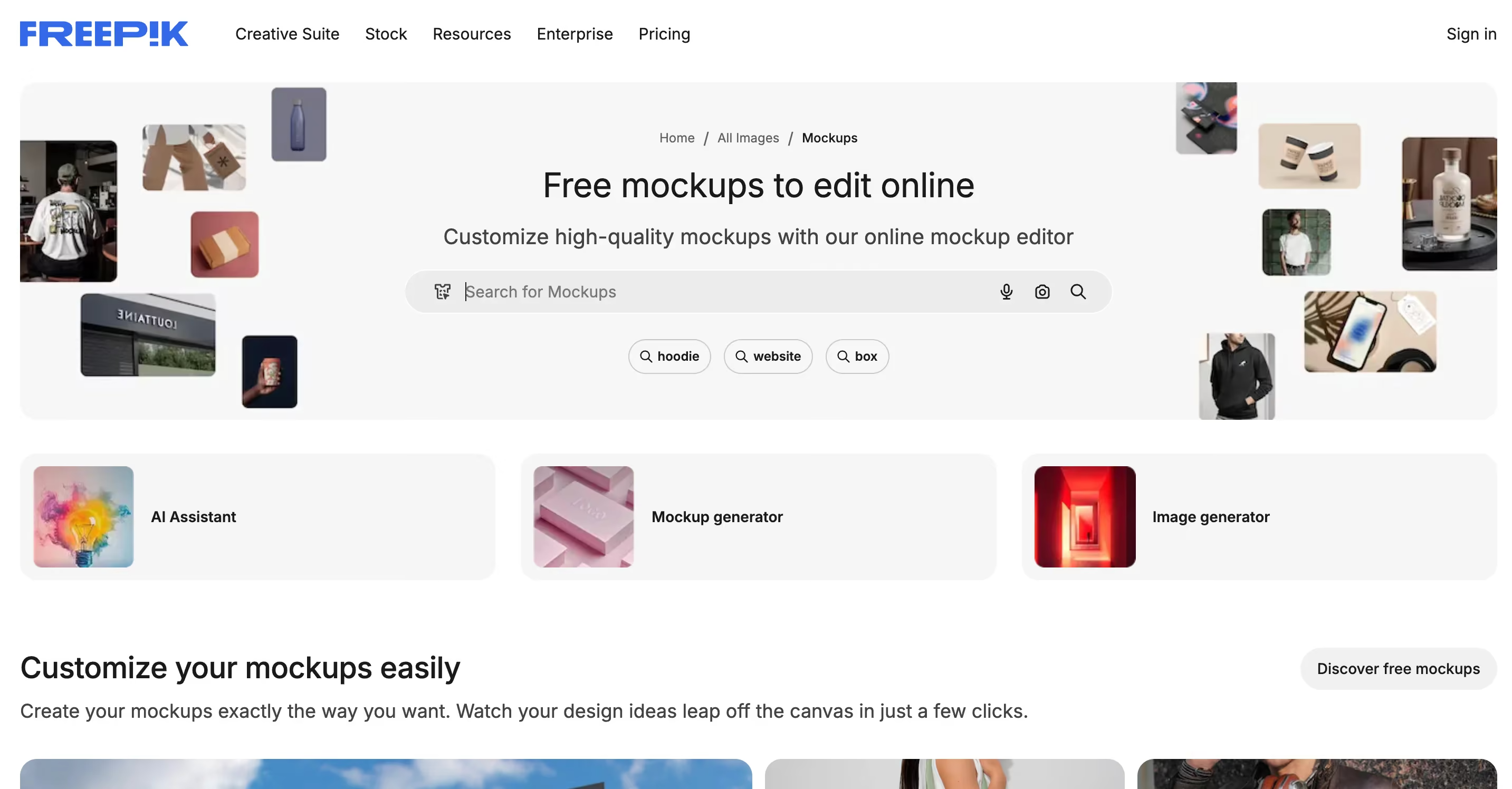
Freepik is known for vectors and stock photos, but their mockup section is substantial. You'll find free PSD mockups for devices, stationery, apparel, and packaging. Free downloads require attribution unless you have a Premium subscription. The quality varies since mockups come from different contributors, so preview before downloading.
Website: https://www.freepik.com/mockups
Type: Free with attribution
If you need illustration for your design work, you can find them for free here. And if you're in need of royalty free videos, we have some recommendations for you.
What is a mockup in design?
A mockup is a realistic representation of how your design will look on a physical product or in a real-world setting. Instead of showing a client a flat logo file, you can place it on a business card mockup, billboard, or product packaging so they can visualize the final result. Mockups are typically PSD files with smart object layers that let you drop in your design with a few clicks.
What's the difference between a mockup and a template?
A mockup shows your design in a realistic context (like a t-shirt on a model or a website on a laptop screen). A template is a pre-designed layout you customize with your own content (like a resume template or social media post template). Mockups are for presentation; templates are for production.
Final thoughts
Finding the right mockup tool depends on what you're designing and how much flexibility you need. If you're a freelancer putting together quick client presentations, free tools like Mockey AI, MockupPhotos, or Device Shots will get the job done without spending a dollar. If you need more variety and polish, freemium options like Smartmockups, Mediamodifier, or Canva give you room to grow. And if you're working on high-end branding or product launches, investing in paid tools like Rotato, Angle, or Mr.Mockup is worth it for the quality.
The key takeaway is that you don't need Photoshop skills or a big budget to create professional-looking mockups anymore. Most of these tools run directly in your browser, and the AI-powered options are making the process even faster.
Whatever tool you pick, the most important thing is that your mockups actually serve your broader design and marketing goals. A beautiful mockup means nothing if it's not part of a well-thought-out brand experience.
If you're looking for expert help with your design, branding, or website projects, our team at magier can help you bring it all together. Book a free call and let's talk about what you're working on.
FAQ
AI mockup tools like Mockey AI and Canva's mockup feature have improved significantly. They're fast and don't require Photoshop, which makes them great for quick e-commerce product shots. However, for high-end portfolio presentations or pitch decks, traditional PSD mockups from sites like LS Graphics or Mockup World still offer more control and realism.
Not always. Traditional PSD mockups require Photoshop or a compatible editor like Photopea (free). However, browser-based tools like Smartmockups, Mediamodifier, Mockey AI, and Canva let you create mockups without any software. These are ideal if you don't have a Creative Cloud subscription.
It depends on the license. Most tools on this list allow commercial use, but some (like Freepik's free tier) require attribution. Always check the license terms before using a mockup for client work or products you're selling. When in doubt, look for mockups that explicitly state "free for personal and commercial use."
![Best 29 Websites for Mockups : Free and Paid [2026]](https://cdn.prod.website-files.com/6756af8bdb09e2801688efa7/6769bb478697c955bdff699f_sina.avif)

.webp)
.avif)