op 13 Royalty-Free Video Websites (Free and Paid) in 2026
Video content drives engagement like nothing else. According to Wyzowl's 2025 State of Video Marketing report, 89% of businesses use video as a marketing tool, and 93% of marketers who use it say video gives them a strong return on investment. HubSpot's 2025 marketing data shows that short-form video delivers the highest ROI of any content format. But producing original footage for every project isn't realistic, especially for startups and small teams working with limited budgets.
That's where royalty-free stock video comes in. These platforms give you access to thousands of high-quality clips, from aerial drone shots to office B-roll, that you can download and use in your projects without paying per-use fees or worrying about copyright strikes.
Platforms like Pexels, Life of Vids, and Coverr have made it easier than ever to access this kind of footage. However, one of the common concerns of marketers and animators is where to find royalty free videos or where to find copyright free videos.
We've compiled a list of the best websites for royalty-free videos, covering both free and premium options so you can find the right fit for your next project.
Quick Glance: Best Website for Royalty-Free and Copyright Free Videos
{{freebie}}
Royalty-Free Video Websites (Free)
1. Mixkit
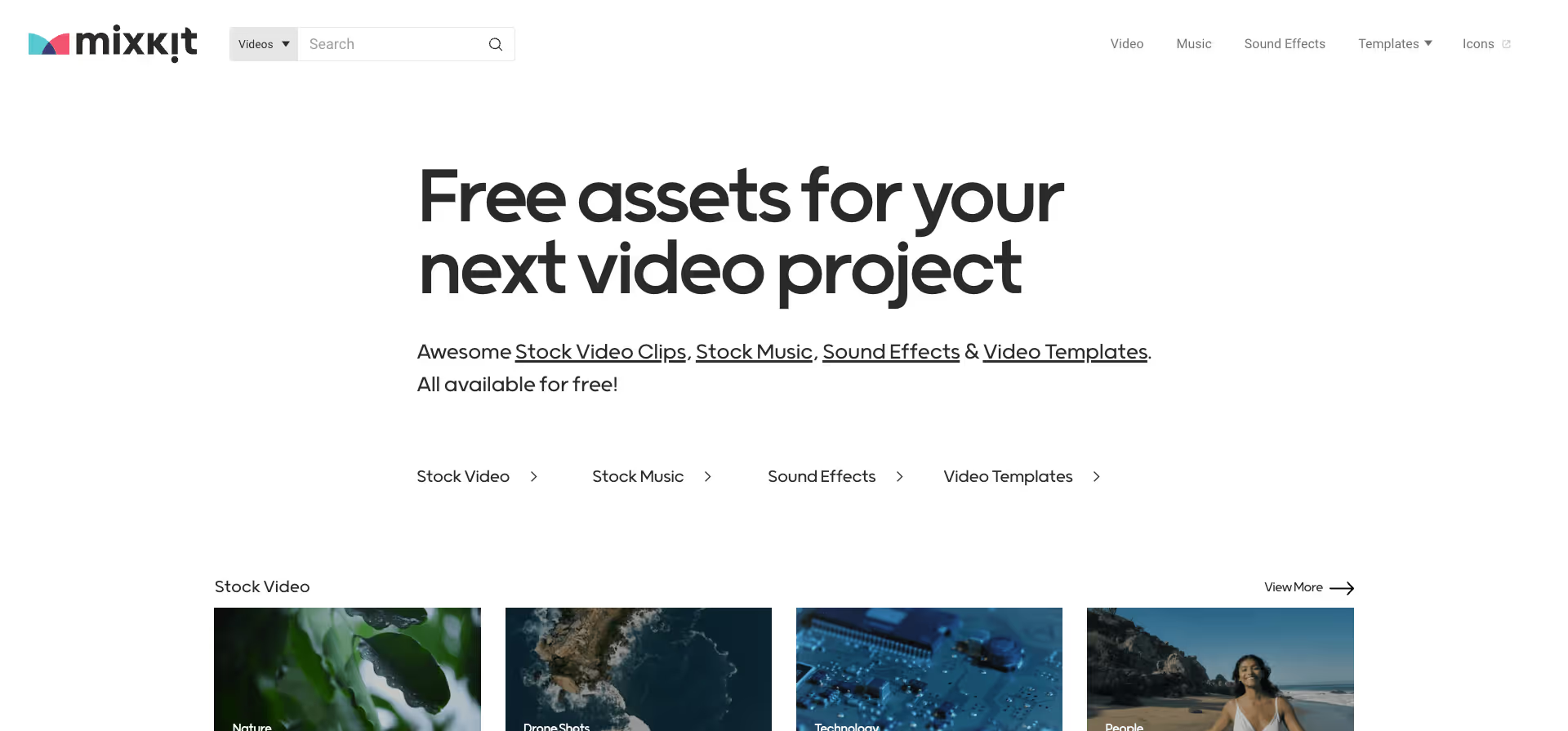
Mixkit is a free stock video platform owned by Envato, the company behind Envato Elements and VideoHive. The library is smaller than Pexels or Pixabay but highly curated, meaning you're less likely to wade through low-quality clips.
All Mixkit videos are free for commercial and personal use with no attribution required. The platform also offers free music, sound effects, and video templates, which makes it useful if you need multiple assets for a single project.
Mixkit stands out for its curated collections and vertical video options, which are increasingly important for social media content. The clips tend to have a polished, professional look that works well for brand content.
Website: https://mixkit.co/
Type: Free
Best for: Curated, high-quality clips and vertical video
Resolution: HD and 4K
2. Videvo
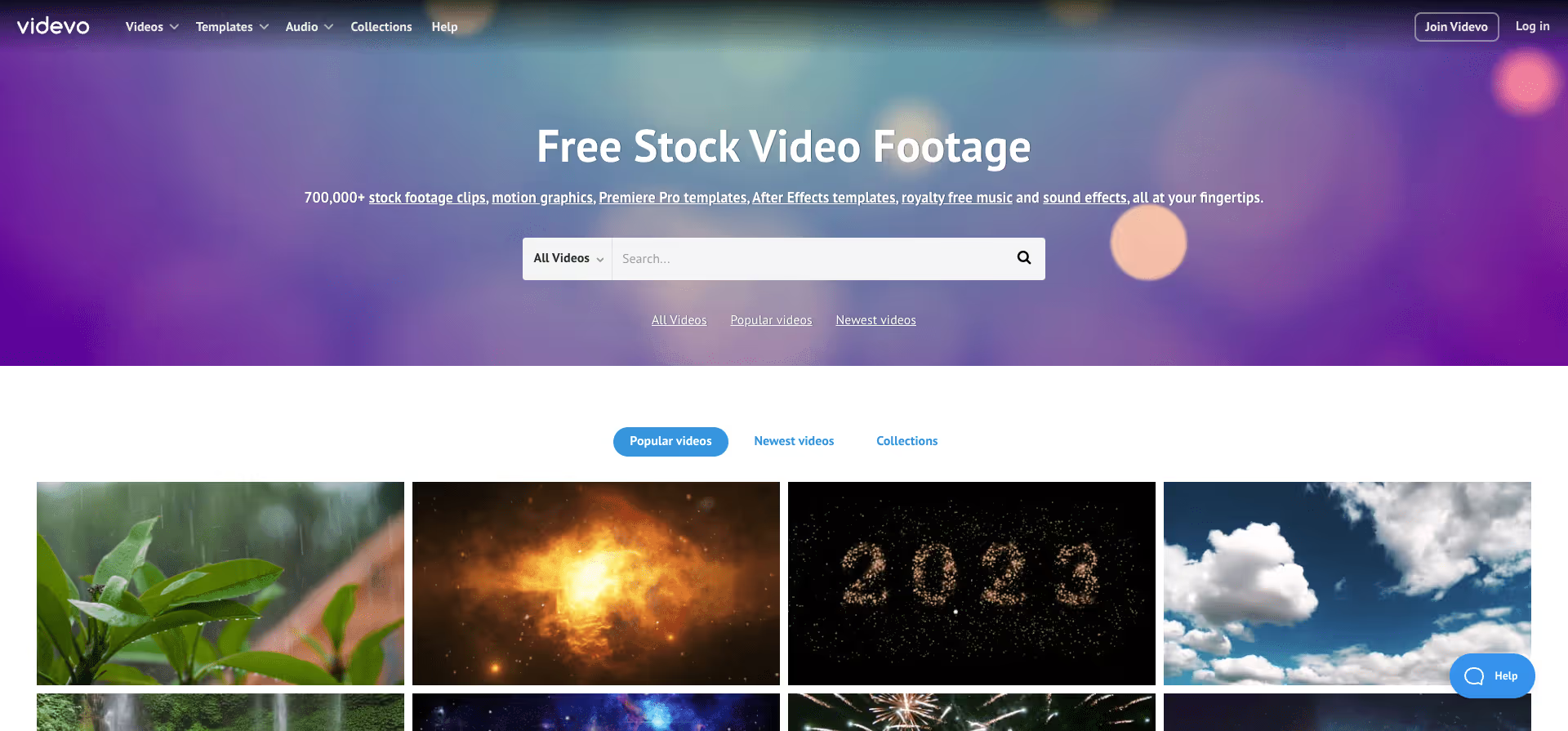
Videvo started as a free stock footage service and has grown into a much larger platform with over 1 million assets, including videos, music, and sound effects. It's one of the more established names in the royalty-free video space.
The platform has both free and premium content. Free clips are available under either a Videvo Attribution License (you need to credit Videvo) or a Creative Commons 3.0 license. Premium clips require a paid subscription, which starts at around $4.99/month for the Videvo Plus plan and goes up to $14.99/month for the Premium plan with full access.
What makes Videvo useful is the range. You'll find everything from aerial drone footage and motion graphics to After Effects templates and sound effects. If you're building out a full video project and need footage, audio, and templates from one place, Videvo can handle most of it without needing to jump between multiple platforms.
Website: https://www.videvo.net/
Type: Free + Paid options
Best for: Teams that need video, audio, and motion graphics templates from a single platform
Resolution: HD and 4K
{{cta}}
3. Coverr

Coverr is a 100% free stock video platform that focuses on beautiful, handpicked footage. The platform was originally built to provide free background videos for websites, and that focus on web-ready content is still part of its DNA.
Every video on Coverr is free for commercial and personal use with no attribution required. The library covers categories like nature, food, technology, people, and urban scenes. New videos are added weekly, so the collection keeps growing over time.
What sets Coverr apart is the curation. Instead of dumping thousands of clips into a search engine and hoping for the best, the team handpicks footage that's visually strong and immediately usable. This makes it a go-to for designers and marketers who need a quick B-roll clip or a website background video without spending an hour scrolling through mediocre options.
Website: https://coverr.co/
Type: Free
Best for: Website background videos and B-roll footage with a polished, handpicked feel
Resolution: HD and 4K
4. Mazwai
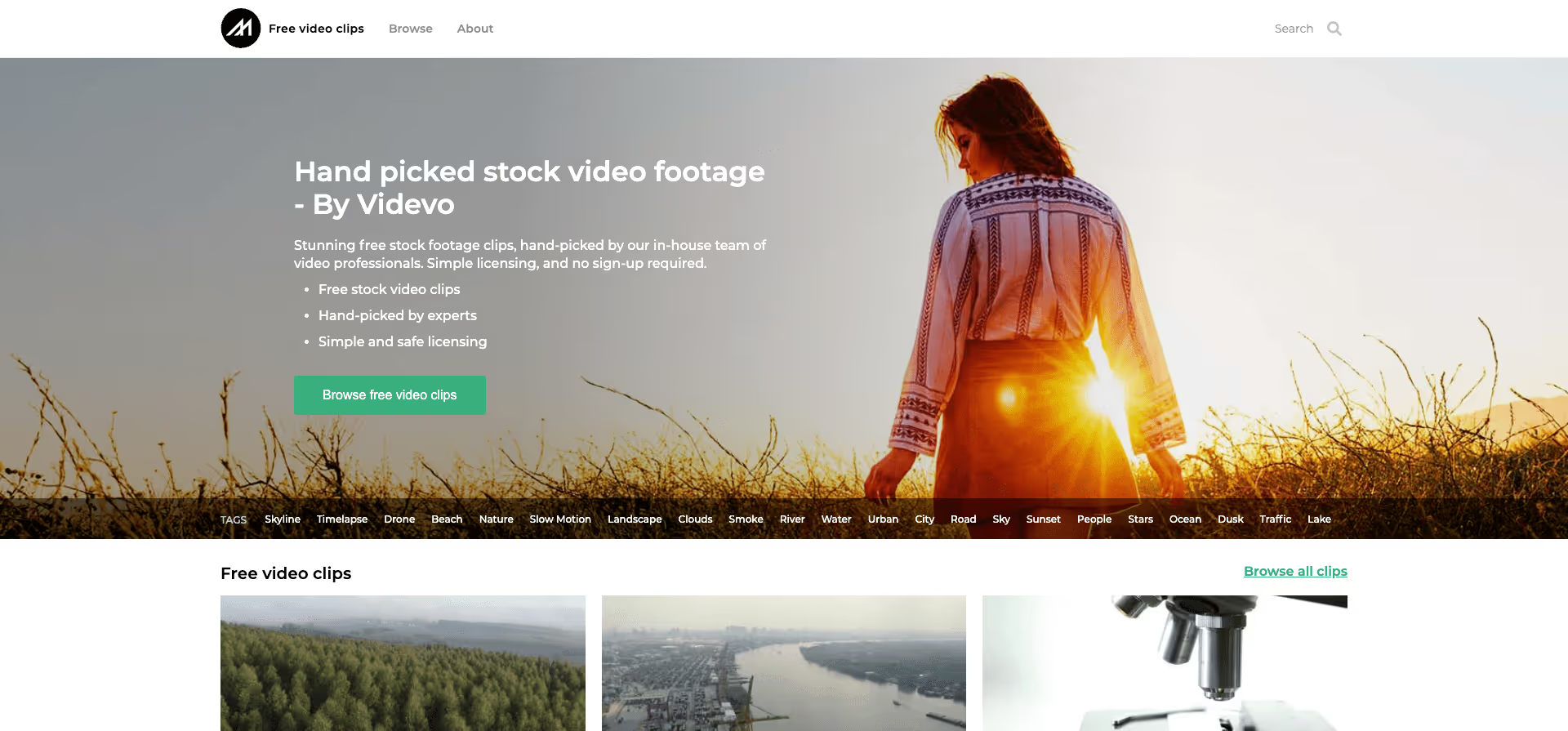
Mazwai is a curated free stock video platform that's now part of the Videvo family. It was founded with a clear mission: to give creatives worldwide access to high-quality stock footage with easy, straightforward licensing.
All clips on Mazwai are hand-selected and available under either a Creative Commons 3.0 license (attribution required) or a Mazwai license (no attribution needed). The focus is on quality over quantity, so the library is relatively small compared to larger platforms, but almost every clip feels intentional and usable.
Mazwai is a solid pick if you're looking for footage with a more editorial or documentary feel. The clips tend to lean toward nature, travel, and lifestyle content with a cinematic tone. If you've been frustrated by the generic look of most stock footage, Mazwai's curation approach is a refreshing change.
Website: https://mazwai.com/
Type: Free
Best for: Cinematic, editorial-style footage for creative projects
Resolution: HD and 4K
5. Videezy
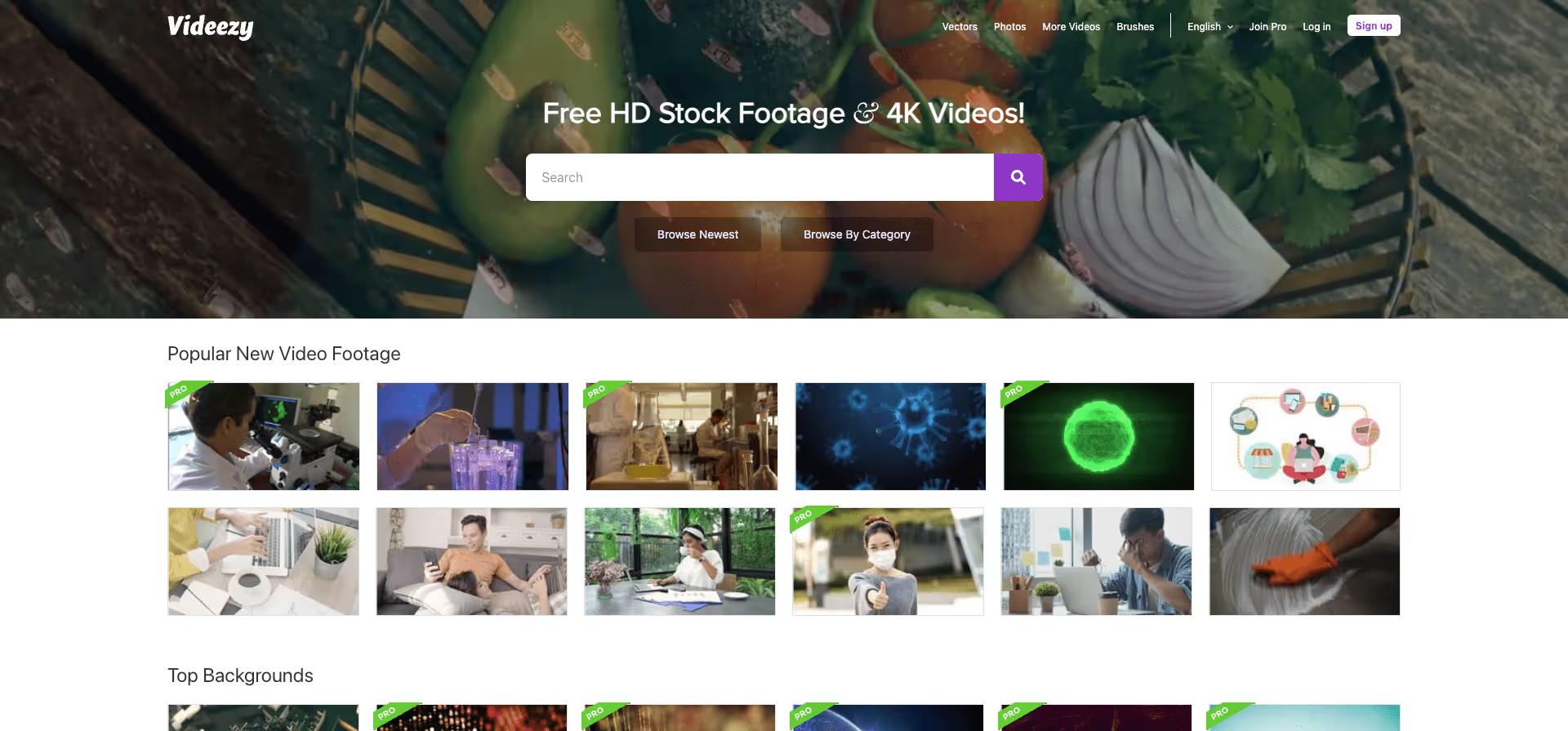
Videezy is one of the larger free stock video platforms, with a wide selection of HD and 4K clips covering just about every category you can think of. The platform has both free and Pro content, so you'll want to pay attention to which license applies to each clip.
Free clips on Videezy are available under the Videezy License, which requires attribution (a simple credit to Videezy). Pro clips are part of the paid subscription and come with a broader commercial license. The Pro plan starts at $19/month or $9/month when billed annually.
The library is strong in categories like backgrounds, nature, technology, and After Effects templates. Videezy also has a community of contributors who upload new content regularly, which keeps the selection fresh. The search and filtering tools are solid, and you can filter by resolution, orientation, and license type to find exactly what you need.
Website: https://www.videezy.com/
Type: Free + Paid options
Best for: Large library with diverse categories and After Effects templates
Resolution: HD and 4K
6. Vidsplay
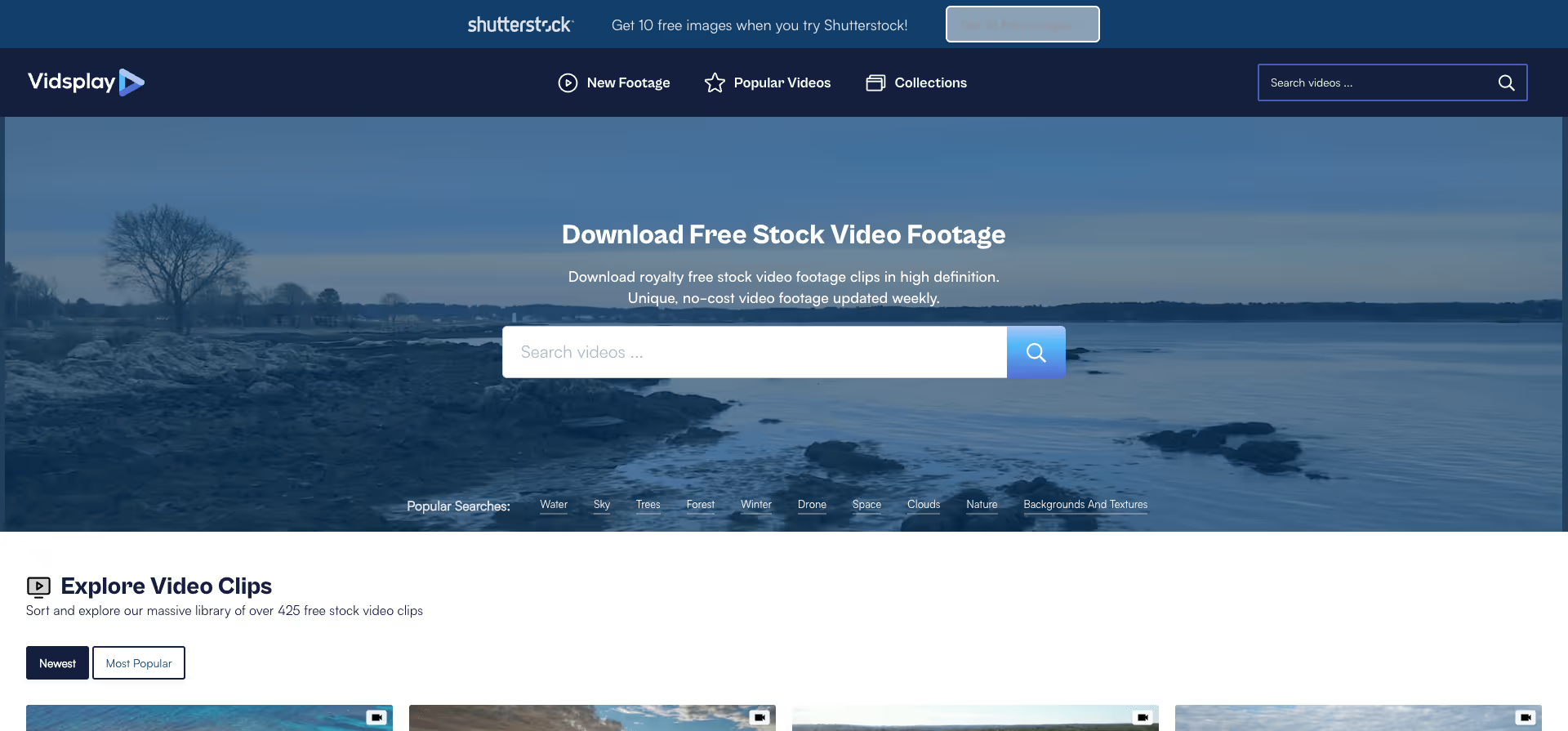
Vidsplay is a smaller, no-frills free stock video platform that adds new high-resolution clips every week. There are no accounts to create, no download limits, and no complex licensing terms to navigate.
All videos on Vidsplay are free for both personal and commercial use. The only requirement is that you don't redistribute the clips on other stock footage sites. Other than that, you can use them in any project without attribution, though a link back is appreciated.
The library isn't as large as Videvo or Videezy, but the weekly updates mean it's constantly growing. Vidsplay is a good option if you want a quick, straightforward source for footage without dealing with signups, paywalls, or complicated licensing. You browse, you download, you're done.
Website: https://www.vidsplay.com/
Type: Free
Best for: Quick, hassle-free downloads with no signup required
Resolution: HD
7. Pexels
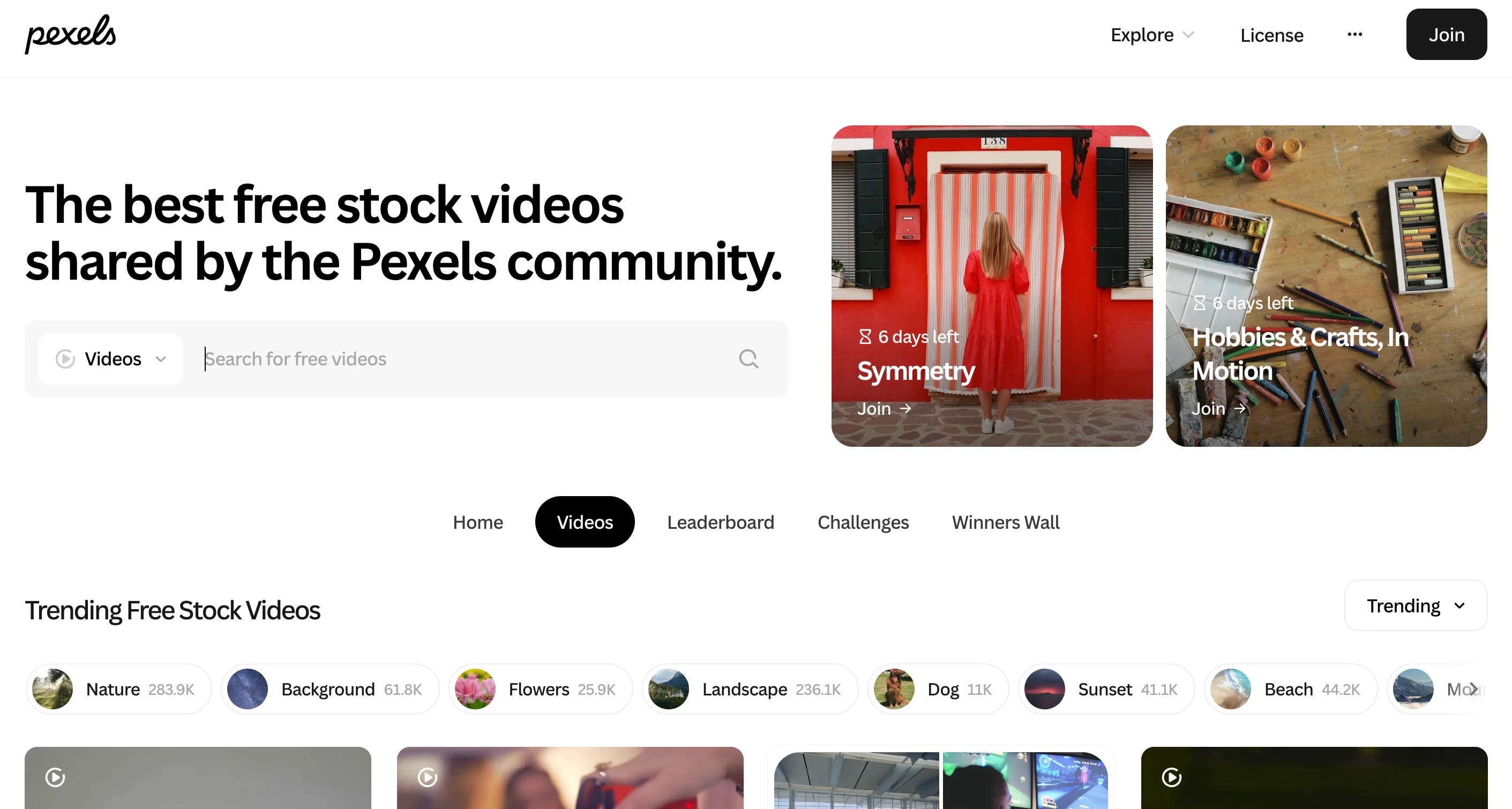
Pexels is one of the most popular free stock video platforms, known for its high-quality, modern footage and clean interface. The library includes HD and 4K clips across categories like nature, business, technology, and lifestyle.
All videos on Pexels are free for personal and commercial use with no attribution required, though crediting the creator is appreciated. The platform has a robust search function that lets you filter by orientation, size, and popularity.
Pexels is particularly strong for contemporary, authentic-looking footage that doesn't feel overly staged. If you're creating content for social media, websites, or marketing videos, this should be one of your first stops.
Website: https://www.pexels.com/videos/
Type: Free
Best for: Modern, high-quality footage for commercial projects
Resolution: HD and 4K
8. Pixabay
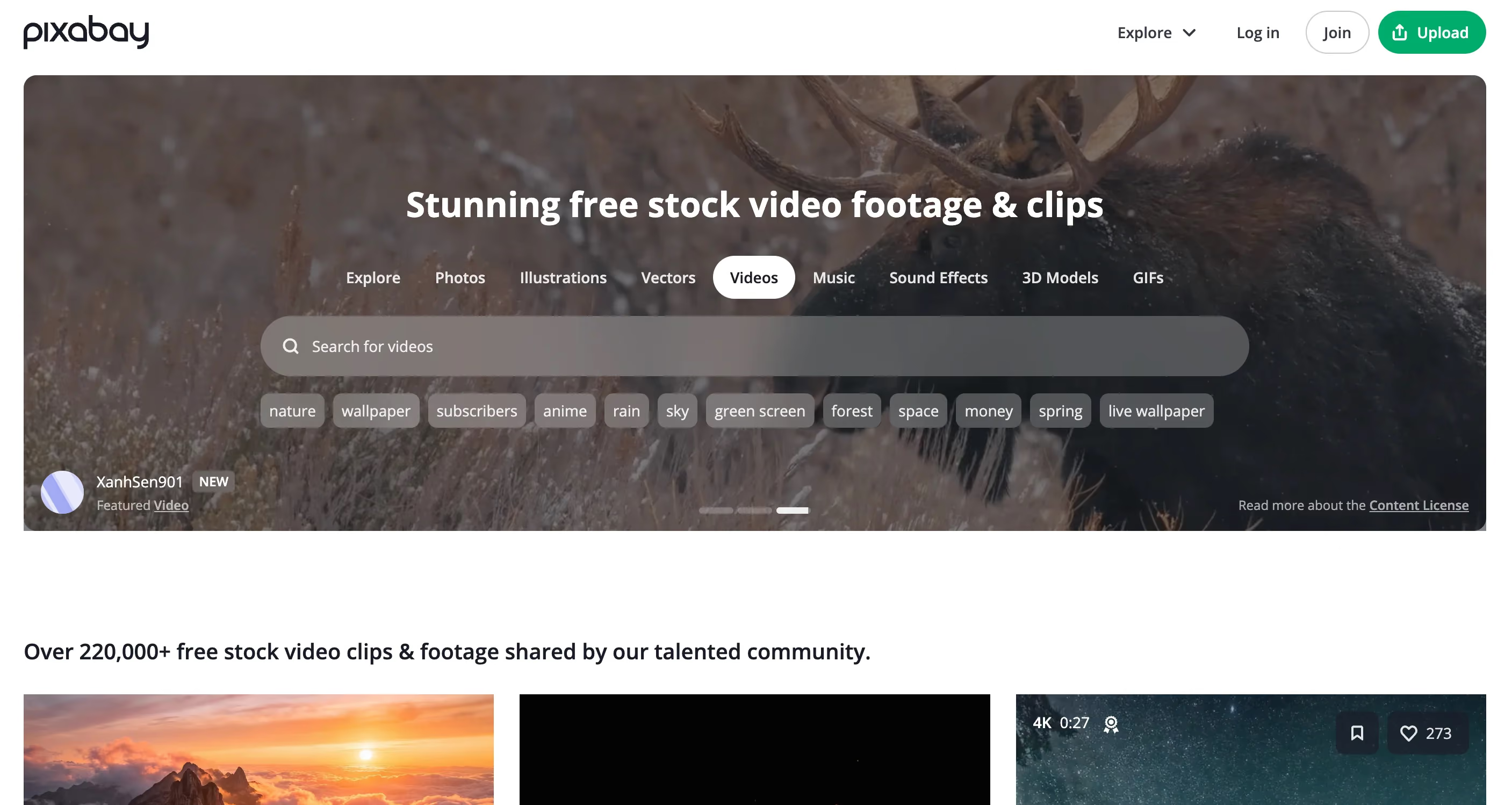
Pixabay offers over 5 million royalty-free assets including videos, photos, music, and sound effects. The video library features a wide range of categories, from abstract motion backgrounds to real-world footage of cities, nature, and people.
All content is released under a simplified license that allows free use for commercial and non-commercial purposes without attribution. Like Pexels, it's a community-driven platform where creators share their work.
The search and filtering options are solid, and you can find everything from 4K drone footage to looping backgrounds for presentations. The quality varies more than Pexels since it's community-uploaded, but the sheer volume means you'll usually find what you need.
Website: https://pixabay.com/videos/
Type: Free
Best for: Large variety of free footage and looping backgrounds
Resolution: HD and 4K
Premium Royalty-Free Video Platforms
Free platforms work well for many projects, but if you need more variety, higher production value, or specific niche footage, paid options are worth considering. Here are the top premium platforms:
9. Storyblocks
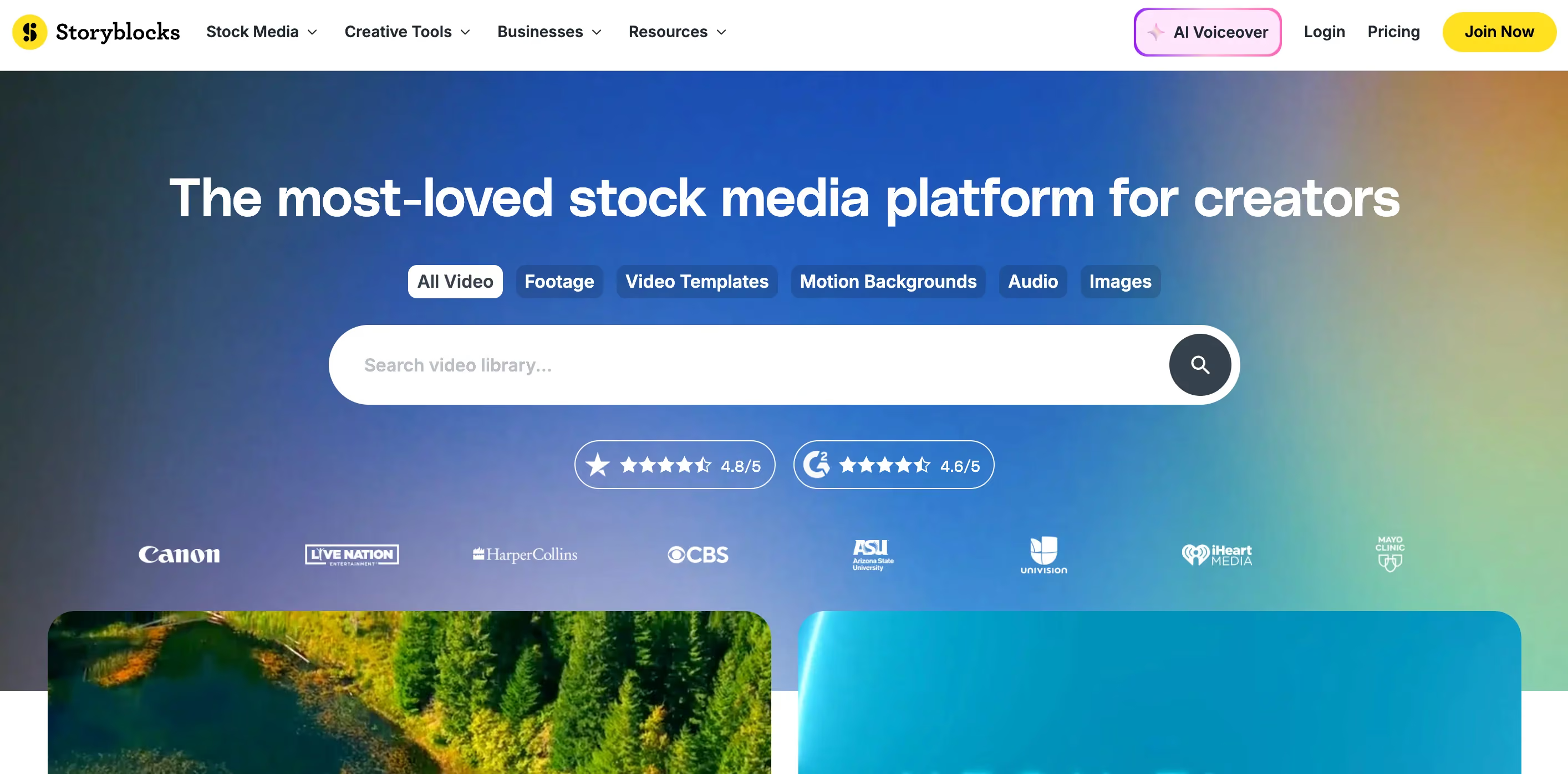
Storyblocks is a subscription-based stock video platform that gives you unlimited downloads from a library of over 2 million videos, templates, and audio files. Unlike platforms that charge per clip, Storyblocks uses a flat annual subscription model, which makes it one of the most cost-effective options if you're producing video content at scale.
The library covers a wide range of categories, from cinematic aerial shots and business footage to After Effects and Premiere Pro templates. The unlimited download model is the real selling point here. It removes the mental math of "is this one clip worth $50?" and lets you download as many assets as you need without worrying about your budget.
Storyblocks also offers a free plan with limited access, so you can test the platform before committing. For teams and agencies that go through a high volume of video assets each month, the subscription pays for itself quickly.
Website: https://www.storyblocks.com/
Type: Paid (free plan available)
Best for: High-volume video production and agencies that need unlimited downloads
Resolution: HD and 4K
10. Envato Elements
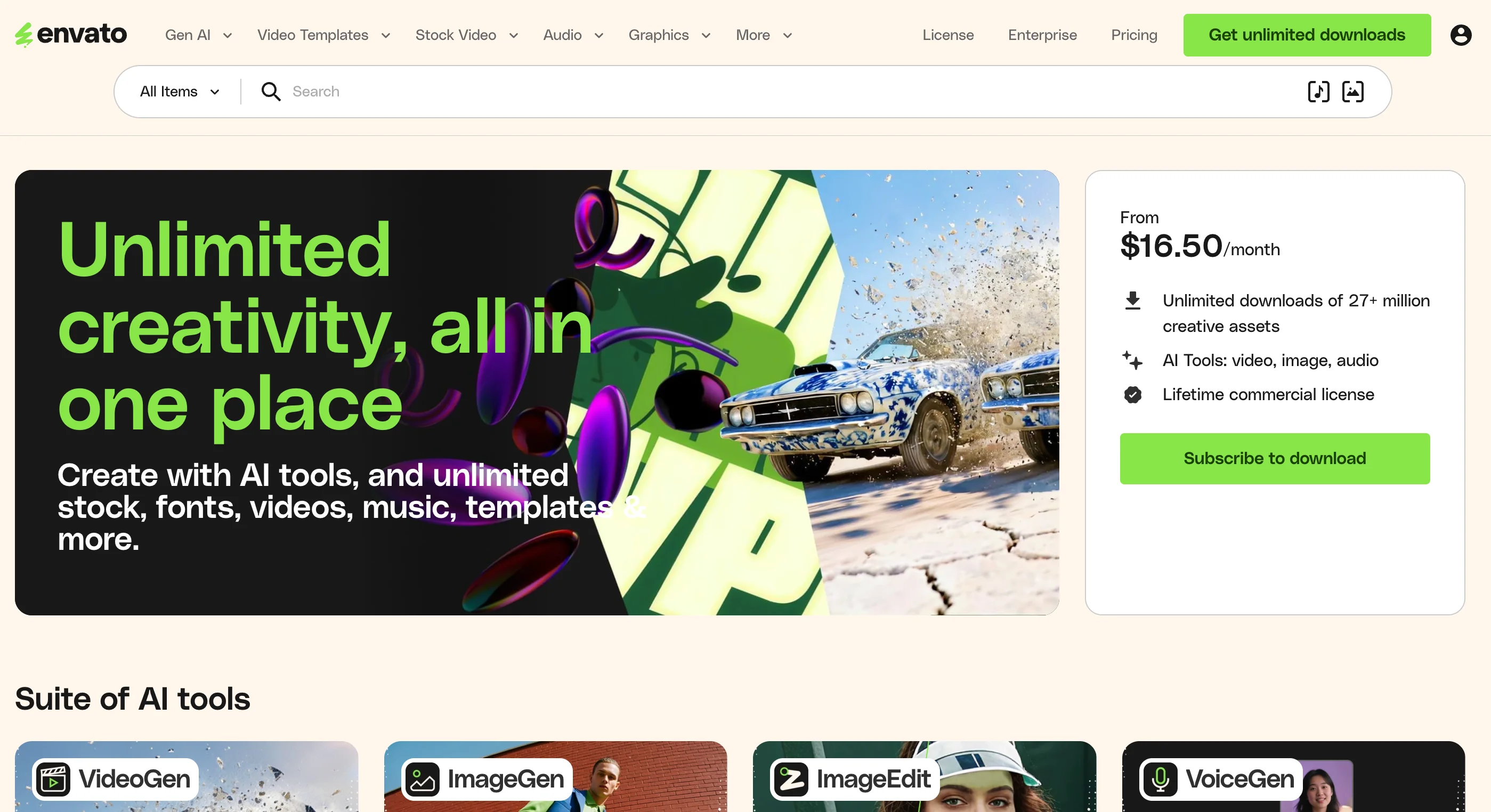
Envato Elements is a subscription platform that bundles stock video with photos, graphics, fonts, templates, WordPress themes, and more. If you need design assets beyond just video, this is one of the best value propositions available for creatives.
The video library includes footage from professional videographers worldwide, with strong coverage of business, lifestyle, nature, and technology categories. You also get access to Premiere Pro and After Effects templates, which is a nice bonus if you're editing video regularly.
What makes Envato Elements stand out is the sheer breadth of the subscription. A single plan gives you access to millions of assets across dozens of categories. So instead of paying for separate subscriptions for stock video, fonts, and graphic templates, you get everything under one roof. For freelancers and small teams that wear multiple hats, this consolidation alone can save both time and money.
Website: https://elements.envato.com/
Type: Paid
Best for: Creatives who need video plus design assets like fonts, graphics, and templates in a single subscription
Resolution: HD and 4K
11. Artgrid
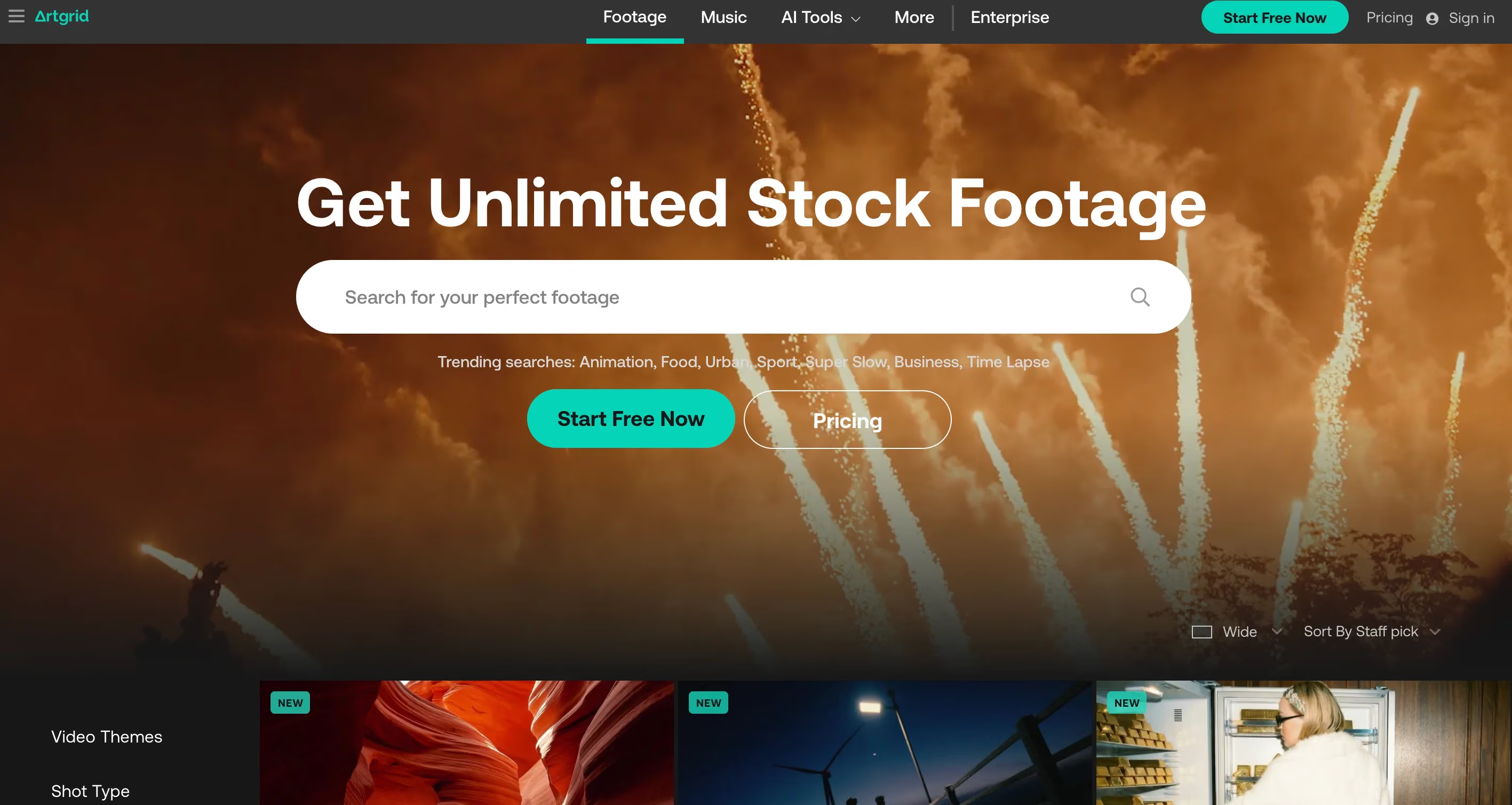
Artgrid is a premium stock footage platform from the team behind Artlist, which is one of the most popular royalty-free music platforms. Artgrid focuses specifically on cinematic, high-end footage shot by professional filmmakers, making it a strong choice for commercial productions, documentaries, and brand films.
The library is smaller than platforms like Shutterstock or Storyblocks, but the quality floor is noticeably higher. Almost every clip on Artgrid feels like it was pulled from a professional film or commercial, not a stock footage library. If you've been frustrated by footage that looks "stocky" and generic, Artgrid is worth exploring.
One thing to note is that Artgrid's licensing tiers determine what you can use the footage for. The lower-tier plans are limited to personal and social media use, while the higher-tier plans cover full commercial and broadcast rights. Make sure you pick the plan that matches your intended use case before downloading anything.
Website: https://artgrid.io/
Type: Paid
Best for: Cinematic, film-quality footage for commercial productions and brand films
Resolution: HD, 4K, and RAW
12. Shutterstock
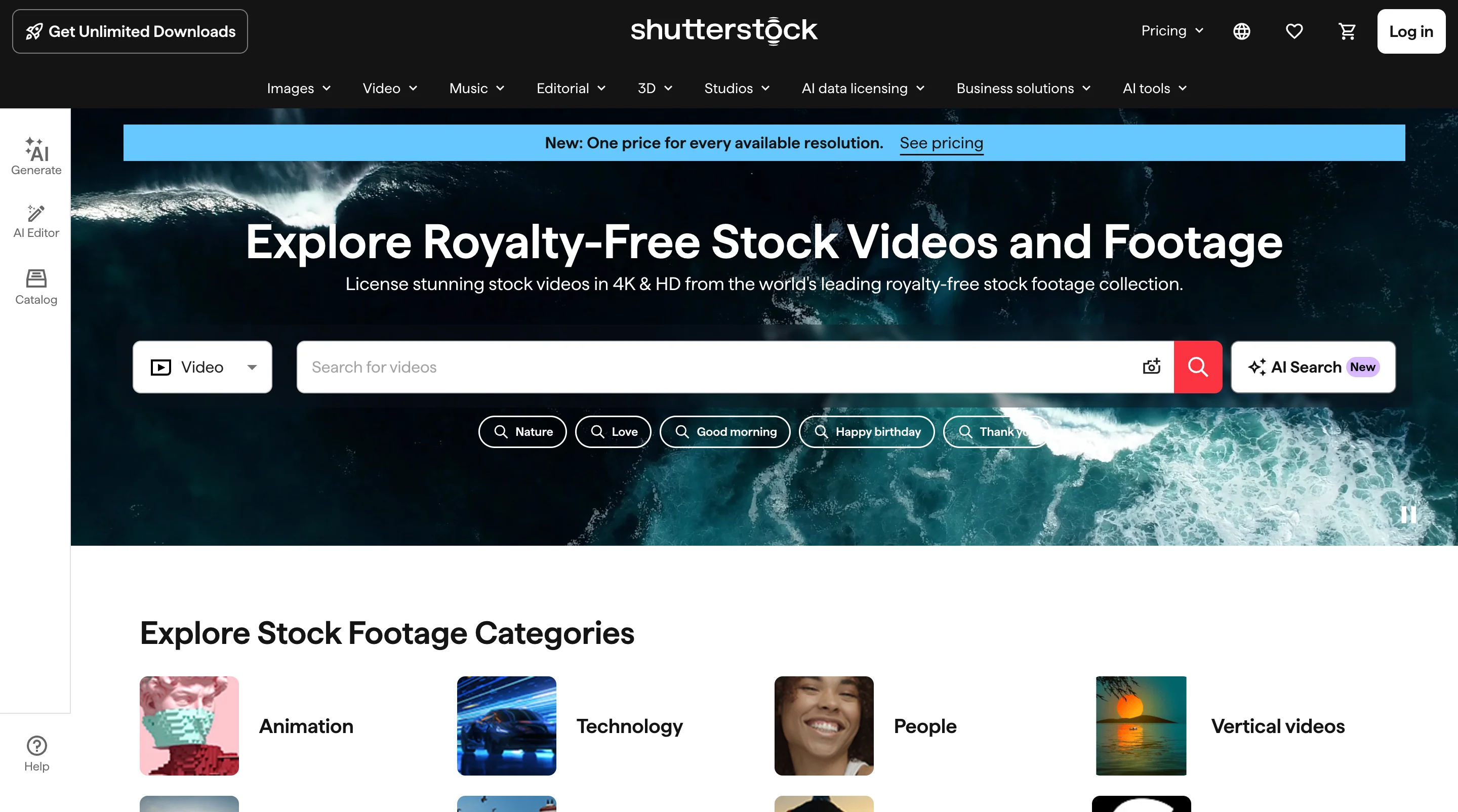
Shutterstock is one of the largest stock media libraries in the world, with millions of video clips across every category. If a shot exists, Shutterstock probably has it. The search and filtering tools are strong, and you can find clips by resolution, duration, FPS, and even camera angle.
Shutterstock offers video plans starting from around $49/month, plus per-clip licensing. Editorial and release-clean options are available for commercial projects where you need extra legal protection.
The trade-off with Shutterstock is cost. Video licenses consume credits faster than photo licenses, so the real per-clip price tends to be higher than the headline subscription number suggests. It's also one of the most widely used libraries, which means the most popular clips show up across many brands and websites.
Website: https://www.shutterstock.com/video
Type: Paid (subscription + per-clip licensing)
Best for: Finding a specific, well-tagged clip inside one of the largest catalogs available
Resolution: HD, 4K
13. Pond5
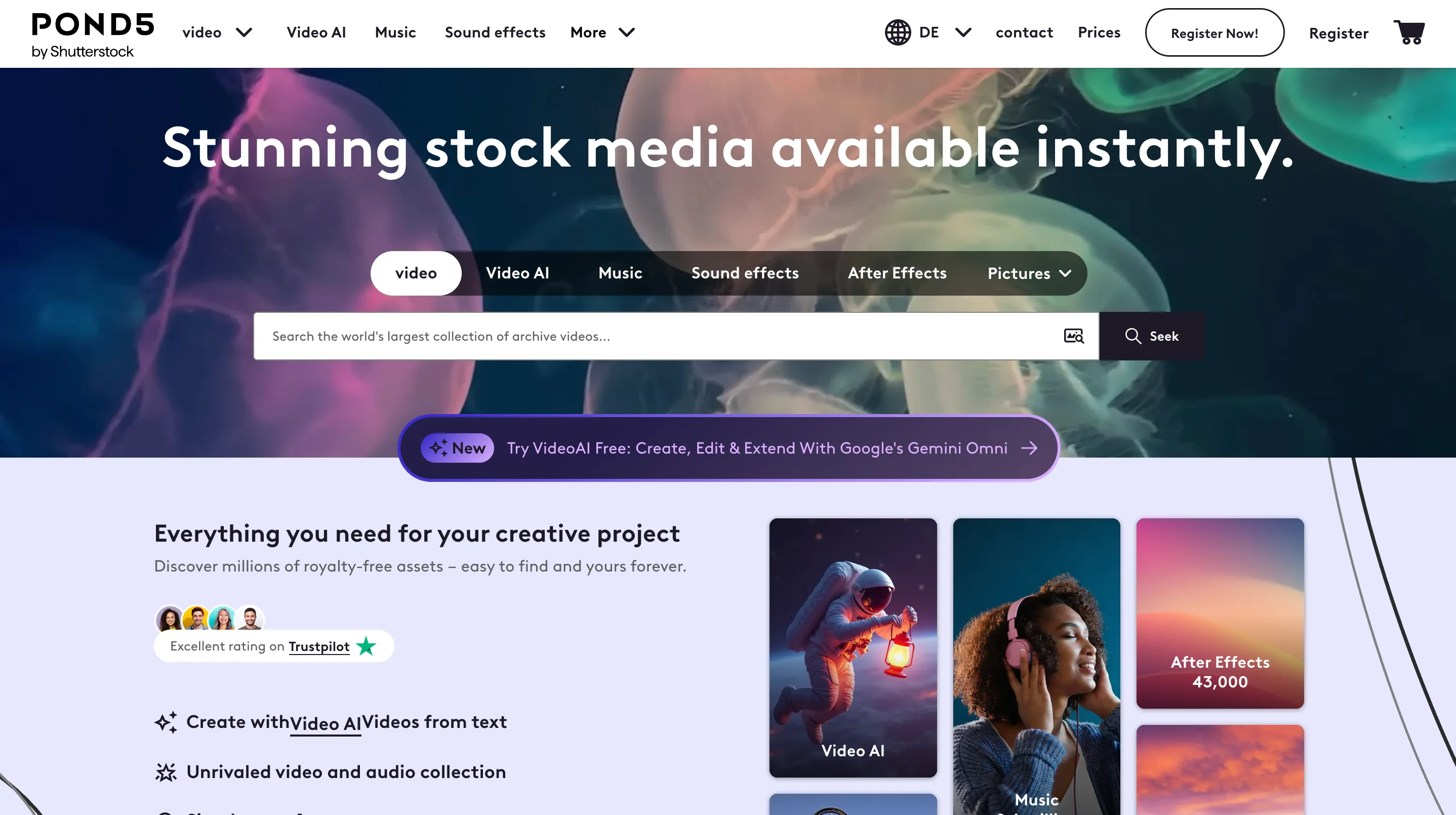
Pond5 (now part of Shutterstock) is a per-clip marketplace with over 50 million stock video clips. Unlike subscription-based platforms, Pond5 lets you buy individual clips starting from around $25, which makes it a practical option if you only need a few specific shots and don't want to commit to a monthly plan.
The library is deep, especially for niche and 4K footage. You can find clips here that simply don't exist on the free platforms. Pond5 also offers a membership option for regular buyers, but the per-clip model is what makes it distinctive.
One thing to know: per-clip prices vary significantly depending on the contributor. A single premium 4K clip can cost more than a full month on Storyblocks or Envato Elements. Always compare before purchasing.
Website: https://www.pond5.com/
Type: Paid (per-clip marketplace, membership option available)
Best for: Buyers who need specific, hard-to-find clips without committing to a subscription
Resolution: HD, 4K
Which platform should you use?
If you're creating content for YouTube or TikTok, start with Pexels or Pixabay. Both offer HD and 4K clips you can use commercially without attribution, and Pexels is particularly strong for vertical video. For website hero sections and landing page backgrounds, Coverr is purpose-built for looping, web-ready clips. If you need footage for paid advertising or commercial campaigns, double-check each platform's license. Pexels, Mixkit, and Pixabay all allow commercial use, but Videvo and Videezy have mixed licensing depending on the clip. For music video projects or content that pairs footage with audio, Artgrid and Storyblocks offer cinematic-quality clips that look less like generic stock.
What is Royalty-Free Video?
Royalty-free video or copyright-free video is footage you can use after paying a one-time fee (or downloading for free), without owing additional payments each time you use it. Once you have the license, you can typically use the clip in multiple projects, on different platforms, and for as long as you want.
This is different from rights-managed licensing, where you pay based on how you use the footage (distribution size, duration, geography, etc.). Rights-managed licenses are common for high-end commercial productions but are overkill for most marketing and content creation needs.
Video already accounts for over 80% of global internet traffic according to networking industry reports, and that share continues to grow each yearThis makes it super important to start incorporating video in your marketing strategy. This is where royalty-free stock videos come into play.
Common licensing terms you'll encounter
Most of the free platforms listed below use either CC0 or their own royalty-free license. Always check the specific terms before downloading, especially if you're using footage for commercial projects or paid advertising.
Why Should You Use Copyright Free Videos?
Video isn't optional anymore. It's the format that gets the most engagement across almost every platform, from LinkedIn and Instagram to landing pages and email campaigns. But creating original footage for every project is expensive and time-consuming, especially if you're a small team or an early-stage startup.
Copyright free (or royalty-free) videos solve that problem by giving you access to professional-quality footage without the production costs. Here's why they're worth using:
They save you real money
A single day of professional video production can cost anywhere from $1,000 to $10,000 depending on the scope. A stock video clip costs between $0 and $50, and many of the platforms on this list offer them completely free. For social media content, blog headers, or website backgrounds, stock footage is the more practical choice.
As Gary Vaynerchuk has noted, the volume of content a brand needs to produce today makes it impossible to shoot everything from scratch. Stock footage makes that volume achievable.
They save you time
Instead of planning a shoot, hiring a crew, scouting locations, and editing raw footage, you can search a library, download a clip, and have it in your project within minutes. When you're working on tight deadlines, that speed matters.
They keep you legally safe
Using random videos from YouTube or social media in your projects is a copyright lawsuit waiting to happen. Royalty-free platforms provide clear licensing terms that protect you. You know exactly what you can and can't do with each clip before you download it.
They fill gaps in your original content
Even brands that produce their own video content regularly need supplementary footage. Aerial city shots, nature B-roll, abstract motion backgrounds: these are the types of clips that are expensive to produce yourself but easy to find on stock platforms.
They help you test before you invest
If you're not sure whether video will work for a specific campaign or landing page, stock footage lets you prototype quickly. You can test the concept with royalty-free clips first, and then invest in custom production once you've validated the idea.
Where AI-generated video fits in
Text-to-video tools like Runway, Pika, and OpenAI's Sora have made it possible to generate clips from a written prompt. In 2026, AI-generated video is a real third option alongside free and paid stock libraries.
AI video works best for shots that don't exist in any library, such as a specific product floating in space, an abstract concept visualization, or an angle that would require a full production crew. It's weakest where stock is strongest: a believable clip of a normal person doing something ordinary. A generated clip of someone walking through an office still tends to look artificial.
For now, treat these tools as a supplement to stock, not a replacement. Free libraries cover everyday b-roll. Paid libraries cover the clips that need model releases and commercial-grade quality. AI generation fills the gap when the shot in your head simply doesn't exist anywhere.
One important note: the licensing and intellectual property rules around AI-generated footage are still evolving. If you're using footage in paid advertising or for a client, stick with stock libraries that provide clear licensing terms until the legal landscape settles.
How to choose the right royalty-free video platform
The best platform depends on four things:
- What you're making. A quick social media clip needs a different source than a polished brand commercial. Free platforms like Pexels and Mixkit work well for social content and website backgrounds. Paid platforms like Artgrid and Storyblocks are better for client work and advertising.
- How often you need footage. If you download a few clips per month, a per-clip marketplace like Pond5 keeps costs low. If you need footage regularly, an unlimited subscription like Storyblocks or Envato Elements pays for itself quickly.
- Resolution and quality requirements. Most free platforms offer HD and 4K. But if you need RAW files or film-grade footage, Artgrid is one of the few platforms that provides that level of quality.
- Licensing simplicity. If you want zero confusion about what you can and can't do with a clip, stick with platforms that use a single, simple license for all content. Pexels, Pixabay, Coverr, and Mixkit all fall into this category. Platforms with mixed licensing (Videvo, Videezy) require more attention per clip.
Final thoughts
The platforms on this list cover nearly every use case. If you need a quick clip for a social media post, free platforms like Pexels, Pixabay, Life of Vids, and Mixkit will get the job done. If you're producing video content at scale and need unlimited downloads, Storyblocks and Envato Elements are worth the subscription. And if you need cinematic, film-grade footage, Artgrid is the go-to.
The key is to always check the licensing terms before you download anything. Some platforms require attribution, others don't. Some allow commercial use on all clips, while others restrict it to certain license tiers. Taking 30 seconds to read the fine print can save you from a legal headache later.
That said, stock footage has its limits. It works well for supplementary content, backgrounds, and quick projects, but it can't replace custom video that's tailored to your brand, your product, and your audience. If you've reached the point where stock clips don't reflect your brand's quality or messaging anymore, it might be time to work with a creative team that can produce original visuals for you.
That's where a service like magier comes in. Instead of stitching together generic stock clips, you can work with an on-demand design team that creates custom graphics, animations, and visual content built specifically for your brand. It's a subscription model, so you get quality tasks without the overhead of hiring in-house or managing freelancers. If your content needs have outgrown what stock libraries can offer, book a demo and see how magier can help.
FAQ
For most web and social media use, 1080p (Full HD) is sufficient. If you're producing content for larger screens, YouTube in higher quality, or future-proofing your projects, download 4K when available. Keep in mind that 4K files are much larger and may slow down editing if your computer isn't powerful.
Most royalty-free platforms allow commercial use, including paid ads. However, some have restrictions on using footage in certain contexts (like political campaigns or adult content). Always verify the license covers your intended use before running paid campaigns.
Royalty-free means you pay once (or nothing, for free platforms) and can use the footage without ongoing royalties. The creator still holds copyright. Copyright-free (public domain) means no one owns the rights, and you can use the footage however you want with no restrictions. Most stock video platforms offer royalty-free, not copyright-free content.
It depends on the platform and license. Sites like Pexels, Pixabay, and Mixkit don't require attribution, though crediting creators is appreciated. Some sites like Videezy have clips under Creative Commons licenses that do require attribution. Always check the license information on the download page.
Yes. Most royalty-free video platforms explicitly allow use on YouTube and other social media platforms. The clips are cleared for commercial use, which includes monetized YouTube channels. Just make sure to check the specific license terms, as some platforms have editorial-only restrictions on certain clips.
No. Videos published on YouTube are protected by copyright and belong to their creators. Downloading and using YouTube videos in your own projects without permission is a copyright violation, even if the video appears to be freely available. If you need royalty-free footage for your YouTube channel, use one of the platforms listed above. Pexels, Pixabay, and Mixkit all offer clips you can use in YouTube videos without paying a fee or providing attribution.
Canva offers stock videos through its media library. Free Canva users have access to a limited selection, while Canva Pro subscribers get access to the full premium video library. All Canva stock videos are licensed for commercial use within designs created in Canva. However, you cannot download the raw video file and use it outside of Canva without checking the specific license terms. If you need standalone video clips, the dedicated royalty-free video platforms in this list offer more flexibility.
Yes, most royalty-free video platforms allow you to use their clips on TikTok and other social media platforms. Pexels, Pixabay, Mixkit, and Coverr all permit social media use without attribution. If you're using a platform with mixed licensing like Videvo or Videezy, check the specific license attached to each clip before uploading it to TikTok. Some clips may require credit or may be restricted to editorial use only.


.avif)
%202%20(1).webp)