Best 34 AI Tools for Designers in 2026
The best AI tools for designers in 2026 work inside the platforms you already use, including Figma, Adobe Creative Cloud, and Webflow. They generate layouts from text prompts, turn wireframes into production code, create brand-consistent visual assets, and automate the repetitive parts of the design process so you can focus on creative decisions.
The adoption numbers reflect how quickly this shift has happened. According to the AI in Design 2026 report, 91% of designers now use AI tools at least weekly, up from 54% just one year earlier. Figma's State of the Designer 2026 found that designers who actively use AI are 25% more likely to report being satisfied at work.
This guide covers 34 AI tools across six categories: image generation, UI/UX design, web design, graphic design, coding, and research. Each tool is evaluated based on workflow integration, output quality, commercial safety, and pricing. As a design agency that works with Webflow, SaaS, and B2B clients daily, our team at magier has tested these tools in real production environments, not just demo settings.
We start with a comparison table, then walk through each category with specific recommendations for different types of design work.
Quick glance: AI tools for designers
{{freebie}}
Designer AI Tools
1. DALL·E 2
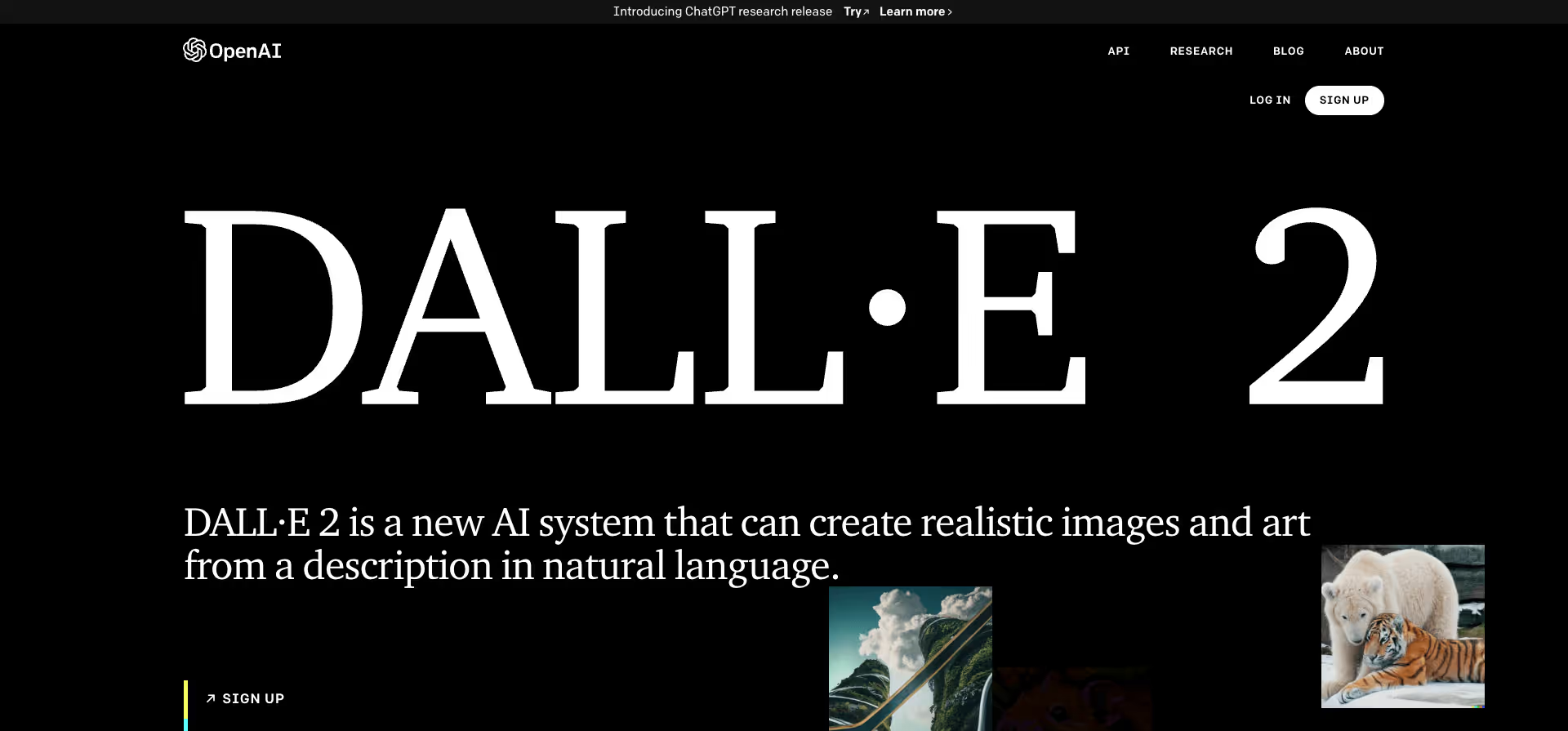
DALL·E 2 by OpenAI is an artificial intelligence tool that can generate images based on text descriptions. This technology is revolutionizing visual creativity and offers limitless possibilities for designers and creatives.
Website: https://openai.com/dall-e-2/
Type: Free
2. ProfilePicture.AI
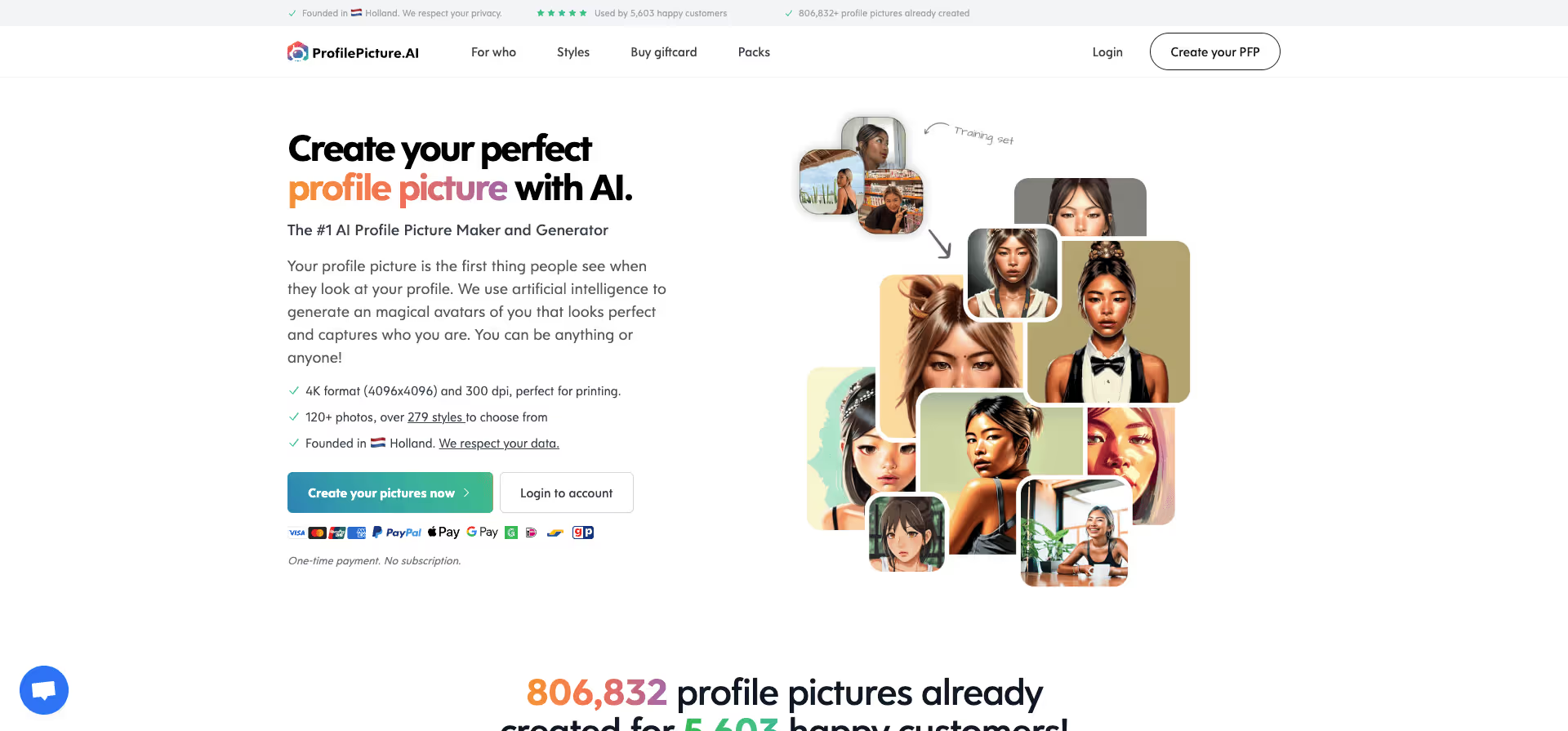
Profile Picture.ai is a user-friendly tool for creating professional and appealing profile pictures. Using artificial intelligence, it automatically generates perfect image compositions without requiring photographic expertise.
Website: https://www.profilepicture.ai/?via=toools
Type: Free + Paid Options
{{cta}}
3. Pixelz AI
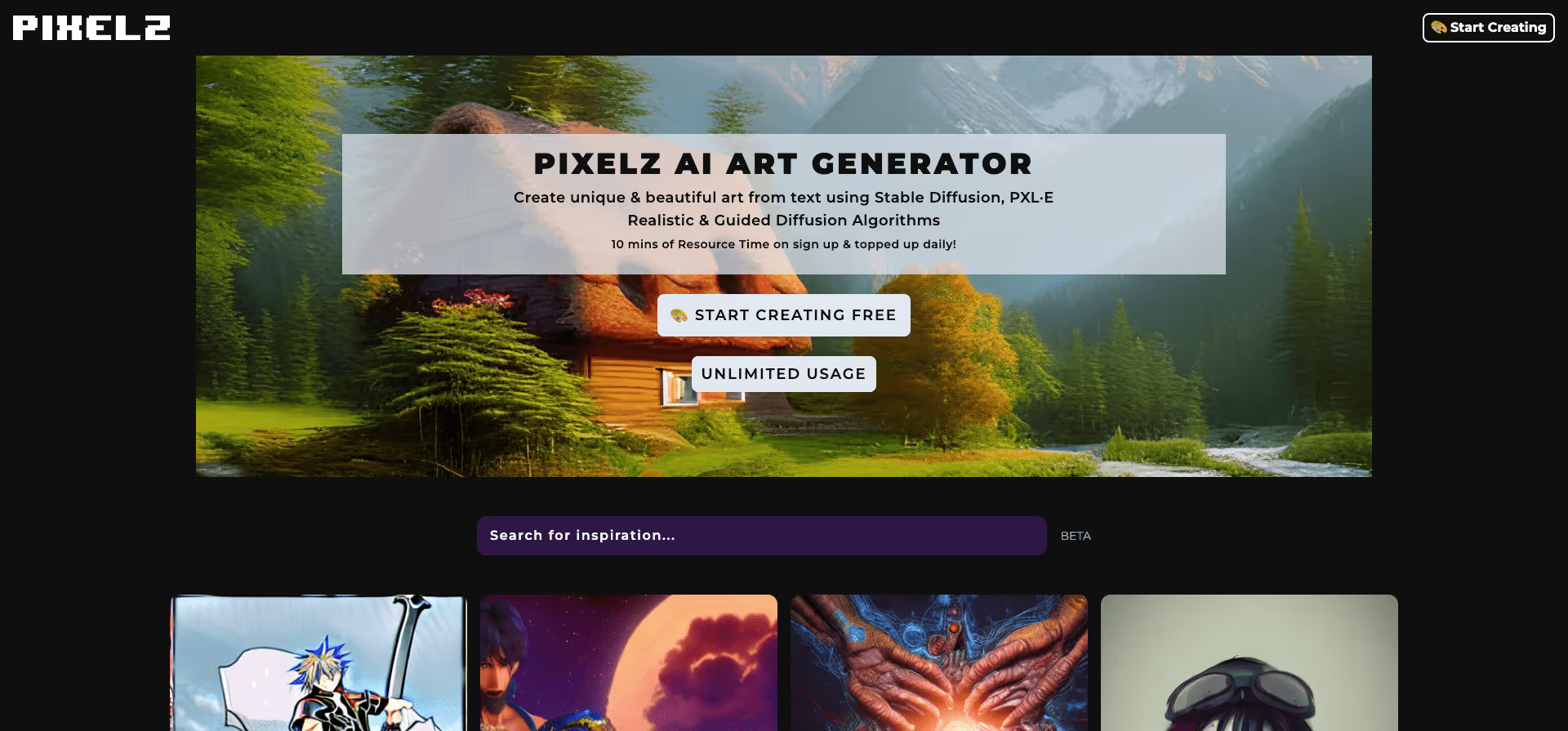
pixelz.ai is designed to experience the wonders of art created by artificial intelligence in a simple yet wonderful and magical way. With pixelz.ai, you can create truly incredible masterpieces – you can try the app for free after registering.
Website: https://pixelz.ai/
Type: Free
4. Image to Sketch
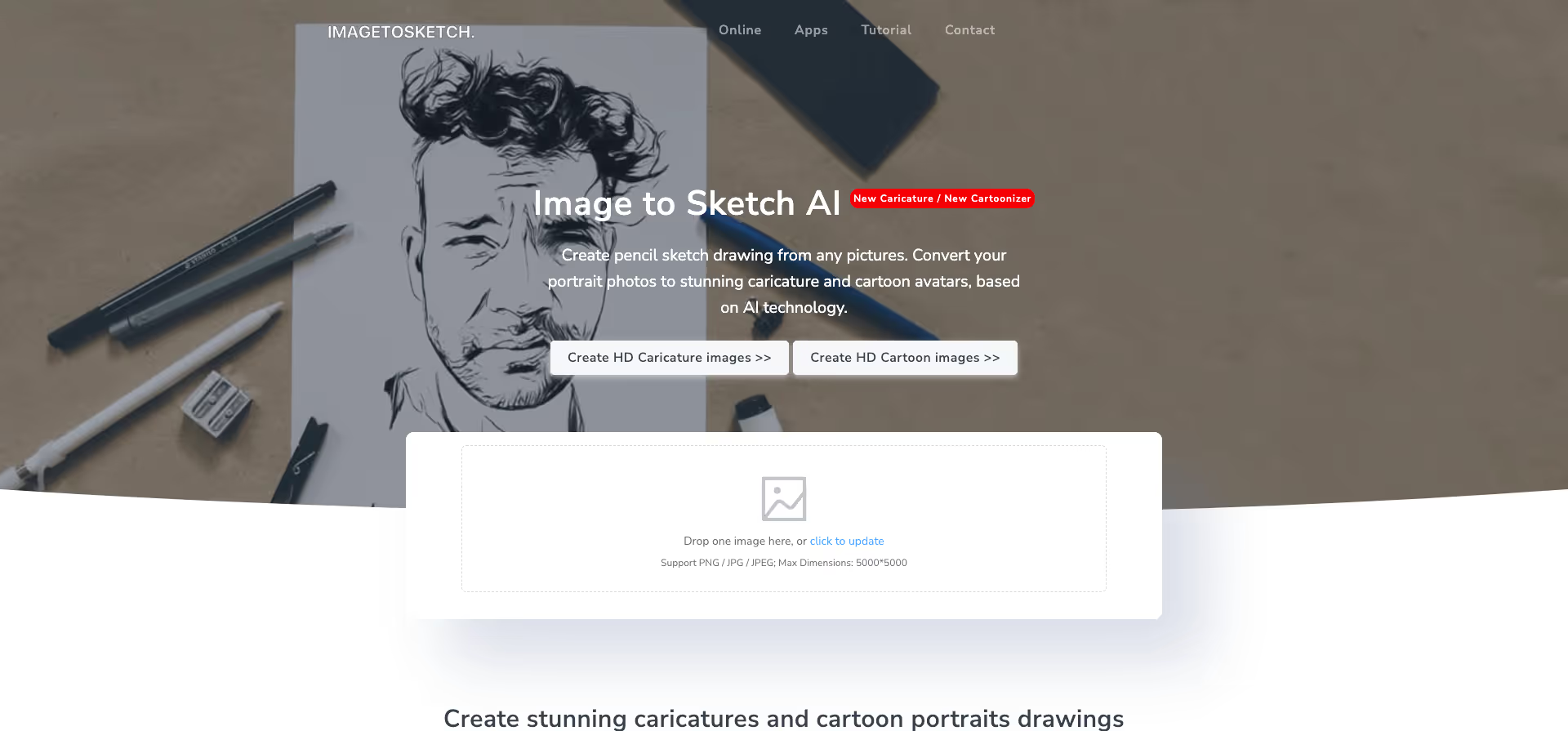
ImageToSketch is a tool that can turn photos into hand-drawn sketches. Using artificial intelligence, it creates realistic drawings resembling artworks. Perfect for artists, designers, and anyone looking to present their photos in a new way.
Website: https://imagetosketch.com/
Type: Free
5. PicSo
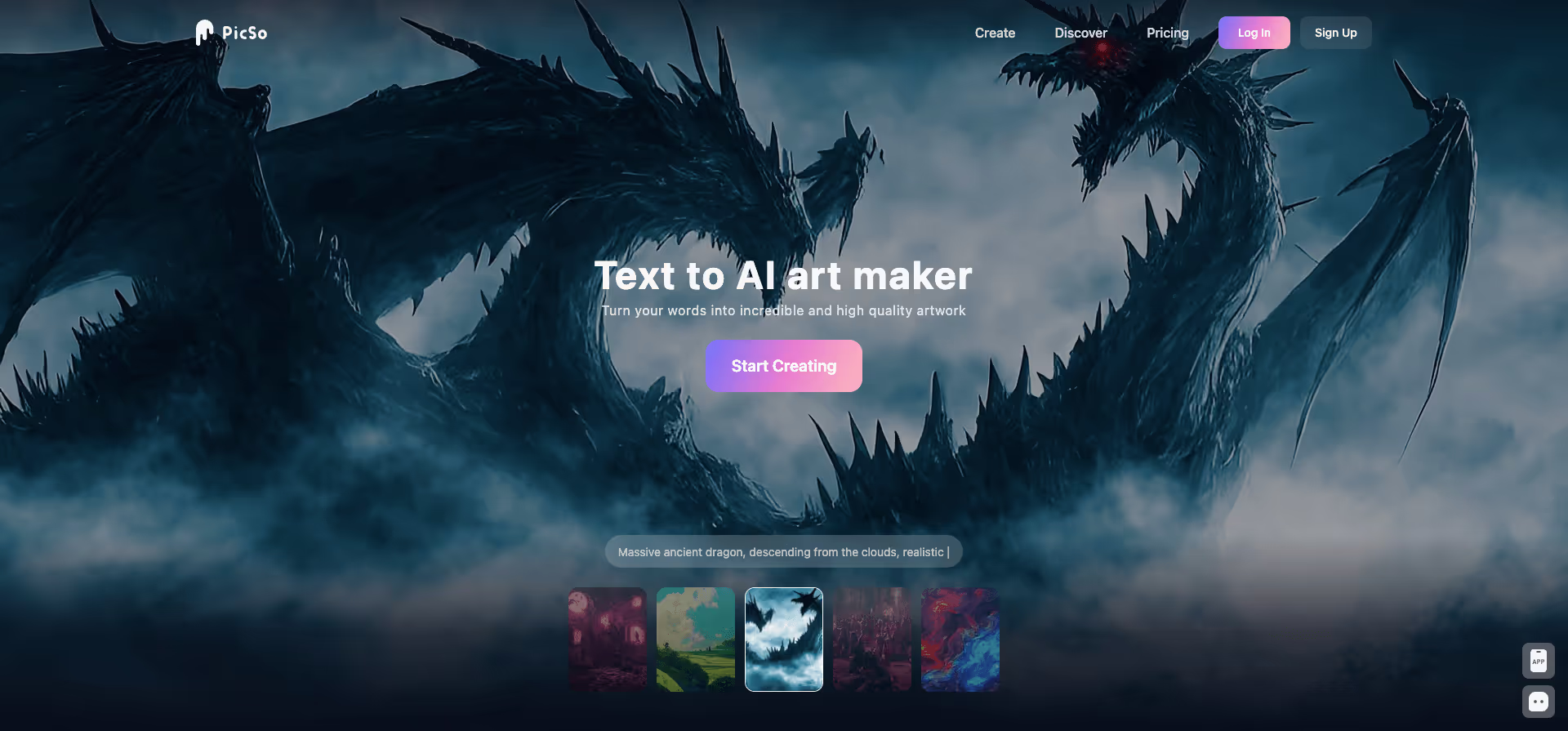
Picso.ai is an easy-to-use tool for automatic image enhancement. Using artificial intelligence, it corrects image flaws such as noise, blur, and color errors to ensure high-quality visual presentations. Ideal for photographers, bloggers, and businesses.
Website: https://picso.ai/
Type: Paid
6. Image Computer
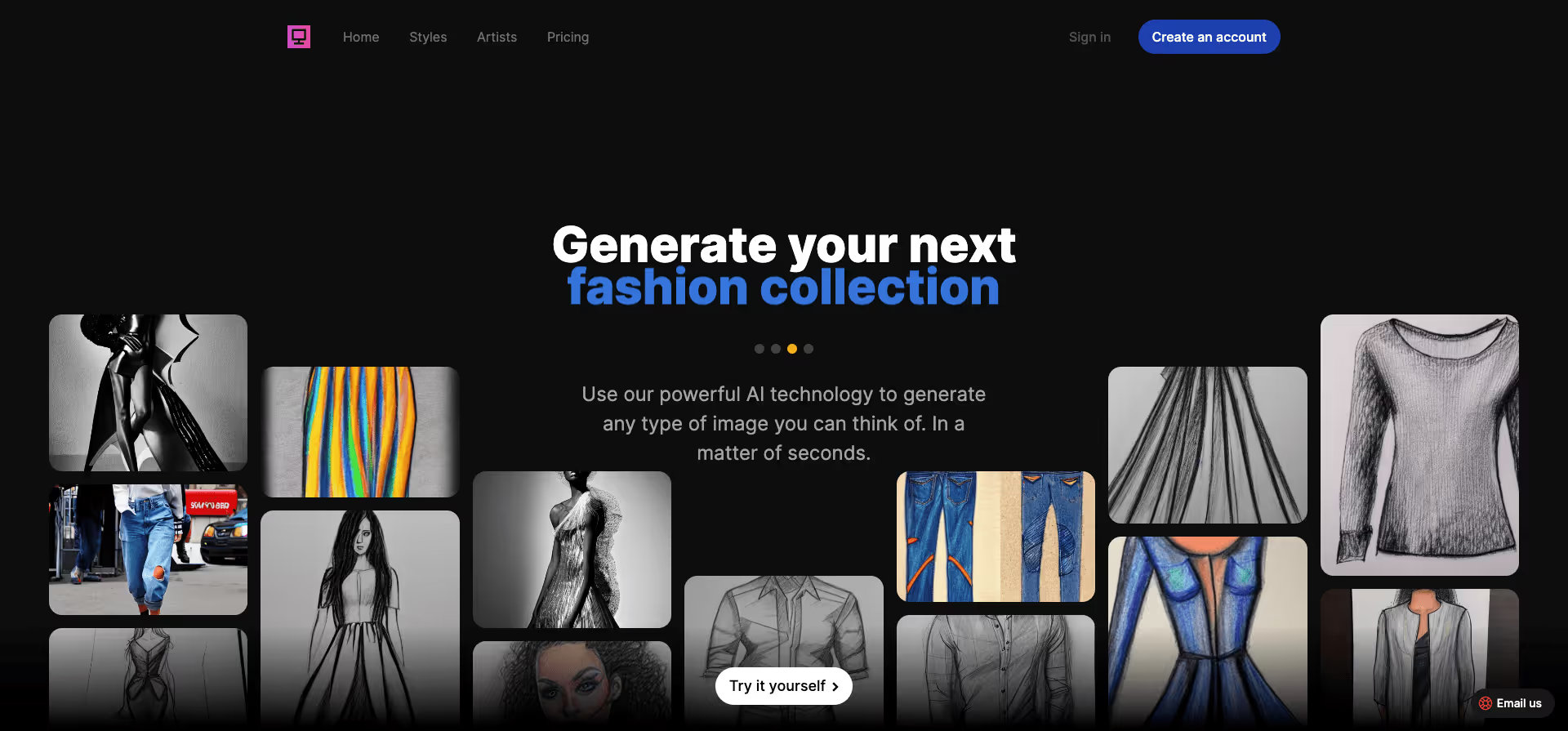
Image.computer automatically generates images. Using artificial intelligence, it generates images in real-time based on text descriptions or templates.
Website: https://image.computer/
Type: Paid
7. Poly
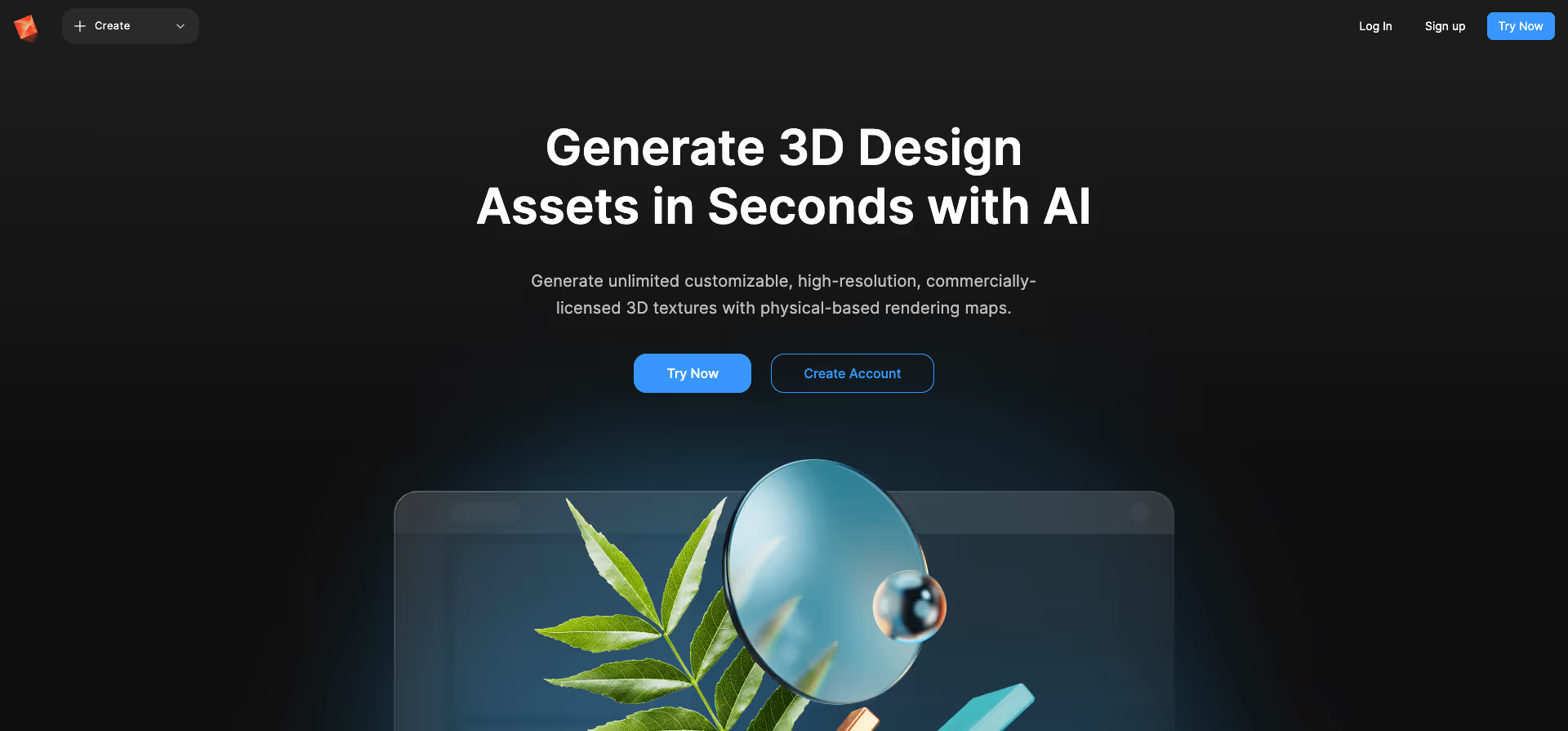
Poly is a Stanford/Berkeley startup for generative AI for designers, supported by YC, Bloomberg, and Figma, among others. Poly makes it easy for 3D modelers, game developers, and artists to create commercially licensed 4K UHD textures with just a text input.
Website: https://withpoly.com/
Type: Free + Paid Options
8. Photoshot.
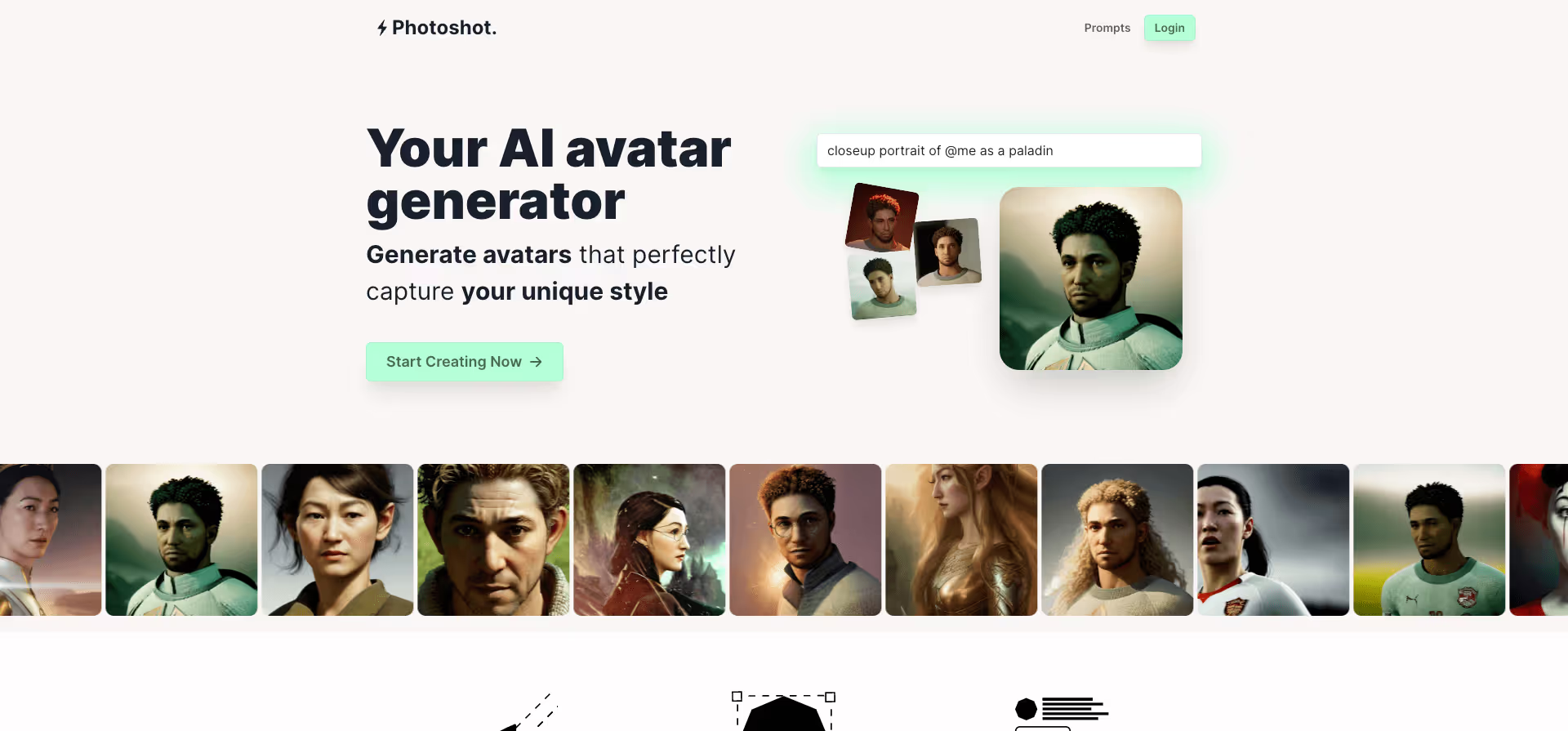
Photoshot.app is a user-friendly tool that allows users to edit photos through a simple drag-and-drop interface. Using artificial intelligence, it automatically applies optimal settings such as brightness, contrast, and color balance. Perfect for those who want to quickly and easily enhance their photos.
Website: https://photoshot.app/
Type: Paid
9. Artio
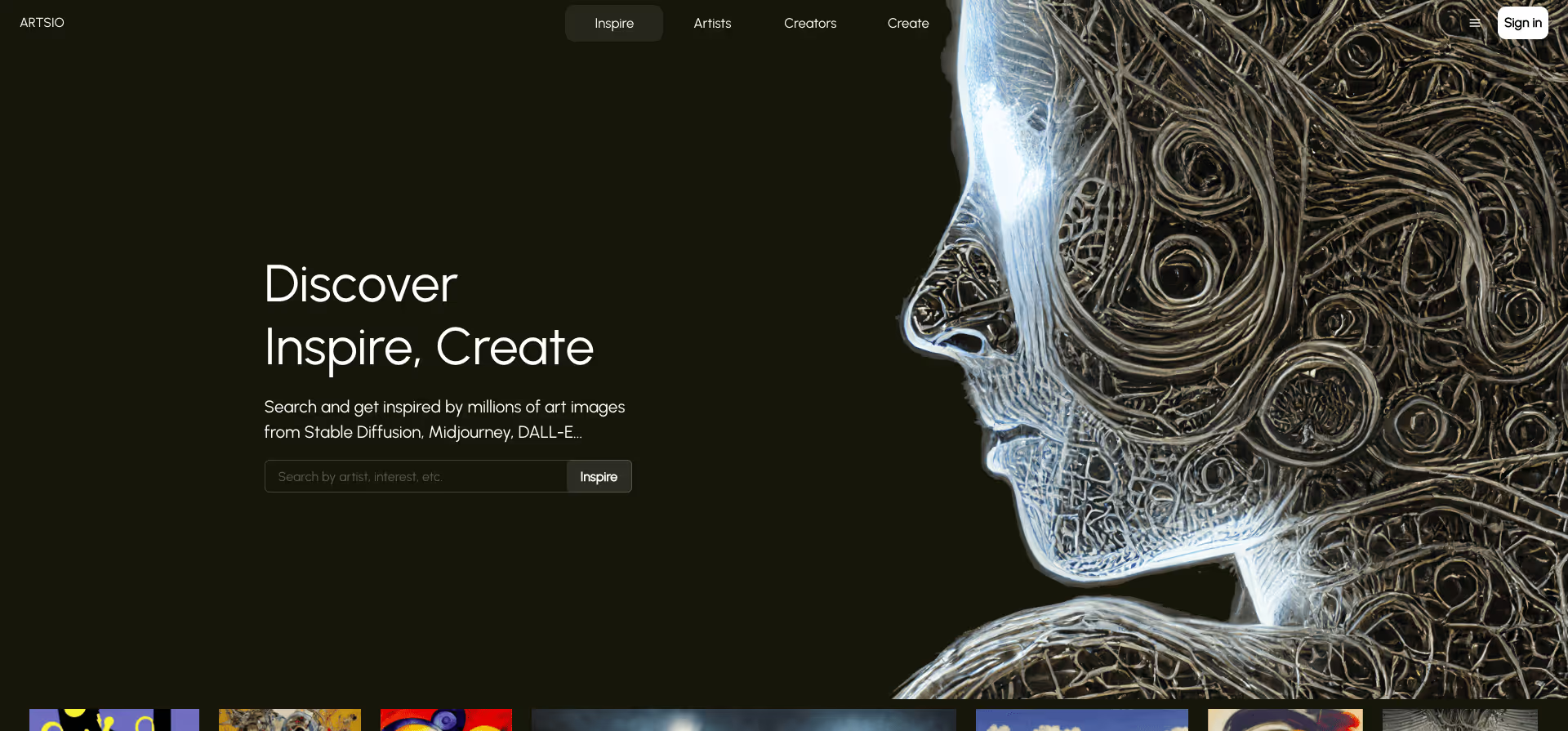
Artio can automatically generate artistic images. Using artificial intelligence, it creates images in real-time based on text descriptions or templates.
Website: https://artsio.xyz/
Type: Free
10. Amazing.photos
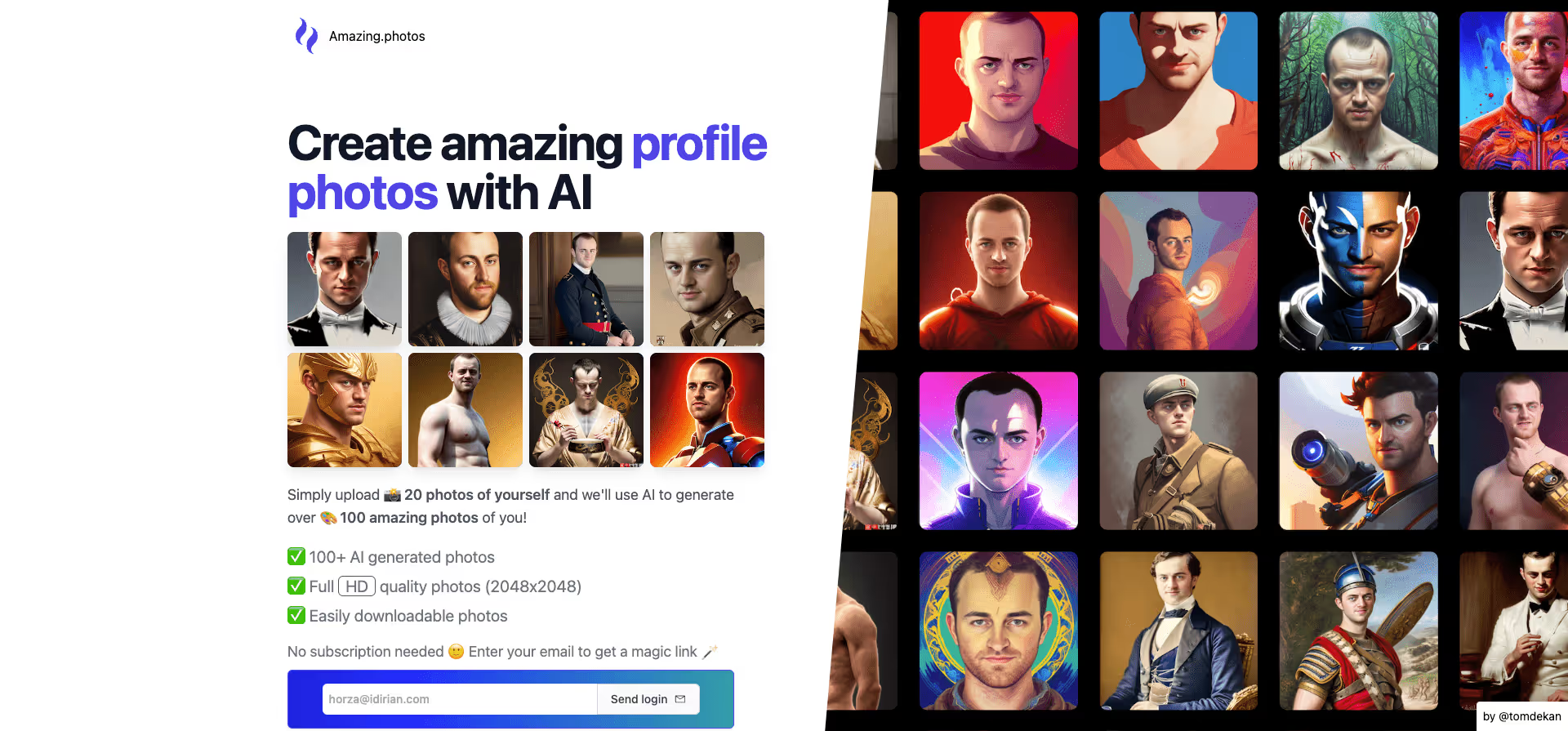
Amazing.photos creates amazing photos of you using the world's most powerful AI technology. Simply upload 20 photos of yourself, and they will generate over 100 fantastic photos of you using artificial intelligence.
Website: https://amazing.photos/
Type: Paid
11. Jasper
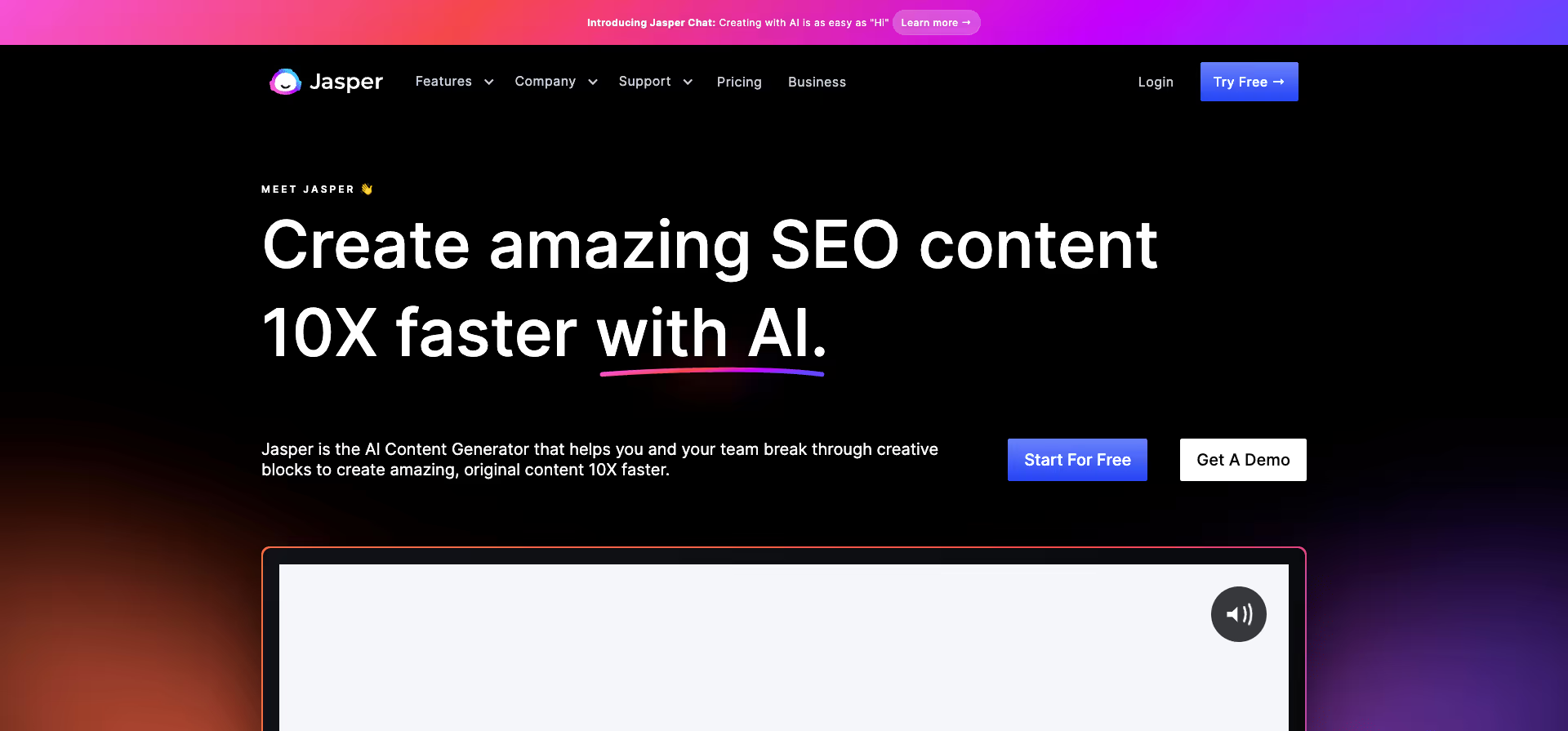
Jasper is an artificial intelligence platform that helps marketing and sales teams create high-quality content faster.
Website: https://jasper.ai/?fpr=toools
Type: Paid + Free Options
12. Headlime
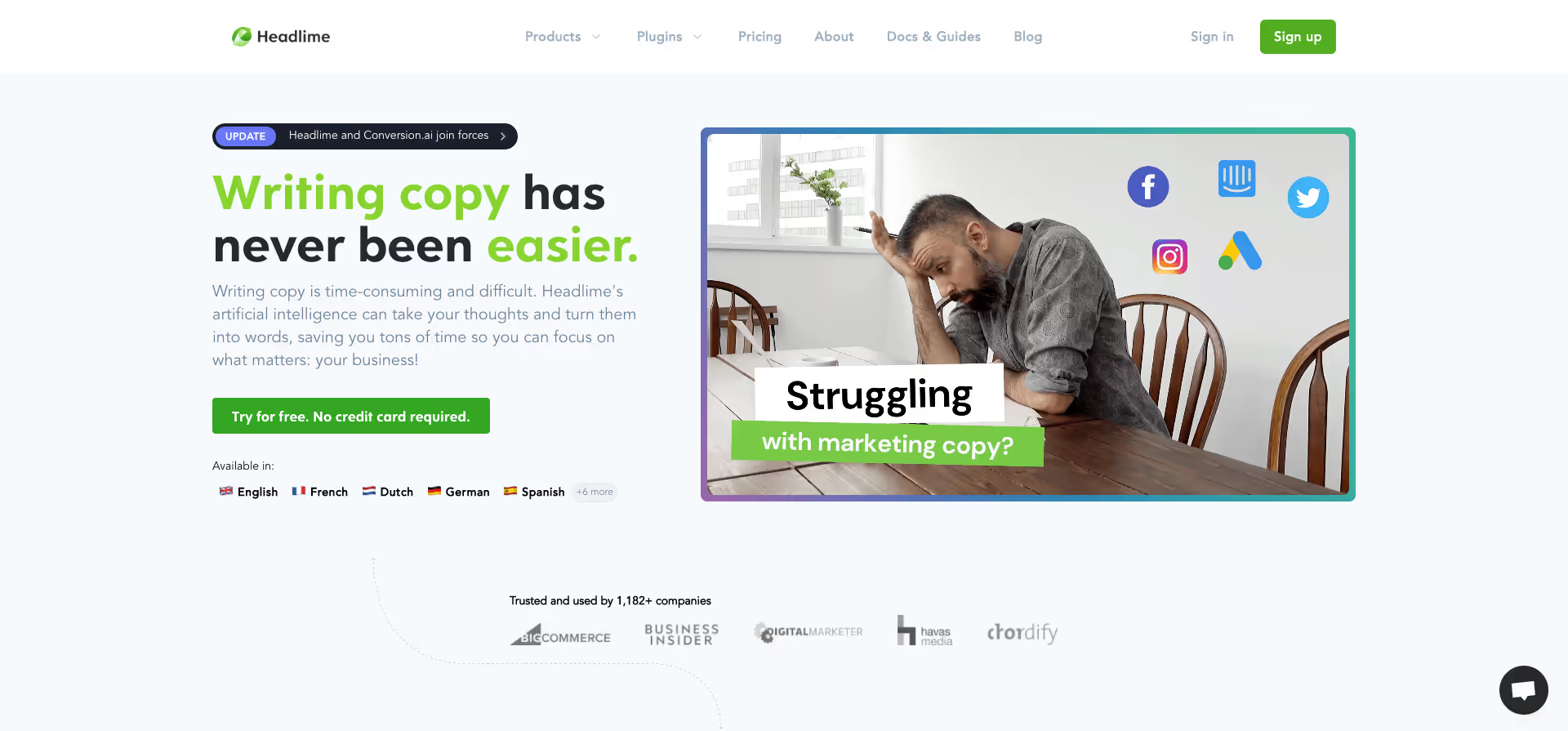
Writing texts can be time-consuming and difficult. Headlime's AI can put your thoughts into words, saving you time so you can focus on what's essential.
Website: https://headlime.com/
Type: Paid
13. ContentBot.ai
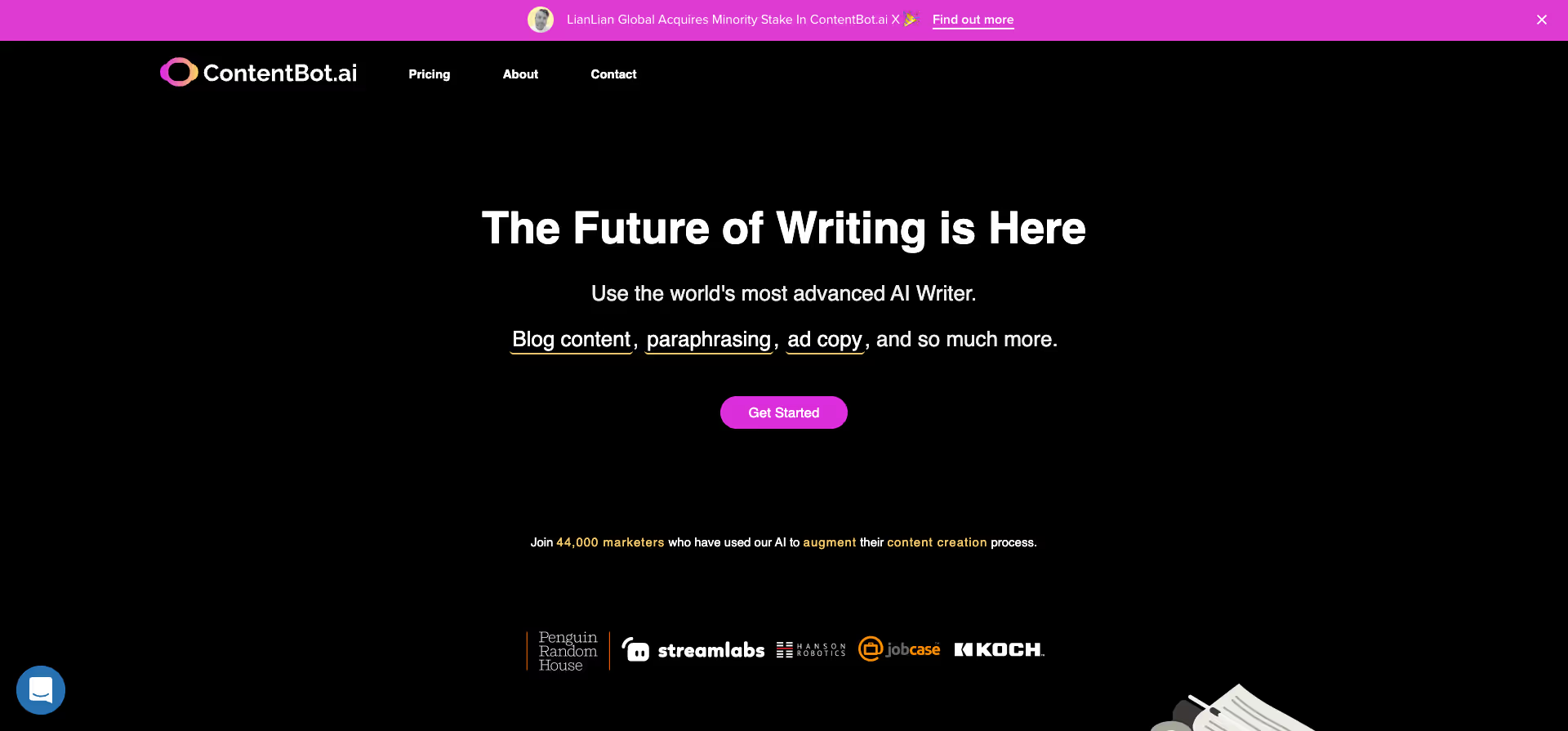
With ContentBot, you can create various types of content in less than 30 seconds by simply filling out a few input fields. Generate ideas for blog topics, intros, ad copy, text formulas, and more.
Website: https://contentbot.ai/?fpr=toools
Type: Paid
14. Conto
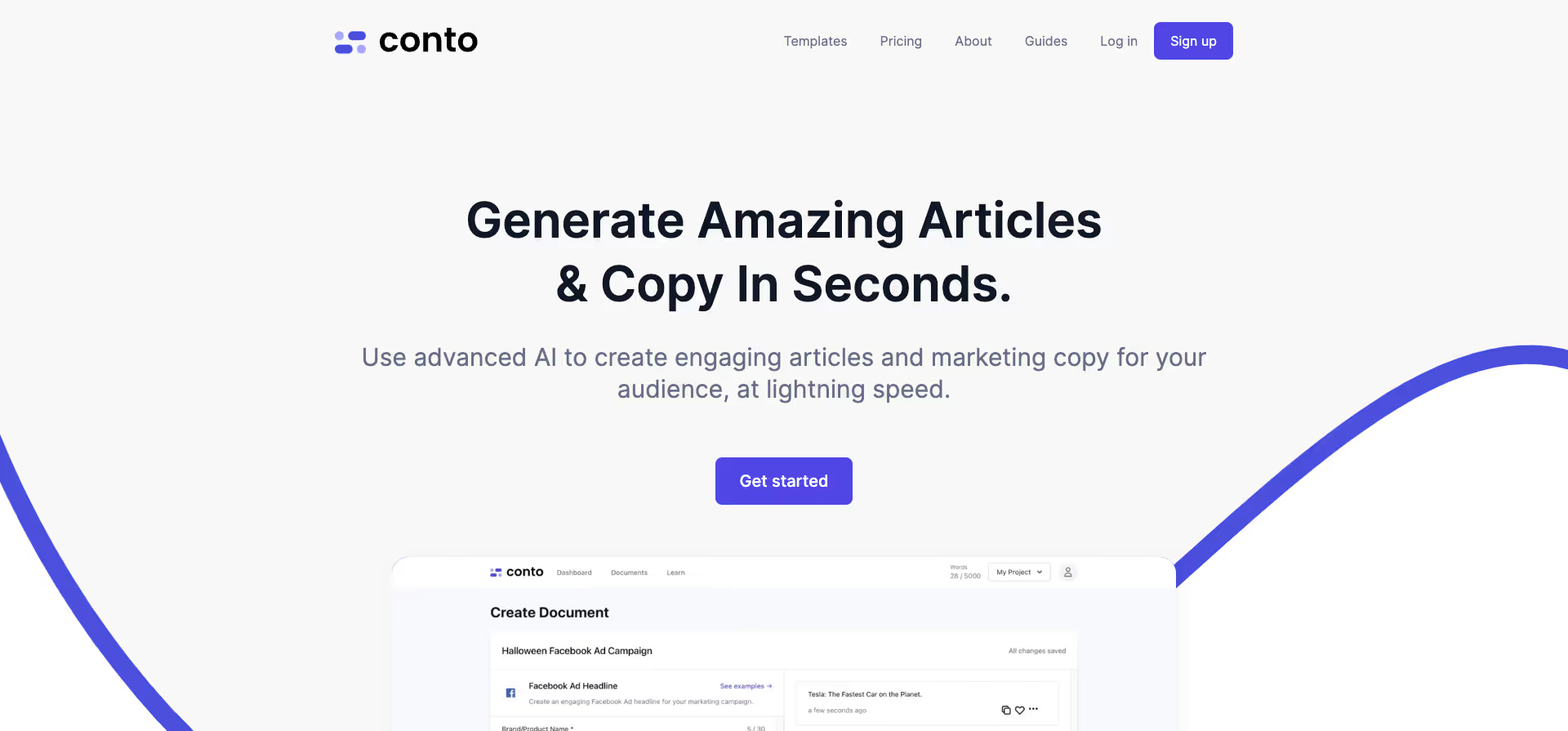
With Conto, writing blog articles is easier than ever. Never sit in front of a blank document again, struggling to get the right words on the page.
Website: https://www.conto.ai/
Type: Paid
15. Content Launch
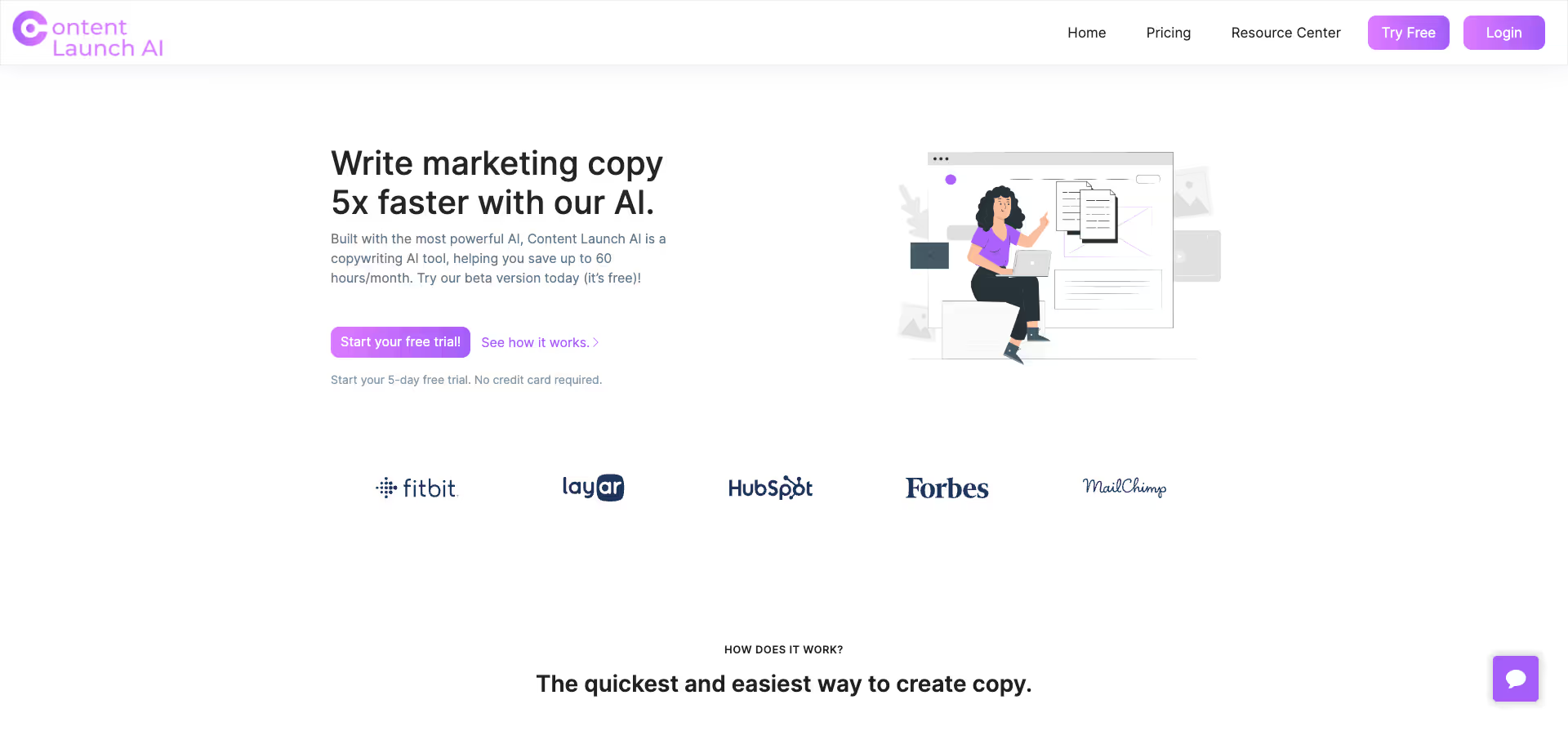
Content Launch AI promises to save up to 60 hours per month in content creation.
Website: https://contentlaunch.ai/
Type: Paid
16. Magestic
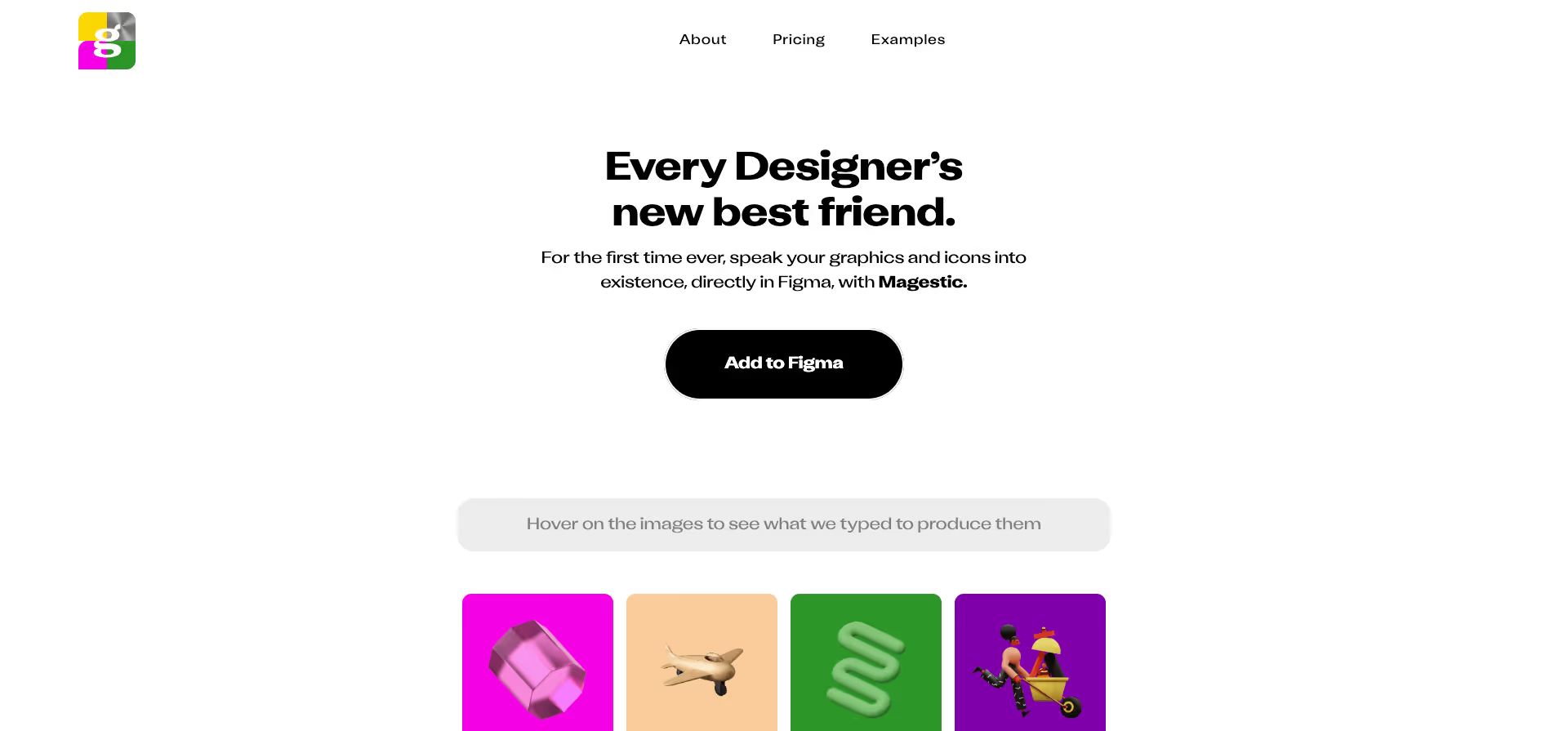
KI-powered text-to-image and pre-curated, high-quality, unique icon sets. Create your graphics and icons directly in Figma.
Website: https://www.magestic.xyz/
Type: Paid
17. Genus AI
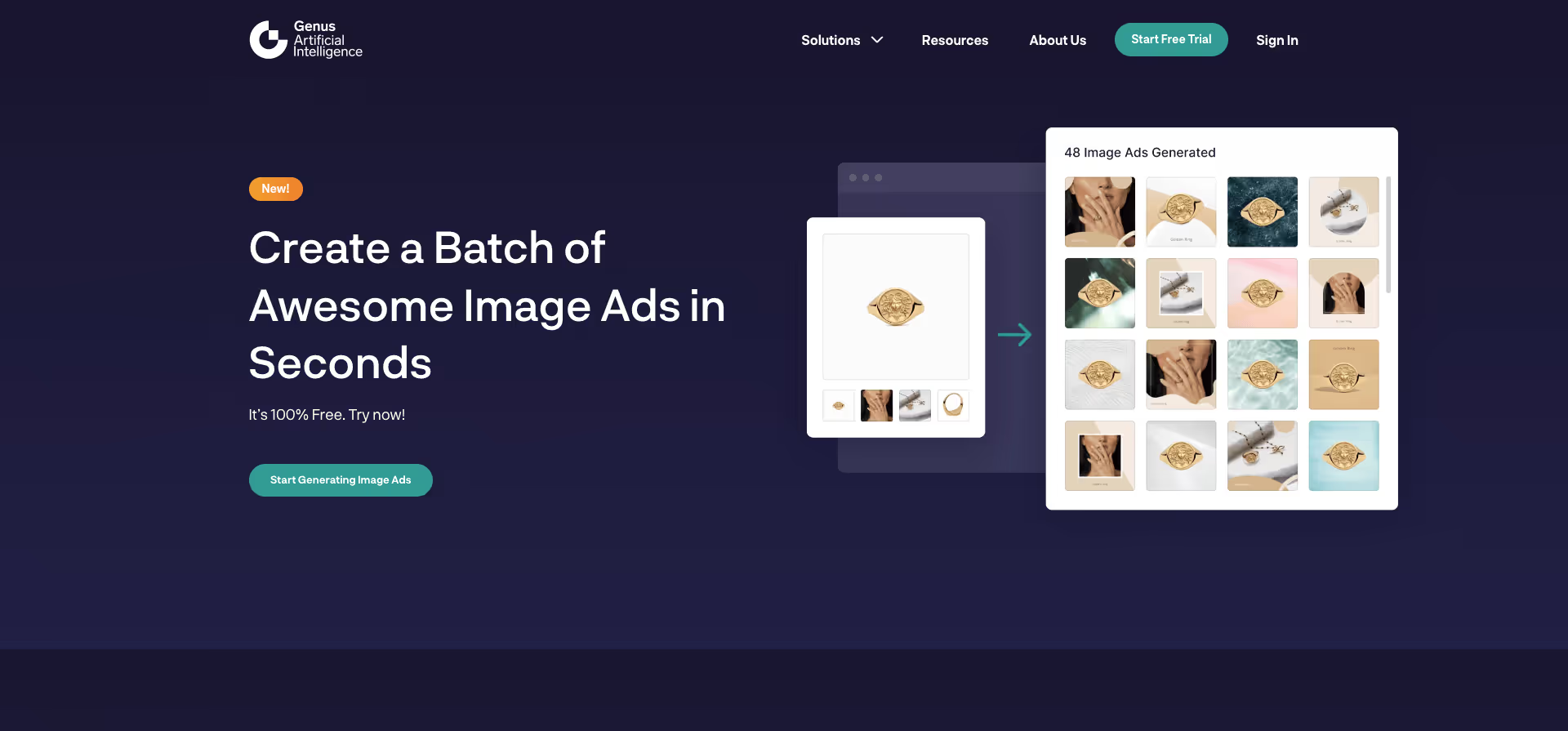
Genus.ai is an artificial intelligence tool that allows companies to analyze their data quickly and efficiently. Using cutting-edge technologies, it automatically categorizes, organizes, and interprets data. Ideal for companies looking to understand and utilize their data quickly and easily.
Website: https://genus.ai/
Type: Paid
Special mention: 17 more AI tools worth exploring
AI design generation (image and visual)
1. Midjourney
Midjourney is an AI image generator known for producing visuals with a distinctive cinematic and artistic quality that most competitors still can't match. It runs on V8.1 as of 2026, with significant improvements to text rendering, prompt understanding, and detail retention. Plans start at $10/month with no permanent free tier.
- Produces images with consistently strong aesthetic quality, from editorial visuals and concept art to product imagery
- Style Reference and Image Weight features let you control how closely output follows your uploaded reference images
- Web editor supports inpainting, outpainting, and style referencing without needing Discord
2. Adobe Firefly
Adobe Firefly is a generative AI platform trained exclusively on licensed and public domain content, which makes its output commercially safe by default. It integrates across the entire Creative Cloud ecosystem, including Photoshop, Illustrator, Premiere Pro, and Express. As of 2026, subscribers get unlimited image and video generations.
- Custom Models (beta) let you train a Firefly model on your own images to maintain brand consistency across generated assets
- Supports text-to-image, text-to-video, generative fill, generative expand, and AI-powered audio creation within one platform
- Over 30 partner models available inside Firefly, including Google Nano Banana 2, Runway Gen-4.5, and Kling 3.0
3. Recraft
Recraft is the only AI image tool that generates native SVG vector files directly from text prompts, not raster images traced into vectors. It is used by design teams at companies like HubSpot, Netflix, Shopify, and Ogilvy. The V4 model topped the Hugging Face Text-to-Image Arena with a 72% win rate.
- Generates production-ready SVG files with clean geometry and editable layers, ready to use in Figma or Illustrator without conversion
- Brand Kit feature stores your color palette, line weights, and visual identity, so every new generation stays visually consistent
- Includes background removal, image upscaling, inpainting, outpainting, and a mockup generator on a collaborative infinite canvas
UI/UX and product design
4. Figma AI (includes Figma Make)
Figma AI brings generative design features directly into the Figma editor, including first-draft generation, component creation from text prompts, and auto-layout repair. Figma Make lets you describe a UI component in plain language, and the tool generates it using your existing design system. It works as a sidebar within your current workflow, not a separate tool.
- Generates UI components and layouts using your own design tokens and component libraries, keeping results on-brand
- Dev Mode outputs production-ready HTML, CSS, and Swift code from finalized designs
- Eliminates context-switching since AI features are embedded inside the editor designers are already using
5. Galileo AI (now Google Stitch)
Galileo AI was acquired by Google in 2025 and relaunched as Google Stitch, a free AI design tool powered by Gemini. It generates complete UI screens from text prompts, sketches, or screenshots and exports them to Figma or as HTML/Tailwind code. The March 2026 update added an infinite canvas, voice interaction, a design agent, and MCP server integration.
- Generates high-fidelity UI designs for web and mobile from natural language descriptions at no cost (350 generations/month in standard mode)
- Exports directly to Figma format and HTML/CSS/Tailwind, making handoff to design and dev teams straightforward
- MCP server integration connects Stitch designs to coding tools like Claude Code and Cursor for prompt-to-production workflows
6. Uizard
Uizard is an AI UI builder with a feature called Autodesigner that converts text prompts and hand-drawn sketches into editable UI designs. It has a more mature in-tool editing experience compared to newer alternatives, which means you can refine designs without exporting to another tool. It's particularly useful for product managers and non-designers who need to create visual mockups quickly.
- Converts rough sketches and screenshots into structured wireframes and high-fidelity designs using AI
- Offers a built-in editor with theming and component-level adjustments, reducing the need to switch to Figma for minor changes
- Free tier includes 2 projects and 3 AI generations per month; paid plans start at $12/month with 500 generations
7. Google Stitch
Google Stitch (the evolved version of Galileo AI) is positioned as a design-first tool for rapid UI exploration. It runs on Gemini 3 Flash for speed and Gemini 3.1 Pro for quality, and its output tends to be strong on design-system coherence and visual polish. It is currently free as a Google Labs product.
- Infinite canvas with a design agent that generates multiple layout variations from a single prompt
- Exports to Figma format, HTML/CSS/Tailwind, and connects via MCP to coding tools for direct handoff
- Completely free with no credit card required, though generation limits apply (350/month standard, 50/month experimental)
Web design and prototyping
8. Relume
Relume is a planning-first AI tool that generates website sitemaps and wireframes before you start designing. It is built to integrate with Figma and Webflow, making it especially useful for web designers who want to start with information architecture rather than visual layout. It has thousands of reusable website sections in its component library.
- Generates complete website sitemaps from a project brief, then produces wireframes for each page based on that structure
- Exports directly to Figma and Webflow, so the output plugs into existing design and development workflows
- Component library includes thousands of pre-built website sections that you can customize and combine
9. v0 by Vercel
v0 is a component-first AI tool that generates production-ready React and Next.js components styled with shadcn/ui and Tailwind CSS. Unlike design-focused tools, v0 outputs clean, typed code that developers can drop into an existing codebase with minimal cleanup. It deploys directly to Vercel.
- Generates production-grade React/Next.js components with proper TypeScript types, accessibility attributes, and responsive behavior
- Accepts text prompts, screenshots, or Figma files as input and returns immediately usable frontend code
- Deploys live previews to Vercel instantly; free tier offers 120 messages/month, Pro is $20/month
10. Lovable
Lovable (formerly GPT Engineer) generates full-stack applications from plain English descriptions, not just mockups or frontend components. It creates TypeScript and React apps with Supabase backends, built-in authentication, database schemas, and one-click deployment to custom domains. It is best suited for non-technical founders and small teams.
- Generates working applications with frontend, backend, database, and auth from a single text description
- Integrates with Supabase for backend logic, making it possible to ship functional MVPs without writing code
- Free tier includes 5 domains and 5 daily credits; Pro plan at $25/month includes 100 monthly credits and unlimited domains
Graphic design and marketing
11. Canva AI (Magic Design)
Canva AI adds generative capabilities across Canva's template-based design platform, making it accessible to marketing teams who need high-volume design output without specialized skills. Magic Design generates layouts from a text prompt or uploaded image, and the AI adapts them to different formats. It is used by millions of non-designers for social media graphics, presentations, and marketing materials.
- Magic Design generates complete layouts from a prompt or uploaded image and adapts them to multiple formats (Instagram, presentation, flyer, etc.)
- Text-to-image generation, background removal, and Magic Eraser are built into the editor alongside thousands of templates
- Brand Kit feature ensures generated designs use your company's fonts, colors, and logos automatically
12. Gamma
Gamma is an AI-powered presentation tool that generates slide decks, documents, and web pages from text prompts. Unlike traditional slide software, Gamma's output is web-native, meaning it supports embedded media, interactive cards, and responsive layouts without needing to export or fiddle with formatting. It's popular with teams that need to create presentations quickly.
- Generates complete presentations from a text prompt or imported document, including layout, imagery, and content structure
- Output is web-native with support for embedded videos, GIFs, charts, and interactive elements within slides
- Supports one-click reformatting between presentation, document, and webpage layouts from the same content
AI coding tools for designers
13. Cursor
Cursor is an AI-powered code editor built on VS Code that uses large language models to help developers write, edit, and debug code through natural language. It is popular among designers who code because it lowers the barrier between design intent and working implementation. It integrates with tools like Google Stitch and Figma via MCP for design-to-code workflows.
- Understands your entire codebase and generates or modifies code based on natural language instructions within the editor
- Supports multi-file editing, where you describe a change once and the AI applies it across the relevant files
- Integrates with design tools through MCP, allowing you to pipe designs from Stitch or Figma directly into code
14. GitHub Copilot
GitHub Copilot is an AI coding assistant built into VS Code, JetBrains, and other editors that suggests code completions and generates functions in real time as you type. It is the most widely adopted AI coding tool, used by millions of developers. For designers working in code, it accelerates the translation of design decisions into working CSS, HTML, and JavaScript.
- Suggests code completions in real time based on the context of what you're writing, from single lines to entire functions
- Copilot Chat lets you ask questions about your codebase, debug errors, and generate code from natural language descriptions
- Works across every major programming language and integrates with GitHub's ecosystem for pull requests and code review
Research, copy, and workflow
15. ChatGPT
ChatGPT by OpenAI is a conversational AI assistant that handles a wide range of tasks for designers and marketers, from writing copy and brainstorming ideas to analyzing data and generating images with GPT Image 2. It is the most broadly used AI tool in the world, with over 100 million weekly active users.
- Handles text, image generation (GPT Image 2), code, and data analysis within a single conversational interface
- Useful for writing marketing copy, brainstorming campaign ideas, summarizing research, and generating creative briefs
- GPT Image 2 produces images with strong text rendering, making it practical for social media graphics and ad mockups
16. Claude
Claude by Anthropic is a conversational AI assistant known for nuanced writing, long-context analysis, and careful reasoning. It is especially strong at tasks that require working with large documents, maintaining editorial voice, and producing content that reads naturally. It also supports code generation and artifact creation.
- Handles long documents (up to 200K tokens in context), making it effective for reviewing brand guidelines, analyzing reports, and editing drafts
- Writing quality tends to be more nuanced and less formulaic compared to other AI assistants, which matters for brand voice work
- Artifacts feature lets you generate interactive components, code, and visual content directly within the conversation
17. Khroma
Khroma is an AI-powered color palette generator that learns your color preferences and generates endless palettes tailored to your taste. You start by selecting 50 colors you like, and the algorithm trains on your choices to surface combinations you're likely to prefer. It's a focused tool that does one thing well.
- Learns your personal color preferences from an initial training set of 50 colors, then generates palettes you'll actually use
- Displays palettes in multiple formats: typography pairings, gradient combinations, poster layouts, and custom images
- Lets you search by hue, tint, value, or color name and save favorites to a library for reference across projects
How to evaluate AI design tools
Not every AI design tool belongs in your workflow. Before adding a new tool, evaluate it against these criteria:
Workflow integration
Does it work inside the tools you already use (Figma, Adobe, Webflow), or does it require you to export and import between platforms? The most valuable AI tools in 2026 are the ones embedded in existing workflows, not standalone novelties.
Output quality and editability
Can you refine and control the output, or is it a one-shot generation with no way to adjust? Production work requires iteration. If a tool gives you a first draft you can't edit, it saves time on the first step but creates more work everywhere else.
Consistency and reliability
Run the same task three times. Do you get usable results each time, or does quality vary dramatically? Consistent tools save time. Inconsistent tools waste it.
Commercial safety
For client work, you need to know how the tool handles copyright, licensing, and training data. Adobe Firefly, for example, is trained exclusively on licensed and public domain content. Midjourney's training data is less transparent. This matters when deliverables go to paying clients.
Pricing and scalability
Some tools are free for exploration but expensive at production volume. Factor in team seats, generation limits, and API costs when comparing.
Limitations and ethical considerations
AI design tools are powerful, but they have real limitations you should understand before relying on them for production work.
Copyright and licensing vary by tool
Adobe Firefly is trained on Adobe Stock, licensed, and public domain content, making it relatively safe for commercial use. Midjourney and other diffusion-based generators have faced legal challenges around training data. If you're producing work for clients, check each tool's licensing terms before delivering AI-generated assets.
Quality still requires human review
Figma's research found that 40% of designers don't trust AI outputs enough to use them without review. AI-generated layouts can look polished but contain accessibility issues, inconsistent spacing, or off-brand elements that only a trained eye catches.
AI accelerates execution, not strategy
These tools are strongest at generating drafts, variations, and production assets. They are weakest at understanding business context, user psychology, and brand nuance. The strategic thinking, creative direction, and client communication that make design work effective are still entirely human capabilities.
As the AI in Design 2026 report summarized: the most valuable designers in 2026 are not the ones who generate the most AI outputs. They're the ones who know which outputs to keep, which to refine, and which to throw away.
FAQ
1. What are the best free AI tools for designers?
Figma AI (included in free Figma plans for basic features), Canva AI (free tier available), Google Stitch (free experimental tool), Uizard (free tier), and ChatGPT (free tier) all offer meaningful AI design capabilities without a paid subscription. For image generation, Adobe Firefly offers limited free credits.
2. What are the best AI tools for graphic design specifically?
For graphic design work, the most relevant tools are Adobe Firefly (integrated into Photoshop and Illustrator), Canva AI Magic Design (for marketing assets and social content), Midjourney (for concept art and visual exploration), and Recraft (for vector and brand-consistent generation).
3. Can AI tools replace designers?
No. Figma's State of the Designer 2026 report found that 91% of designers say AI improves their work, and designers who use AI are 25% more likely to be satisfied in their roles. AI handles execution tasks like generating drafts, variations, and production assets. Strategy, creative direction, brand thinking, and user research remain human skills.
4. Which AI tools are best for UI/UX design?
Figma AI, Galileo AI, Uizard, and Google Stitch are the leading AI tools for UI/UX work. For prototyping and design-to-code, v0 by Vercel and Lovable are strong choices. For UX research, Maze AI and Dovetail AI automate survey analysis and interview synthesis.
5. Are AI-generated design assets safe for commercial use?
It depends on the tool. Adobe Firefly is trained on licensed content and is generally considered safe for commercial work. Midjourney and other diffusion-based generators have less transparent training data policies. Always check the specific tool's terms of service and licensing before using AI-generated assets in client deliverables.



.avif)
.avif)