Best AI Video Generators for Facebook Ads 2026: 14 Tools Compared
Let’s take you through a day in the life of a growth marketer:
They wake up, have their morning coffee, open their laptop, and render a polished AI video for a launch ad on Facebook. They are ready to call it a day when a dashboard in the clip catches their eye, showing a button the product doesn’t have. The credits are spent, the clip is unusable, and the launch is due in the evening.
Even though this is a hypothetical story, trust us, this problem is way too common. That is the problem the best AI video tools exist to solve.
The best AI video generators for Facebook ads 2026 are the tools that match the ad you need to make, such as a presenter-led video, an original scene, or a product clip built from a web page.
Almost every tool nowadays claims to be the top pick in its category, but you only know which one is right by testing it yourself or by reading someone else’s review. The first option can cost you money, while the second is what we’re trying to give you for free.
At magier, we have designed 1,250+ ad creatives so far. So when we write a review like this, trust us, we know balls! In this guide, we feature the best AI video generators for Facebook ads based on our own tests and some public experiments, so you can make your purchase decision with confidence.
Here’s what we cover:
- 14 tools with key features, best uses, and free or paid status
- Which tool to start with for each ad type
- How to calculate your cost per usable ad
- Facebook and Instagram ad sizes and safe zones
- Free plan limits, a test plan, and a rights checklist
This guide takes about 15 minutes to read, and you can apply the first step to your next ad today.
Quick glance: the 14 best AI video generators for Facebook ads, by type
{{freebie}}
The 14 best AI video generators for Facebook ads, by type
Which tool should you try first? If you are comparing an AI Facebook ad generator with a general video model, the groups below show the difference, and each profile lists key features, best uses, and whether the tool is free or paid. And let's face it, nearly every vendor list ranks its own tool first, so this one groups tools by job and does not crown a single winner.
Ad generators and UGC tools
These tools turn a product page or a script into a finished ad draft. The decision that defines them is how much of the ad the tool assembles for you.
1. Creatify
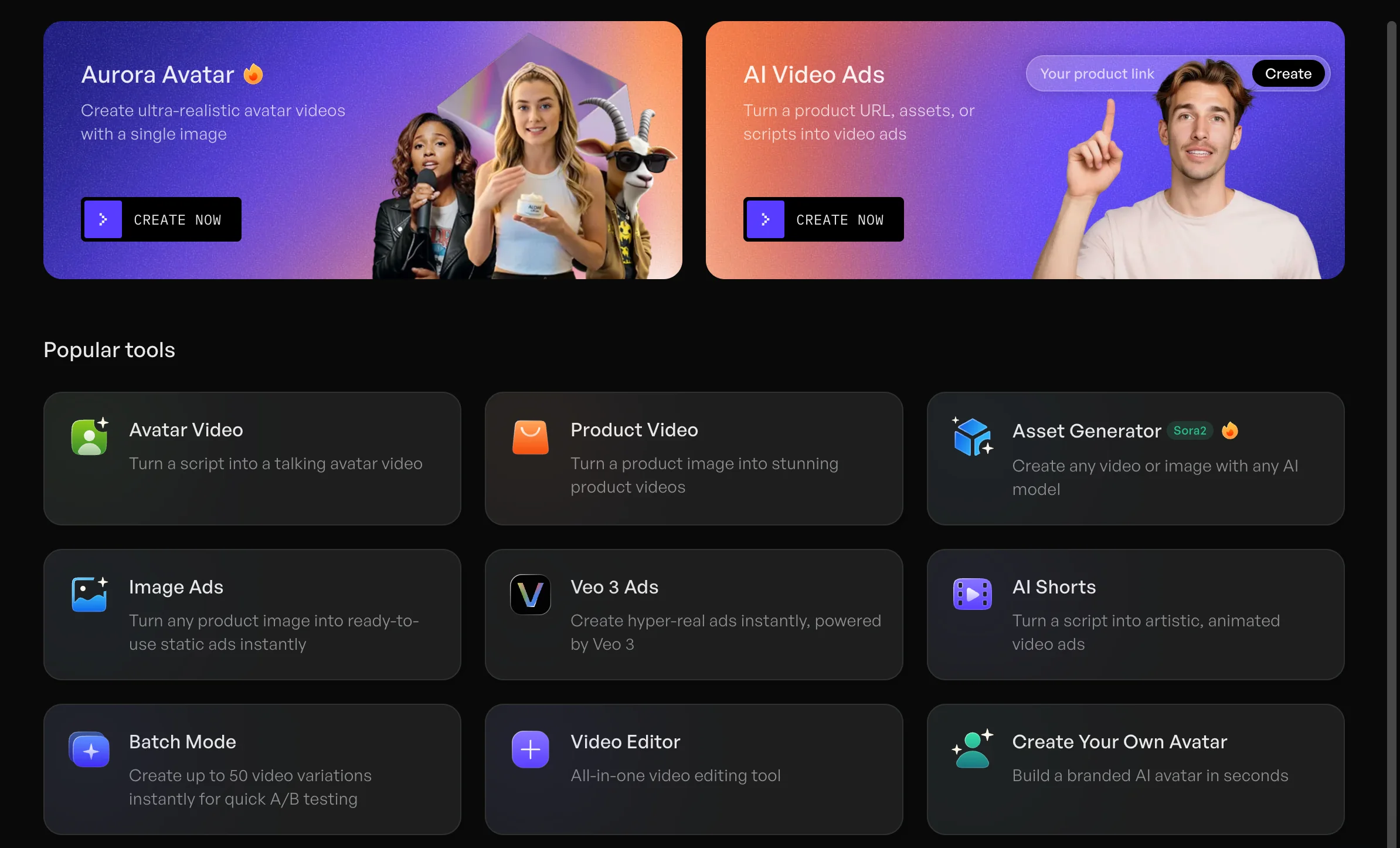
Creatify turns a product URL or product assets into video ad drafts with scripts, AI presenters, and several versions. It is built for repeated batches and not for one-off experiments.
Key features
- URL-to-video that pulls product information and media into a storyboard
- AI actors, scripts, voice-over, captions, and templates
- Batch creation of several ad versions
Best for
- Ecommerce and product ads that start from a clean product page
- Teams that need many ad drafts quickly
Pricing: Free and paid
2. Arcads
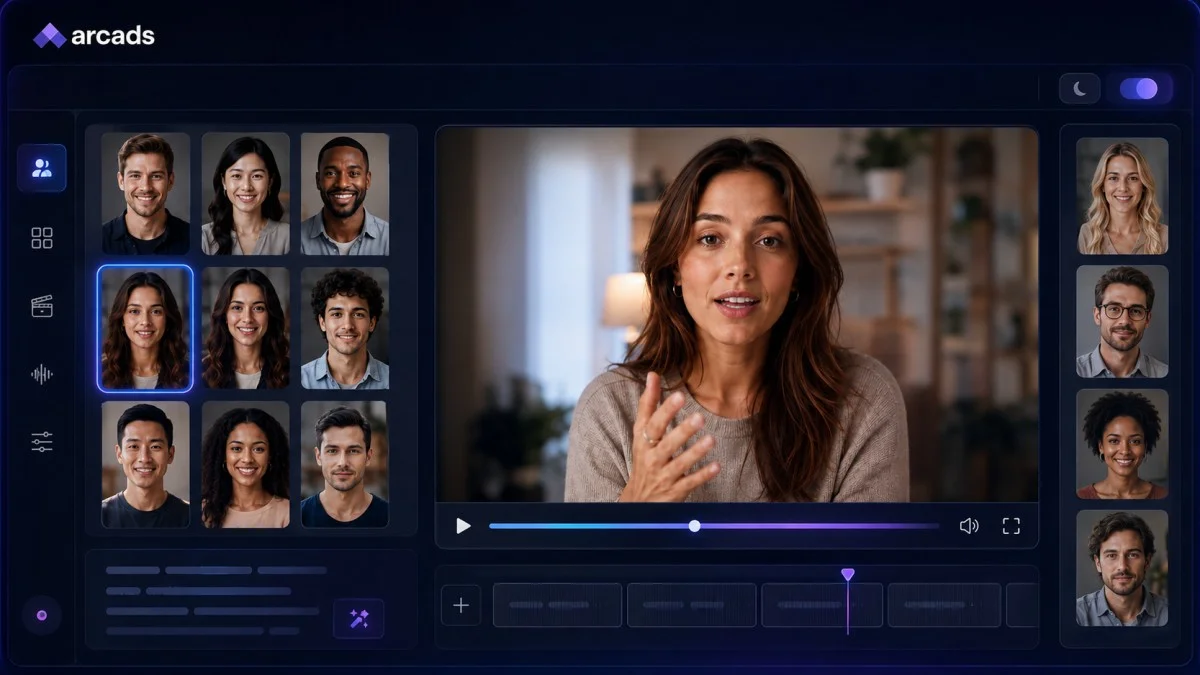
Arcads focuses on AI actors and creator-style ad variations. It suits tests where the same script needs different deliveries and spokespersons.
Key features
- AI actors delivering a script to camera
- Editing, translation, subtitles, and remix controls
- Ready-made ad presets for repeated production
Best for
- Testing hooks and creator-style deliveries
- Teams that want one script in several voices and looks
Pricing: Paid
3. Zeely
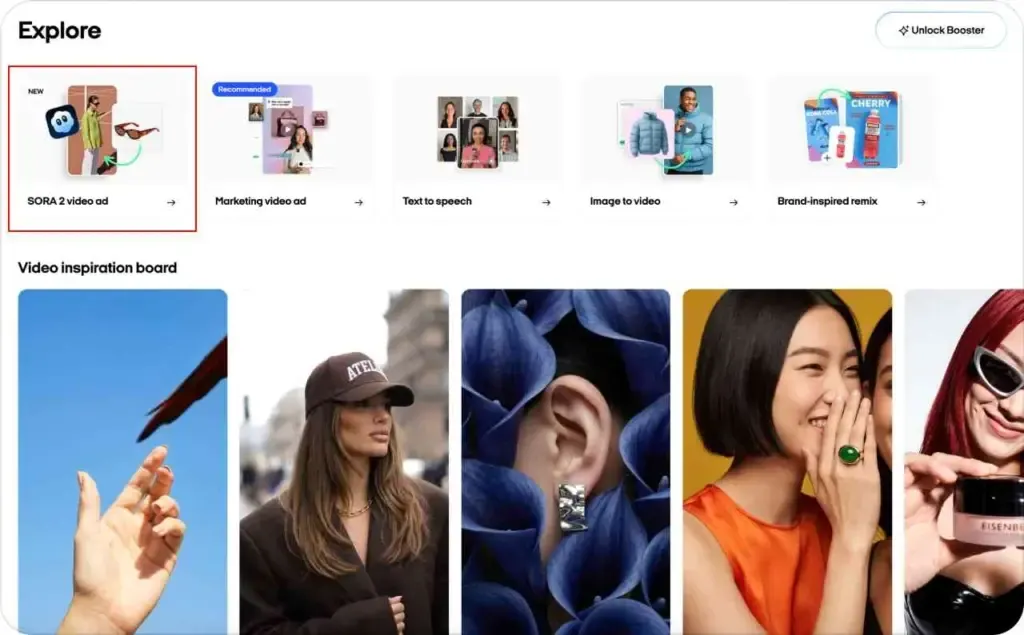
Zeely makes the ads and launches the Facebook and Instagram campaign from the same app. That is convenient if you do not want to work in Ads Manager, but it hands more control to the tool.
Key features
- Video ads, static ads, and copy generated from a prompt or product
- Connection to an online store
- Campaign launch and a forecast of results
Best for
- Small online stores that want one app for creative and campaigns
- Owners who want to hand off setup
Pricing: Paid
{{cta}}
4. AdCreative.ai
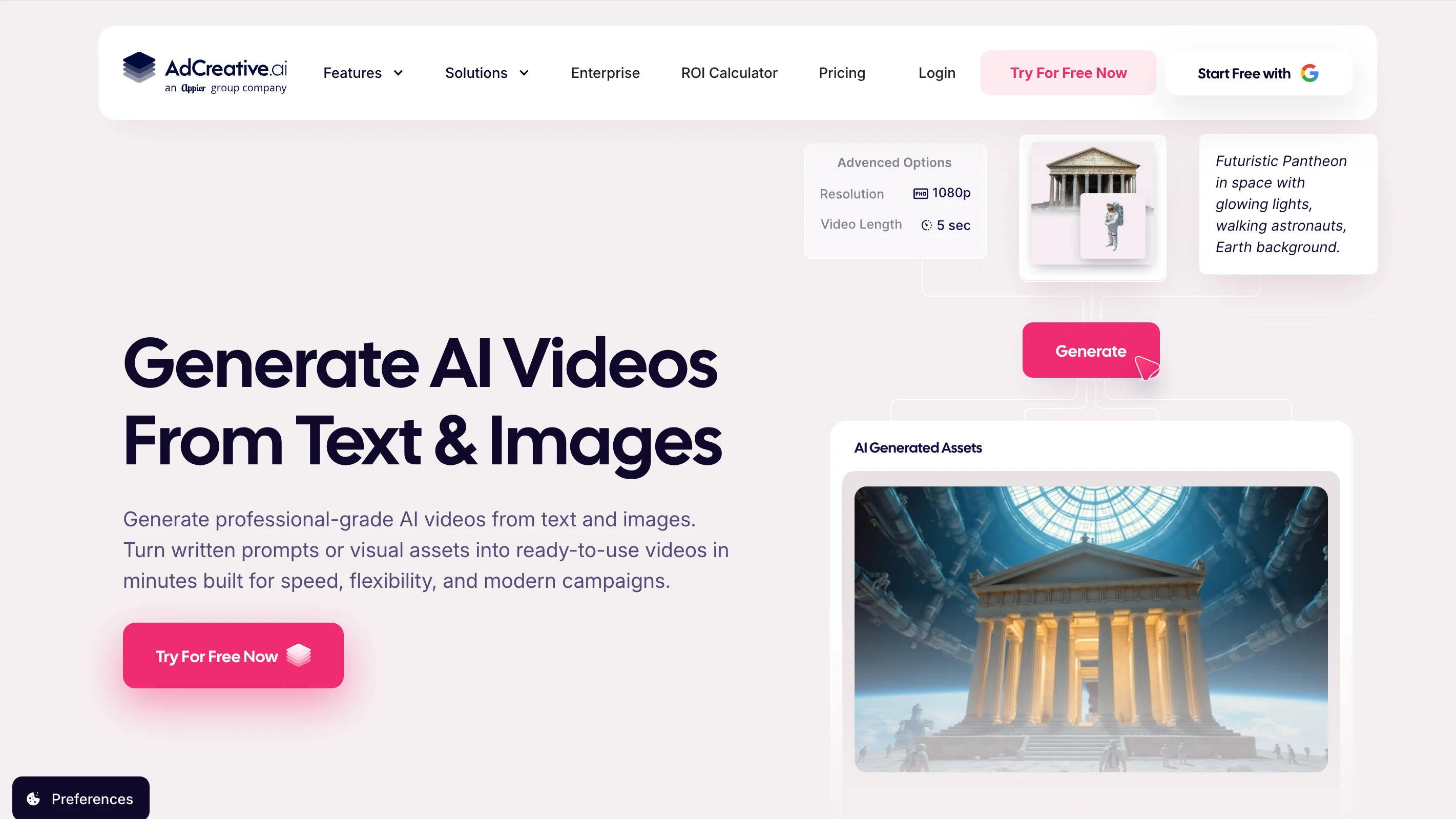
AdCreative.ai generates many ad variations and scores them, so teams can rank options before spending. It covers static creative and, on some plans, video.
Key features
- Bulk variation generation
- Creative scoring to rank variants
- Direct integrations with Meta and Google
Best for
- Agencies and performance teams testing many variants
- Campaigns that mix static ads and video
Pricing: Paid, with a free trial
Presenter and avatar tools
These tools put a digital presenter on camera. The decision that defines them is whether a scripted spokesperson fits your message.
5. HeyGen
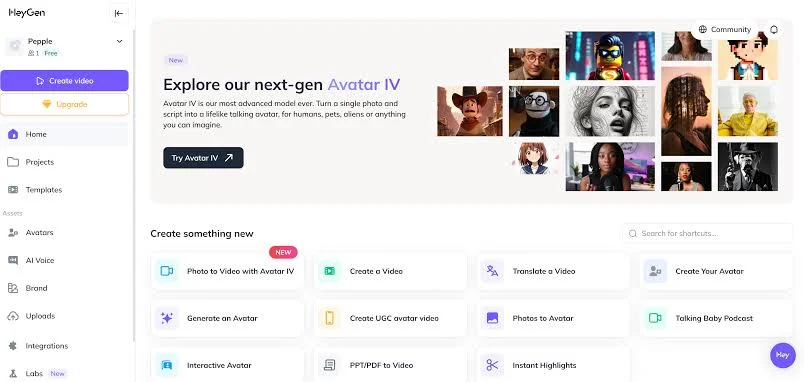
HeyGen creates presenter-led videos from a script, a product link, or a prompt. It is a strong fit when one approved ad needs to travel across languages.
Key features
- AI avatars and voice-over
- Translation and dubbing with lip-sync in more than 175 languages (Adrio, 2026)
- Exports in vertical, square, and landscape formats
Best for
- B2B SaaS explainers and spokesperson ads
- Ads that need several languages
Pricing: Free and paid
6. Synthesia
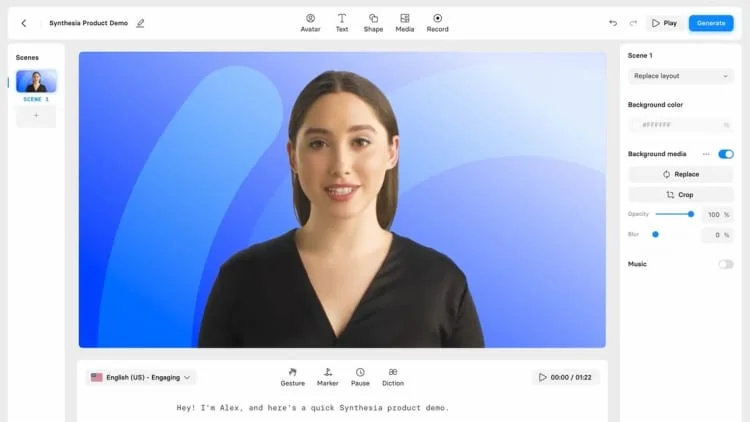
Synthesia offers a library of digital avatars that read your script on camera. It leans toward corporate and training videos, so it can look like a presentation more than native creator content.
Key features
- A library of realistic avatars and a choice of voices
- Quick translation into other languages
- A simple interface focused on the avatar workflow
Best for
- Product explainers and corporate B2B videos
- Teams that want a consistent on-camera presenter
Pricing: Free and paid
Footage generators
These tools create original scenes that would be costly to shoot. The decision that defines them is whether you need new visuals or an assembled ad.
7. Google Veo
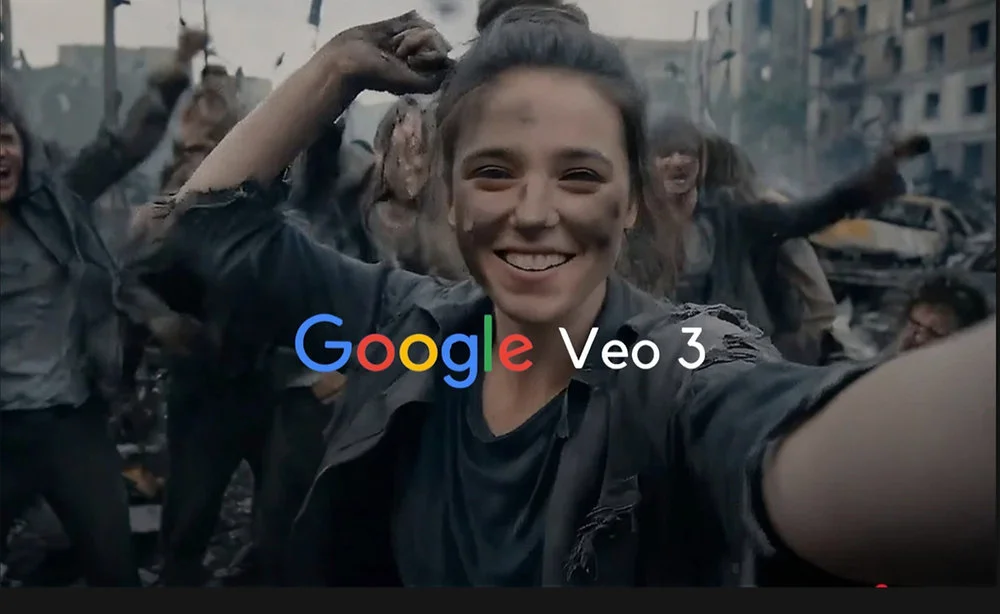
Google Veo is the model most roundups point to for realistic footage with synchronized audio. Zapier (2026) rates Veo 3.1 as the best all-rounder for reliable, consistent results.
Key features
- Text-to-video, frames-to-video, and reference-based "ingredients" workflows
- Native audio, including dialogue and sound effects
- Availability in Google Flow, Google Vids, and other tools such as Adobe Firefly
Best for
- Opening scenes and B-roll for ads
- Teams that want strong prompt-following
Pricing: Free and paid
8. Runway
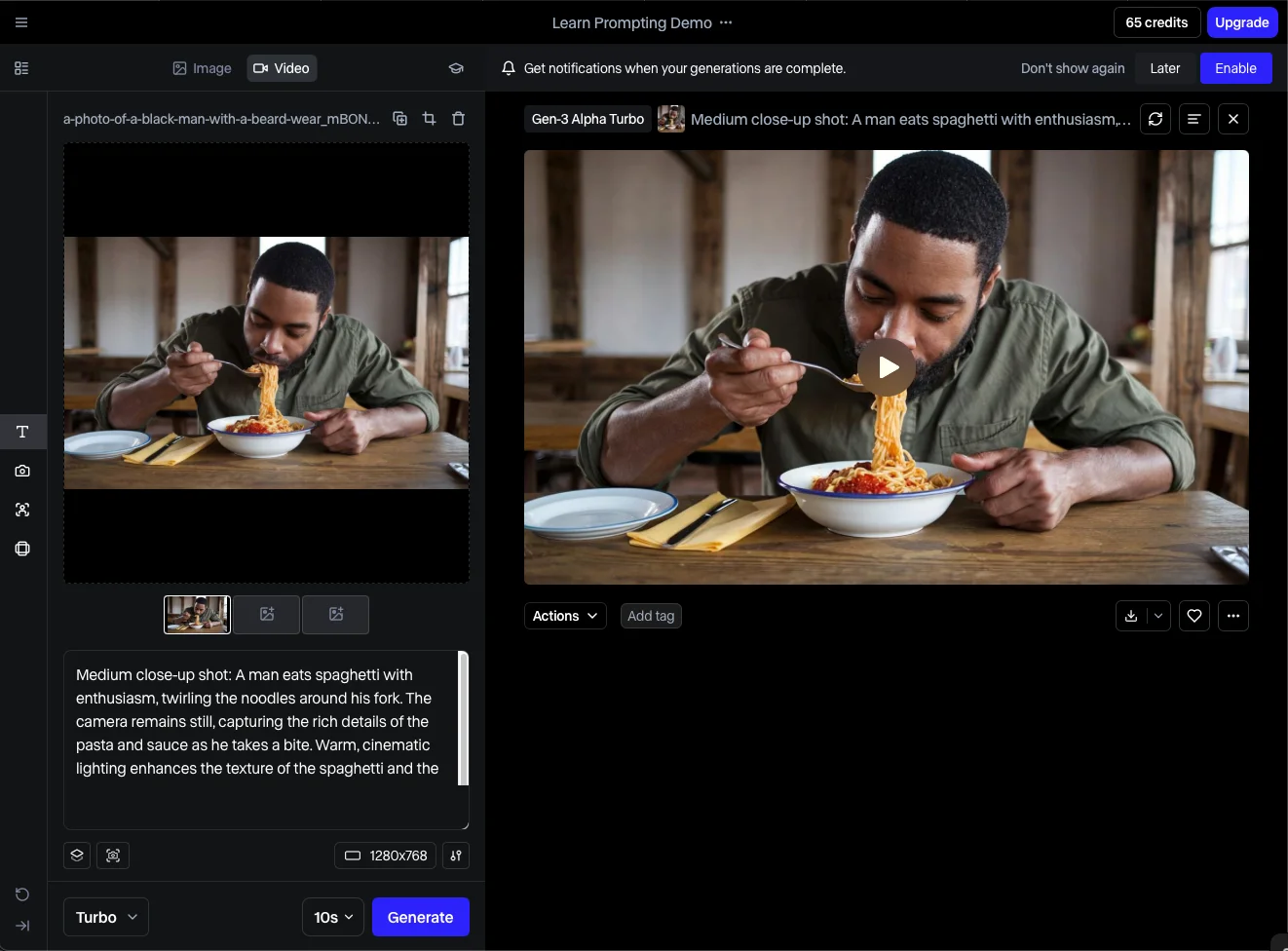
Runway is a film-oriented generator and editor. Zapier (2026) points to its cinematic outputs and its tools for changing existing footage.
Key features
- Gen-4.5 video from text or images
- Aleph, which edits existing video with text prompts
- Act Two, which moves a recorded performance onto an AI character
Best for
- Premium brand and launch ads
- Teams that want to edit or transform footage they already have
Pricing: Free and paid
9. Kling
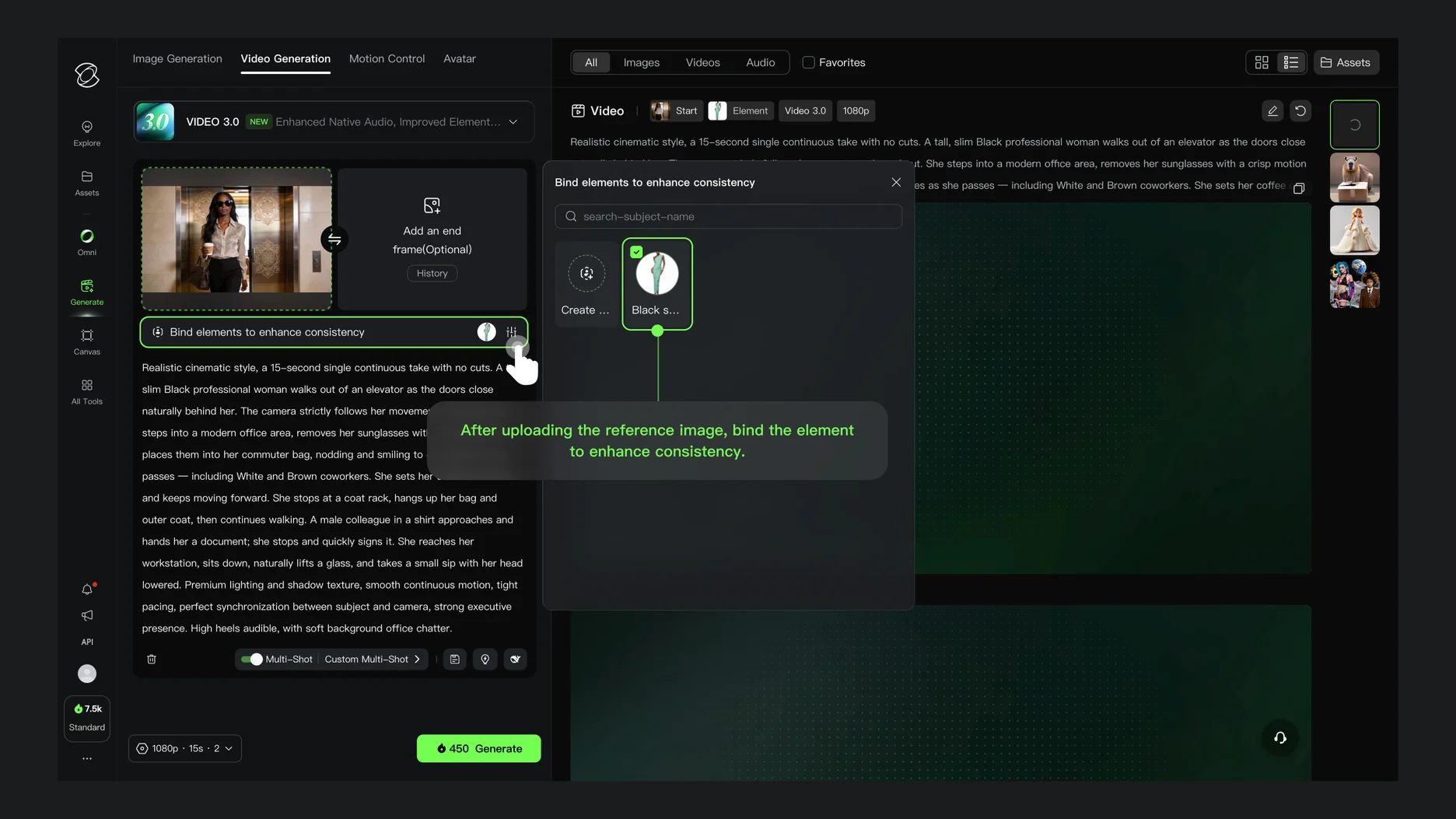
Kling AI, from Kuaishou, is a video model that many roundups describe as strong quality for the price. It is also available inside Adobe Firefly.
Key features
- Kling 3.0 text-to-video and image-to-video
- Multi-shot video with native audio and dialogue (Adobe, 2026)
- Free daily credits for testing
Best for
- Low-cost testing of scene ideas
- Teams exploring several models before committing
Pricing: Free and paid
10. Adobe Firefly
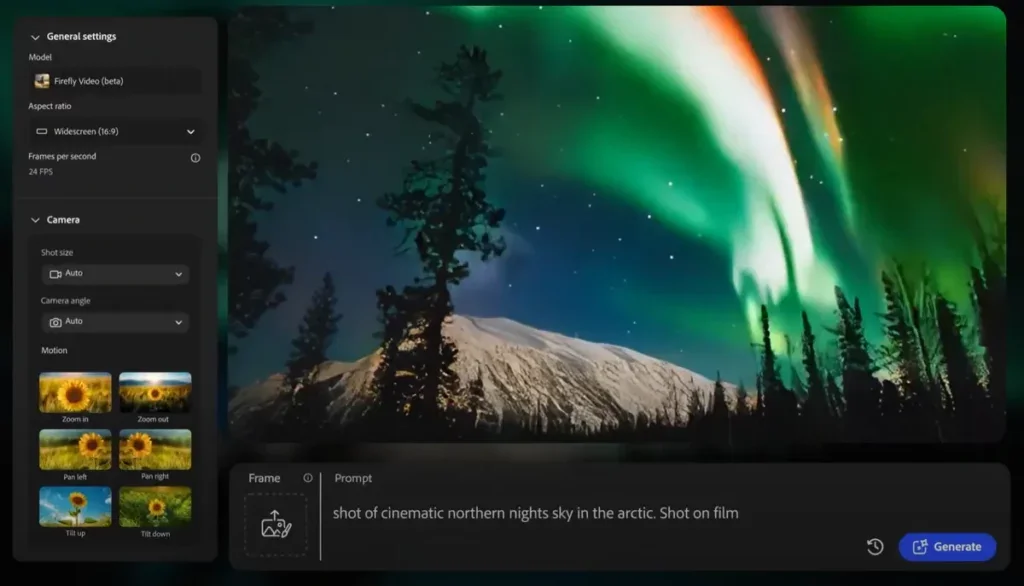
Adobe Firefly puts the Adobe Firefly Video Model and partner models in one workspace. Adobe's page lists Google Veo 3.1, Luma Ray3, Kling 3.0, and Runway, so you can try one prompt across models.
Key features
- Text-to-video and image-to-video in a multi-model workspace
- An editor and Assembler for arranging, trimming, and extending clips
- Voiceovers, music, and sound effects in the editor, with exports in several aspect ratios
Best for
- Teams that want to compare models side by side
- Brands that care about commercial-use clarity, since Adobe says Firefly Video Model output is safe for commercial use
Pricing: Free and paid
Editing and assembly tools
These tools finish or assemble the ad. The decision that defines them is how much hands-on control you want.
11. InVideo AI
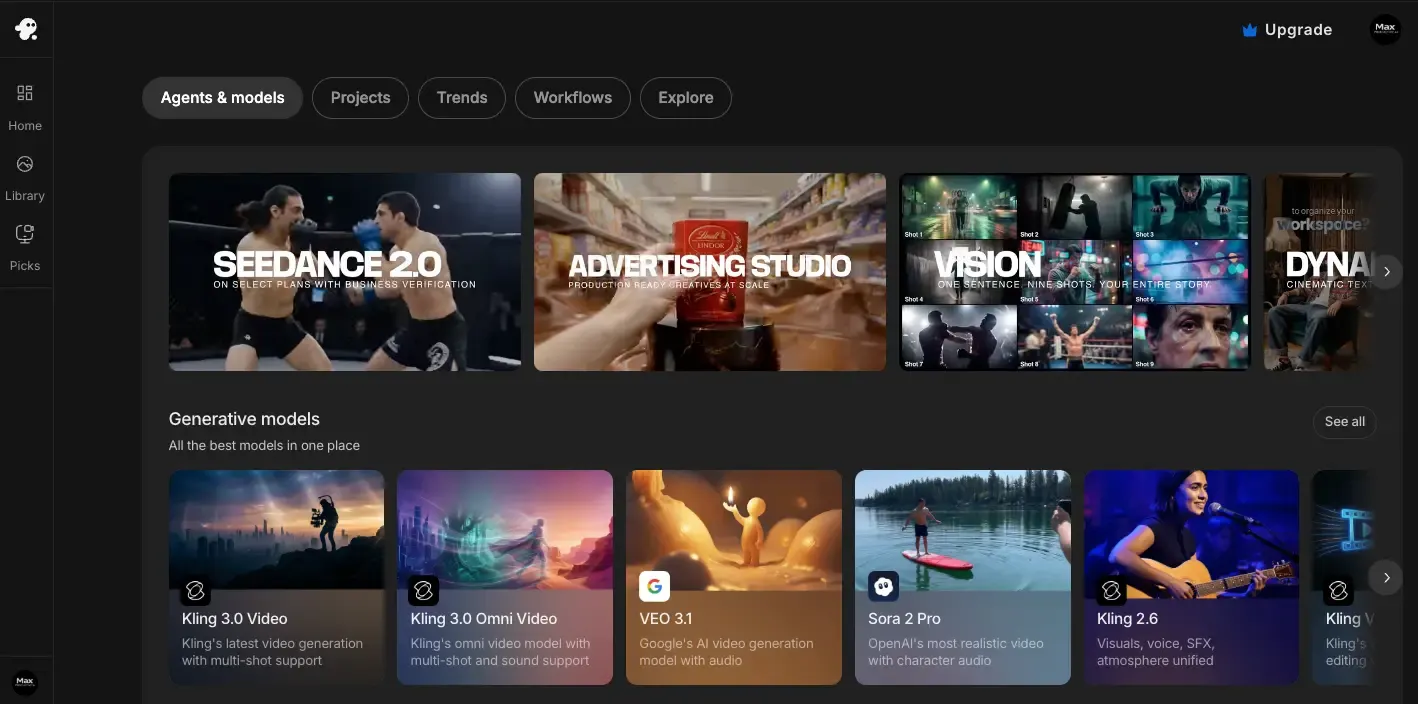
InVideo AI turns a prompt, images, or a product link into a draft with scenes, voice-over, music, and stock or generated visuals. Generic scripts can make ads feel interchangeable, so a tight brief helps.
Key features
- Script, scene, voice-over, and music generation from one prompt
- Prompt-based edits, such as asking it to add subtitles (Zapier, 2026)
- Stock and generated media in one draft
Best for
- Faceless explainers and list-style ads
- Small teams that want an assembled first cut
Pricing: Free and paid
12. Canva
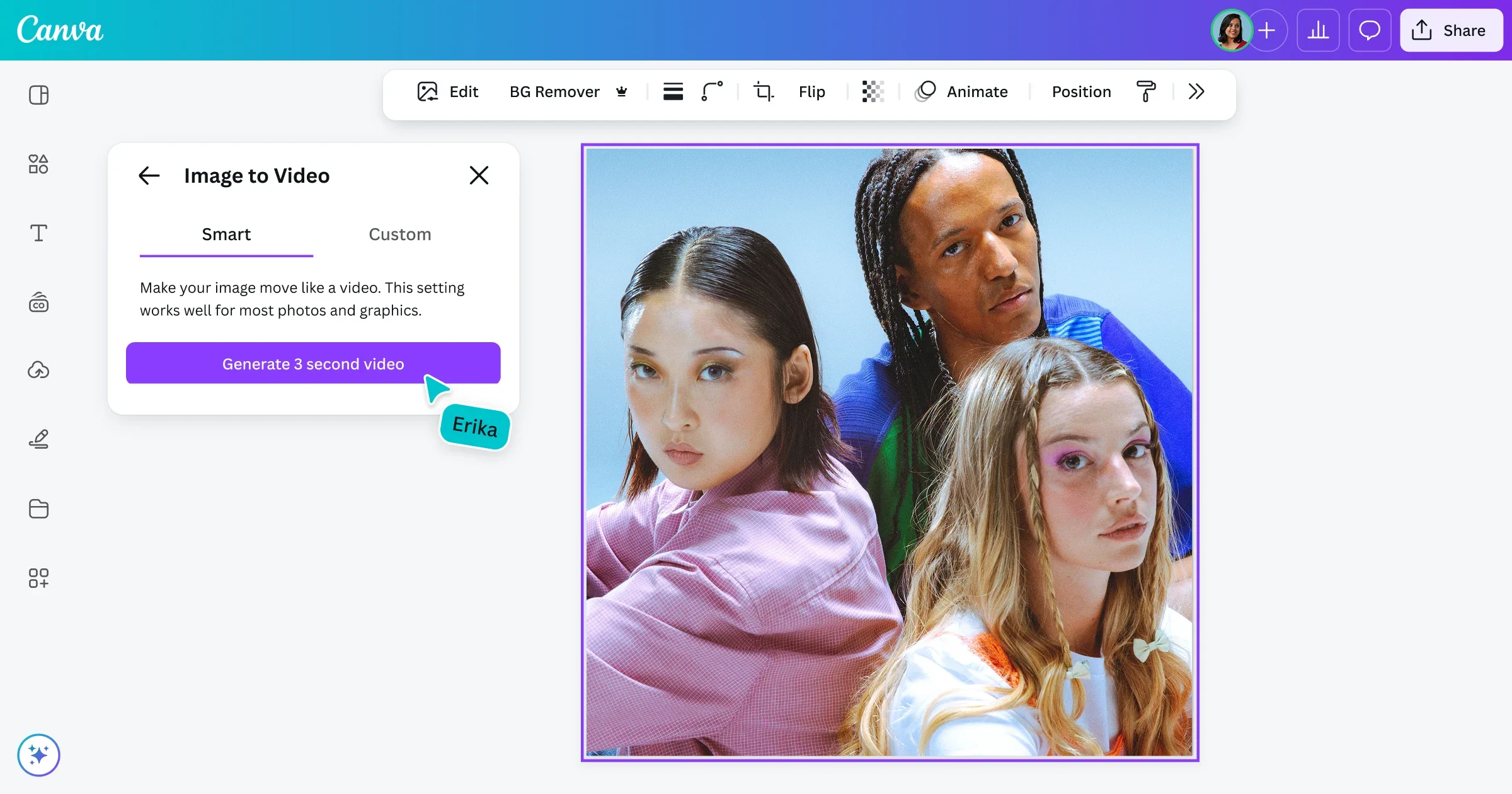
Canva generates a short video clip from a text prompt and lets you place it inside a larger design. You still need a strong concept and hands-on editing to make a distinctive ad.
Key features
- AI clips of up to eight seconds in 16:9 with synchronized audio (Adrio, 2026)
- Text, graphics, transitions, logos, and brand elements in one editor
- Templates for social formats
Best for
- Small teams that want brand-controlled assembly
- Campaigns that mix static and video assets
Pricing: Free and paid
13. CapCut
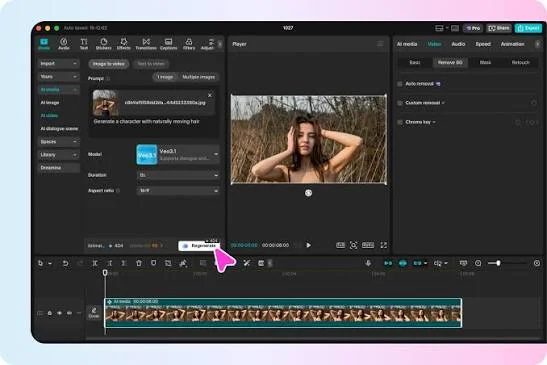
CapCut is mainly an editing workflow, and it is useful for finishing AI-generated footage. It is not a product-page-to-ad automation system, and AI features can vary by region.
Key features
- Subtitles, fast cuts, and music sync
- Vertical formats for social video
- Editing for footage from other AI tools
Best for
- Finishing ads with captions and pacing on a budget
- Editors who already generate footage elsewhere
Pricing: Free and paid
Built into Meta
This option lives inside Ads Manager, so you never export a file. The decision that defines it is whether you want quick video from images without leaving the platform.
14. Meta Advantage+ video generation
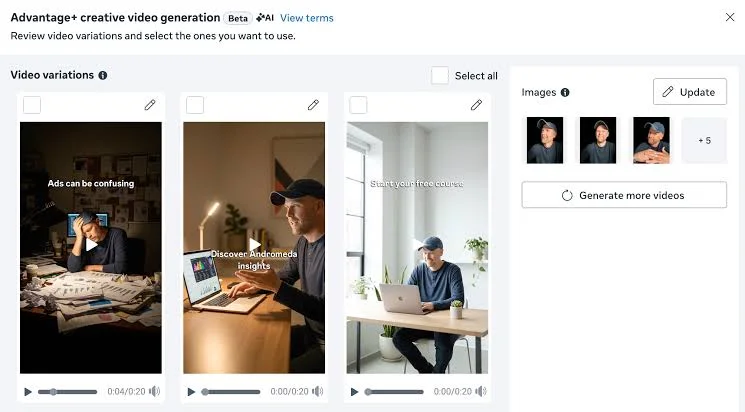
Meta Advantage+ creative can generate video from existing static assets inside Ads Manager, and eligible catalog advertisers can turn product images into product videos. Jon Loomer reports that the beta produced 15 to 20 second clips from submitted images.
Key features
- Video generation from product images inside Ads Manager
- Text overlays and music added automatically
- Opt-in controls under Advantage+ creative
Best for
- Quick video variations from images you already have
- Advertisers who want to test video without leaving Ads Manager
Pricing: Free to use inside Ads Manager, and you pay for ad spend
Review the output before it goes live. AdsUploader (2026) reports that True Classic had AI enhancements switched on without intending to, and Meta generated images of a grandmother with a product the brand does not sell.

Which AI video generation tool to start with for your type of ad
Which AI is best for Facebook ads? The answer depends on the ad you want to make, as the table shows.
If you only want three names, start with Creatify for product ads, HeyGen for presenter-led ads, and Veo for original footage, because each leads a different job. There is no single best AI video generator in 2026, only a best match for each ad.
A static ad may be the cleaner first test when the idea is a price card or a simple comparison, because it is easier to understand and cheaper to iterate (Adrio, 2026). Choose video when the idea needs motion, a demonstration, or a voice.
"A tool gives you a format, but your audience gives you the idea. I would rather test four sharp ideas on a cheap tool than one perfect render on an expensive one."

Why you should use AI video generator for Facebook ads
Facebook ads reward fresh creative, and an AI video generator makes it easier to produce more versions of one idea without a new shoot each time. The IAB (2026) projects US social video ad spend at $31.9B this year, up 13%, which means more brands compete for attention in the same feeds. Meta has also said, that creative diversification is now the best lever for finding relevant audiences, so having several distinct ads is part of how a campaign finds its buyers.
Here are the practical reasons teams use these tools.
- More hook variations from one idea: Tools such as Creatify batch several ad versions, and Arcads delivers one script in different voices, so you can test openings without rewriting the whole ad.
- Faster drafts before you commit budget: A first draft takes minutes and not a booking, so you can see whether an idea works before you spend on a full production.
- Several languages from one approved ad: HeyGen translates and dubs with lip-sync in more than 175 languages (Adrio, 2026), which lets one tested script travel to new markets.
- Less dependence on a video specialist: Ad generators supply a script, a presenter, and a voiceover, so a small team without an editor can still produce a first cut.
- Formats for several placements: Some tools export vertical, square, and landscape files, and Meta’s own Advantage+ builds video from product images, so one idea can fit Feed and Reels.
None of this removes the need for human review, because a fast draft can still show a button the product does not have. The sections below show which tool fits which ad, what each one really costs, and what to check before you publish.
AI footage generators vs AI ad generators: which kind of AI video tool do you need?
Two tools can look equally real and still make very different ads, because they are built to do different jobs. A footage generator creates original scenes from prompts or images. An ad generator assembles a finished ad with a script, a presenter, and a voiceover, and an editing tool helps you finish or assemble clips by hand.
If you search for a Facebook ad creator, you are usually choosing between an ad generator and an editor. A realistic clip can still make a weak ad if the product looks wrong, the opening is slow, or the message gives viewers no reason to act.
Four criteria to judge each tool
Use these four criteria on every tool in this guide.
- Accuracy: The product, price, and interface should match your source material, because an invented detail can make a clip unusable.
- Editability: You should be able to change a script line or a shot without restarting, since regenerating a whole video wastes credits.
- Placement fit: The tool should export the ratios you need, because Feed and Reels use different formats.
- Rights: The terms should allow commercial use, since an ad is a commercial use.
What AI video ads cost: cost per usable ad
The factor that decides what you pay is the share of renders you can actually publish, and it only shows up after the first batch. The sticker price tells you what the tool costs, and the cost per usable ad tells you what each ad costs you.
Cost per usable ad = (plan price + the cost of your editing time) ÷ the number of ads you publish
Failed renders, retries, and corrections all raise the number. A cheap render with the wrong product label is like a free meal that makes you ill, because the real cost is the cleanup.
Here is an illustrative example, not a test result. Creatify's Starter plan lists 100 credits at $39 per month, and Shhots (2026) reports that a 15-second ad uses about 5 credits, which means about 20 renders.
Credit use varies a lot. Superscale (2026) estimates that a high-quality avatar ad can use around 20 credits, which would be about five ads on the Starter plan.
You might be thinking a cheaper plan solves this. A cheaper plan with a lower hit rate can cost more per usable ad, and editing time is often the largest part of the bill. The table below shows how some tools charge, as reported in October 2026, and plans change often, so check each tool's pricing page before you pay.
Facebook and Instagram video ad specs
What is the optimal Facebook ad size for 2026? Meta recommends 4:5 for Feed video, even when the upload flow asks for 1:1, and that Meta recommends 9:16 for Reels. Several spec guides agree, so export a native version for each placement and do not trust an automatic crop.
Some older guides still recommend 1:1 for Feed, and square files still work. Meta's guidance has moved toward taller formats, so a 4:5 master is the safer default. AdsUploader (2026) reports that Meta now uses one unified safe zone for Stories and Reels, with roughly the top 14%, the bottom 35%, and the sides 6% kept clear of text. Ads on videos on Facebook, which Meta calls in-stream placements, usually run in 16:9.
A few habits protect every ad.
- Captions: Make the message clear without sound, because many people scroll with the sound off.
- First three seconds: Show the problem, the outcome, or the product quickly, and skip a long logo animation.
- Preview every placement: Use Ads Manager previews to check that captions and calls to action are not covered by interface elements.
How to make a Facebook video ad with AI
Writing the hook after the render is like captioning a photo after it is printed, because the words have to fit gaps they were never made for. Facebook video ads work best when the workflow separates creative strategy from video production, and the seven steps below explain why each one comes where it does.
- Pick one angle: Choose one audience, one problem, one benefit, and one offer, because a vague ad gives the tool nothing specific to build.
- Write a short brief: Gather the product facts, approved claims, brand rules, raw assets, and one clear test question in one place, because a tool can only follow what you give it and a brief also lets a teammate review the result.
- Write several different hooks: Try a pain point, a surprising insight, a demonstration, and a customer question, because different words around one idea teach you little.
- Match the production method to the idea: Use an AI actor for a scripted spokesperson, a footage generator for an original scene, and a real recording for a feature demonstration.
- Mix in real product footage: Add screen recordings or product shots, because generated visuals can change labels, interfaces, and features.
- Finish in an editor: Fix pacing, add readable captions, check the safe zone, and make the next step clear.
- Review accuracy before you upload: Use the checklist below, because a convincing render can still contain wrong details.
Here’s an accuracy checklist to refer to:
- Product: Check shape, color, labels, and packaging against the real item.
- Interface: Check buttons, menus, and any text on screen against the real product.
- People: Check hands, faces, and anything a person does with the product.
- Claims: Check prices, numbers, and promises against approved sources.

A test plan for B2B and SaaS ads
Four ads can test four different reasons someone might care about a product. Suppose you promote a B2B landing page builder, and compare these directions.
Run the two directions that differ most first, since fewer variables make the result easier to read. You can add the other two once you know which reason to care earns attention.
- Write one hypothesis: State what you expect to learn before you generate anything.
- Keep the body script the same: Change only the opening, so the result points to one cause, because different actors reading the same script test only the actor.
- Name files by the variable: A clear name such as "hook-pain" lets you read results later.
- Run every version with sound on and off: Check both before launch.
- Judge by the metric that matches your goal: For lead ads, look at qualified leads and cost per lead, not only views or clicks.
Rights, disclosure, and what not to fake
Picture a testimonial ad starring a customer who does not exist. AI Facebook ads follow the same advertising rules as any other ad, and that case is the one the FTC's final rule on fake reviews and testimonials covers, including AI-generated ones. This section is general information and not legal advice, so check the current rules for your category.
- Commercial-use terms: If you plan AI text to video for commercial use, read each tool's terms before you publish. Kling's free tier has no default commercial rights, according to DiyAI (2026), while Adobe says output from the Firefly Video Model is safe for commercial use.
- Fake testimonials: According to the FTC, its rule effective October 21, 2024 bans fake or false consumer reviews and testimonials, including those from someone who does not exist, such as AI-generated ones. Mintz (2024) notes that the FTC can seek civil penalties.
- Meta labels and disclosure: Meta applies an "AI info" label to ad images created or significantly edited with AI tools, according to Browser Media, which summarizes Meta's Help Centre. For social issue, electoral, and political ads, Meta requires disclosure of photorealistic AI content (Social Media Today, 2024).
- Sensitive categories: TechCrunch (2023) reported that Meta barred its own generative ad tools for topics such as housing, employment, health, and financial services, so check current limits if you advertise in those areas.
- Music, voices, and likeness: Confirm that you have the rights to every voice, face, and track in the ad.
- Claims: Check every claim against an approved source, especially in regulated categories.
Free AI video tools and what are their limits
If you are looking for the best free AI video generator, remember that free plans are useful for testing, and their limits show up when you try to export an ad you can publish. Check the export before you plan a campaign around a free tier.
Among the tools above, several add a watermark on free exports, so a free plan is a trial and not a production setup. If you search for a free AI ad video generator without a watermark, confirm the export and the commercial rights before you rely on it.
Should you generate ad videos by yourself or get creative help?
An AI tool without a brief is like asking a caterer to cook dinner without telling them how many guests are coming, because you will get food but probably the wrong amount. The right route depends on how many ad variations you need, how much design judgment each one requires, and who owns the work after launch.
Let's face it, most marketing teams do not have a designer on call for every new ad variation, and that's where magier comes in. magier offers ad and social creative under one subscription, with expert graphic designers, UX/UI designers, and art directors, plus a dedicated project manager and art director. If you want help turning concepts into ad variations, check out magier's design services.
You might be thinking a subscription sounds expensive, so here is how it compares with other routes. A freelancer gives you one person's time, while a subscription gives you a team. Design starts from €2,750 per month, with a 48-hour turnaround per task, unlimited revisions, and the option to cancel or pause anytime. magier has served 150+ brands and holds a 4.9 rating across 100+ reviews on Trustpilot, and you can see how magier's process works before you decide.
Common mistakes with AI video ads
Don’t judge a clip by its render. The mistakes below waste the most budget, ranked with the fix for each.
- Choosing by realism instead of fit: Match the tool to the ad you need, because a realistic actor can deliver a weak message.
- Letting the tool invent the product: Mix in real footage, since models can change packaging, interfaces, and features.
- Using fake testimonials: Never invent customers or endorsements, because the FTC’s rule covers AI-generated ones.
- Testing only visual changes: Test different reasons to care, since different actors reading the same script test only one thing.
- Ignoring wasted renders: Count failed renders and correction time in your cost, because they often exceed the plan price.
- Using one format everywhere: Export a native version for each placement, since a Reel and a Feed video need different compositions.
- Ignoring rights and disclosure: Check commercial-use terms and Meta’s labeling rules before you publish.
- Publishing without human review: Check every claim and visual detail, especially in regulated categories.
Pre-launch checklist for AI video ads
Once you have fixed the mistakes above, run this checklist on every ad before you publish it. Each item maps to a section earlier in this guide, so you can jump back when one fails.
- Concept: One angle, one hypothesis, and a hook that works with the sound off.
- Accuracy: Product, interface, people, and claims match your approved sources.
- Format: A 4:5 version for Feed and a 9:16 version for Reels and Stories, with text inside the safe zone.
- Rights: Commercial-use terms, music, voices, and any required disclosure are confirmed.
- Test: Files are named by variable, and you know which metric decides the winner.
Final thoughts
The best AI video generator for your Facebook ads is the one that matches the ad you need and that you can review quickly. The factor that decides what you pay is the share of renders you can publish, so judge each tool by cost per usable ad and not by how real a demo looks. Start with one ad type, test two very different hooks, and let the results decide what to scale.
Execution takes time, especially next to a live ad schedule. You might worry that handing ad creative to an outside team means losing control of your brand, but a team with a dedicated project manager and a 48-hour turnaround per task keeps feedback loops short.
If you want help, that's where magier comes in. Check out magier's design services, or book a free demo with magier to talk through your ad creative. If you would rather start alone, pick one ad type from the guide above and run one test this week.
{{cta}}
FAQ
There is no single best tool, because each one is built to make a different kind of ad. Match the tool to the ad you need, then judge it on accuracy, editability, placement fit, and rights.
Ad generators such as Creatify and Arcads are the fastest route to a finished draft, while footage generators such as Veo and Runway suit original scenes. Pick based on whether you need an assembled ad or new visuals.
For Facebook ads, a practical top three by job is Creatify for product ads, HeyGen for presenter-led ads, and Veo for original footage. Each leads a different use case, so the list changes with your goal.
Meta recommends 4:5 for Feed video and 9:16 for Reels and Stories, and 1:1 works as a fallback. Export a native version for each placement and keep text inside the safe zone.
Yes, tools such as Creatify, HeyGen, and InVideo AI document product-link workflows. Review the extracted facts, script, footage, captions, and final crop before you use the result.
Yes, within Meta’s advertising policies. Meta may label AI-edited ad content and requires disclosure for photorealistic AI content in social issue, electoral, and political ads.
The cost per usable ad is a better guide than the plan price, because failed renders and editing time add up. Divide your plan price plus editing time by the number of ads you actually publish.
Several tools offer free plans, including Creatify, HeyGen, Kling, and Runway. Free exports often carry a watermark and may not include commercial rights, so check before you publish.
.avif)