24 Graphic Design Websites Every Marketer Should Know in 2026
Quick question: when was the last time you needed a solid design reference and actually knew exactly where to find it?
If you're rebranding, designing a new website, briefing a designer, or just trying to get a feel for what good design looks like right now, chances are high that you’re looking for an inspo first. Companies that keep their visual presentation consistent across platforms see up to a 23% increase in revenue, according to Harvard Business Review, and that consistency starts with knowing where to look for the right reference in the first place. The internet has plenty of these sites, but they're scattered everywhere, and it takes real digging to find the ones that are actually good.
This is a problem our team at magier ran into constantly. What started as an internal list grew into something worth sharing. This guide is for marketers, founders, and anyone briefing a designer, to help you find solid design reference fast and get straight to the work instead of digging for hours.
Here's what's covered:
- Design inspiration sites for landing pages, apps, and premium brand work
- Ad creative research tools most design lists leave out completely
- Brand and identity sites for studying logos, positioning, and messaging
- Free asset libraries for illustrations, icons, and quick visuals
- Design and creation tools, both DIY and crowdsourced
- Presentation tools for decks and internal reports
- A 5-step workflow for researching a new campaign from scratch
Quick glance: best graphic design websites
Why this list looks different from the ones you already found
Search "graphic design websites" and you'll mostly get lists written for designers polishing a personal portfolio. These are reasonable lists if you're a designer, but it skips right past what a marketer's job actually looks like day to day.
A marketer's job includes briefing a designer clearly, researching what competitors are running in ads, finding a landing page reference that matches a specific industry, and building a deck that doesn't look like it was made in five minutes. None of that requires a portfolio site. It requires a different set of tools entirely, and that's what this list focuses on.

Design inspiration sites
Start here when you need to see what good design looks like before you brief a project or approve one. Each of these sites serves a slightly different purpose, so the trick is matching the site to the job instead of defaulting to the same one every time.
Awwwards
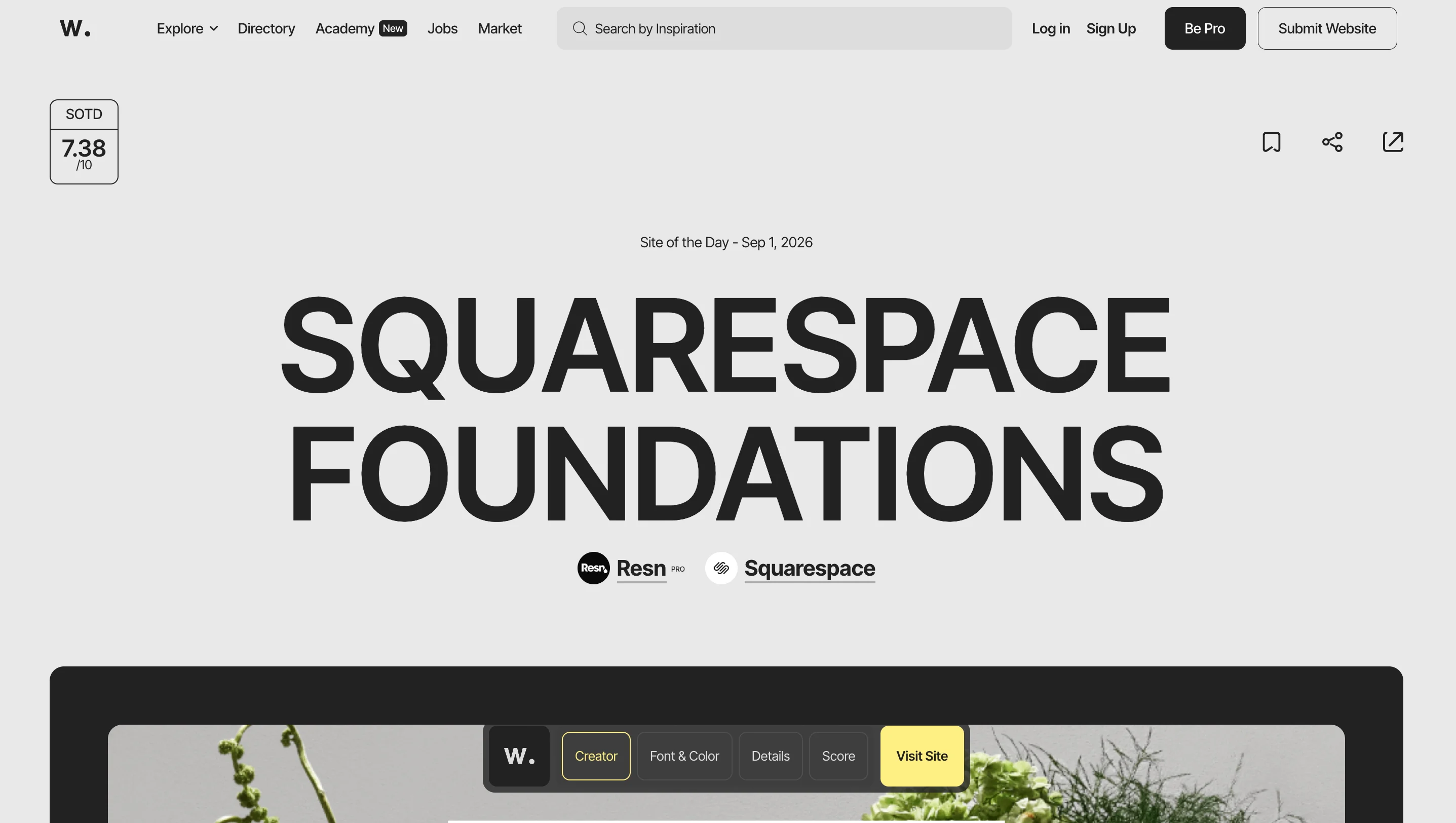
A curated gallery of award-winning websites, strong for homepage layouts, typography choices, and interaction patterns. The site is judged by a panel rather than open submission, so what shows up has already cleared a fairly high bar.
USP: curated by an expert panel, so only award-level work makes the cut.
Best for: general web design benchmarking when you need a high bar to aim for.
Dribbble
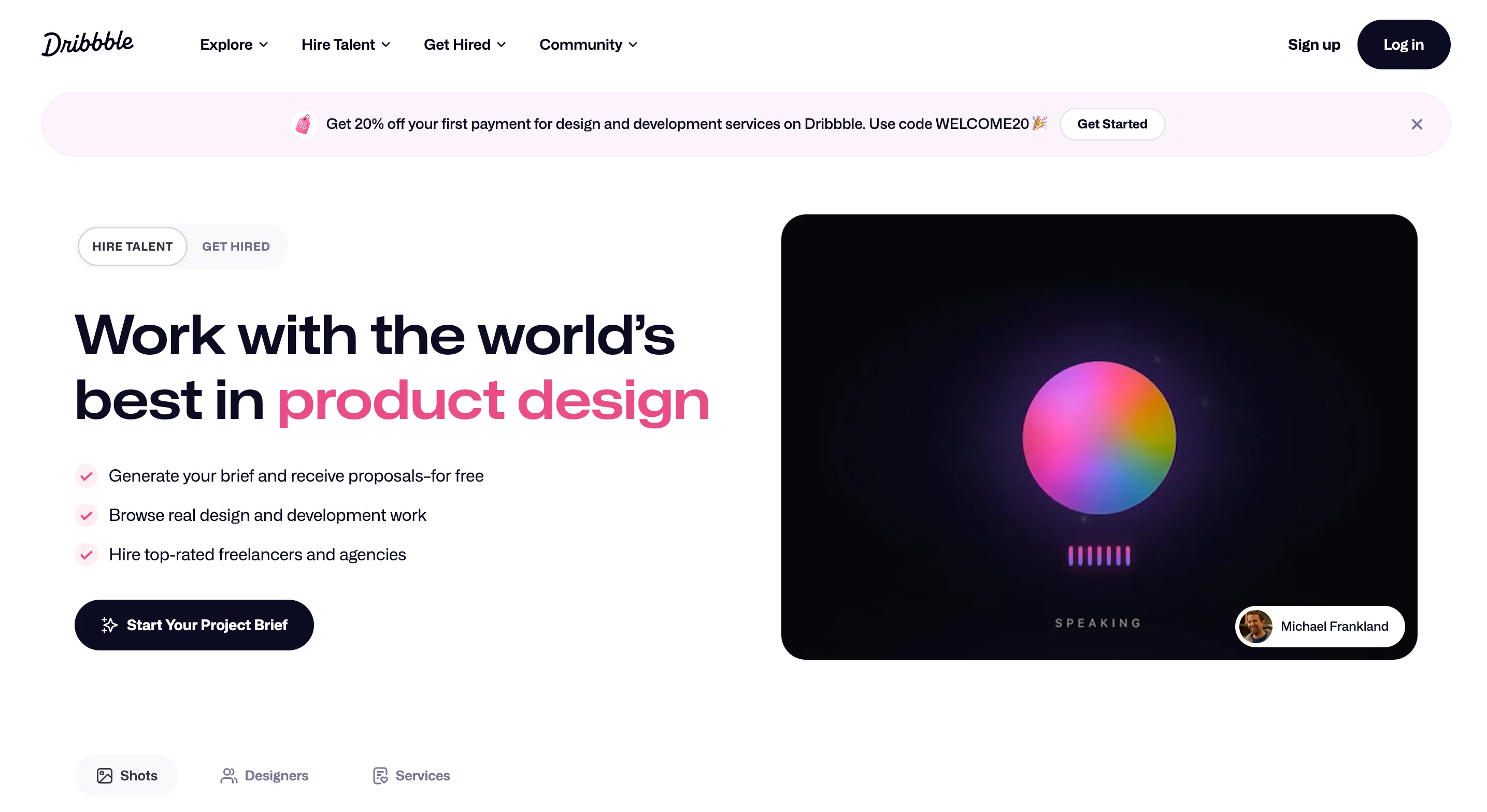
A feed of shorter, more focused shots covering UI, illustration, and icon work. It's built for scrolling quickly rather than reading a full case study, which makes it a good fit when you just need a spark of an idea.
USP: a high-volume feed built for fast, bite-sized browsing.
Best for: quick visual ideas when you don't need a full case study.
Behance
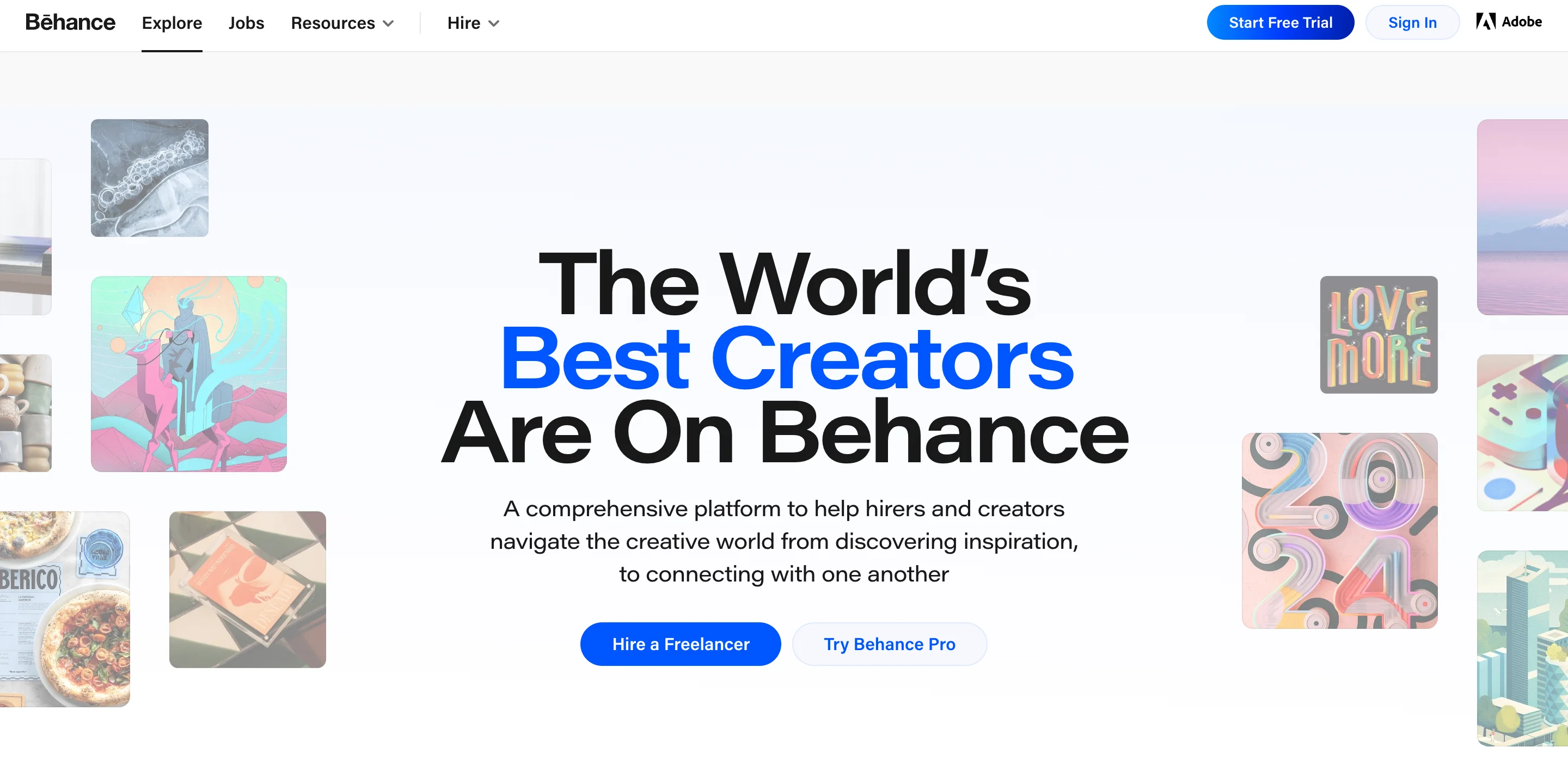
Full branding case studies, packaging, editorial spreads, and complete campaigns live here, usually presented start to finish. It's the strongest option when you want to see how an entire brand system holds together, not just one screen.
USP: complete project walkthroughs instead of single, isolated shots.
Best for: studying how a full brand system holds together across touchpoints.
Land-book
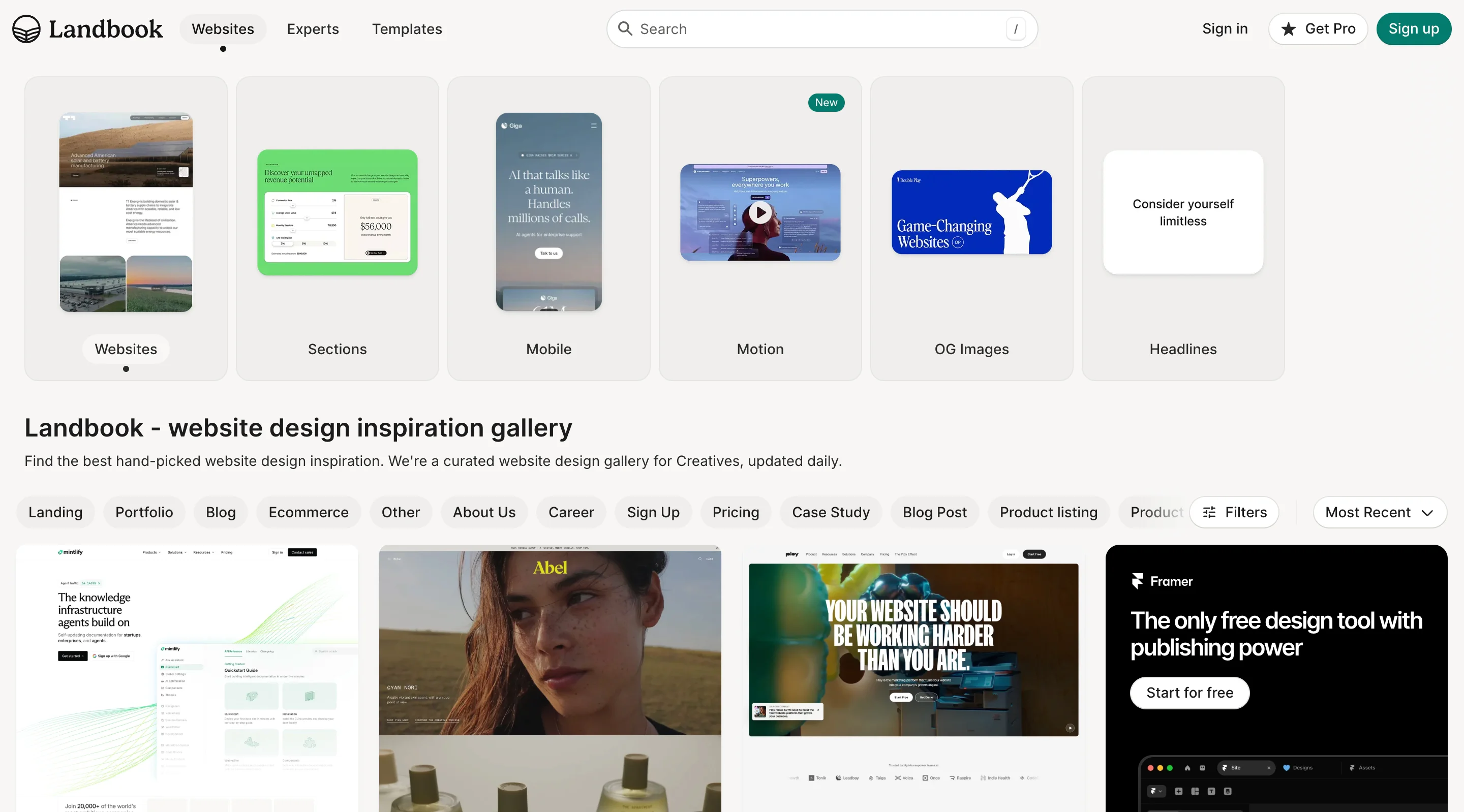
A searchable gallery of landing pages organized by industry and style. It's built specifically around conversion-focused pages rather than general web art, so what you find tends to map directly onto marketing work.
USP: filterable by industry and page style, unlike most general design galleries.
Best for: SaaS and startup landing page research.
Lapa Ninja
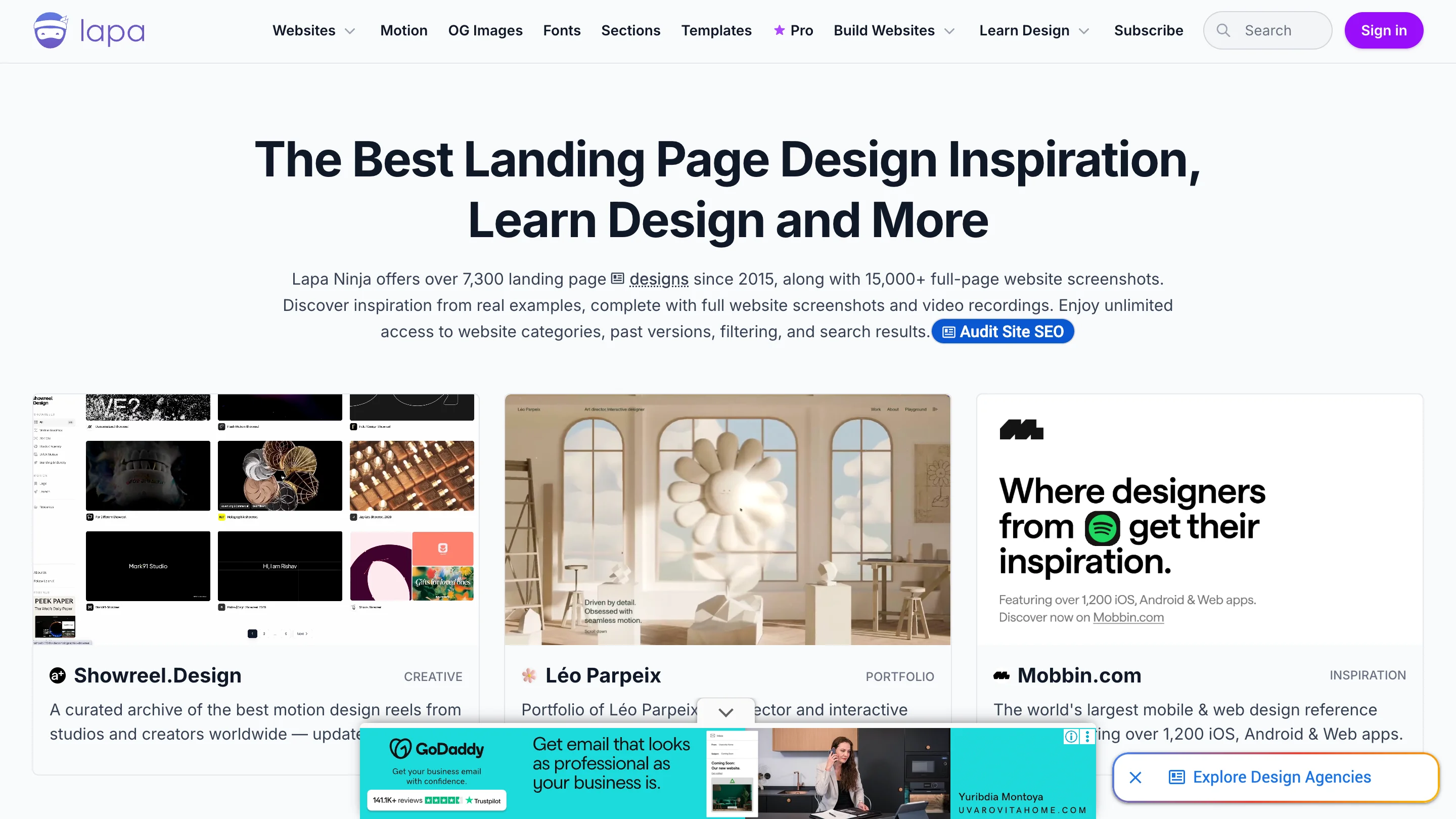
Thousands of web and UI examples with filtering by page type. This makes it easy to pull up ten hero sections or ten pricing pages back to back instead of scrolling a general feed hoping to spot one.
USP: filtering by exact page section, like hero or pricing.
Best for: hero sections and pricing pages when you need several options fast.
Mobbin
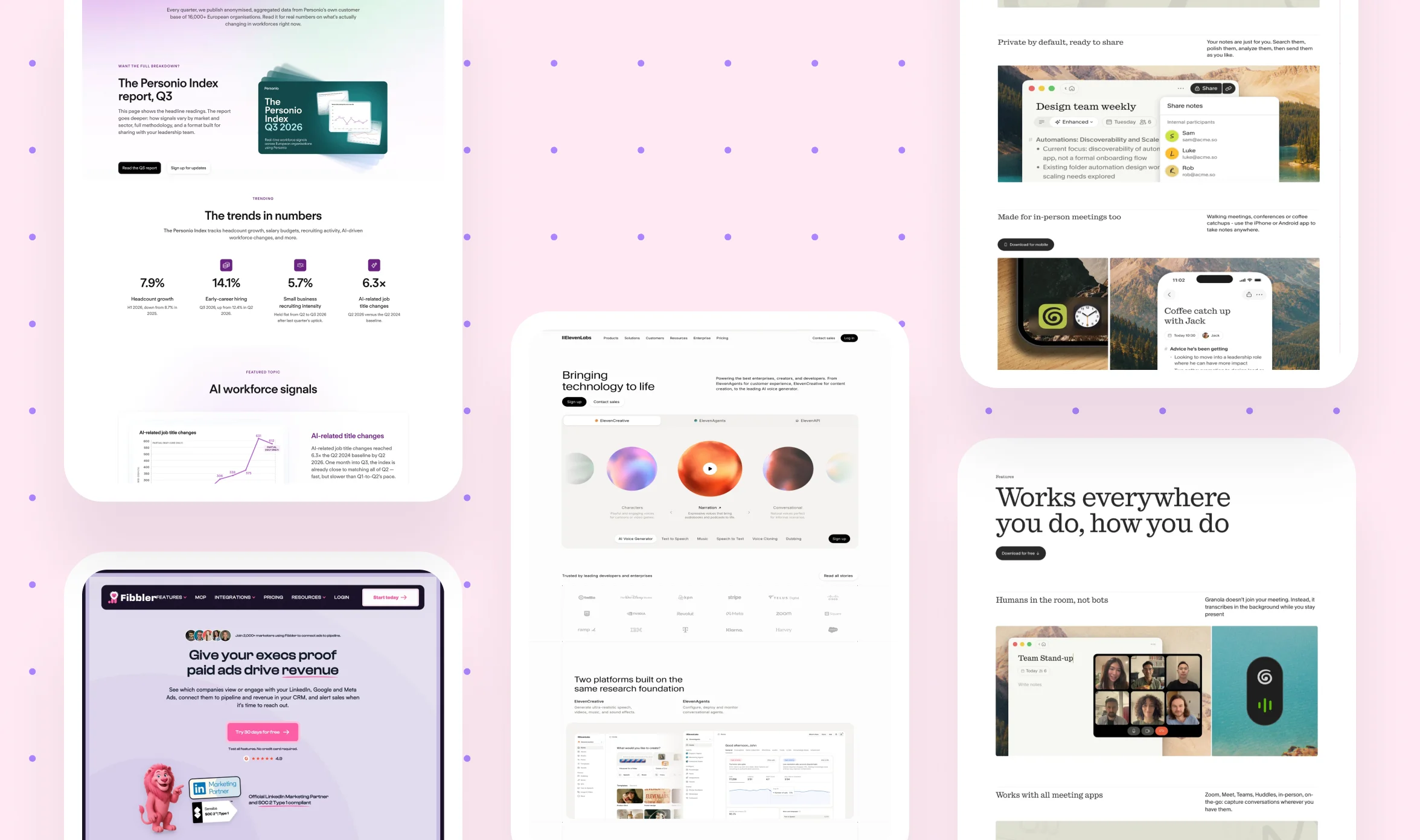
Real screenshots pulled directly from shipped apps like Notion, Airbnb, and Stripe. Because it's actual production software rather than concept work, what you see here reflects decisions a real product team already tested.
USP: real, shipped app screenshots instead of concept mockups.
Best for: onboarding flows and product marketing research.
Godly
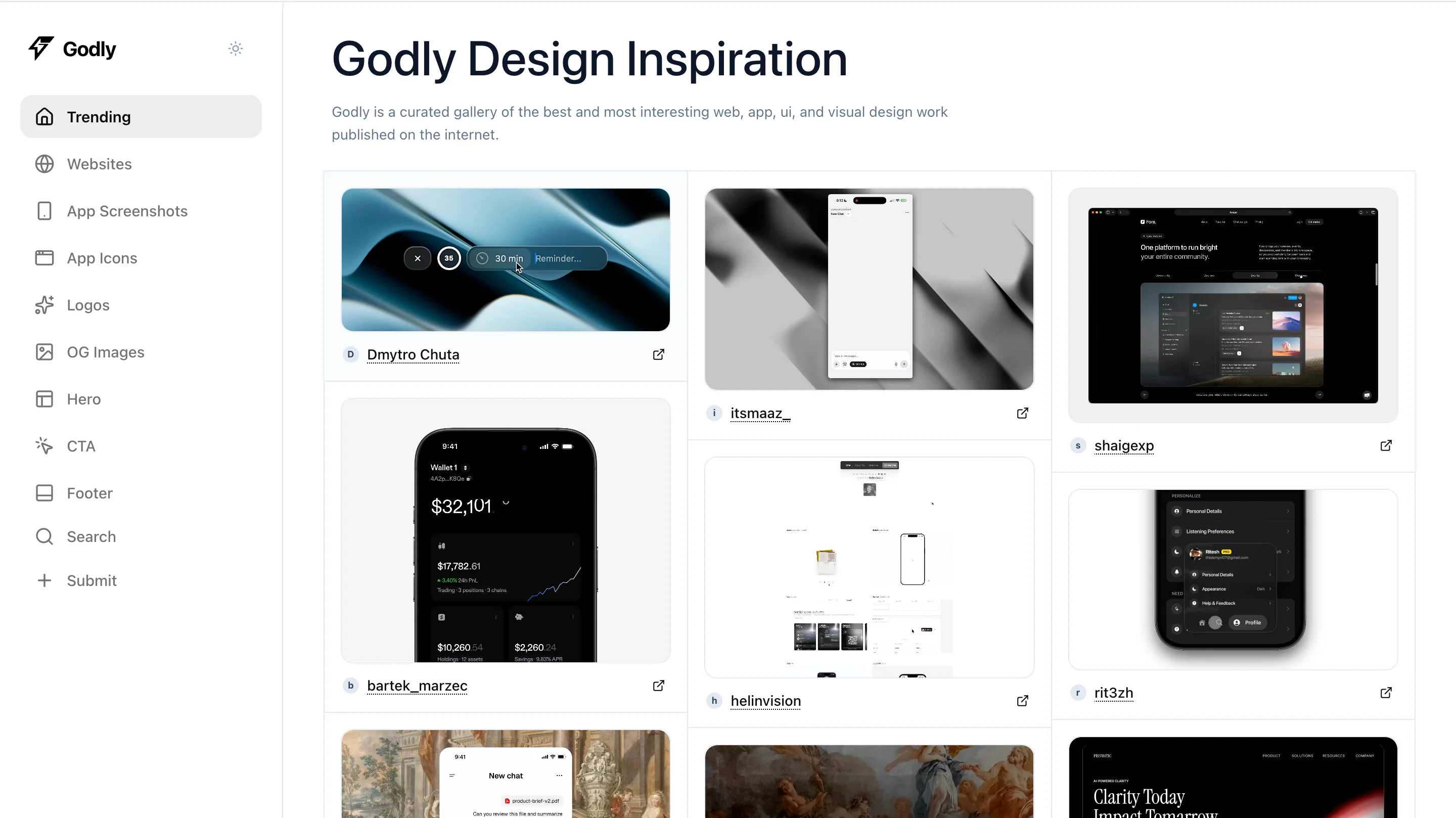
A more experimental and artistic gallery than Awwwards, leaning into bold, memorable design choices over convention. It's a good pressure-test site when you want to know how far a brand can push before it stops feeling premium.
USP: leans experimental and artistic rather than safe or conventional.
Best for: premium brand aesthetics when memorability matters more than convention.
Siteinspire
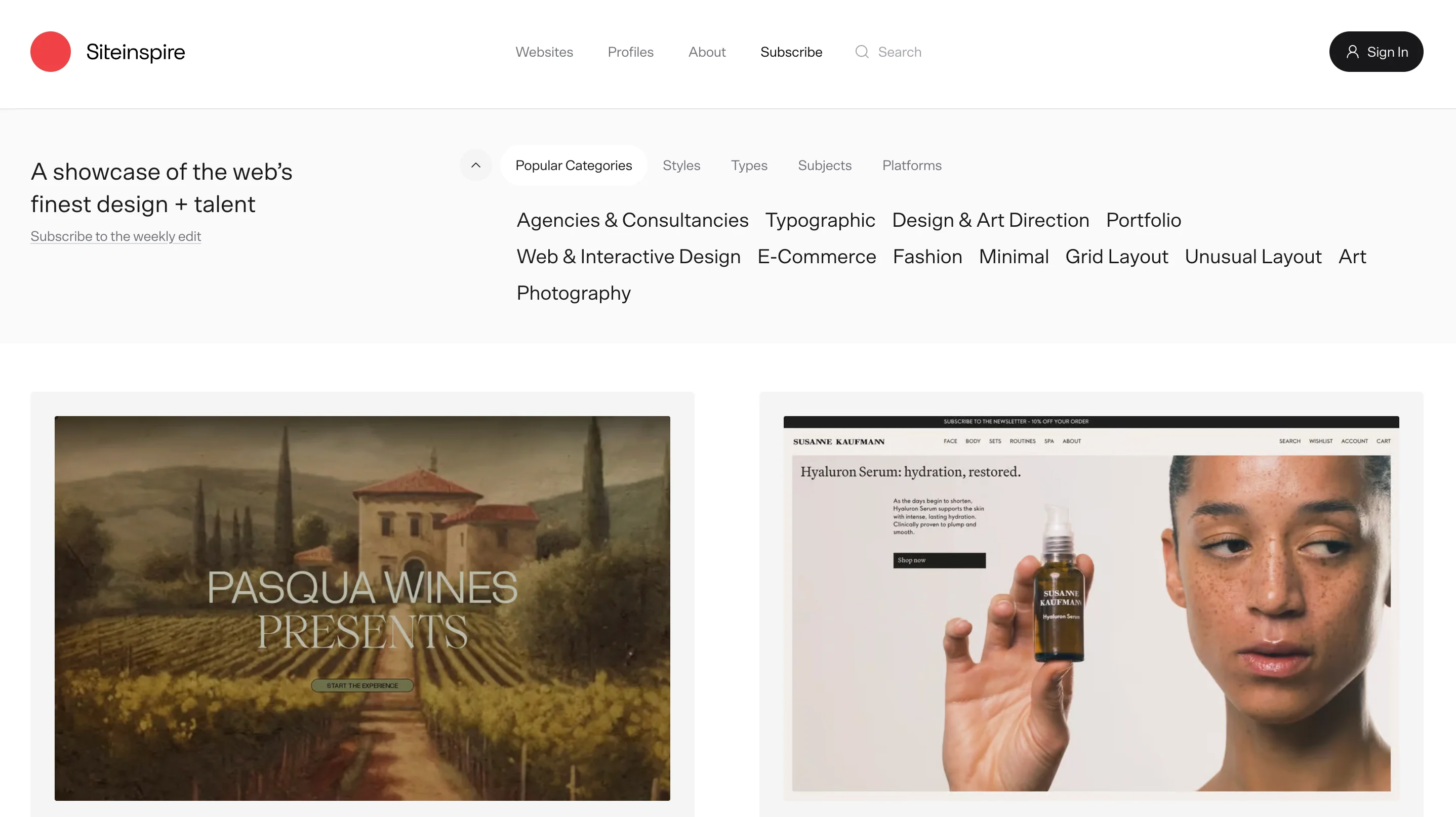
An indexed database of over 8,000 websites with strong filtering options. It's broader and less curated than Awwwards, which makes it a solid backup search when a narrower site doesn't surface what you need.
USP: one of the largest indexed design databases available.
Best for: a broader backup search when other sites come up short.
Ad creative research tools
This is the section most design roundups skip entirely, and it's a mistake, because these tools solve a problem that Behance and Dribbble were never built for: figuring out what your competitors are actually running right now. If you're pursuing a new ad angle or trying to understand why a competitor's campaign is performing well, this is where you start.
Meta Ads Library
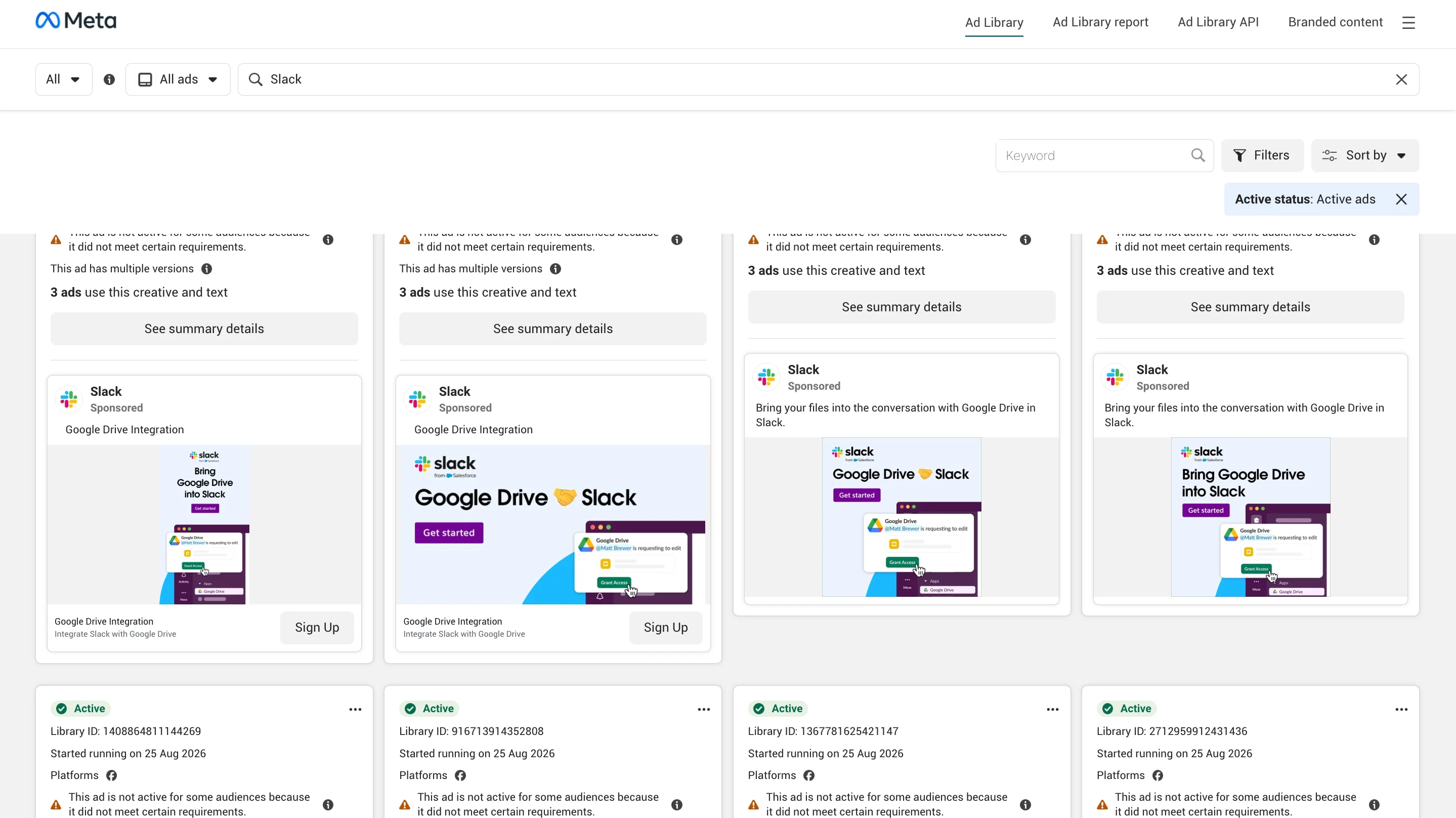
Every active Facebook and Instagram ad, searchable by advertiser and completely free to use. It's the fastest way to see a competitor's live messaging and creative without needing any special access.
USP: a full, free record of every live ad an advertiser is running.
Best for: direct competitor ad research.
Foreplay
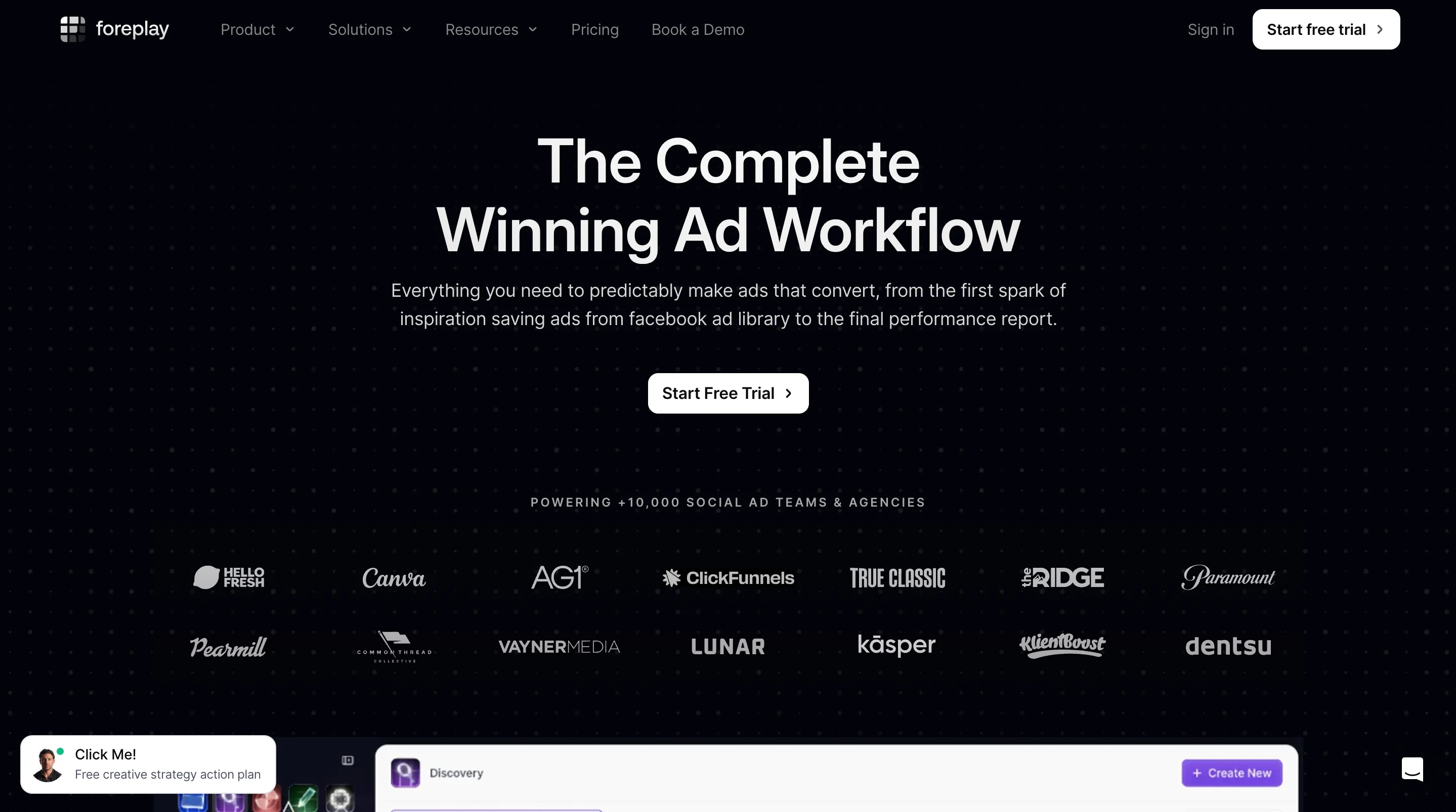
A tool for saving, tagging, and organizing ads from Meta, TikTok, and LinkedIn into swipe boards. Once you've found ads worth studying in the Meta Ads Library, Foreplay is where you keep that research organized instead of losing it in a dozen open tabs.
USP: built specifically for organizing ad research over time, not just browsing it.
Best for: keeping ad swipe files usable long after you first found them.
TikTok Creative Center
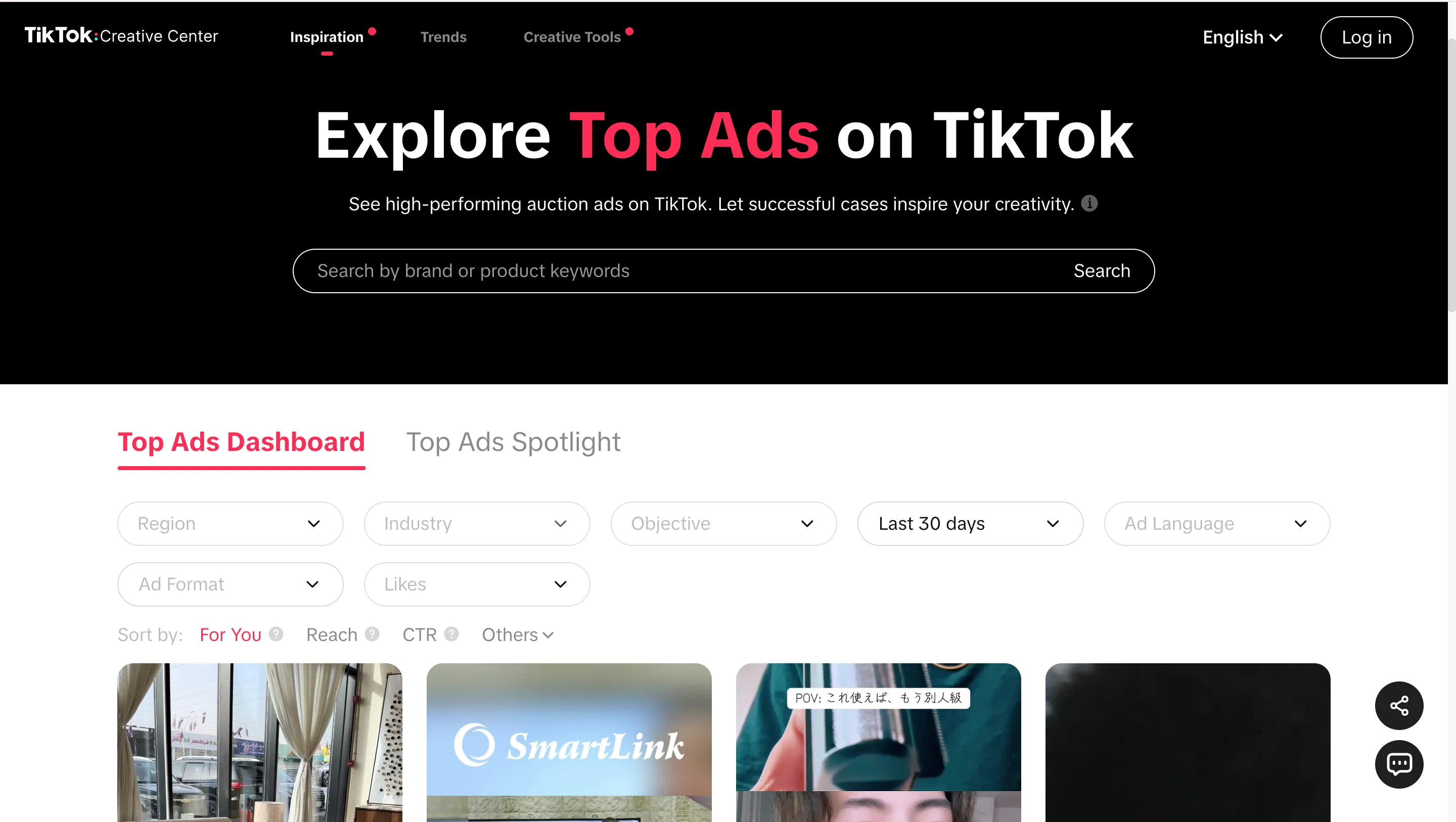
Trending ad formats, sounds, and hooks specific to TikTok, pulled directly from the platform itself. Best used when a static ad library won't show you what's actually working in short-form video right now.
USP: native trend data straight from TikTok, not a third-party aggregator.
Best for: short-form video creative research.
Let's be honest, most marketing teams don't have a dedicated competitive intelligence analyst sitting around watching every competitor's ad account. These three tools get you most of the way there without one.
magier (ad examples)
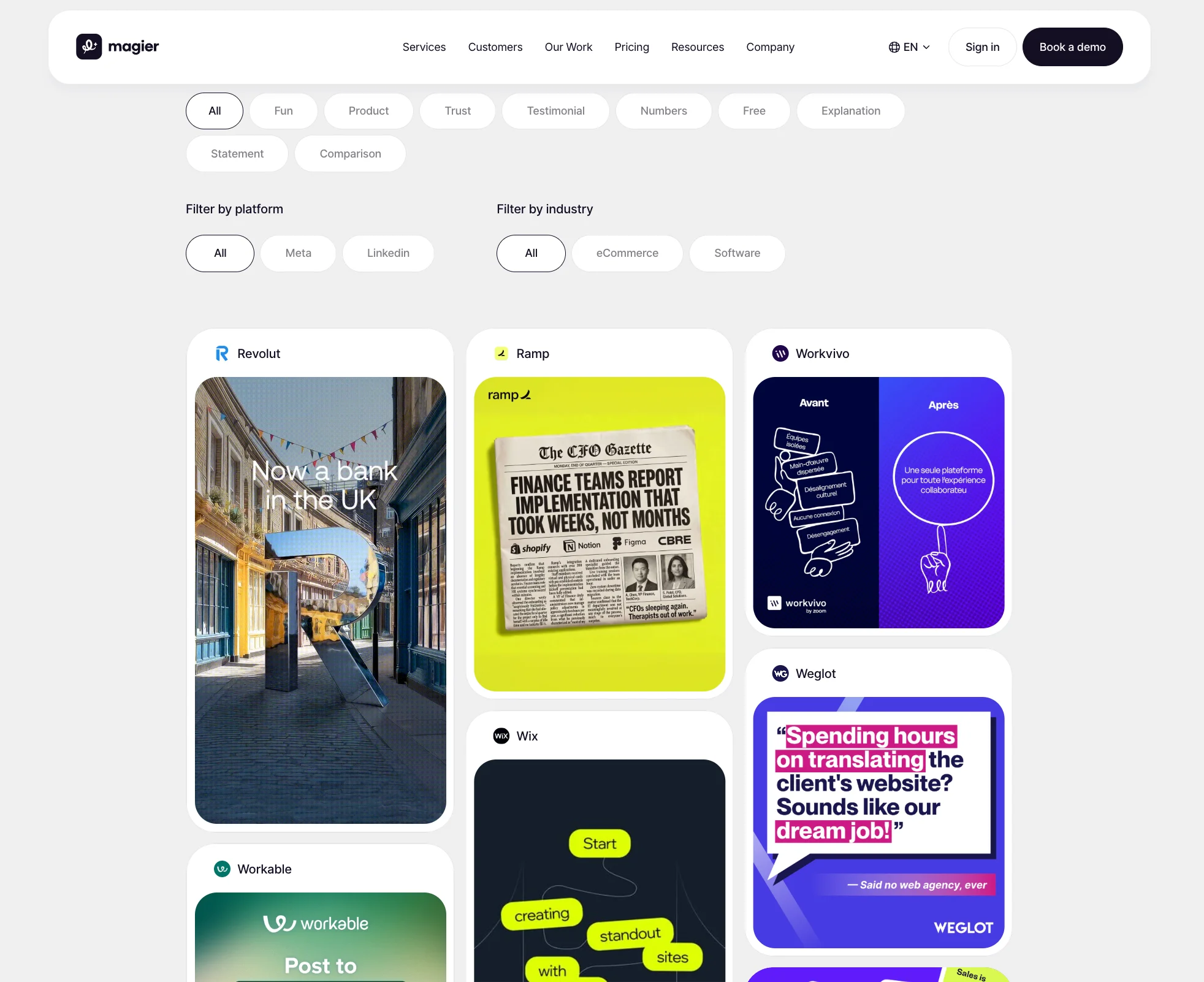
magier runs a live collection of ad creative examples at magier.com/ad-examples, pulled directly from real client campaigns rather than a curated stock gallery. It's a good stop when you want to see finished ad creative built for actual B2B and SaaS companies, not just concept work.
USP: every example comes from a shipped client campaign, not a mockup or a portfolio piece built to look good in isolation.
Best for: studying real ad creative for SaaS and B2B companies specifically, since that's the bulk of what's shown.
Brand and identity sites
Use this set when you're briefing a rebrand, studying a competitor's positioning, or trying to explain to a designer what "the Behance version of this" looks like. Behance, covered above, is a strong starting point for full case studies, and the two sites below add the critique and reasoning that Behance doesn't provide on its own.
BP&O
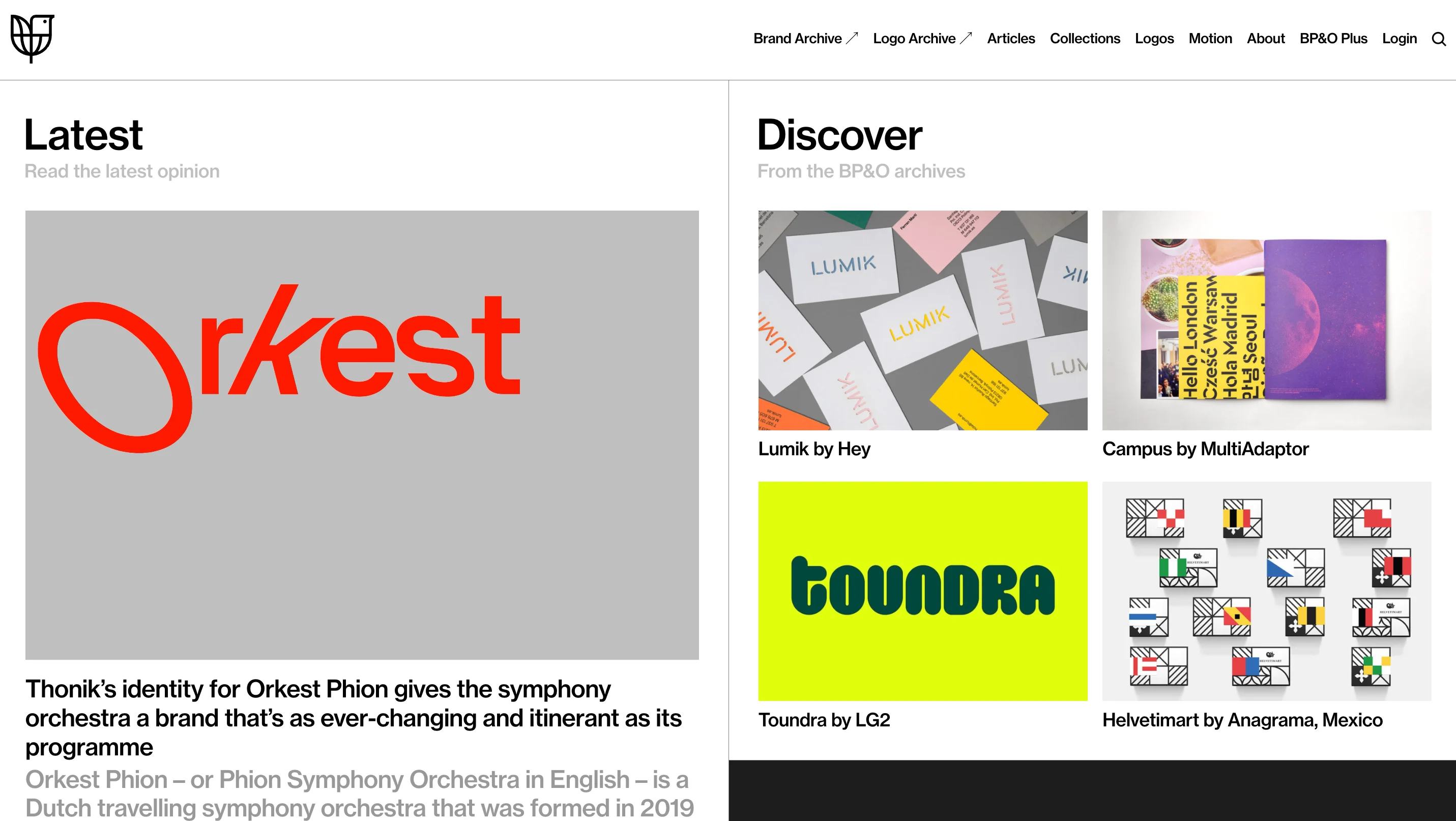
Deep write-ups on branding projects that explain the thinking behind a logo or identity system, not just the finished visuals. This is useful when you need to justify a design decision with reasoning instead of a vague "it feels right."
USP: explains the strategic reasoning behind a design, not only the outcome.
Best for: justifying a design decision with logic instead of instinct.
Brand New
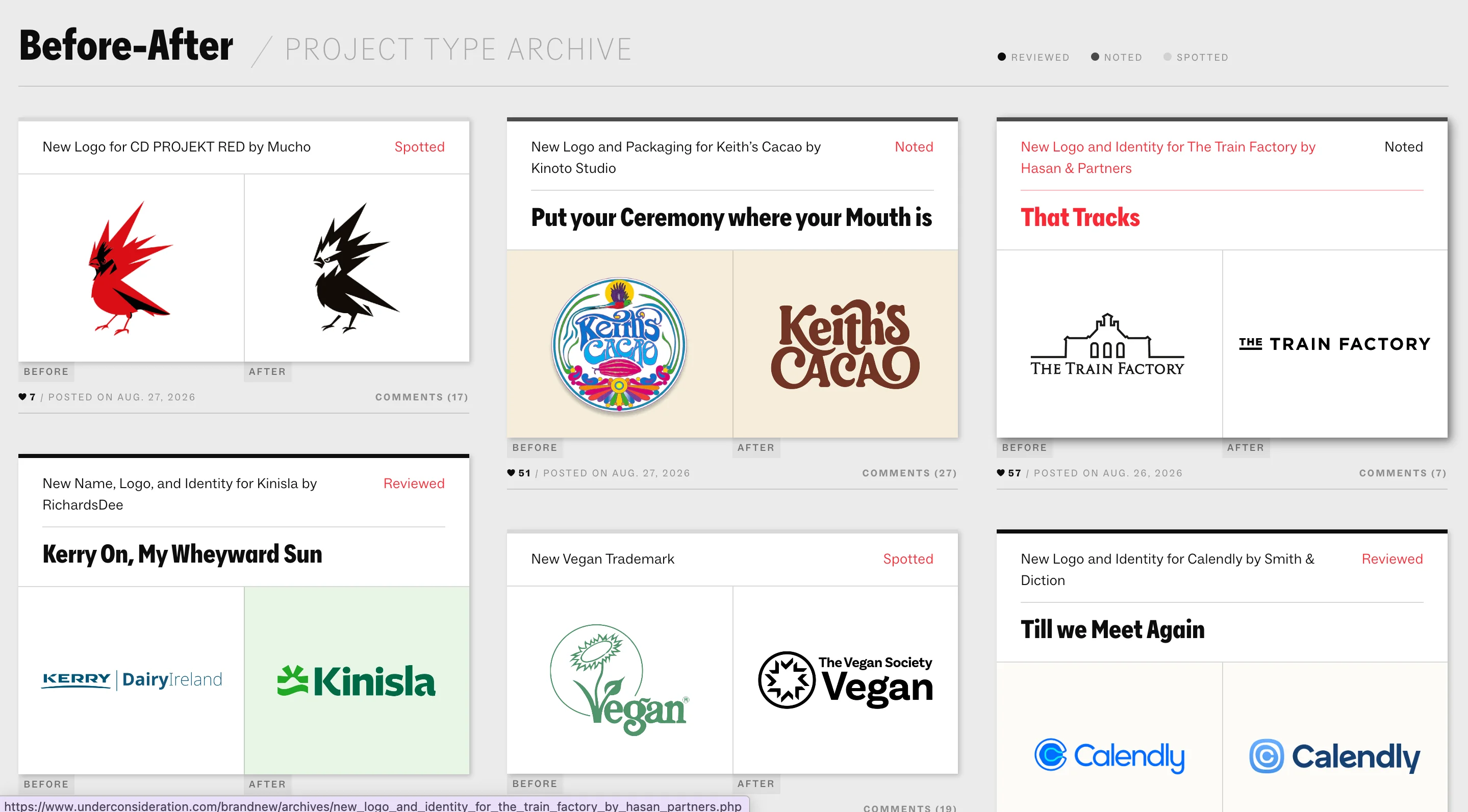
Covers logo redesigns with commentary on what changed and whether it worked. It's one of the longer-running sources for this kind of critique, so its archive doubles as a record of how brand identity trends have shifted over time.
USP: a long-running, critical record of logo redesigns specifically.
Best for: understanding how a brand identity evolves and what a shift signals to customers.
Free assets every marketer bookmarks
You don't need a full production budget for every blog header or social graphic, and these sites cover that gap without making your visuals look like generic stock photography. Each one focuses on a slightly different type of asset, so it helps to know all four instead of relying on just one.
unDraw
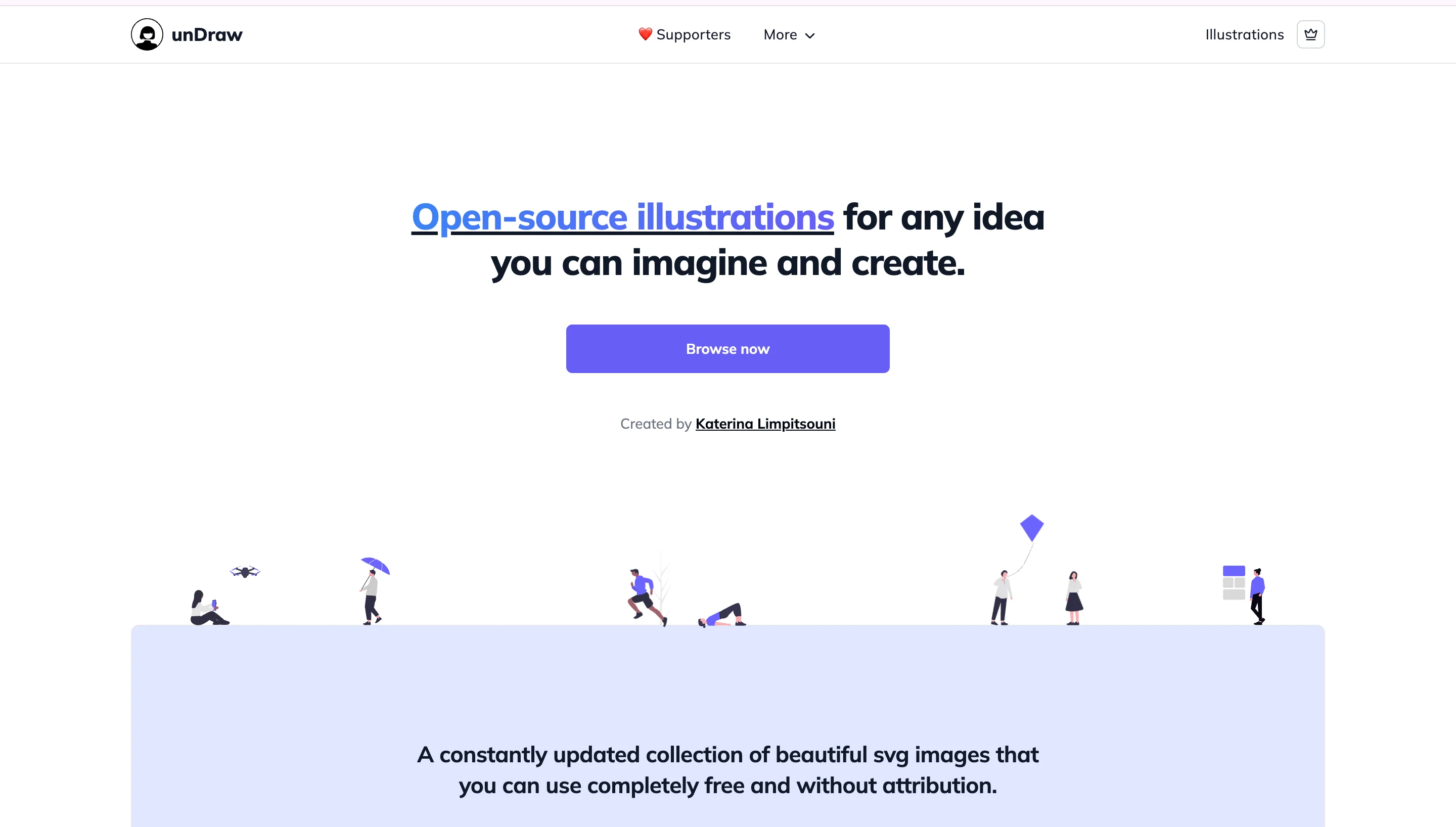
Customizable SVG illustrations that you can recolor to match a brand palette in a couple of clicks. It's a common go-to for blog headers, empty states, and other lightweight web graphics.
USP: fully recolorable SVGs that adapt to any brand palette.
Best for: blog headers and lightweight web graphics.
Humaaans
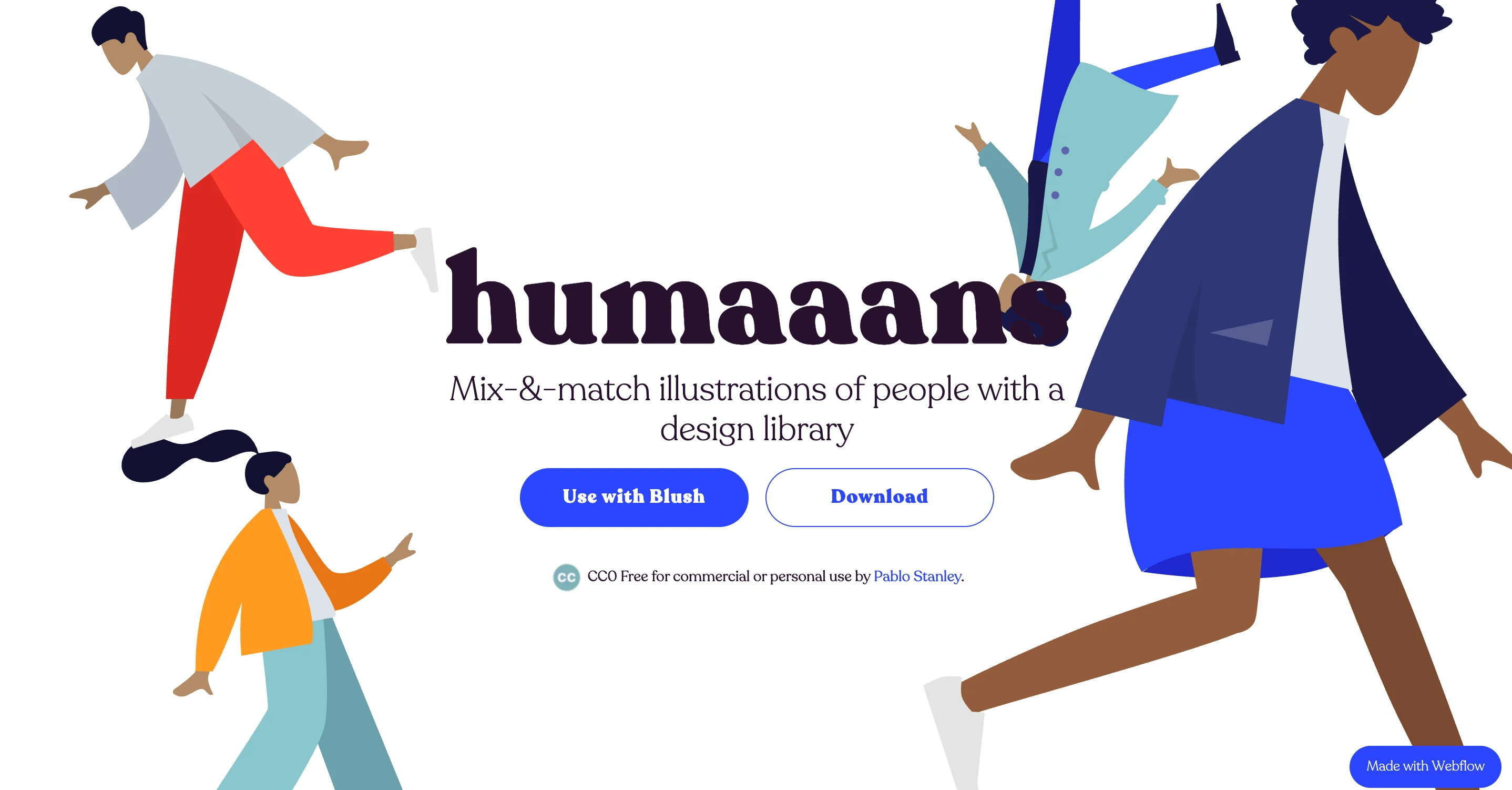
Modular illustrations of people that you can mix and match to build a custom scene. This works well when a landing page or onboarding screen needs a human element without commissioning custom art.
USP: mix-and-match illustration pieces instead of fixed, single images.
Best for: adding a human element to landing pages and onboarding screens.
Icons8
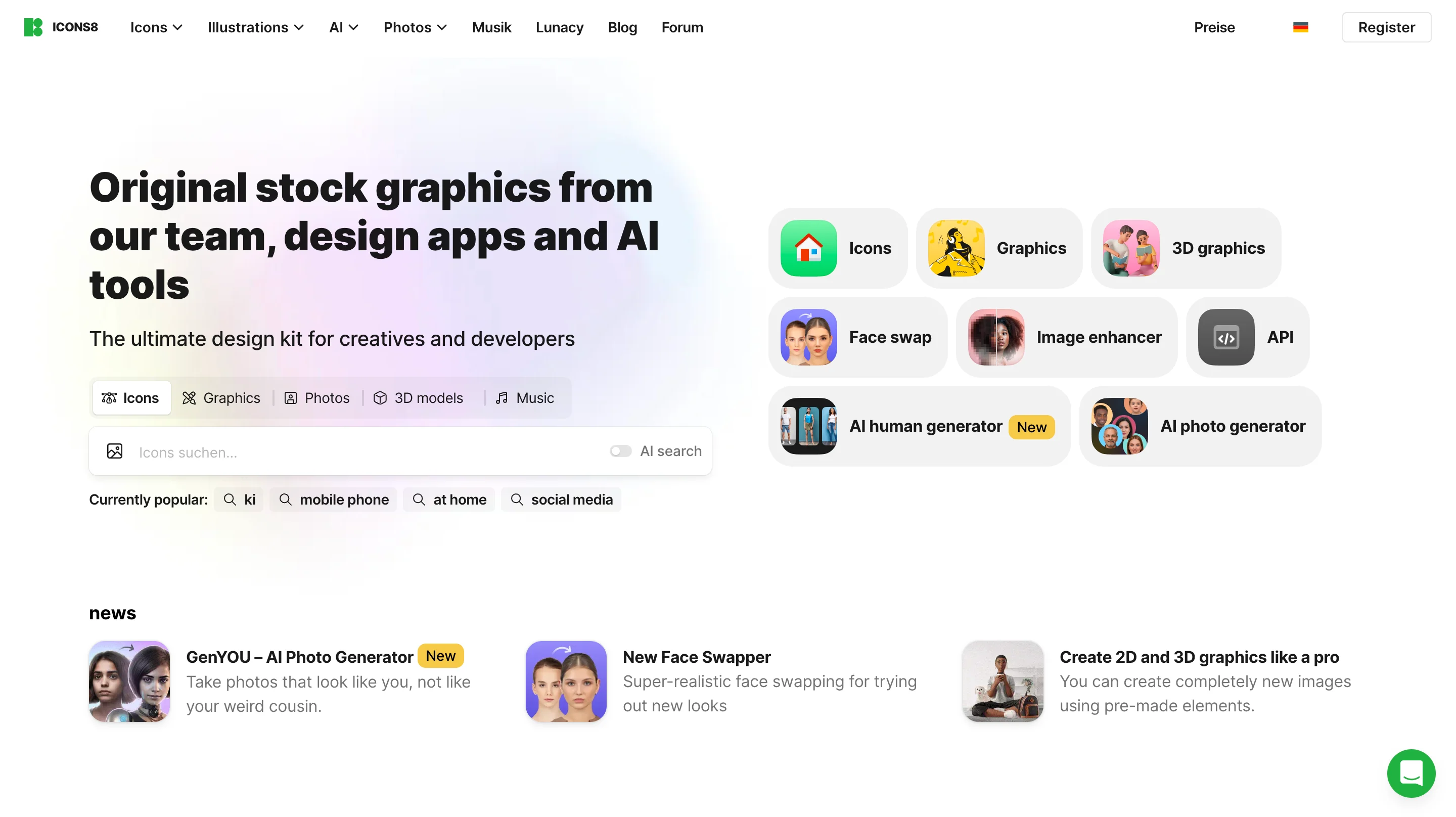
A library covering icons, illustrations, 3D assets, and AI upscaling all in one place. Having several asset types under one source saves time compared to hunting across separate sites for each format.
USP: combines several asset types in a single library instead of one narrow format.
Best for: one-stop sourcing when you need more than just icons.
Phosphor Icons
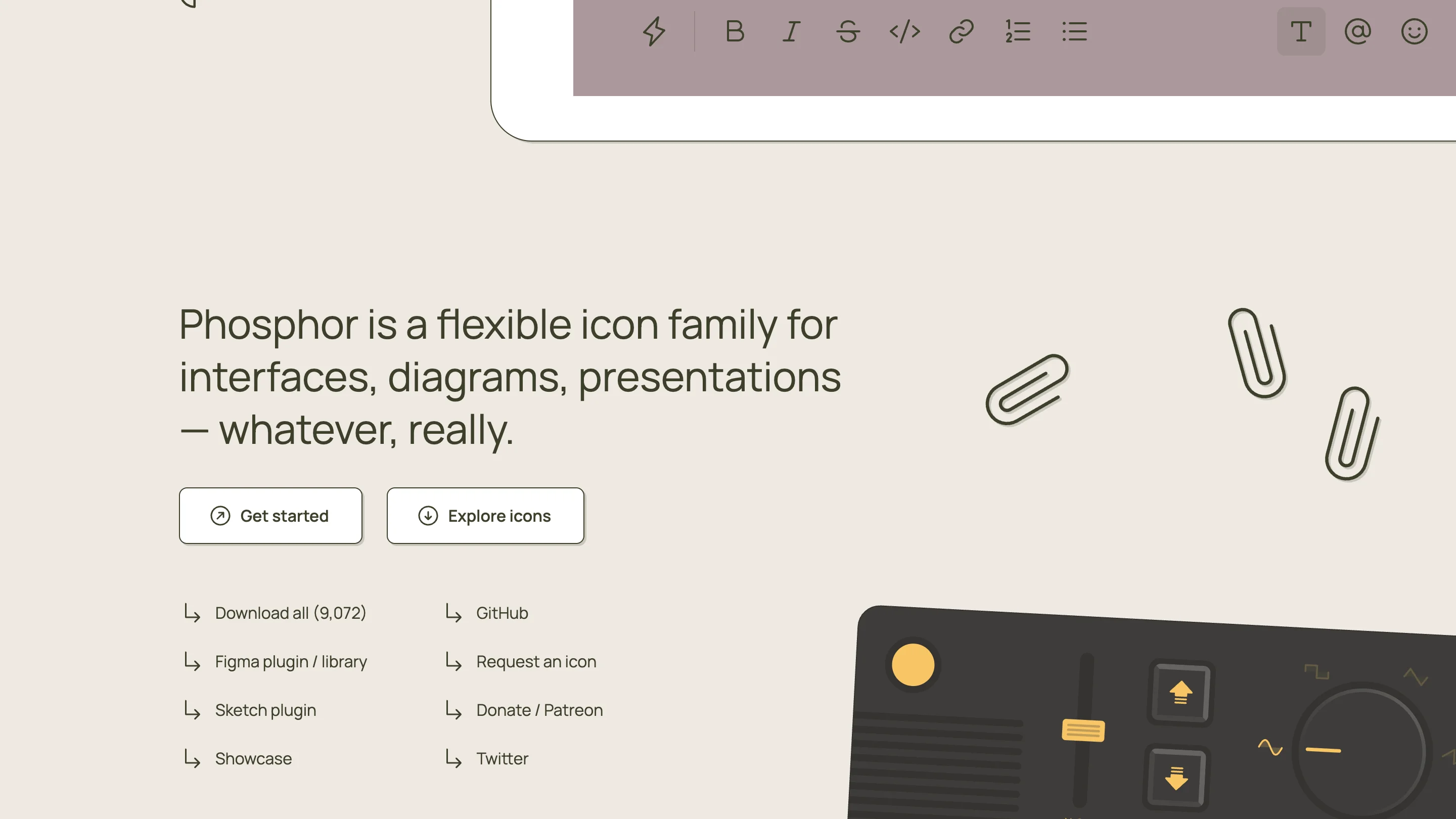
One of the cleanest open-source icon sets available, with a consistent stroke weight across the whole library. That consistency matters most in product UI, where dozens of icons need to look like they belong to the same family.
USP: consistent stroke weight across the entire set, even at large scale.
Best for: product UI where visual consistency across many icons matters.
Design and creation tools
Inspiration and assets only get you so far. At some point you or someone on your team needs to actually build the thing, and that's where these four platforms come in, covering both DIY creation and crowdsourced design work for when you'd rather hire it out.
Canva
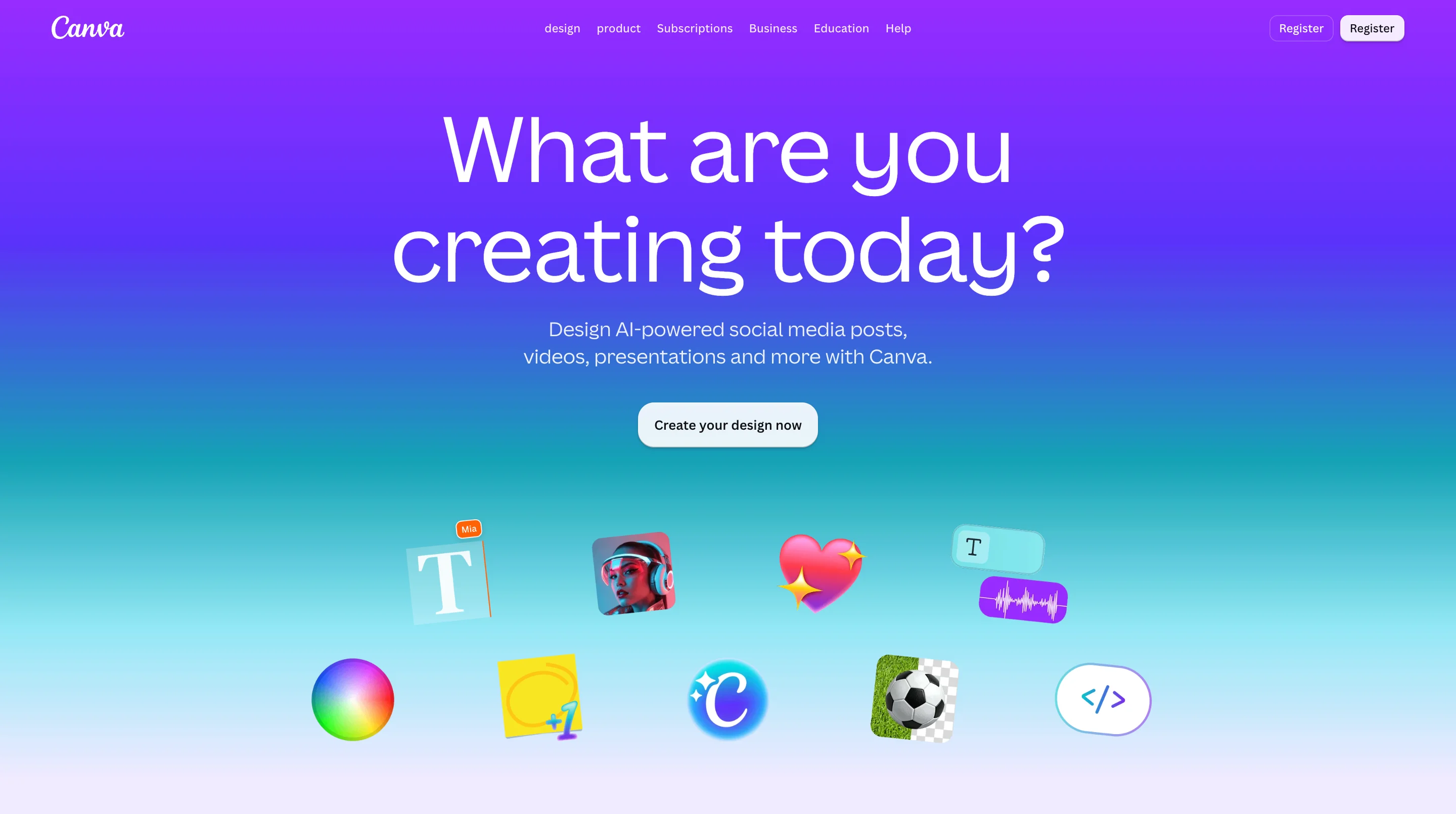
A drag-and-drop design tool built around ready-made templates for social posts, presentations, and print materials. It's the fastest option on this list for going from blank page to finished design without any design background.
USP: the fastest path from a blank page to a finished design.
Best for: DIY social posts and quick presentations.
Figma
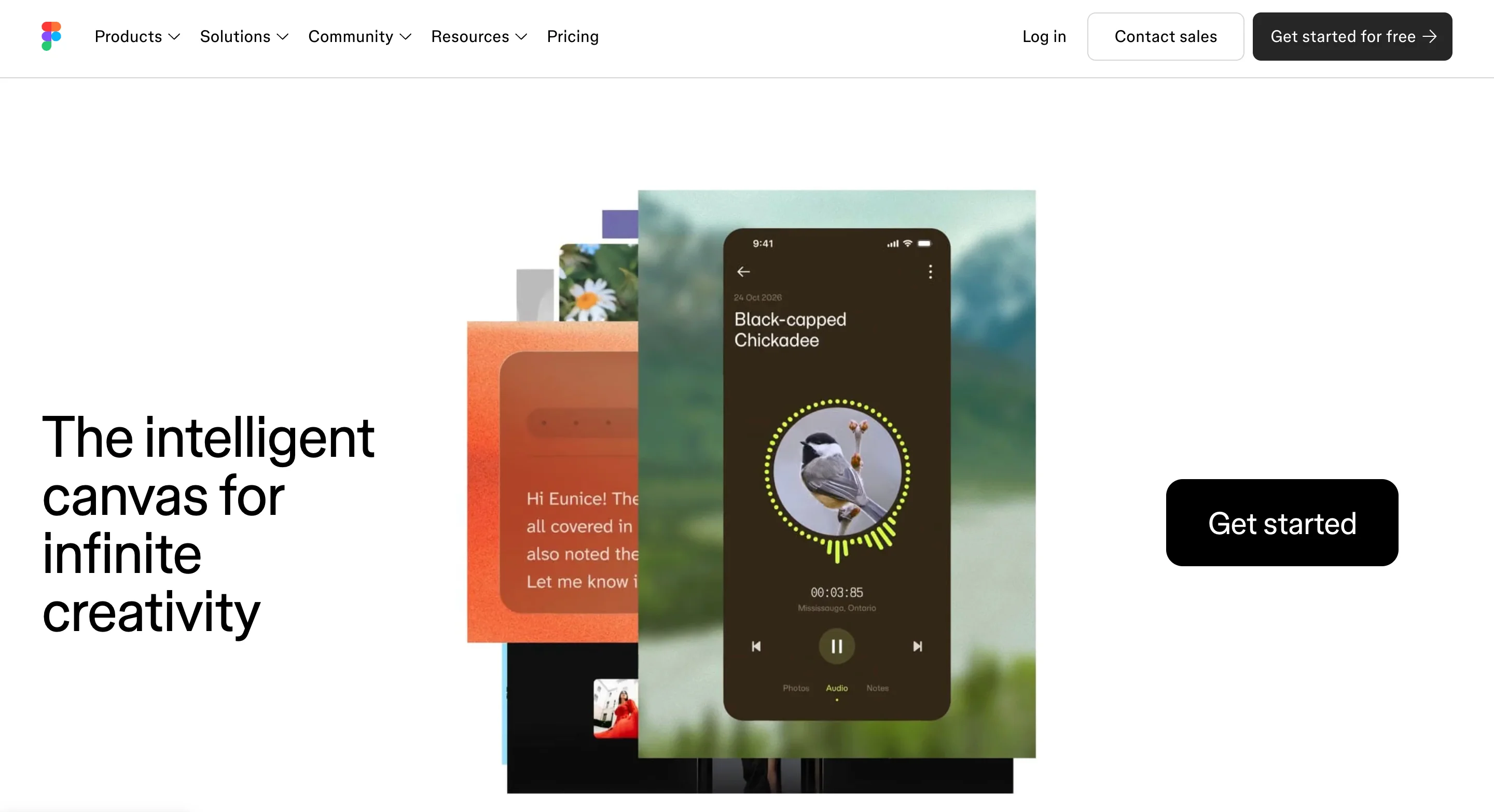
A real design and prototyping tool used by professional design teams, not just a template editor. It supports custom UI design, wireframing, and live collaboration, which makes it the stronger choice once a project needs more control than a template allows.
USP: a professional-grade tool built for custom design work and team collaboration.
Best for: custom UI design and wireframing.
99designs
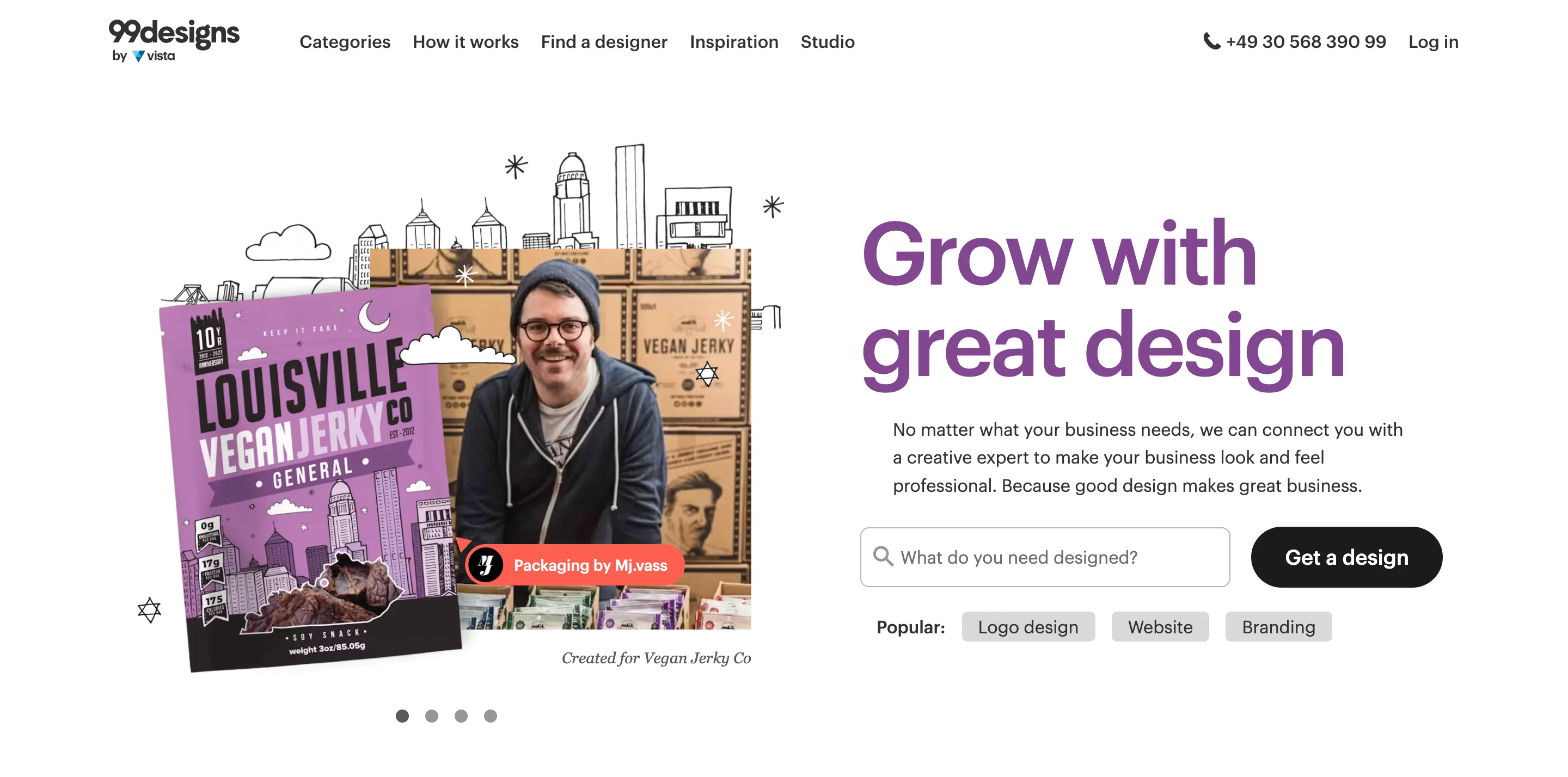
A crowdsourced marketplace where multiple designers compete to deliver a concept for your project. This suits a one-off need, like a new logo, where you want several directions to choose from rather than working with a single designer.
USP: a contest model that surfaces several design directions at once.
Best for: hiring a designer for a one-off project.
DesignCrowd
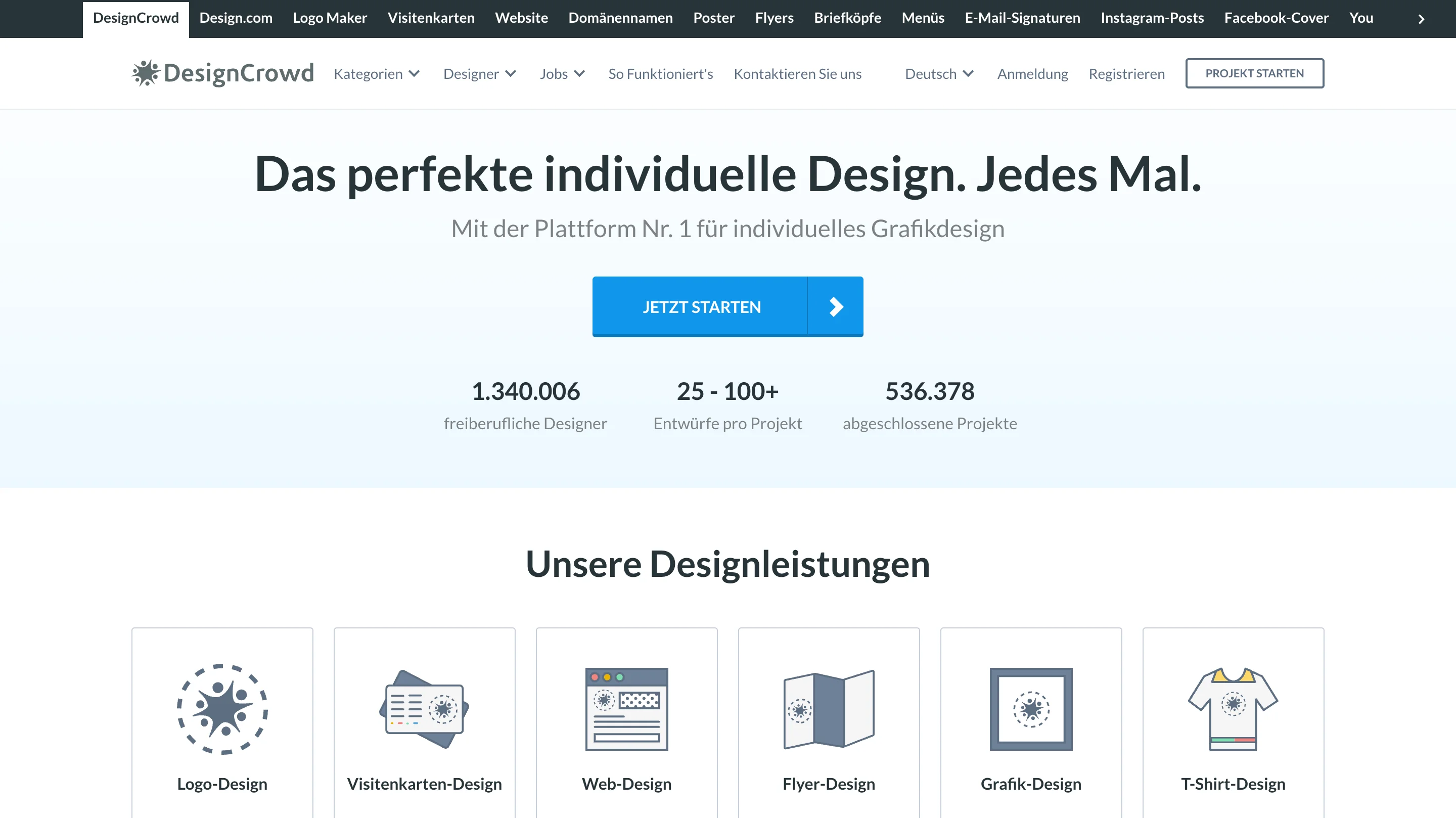
A similar crowdsourced model focused on community-driven contests for logos and marketing materials. It works well when you want a wide range of concepts fast and don't need an ongoing design relationship.
USP: community-driven contests aimed specifically at marketing materials.
Best for: sourcing multiple logo or marketing concepts at once.
Presentation and internal-facing design tools
Pitch decks and internal reports need design attention too, and this is a category almost no competing list mentions at all. These three tools cover the gap between "a slide deck someone threw together in ten minutes" and one that actually looks considered.
Figma Community
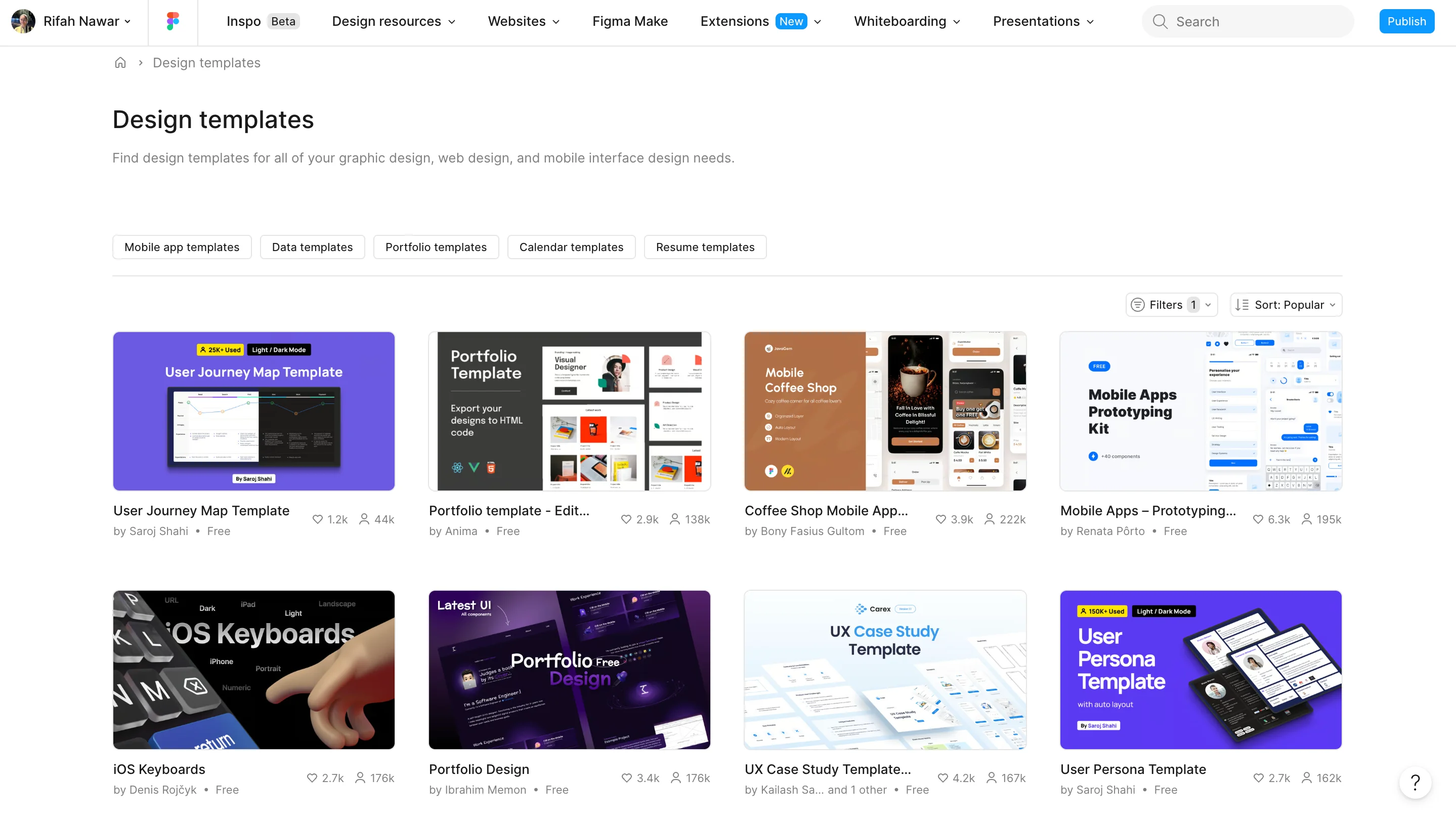
Free, editable templates for pitch decks, infographics, and reports, built inside a tool many marketing teams already use. It's a strong option when you want a head start instead of a blank canvas and already know your way around Figma.
USP: free, fully editable templates inside a tool you may already use.
Best for: fast deck building without starting from a blank canvas.
Pitch
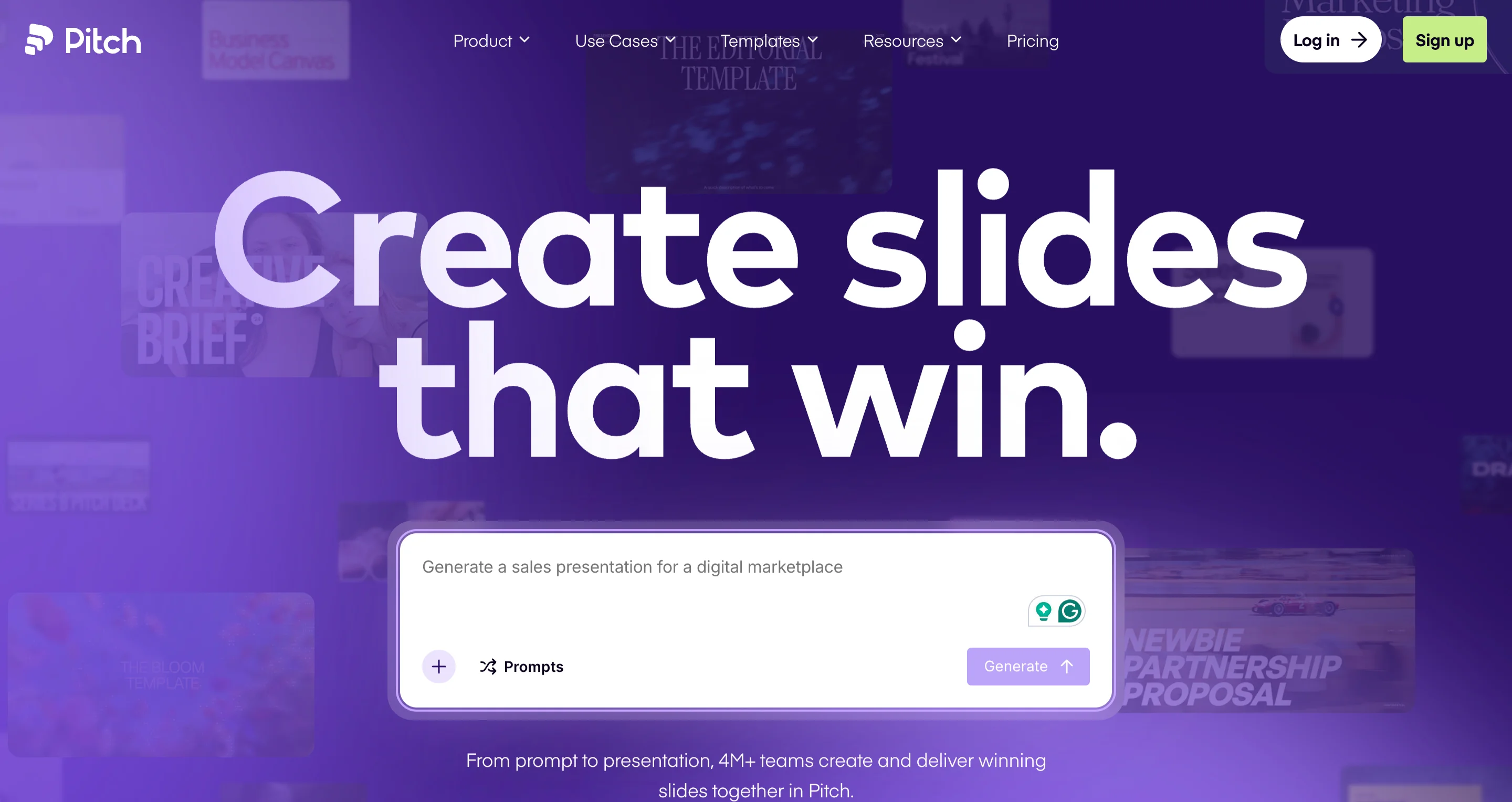
A presentation tool with strong default templates that look designed rather than generic. It's built specifically for decks, which shows in details like default alignment and typography that most general tools get wrong.
USP: presentation-specific templates built for external-facing audiences.
Best for: client-facing or investor decks where first impressions matter.
Gamma
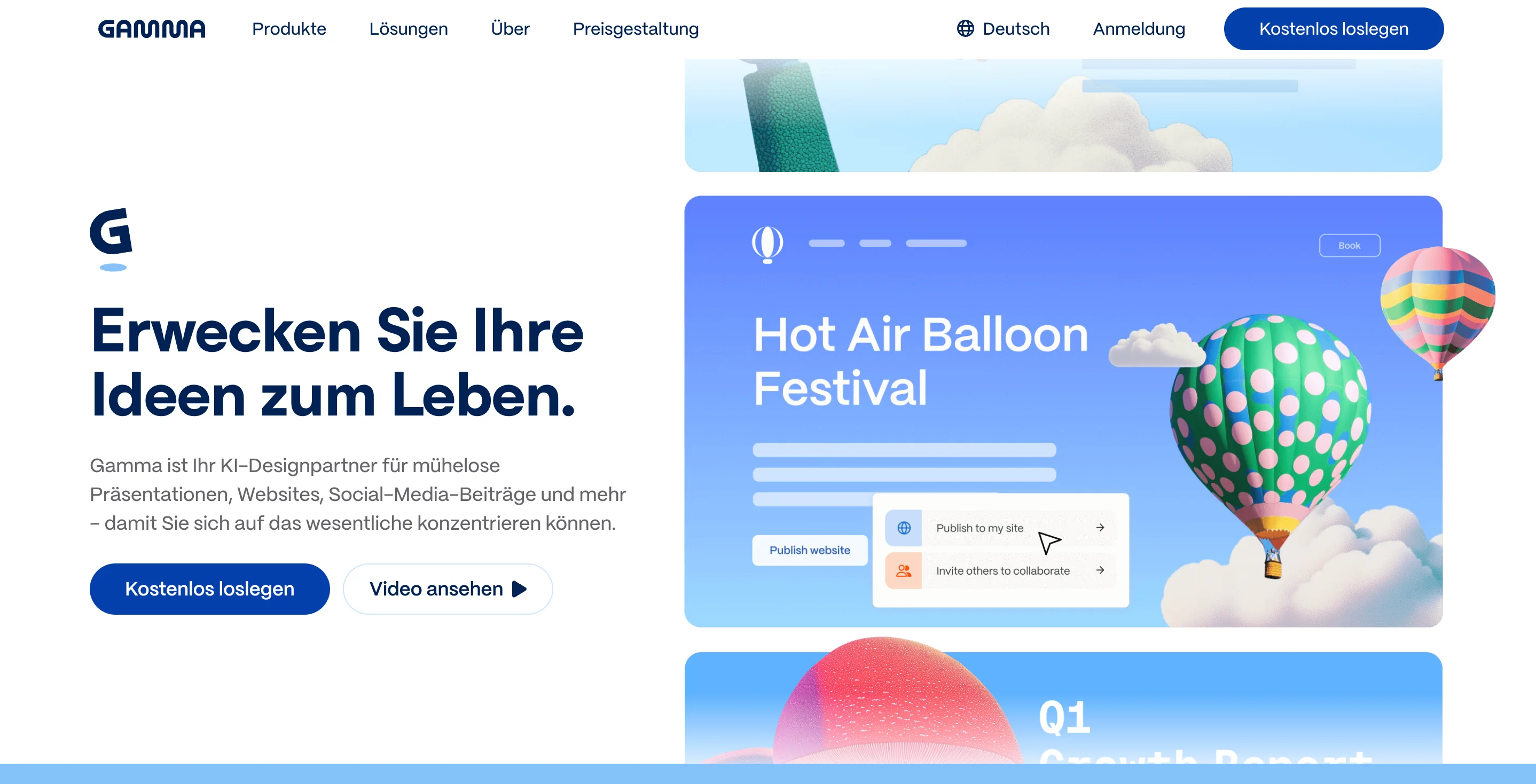
Turns rough marketing docs into a polished deck automatically, without requiring manual slide-by-slide design. This is useful when the content is ready but there's no time left to design around it.
USP: converts existing documents into a deck automatically.
Best for: situations where the content is ready but the design time isn't.

A workflow for turning inspiration into an actual brief
Knowing where these sites live only helps if you use them in the right order. The exact sequence depends on what you're working on, so here are two short paths, one for researching an ad campaign, and one for a rebrand or new site.
If you're researching a new ad campaign
- Start with Meta Ads Library: Search your top three competitors and see what messaging and creative they're currently running. This tells you what the market has already tried, which saves you from repeating an angle that's already saturated.
- Move to Foreplay: Save the strongest ads you found into a swipe board organized by angle or format. This keeps your research usable later instead of scattered across screenshots and open tabs.
- Check Land-book for landing page structure: Do this if the campaign points to one. Look specifically within your industry or a close adjacent one, since page structure that works for e-commerce won't necessarily work for B2B SaaS.
- Pull brand and visual language from Behance: This is where you study tone, color, and overall polish rather than page layout, which Land-book already covered.
- Adapt templates from Figma Community instead of starting from a blank file: Editing an existing structure is faster than designing from scratch, and it still leaves plenty of room to make the final result your own.
If you're rebranding or building a new site
- Start with Behance: Full case studies show how a brand's visual language holds together across logo, packaging, and campaigns, not just a single screen.
- Check Land-book for page structure: This should be filtered to your industry. This gives you a sense of what layout conventions your audience already expects before you break from them.
- Browse Awwwards or Godly for broader inspiration: Awwwards is the safer, more conventional benchmark, while Godly leans more experimental if the brand can support a bolder look.
- Adapt templates from Figma Community: Starting from an existing structure is faster than a blank file, and there's still plenty of room to make it your own.
Both paths exist to fix the same problem: research that never turns into a usable brief. Working through either sequence in order gives you strategic input alongside visual input before a single line of the actual brief gets written.
If you've ever sat down to write a creative brief with nothing but a blank doc and a vague sense of "make it good," you're not alone. This workflow is the difference between that blank doc and one with actual direction in it.
Book a free demo with magier if you'd rather have a team run this research and build the assets for you.
{{cta}}
What is a graphic design website
A graphic design website is any site built to showcase, organize, or help create visual work, whether that's a portfolio gallery, an ad library, an asset repository, or a design tool. The term covers a wide range of purposes, which is exactly why a single flat list tends to serve nobody well.
Why marketers and designers both should bookmark these sites
Designers use these sites mostly for craft inspiration and portfolio research, while marketers use them to brief projects clearly, study competitors, and move faster between strategy and execution. Bookmarking the right mix from both angles means fewer stalled projects and fewer briefs that start from a blank page.
"Most of our best client briefs come with three or four screenshots attached instead of a paragraph of adjectives. Give a designer a real reference and you'll get a much faster first draft."

Final thoughts
Knowing where to look for design inspiration, competitor research, and free assets saves real time, and it makes the briefs you write and the projects you approve noticeably stronger. Actually using these sites well still takes practice, since bookmarking a list isn't the same as building a research habit around it.
If you'd rather have a team handle the research, the design, and the execution end to end, check out magier's design services. We work across branding, ad creative, landing page design, and more, with a dedicated designer and project manager on every account.
Pick the section that matches whatever you're working on this week, whether that's a new landing page, a competitor teardown, or a deck you need by Friday, and start there.
{{cta}}
FAQ
Awwwards, Godly, and Siteinspire are the strongest picks for general creative web design, while Behance and Dribbble cover broader creative work including illustration and branding. Which one ranks highest for you depends on whether you want polished, award-level work or a wider, faster-scrolling feed.
The main categories are brand identity, print design, ad and marketing design, publication design, packaging design, motion and animation, and environmental or signage design. Most of the sites in this guide focus on brand identity, marketing design, and UI, since those are what marketers deal with most.
Behance and Dribbble are the two most commonly recommended, since they cover full case studies and quick visual ideas respectively. For marketers specifically, Meta Ads Library and Land-book tend to be more directly useful day to day.
Behance, Dribbble, and Awwwards cover general inspiration well, while Mobbin, Land-book, and Lapa Ninja are stronger picks if you need real product UI or landing page references specifically. The right top 10 depends on whether you're researching brand work, UI, or ad creative.
Yes. Canva, Figma, unDraw, Humaaans, and Icons8 all offer usable free tiers, and Meta Ads Library and Land-book are free to browse as well. Most of the paid tools on this list, like 99designs and DesignCrowd, are pay-per-project rather than subscription-based.
Land-book is built specifically for this, since it's searchable by industry and page type rather than general web aesthetics. Lapa Ninja is a strong second option when you need more volume or want to filter by a specific section like pricing or hero.
Designers tend to use these sites for portfolio building and craft inspiration, while marketers use them to research competitors, brief a project clearly, and move fast between strategy and execution. That's why a list built for marketers needs to include ad libraries and landing page galleries, not just portfolio sites.
.avif)

.avif)