Top 22 Color Apps for Designers
We live in a world of color. From the clothes we wear to the food we eat, everything is associated with a color. Colors can evoke different emotions and feelings in people. They can also influence consumers' purchasing decisions and designers use colours to make their designs more appealing and interesting.
Choosing the right colors can make or break a design project. Research suggests that color influences up to 90% of snap judgments people make about products, which means your palette isn't just an aesthetic choice. It's a strategic one.
The good news is that there's no shortage of tools to help. Whether you need an AI-powered palette generator, a WCAG contrast checker, or a simple inspiration gallery, we've tested and organized the best color apps for designers below.
Quick Comparison

{{freebie}}
Top 22 Color Apps for Designers
1. ColorBox
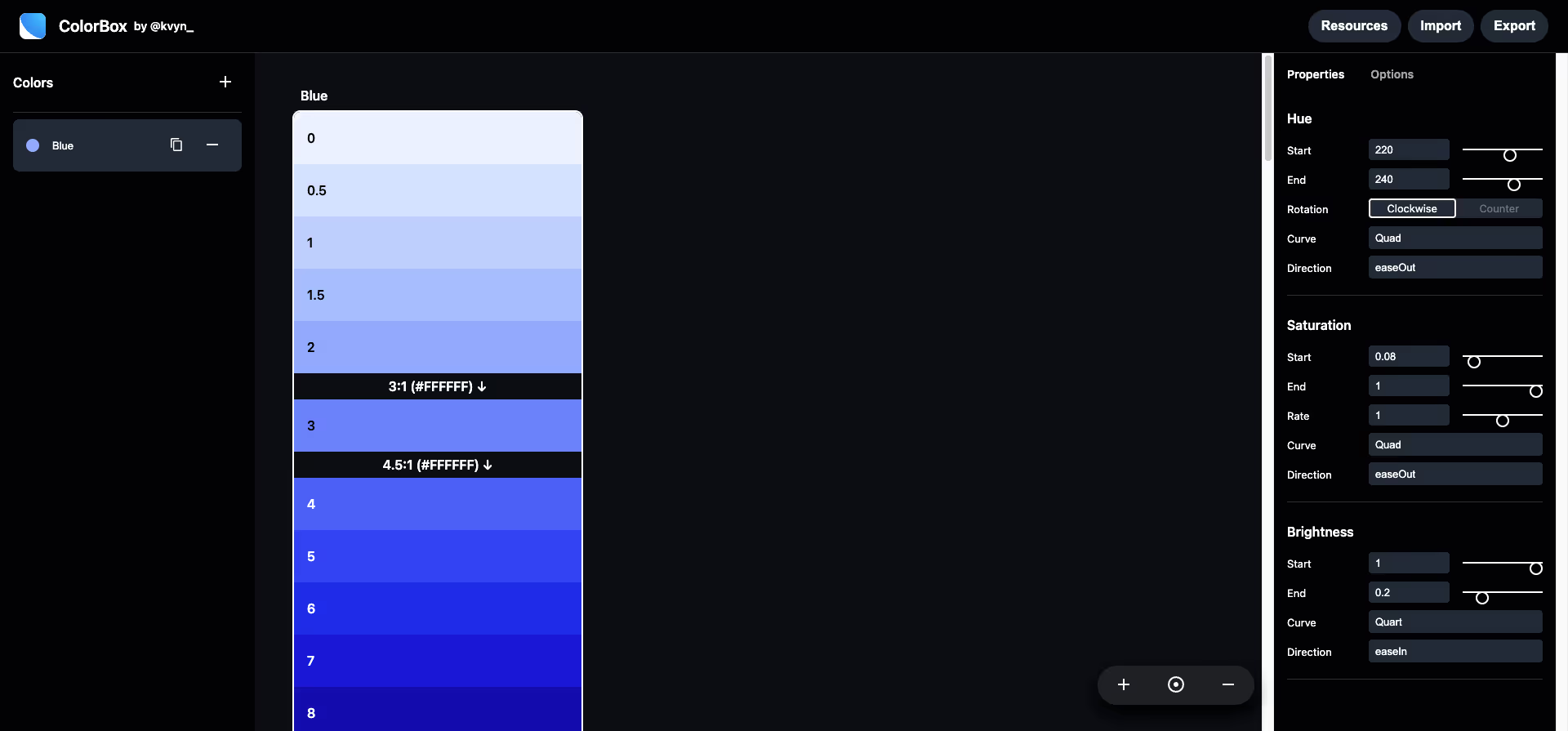
Colorbox is an online color management tool that can be used to create, organise and share color palettes. Colorbox offers a variety of features, including the ability to extract colors from images and websites, automatically generate harmonious colour schemes and create colour variations.
Website: http://www.colorbox.io/
Type: Free
2. Adobe Color
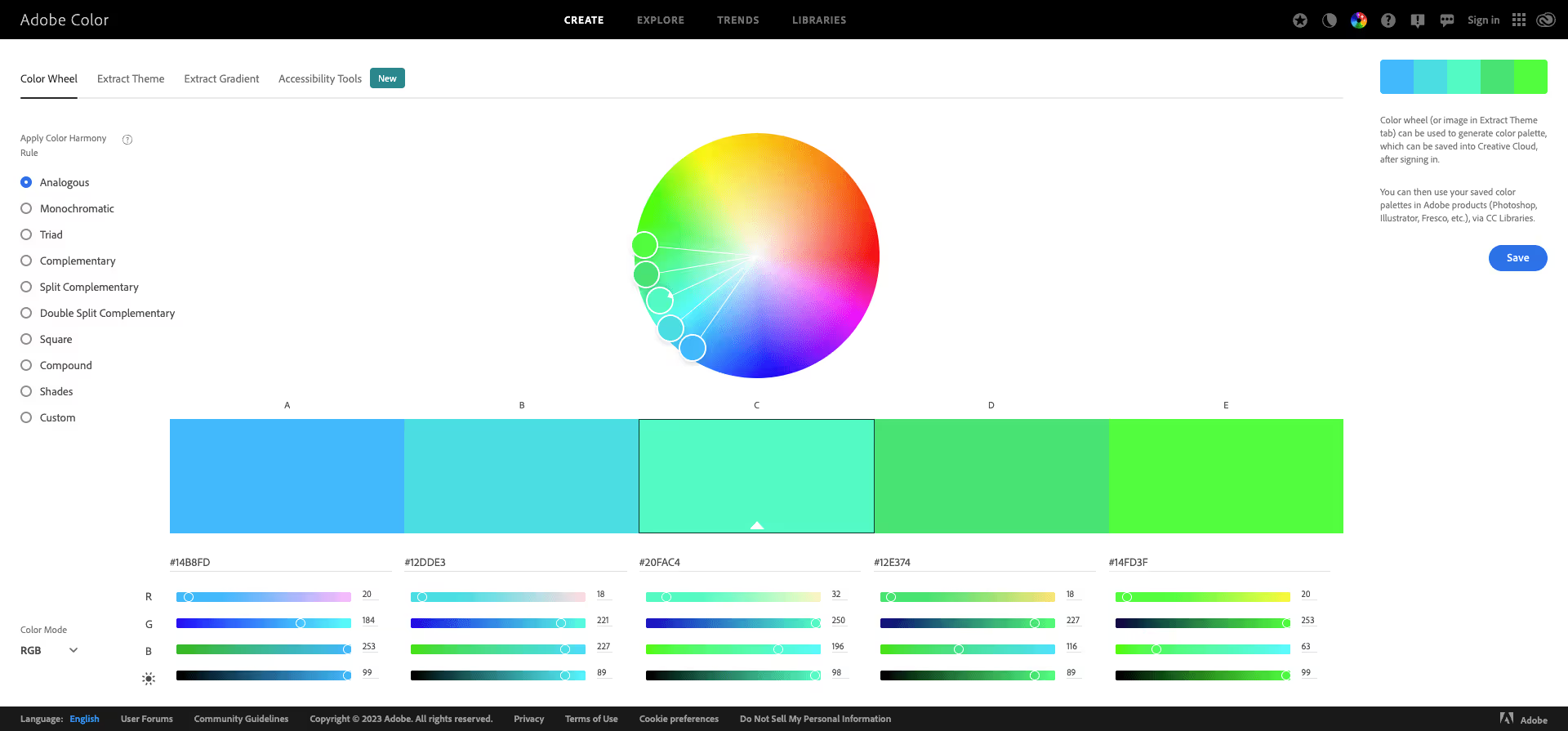
With Adobe Color, designers can easily manage their colour palettes and ensure they are consistent across all projects and use the colours directly in Adobe products such as Photoshop and Illustrator.
At magier, we use Adobe Color at the start of most branding projects because the library sync means we can jump straight from palette exploration into Illustrator without any manual color entry. For quick iterations during early brainstorming, our team tends to reach for Coolors because the spacebar-to-generate workflow is hard to beat for speed.
Website: https://color.adobe.com/
Type: Free
{{cta}}
3. Material Design Color Tool
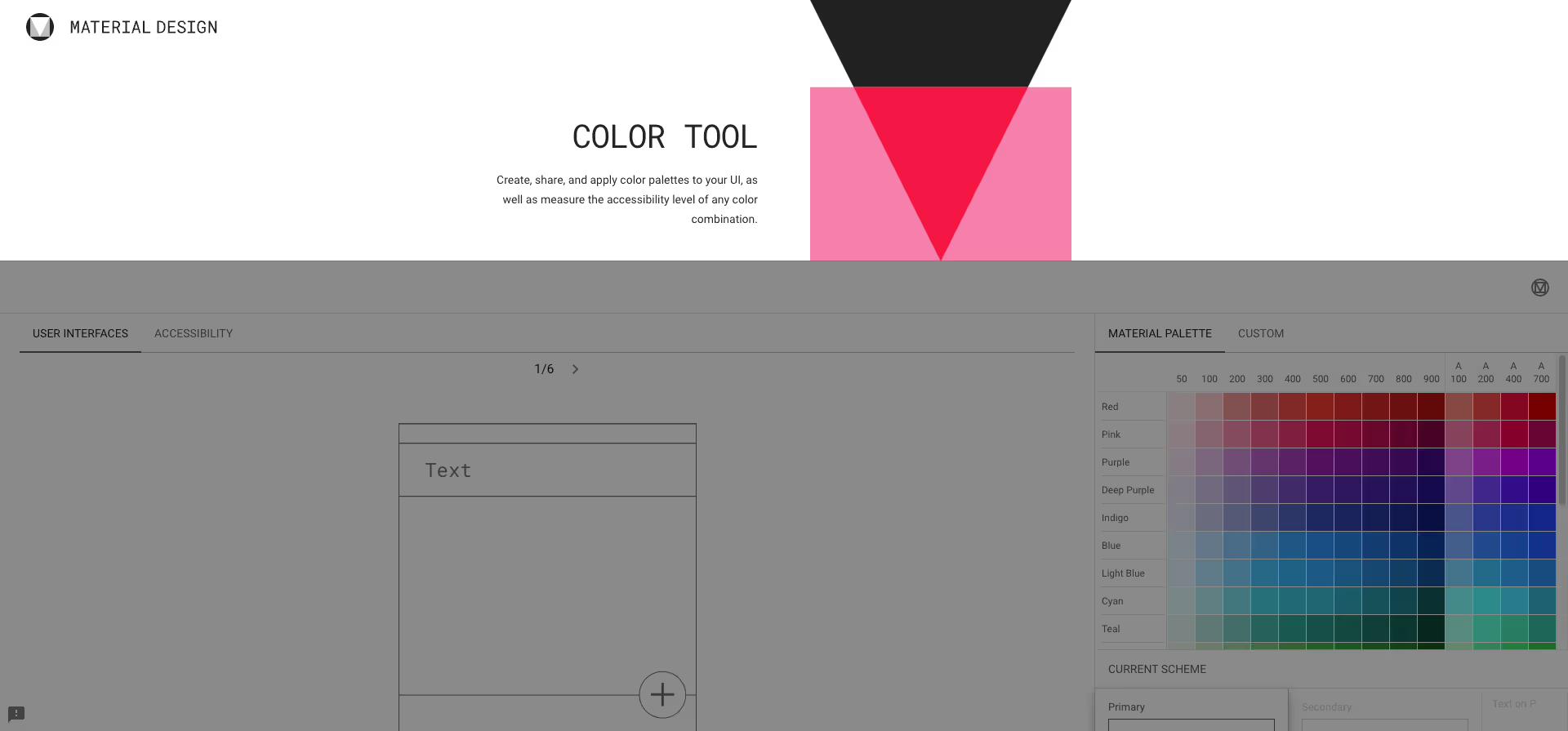
Material is an online resource developed by Google to help designers create and manage colour palettes for Material Design projects. It offers a large selection of predefined colour palettes that comply with the Material Design guidelines, as well as tools for creating custom palettes.
Website: https://material.io/resources/color
Type: Free
4. Culrs
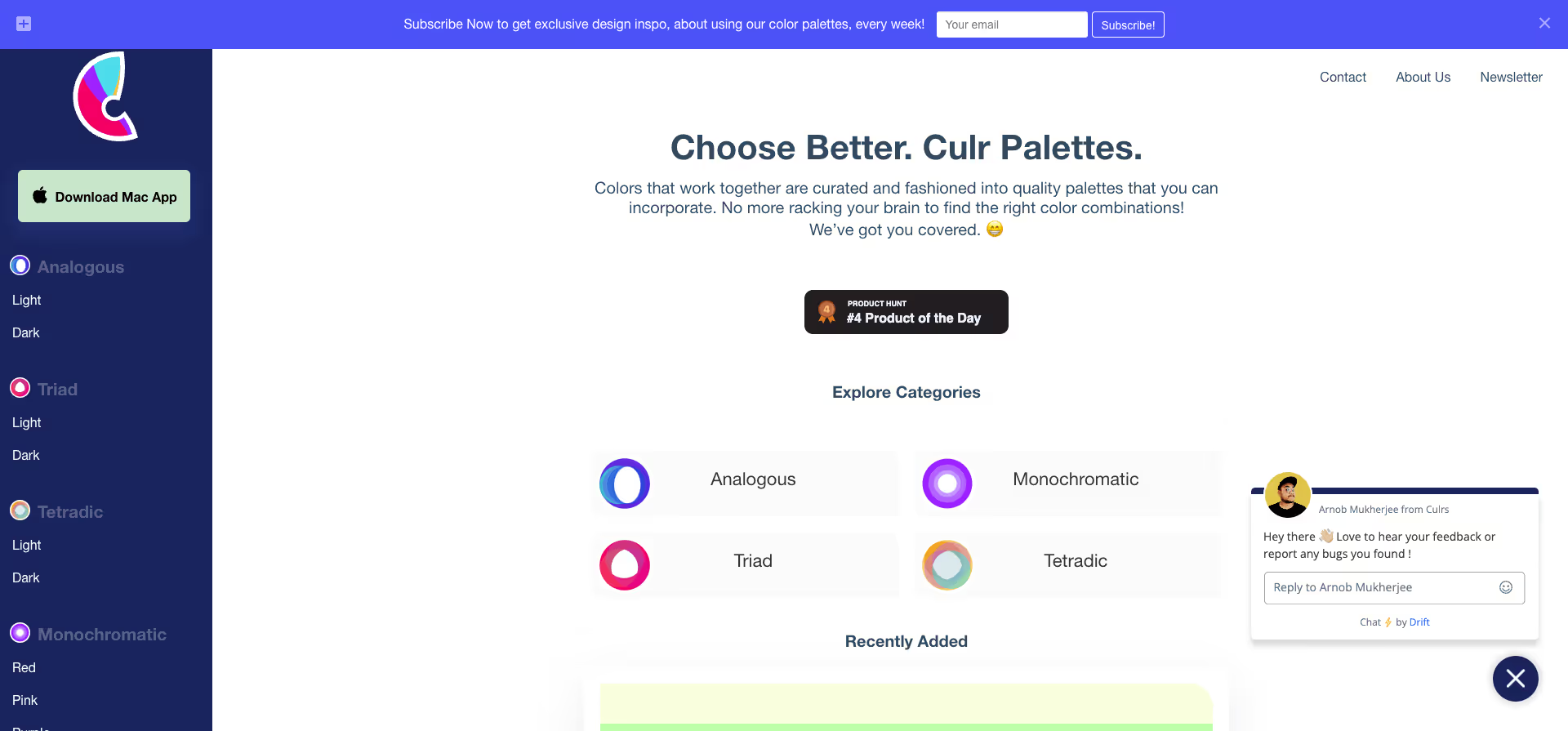
With Culrs, designers can easily manage their colour palettes and ensure they remain consistent across all projects, and it also enables collaboration with team members or clients.
Website: https://www.culrs.com/
Type: Free
5. Colormind
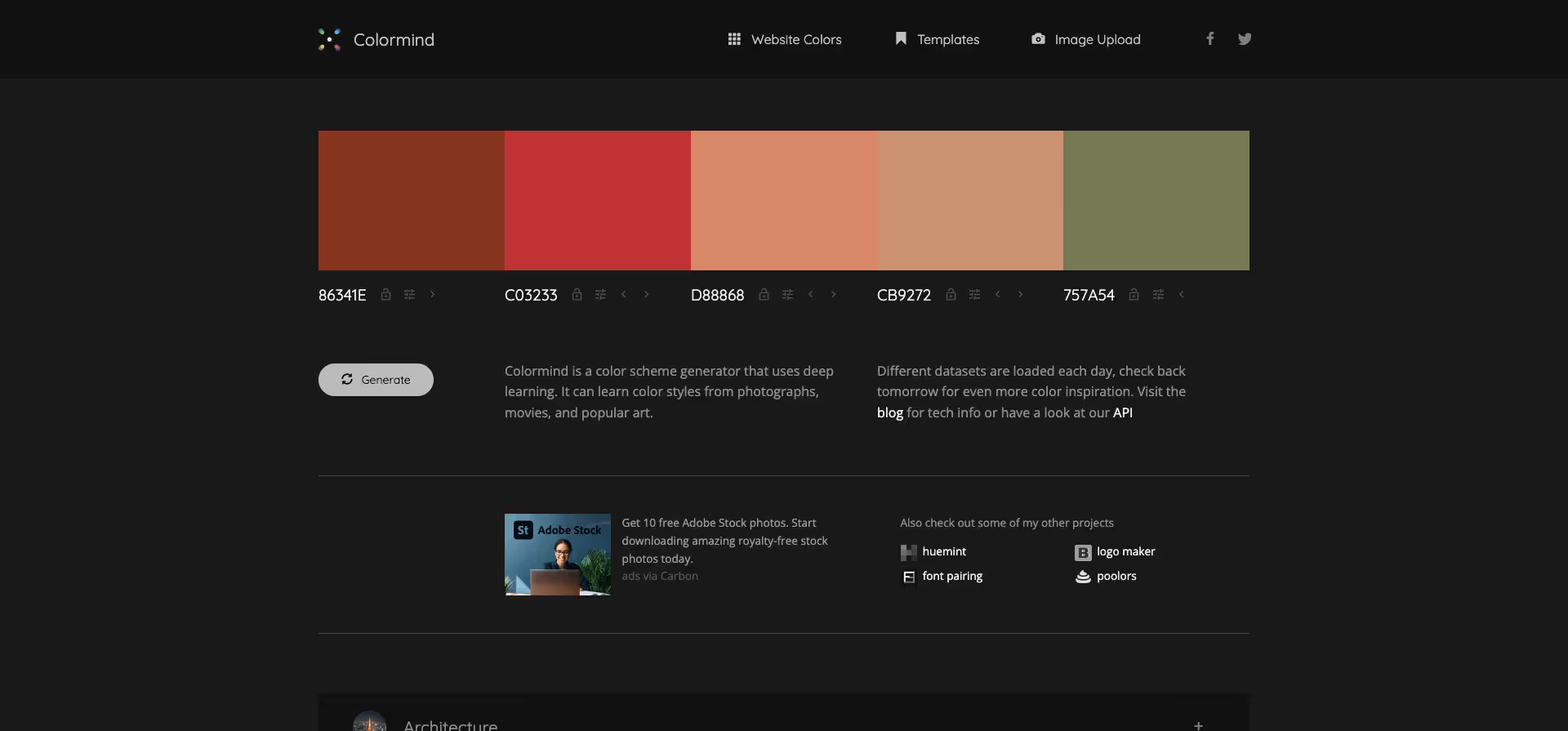
Colormind is a free online tool for the automatic creation of colour palettes. It uses artificial intelligence to relate colours to each other and create creative and harmonious palettes. Colormind is ideal for design projects of all kinds, from web development to interior design.
Website: http://colormind.io/
Type: Free
6. ColorSpace
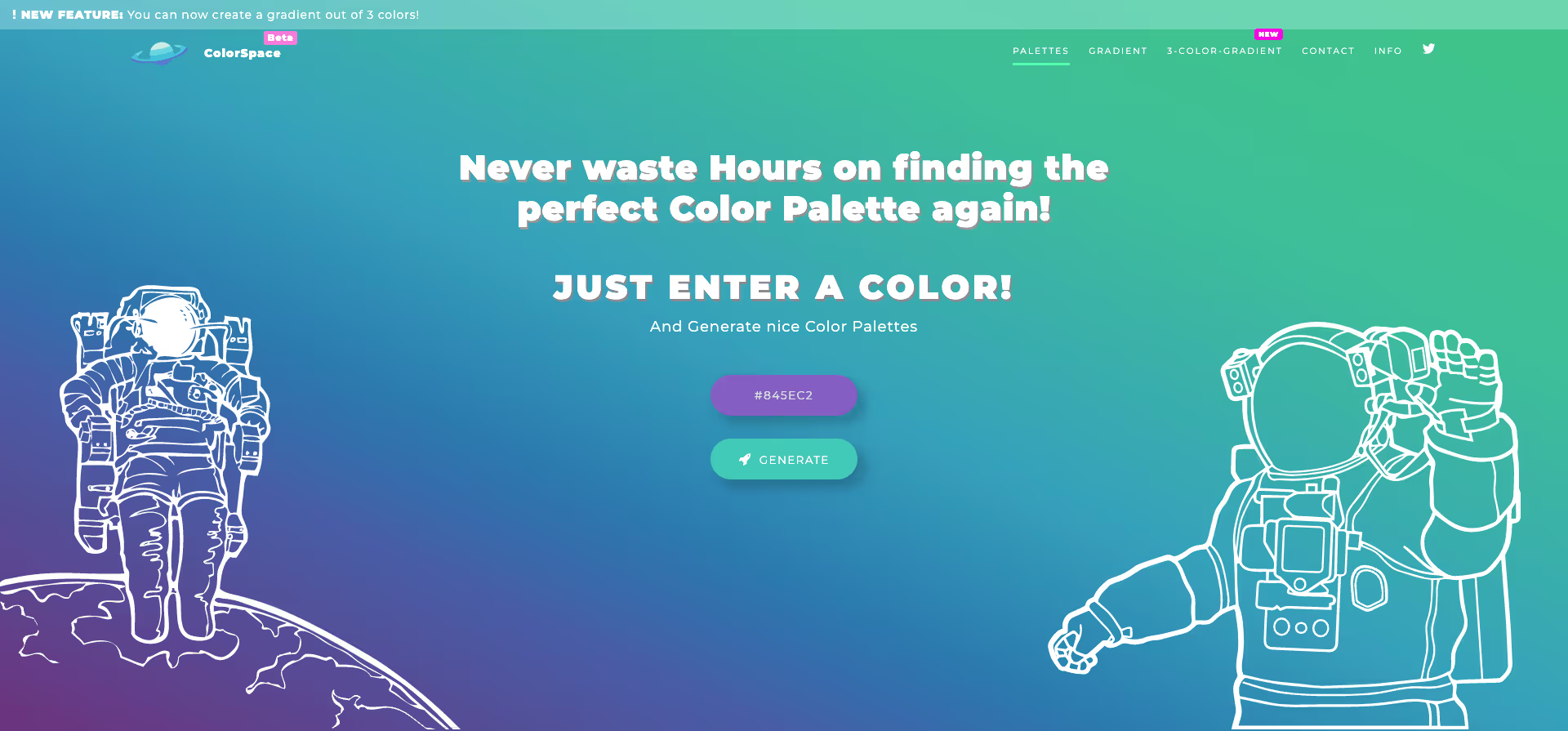
With a simple click, you can extract the colours from any image or photo and display them in a user-friendly interface. You can also export the colours in different formats, e.g. HTML, RGB or HEX.
Website: https://mycolor.space/
Type: Free
7. Subcolor
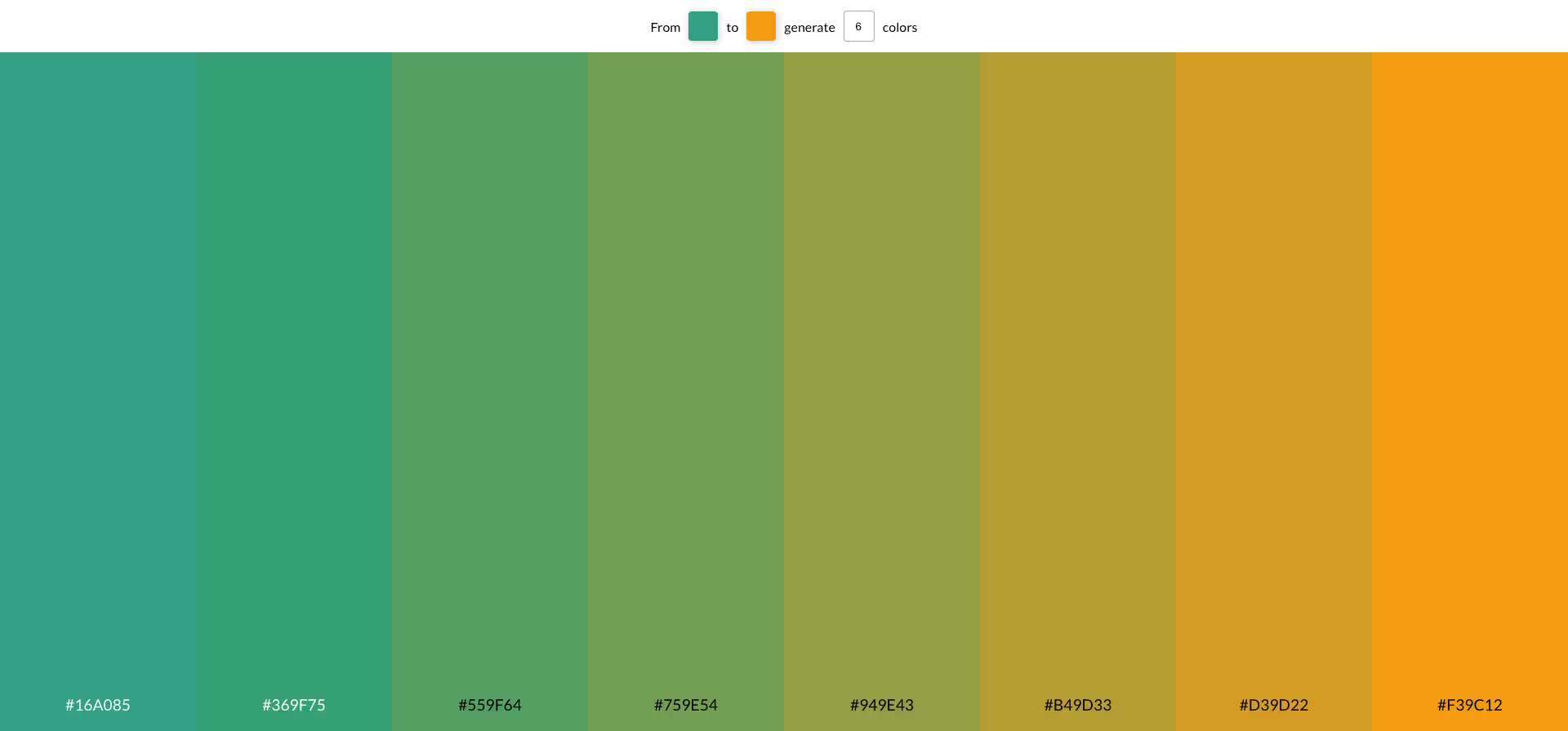
Subcolor is an online tool for creating and editing colour palettes. It has an intuitive user interface that allows you to add, remove, arrange and edit colours. You can also create and export colour schemes to use in your design projects.
Website: https://subcolor.github.io/
Type: Free
8. Scale
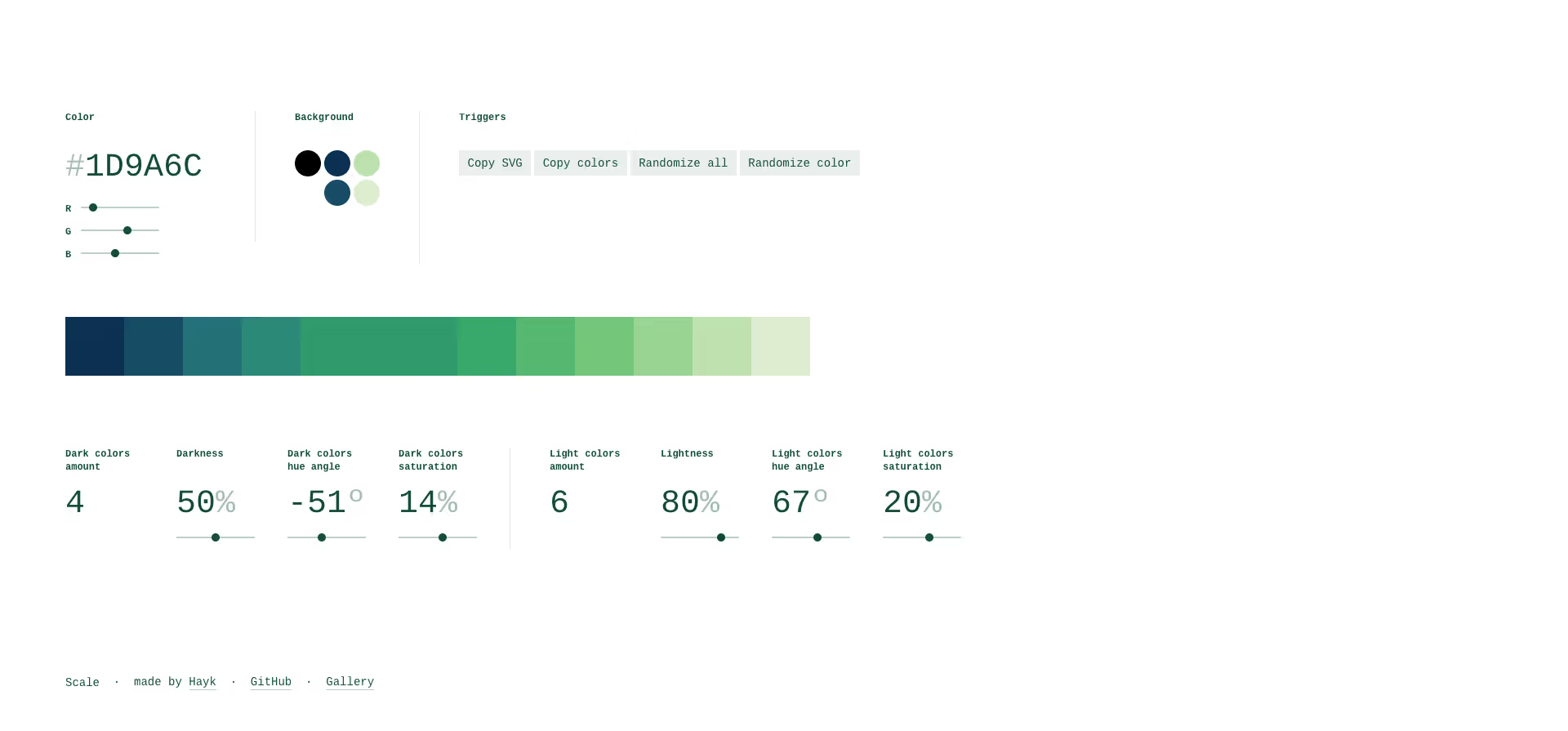
With Scale, you can create colour palettes based on a starting colour. They use a special algorithm to create harmonious and balanced colours.
Website: https://hihayk.github.io/scale
Type: Free
9. Palette App
An easy-to-use online tool that helps you find the perfect colour palette for your project. With numerous setting options and the ability to extract colours from images, Palettte is your ultimate companion for all your design needs.
Website: https://palettte.app/
Type: Free
10. ColorKit
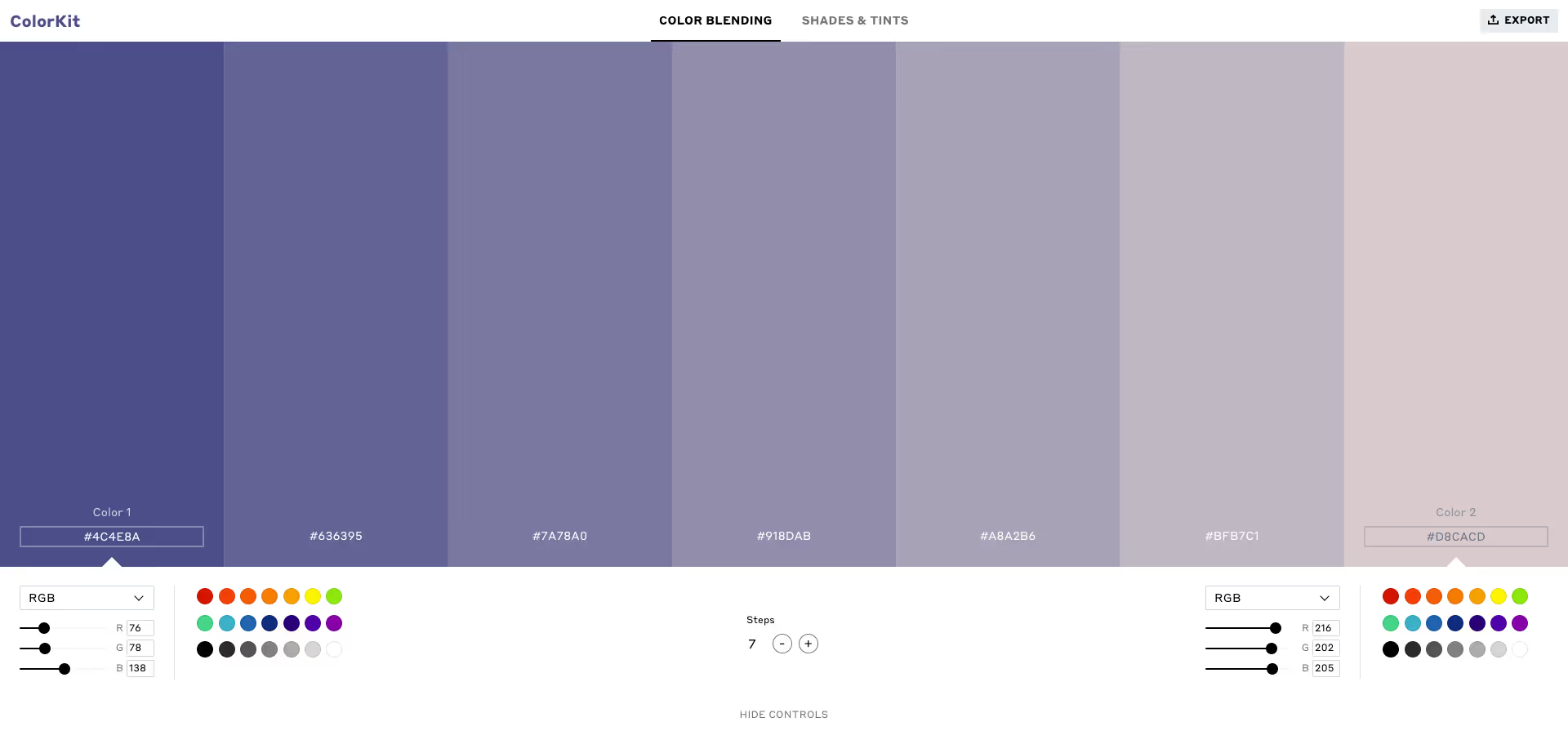
Color Blender creates colour gradients by mixing the hues between two colours. Enter a start and an end colour and select the number of blending steps to obtain the colour gradient.
Website: https://colorkit.io/
Type: Free
11. Color Designer
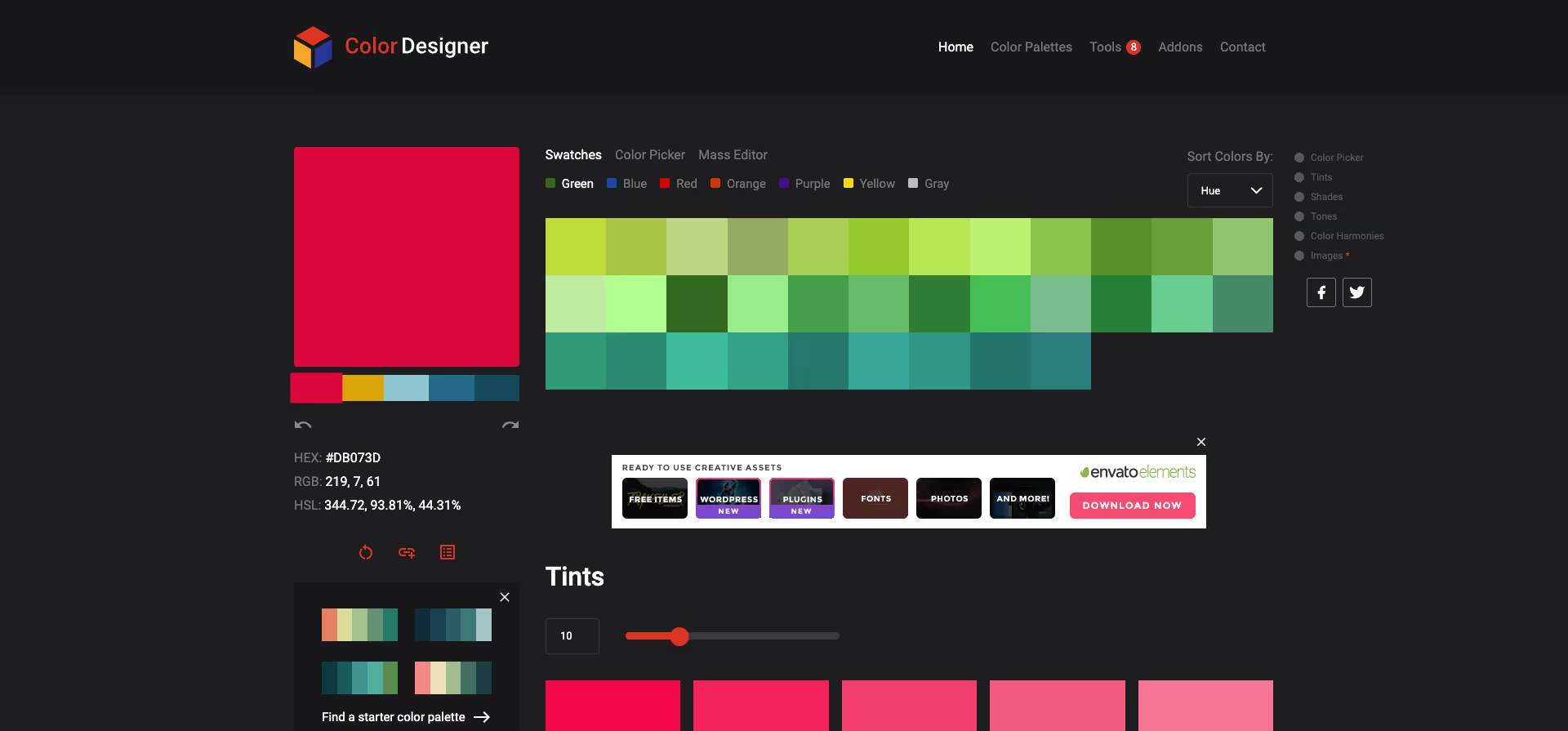
The main purpose of this tool is to help you create a colour palette and create tints and shades based on it. Simply select a colour and the application will do the rest. You can use the preset colours or the colour picker to have more control.
Website: https://colordesigner.io/
Type: Free
12. Paletter
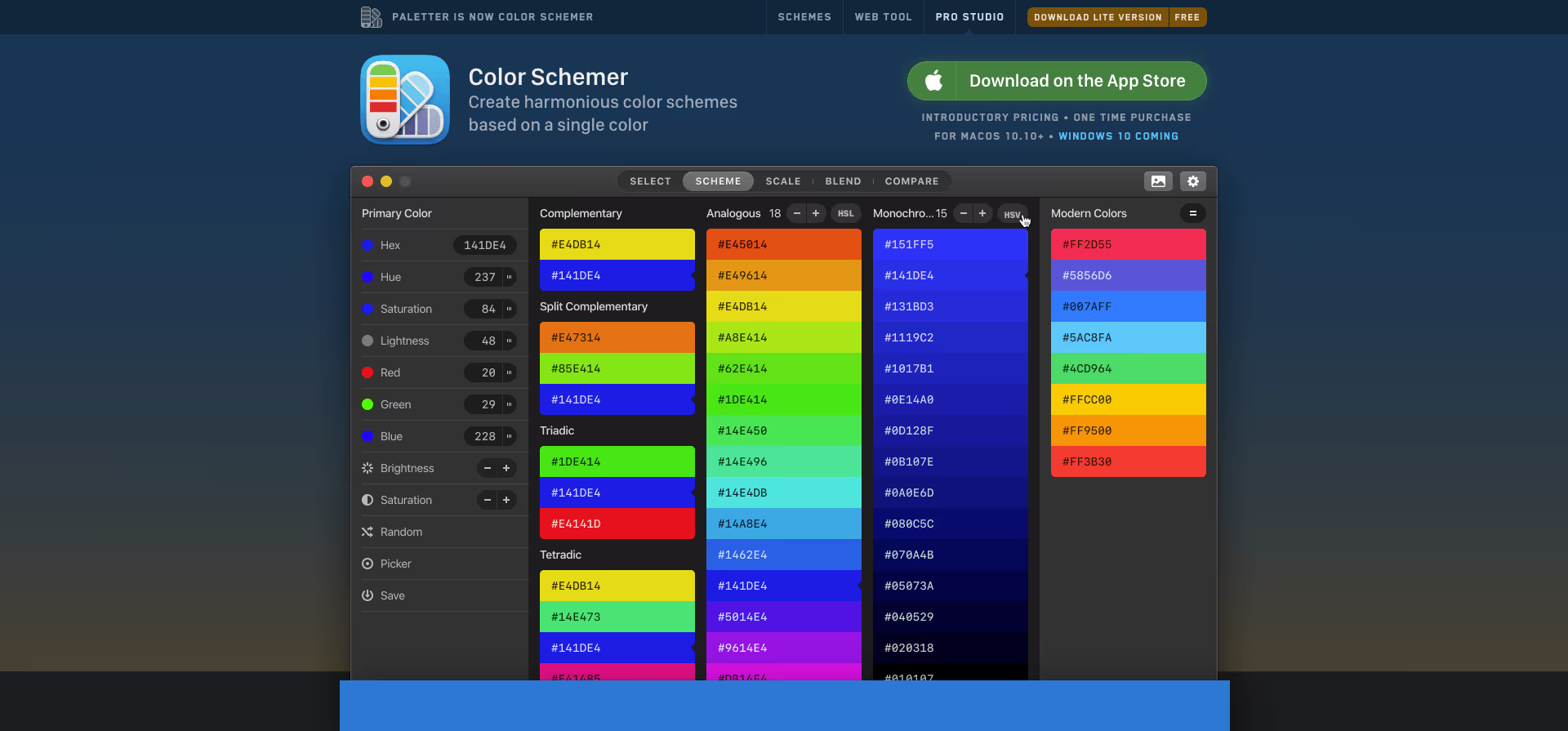
The generated palettes can be exported in different formats, such as HTML, RGB or HEX, and it also offers the possibility to adjust the number of colours and the type of harmony.
Website: https://www.paletter.app/
Type: Free + Paid Option
13. Open Color
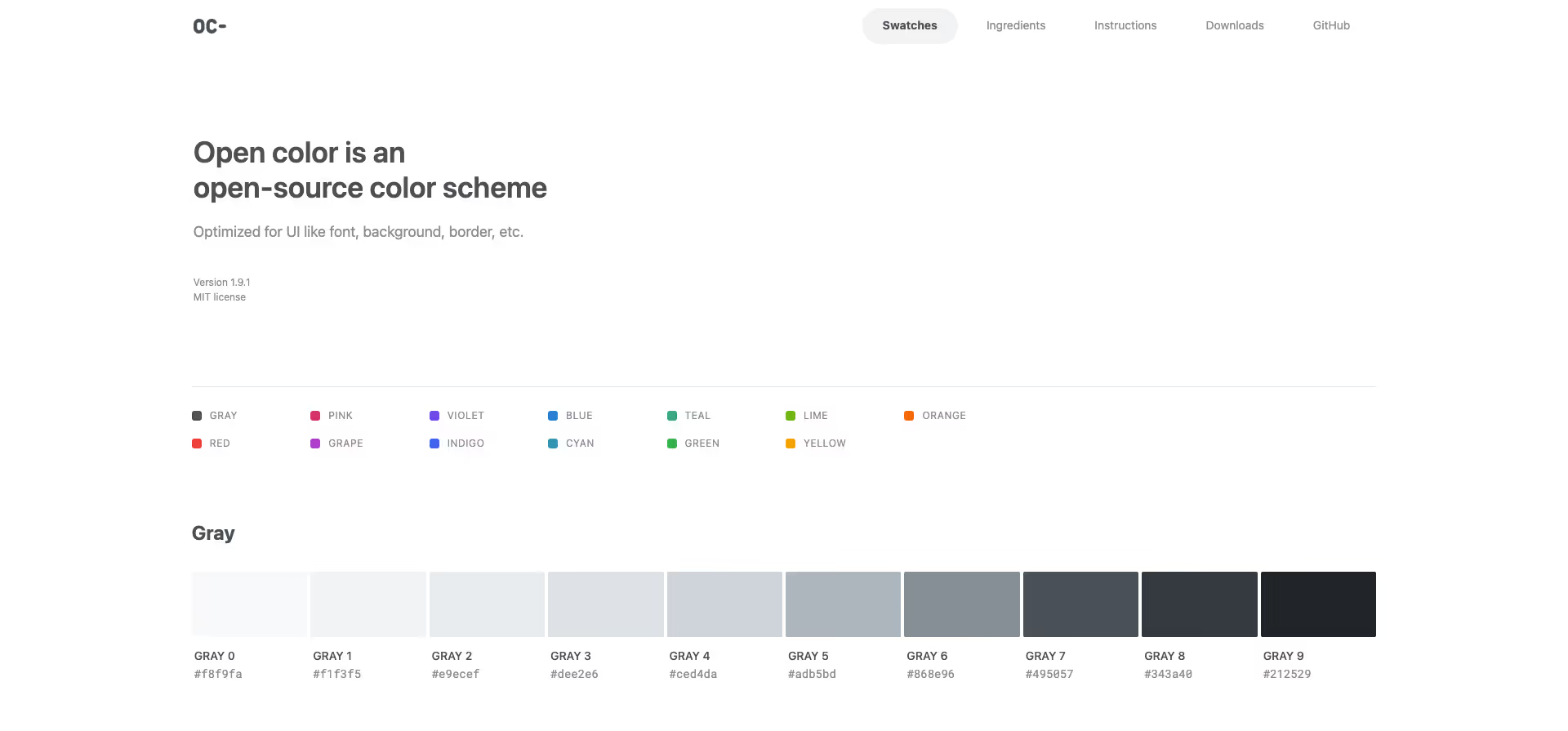
Open-Color is a collection of colour schemes that are available as open source. It contains a variety of colour palettes in different formats such as SASS, Less, Stylus, JSON and CSS.
Website: https://yeun.github.io/open-color
Type: Free
14. Tinter
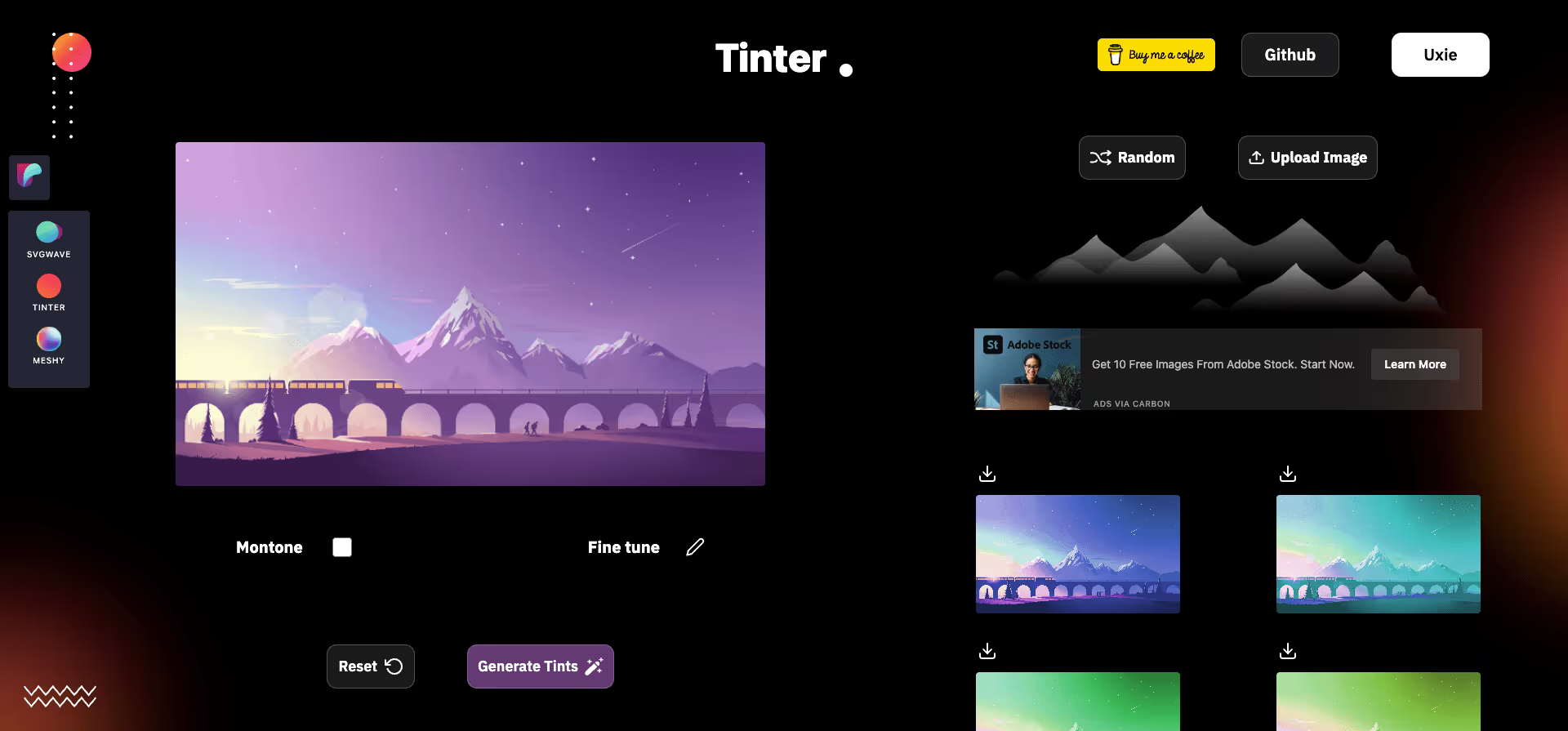
Tinter has an intuitive user interface that allows you to mix and match colours with simple sliders and sliders. They also support the export of colours in various formats such as HEX, RGB and HSL.
Website: https://tinter.uxie.io/
Type: Free
15. Palitra
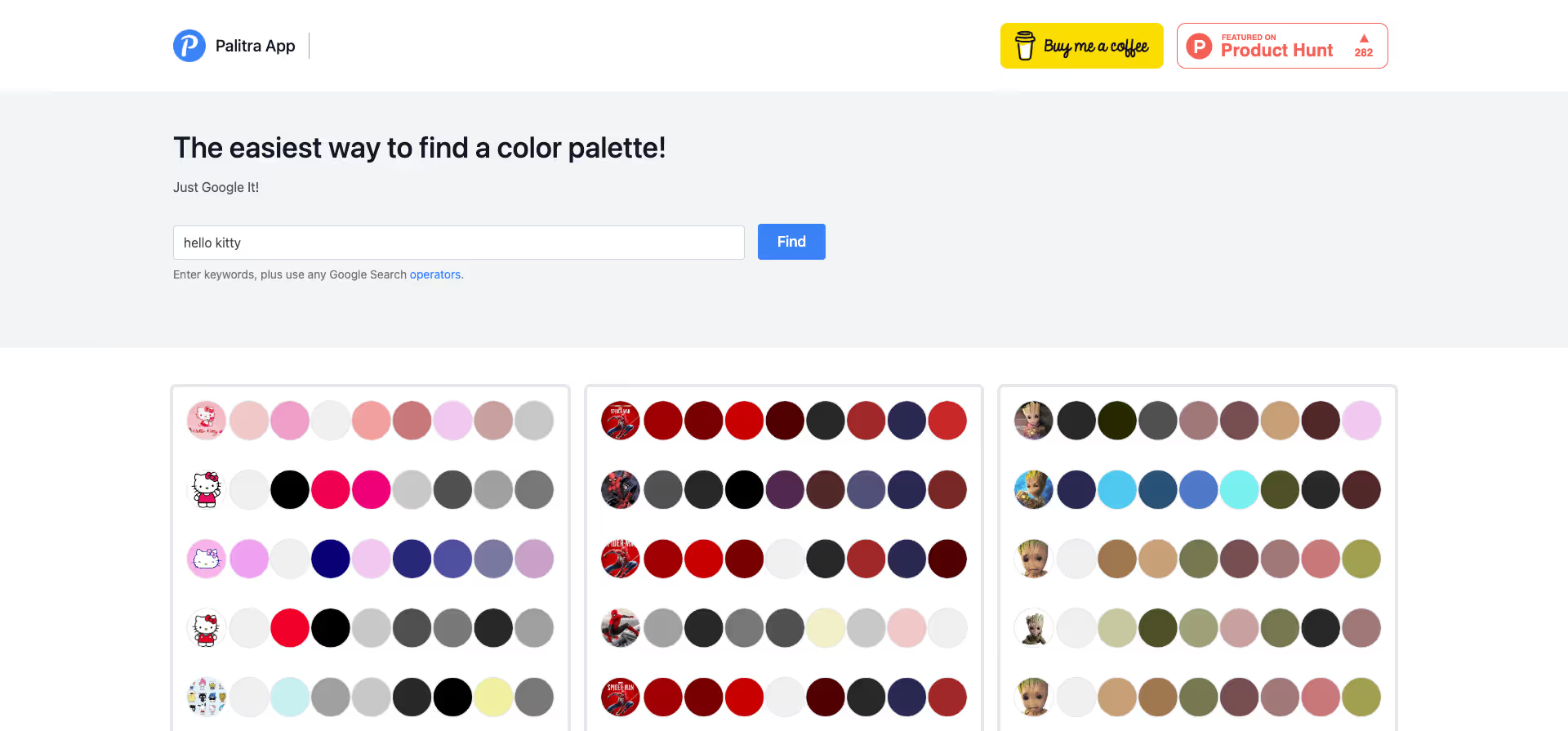
The palettes created by Palitra can be exported in various formats, e.g. HTML, RGB or HEX, and it is possible to adjust the number of colours and the type of harmony. It is a useful tool for designers, developers and anyone who works with colours.
Website: https://palitra.app/
Type: Free
16. Spectrum
Colorspectrum Design is an online tool that allows users to create and edit colour palettes. It is a useful tool for designers, developers and anyone who works with colours.
Website: https://colorspectrum.design/
Type: Free + Paid Options
17. Atmos
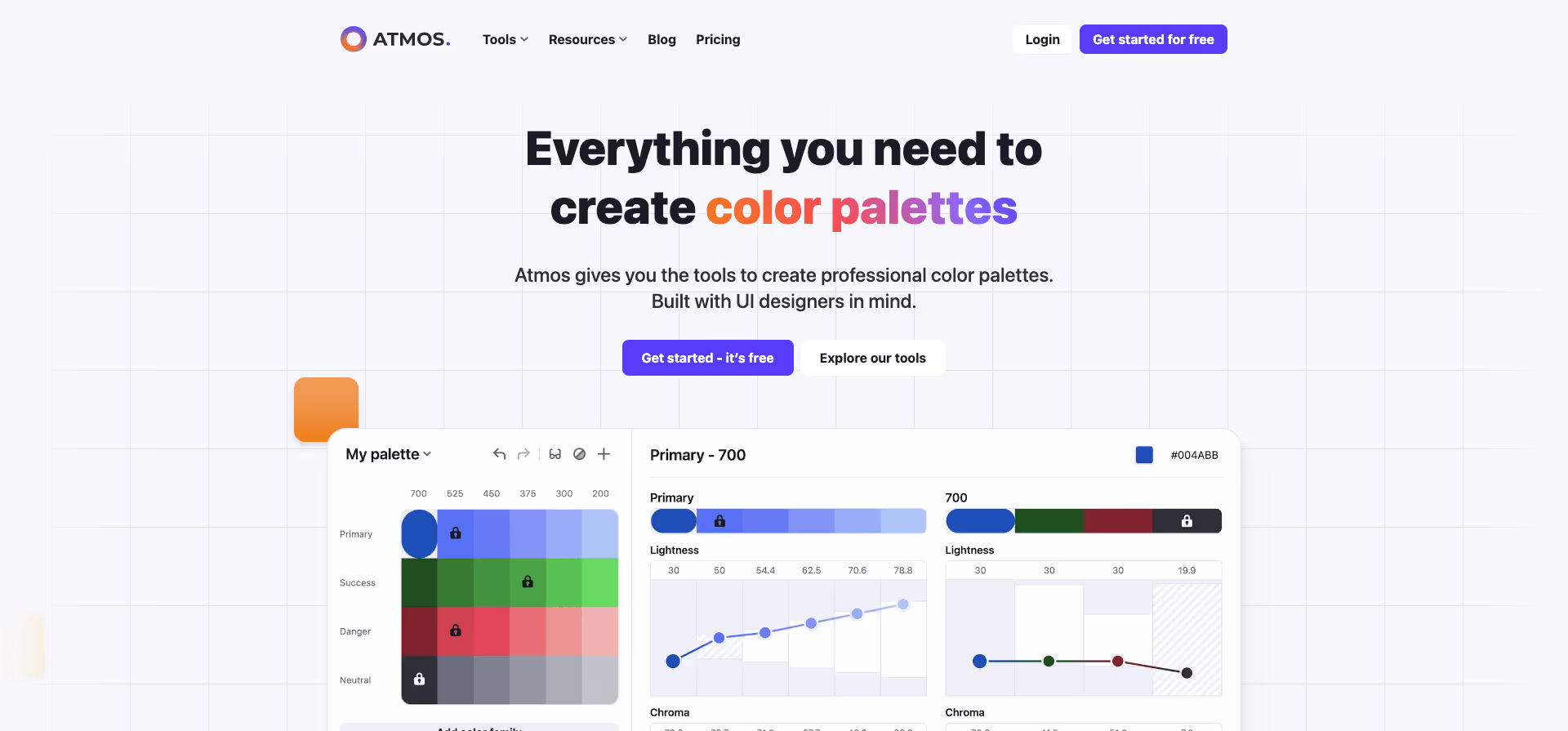
Atmos gives you the tools to create professional colour palettes.
Website: https://atmos.style/
Type: Freemium
18. Hue.tools
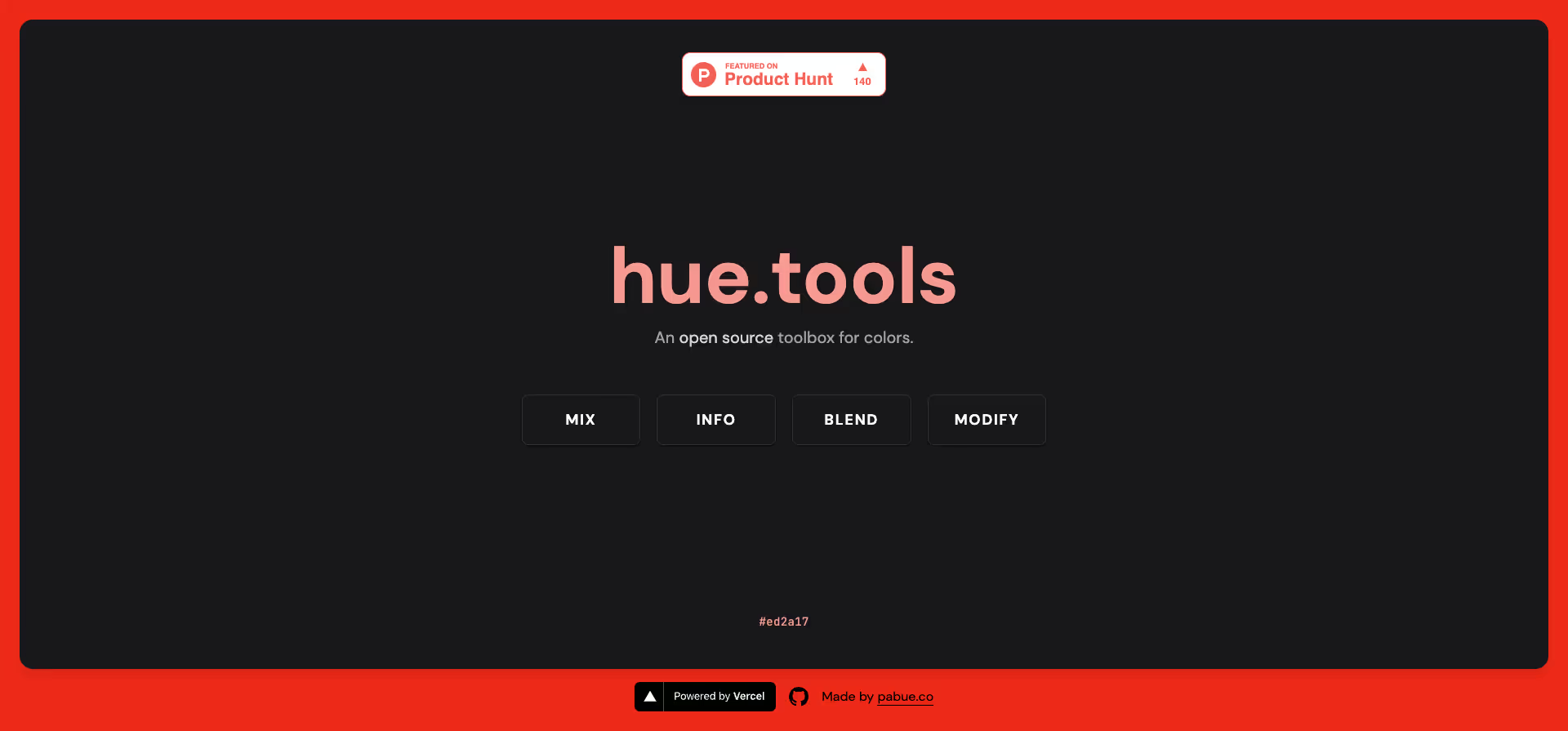
Hue Tools is an online tool that offers you a variety of useful tools for the colour design of your projects. With the colour palette creation, colour comparison and colour picker, you can quickly select the perfect colours for your designs.
Website: https://hue.tools/
Type: Free
19. Huemint
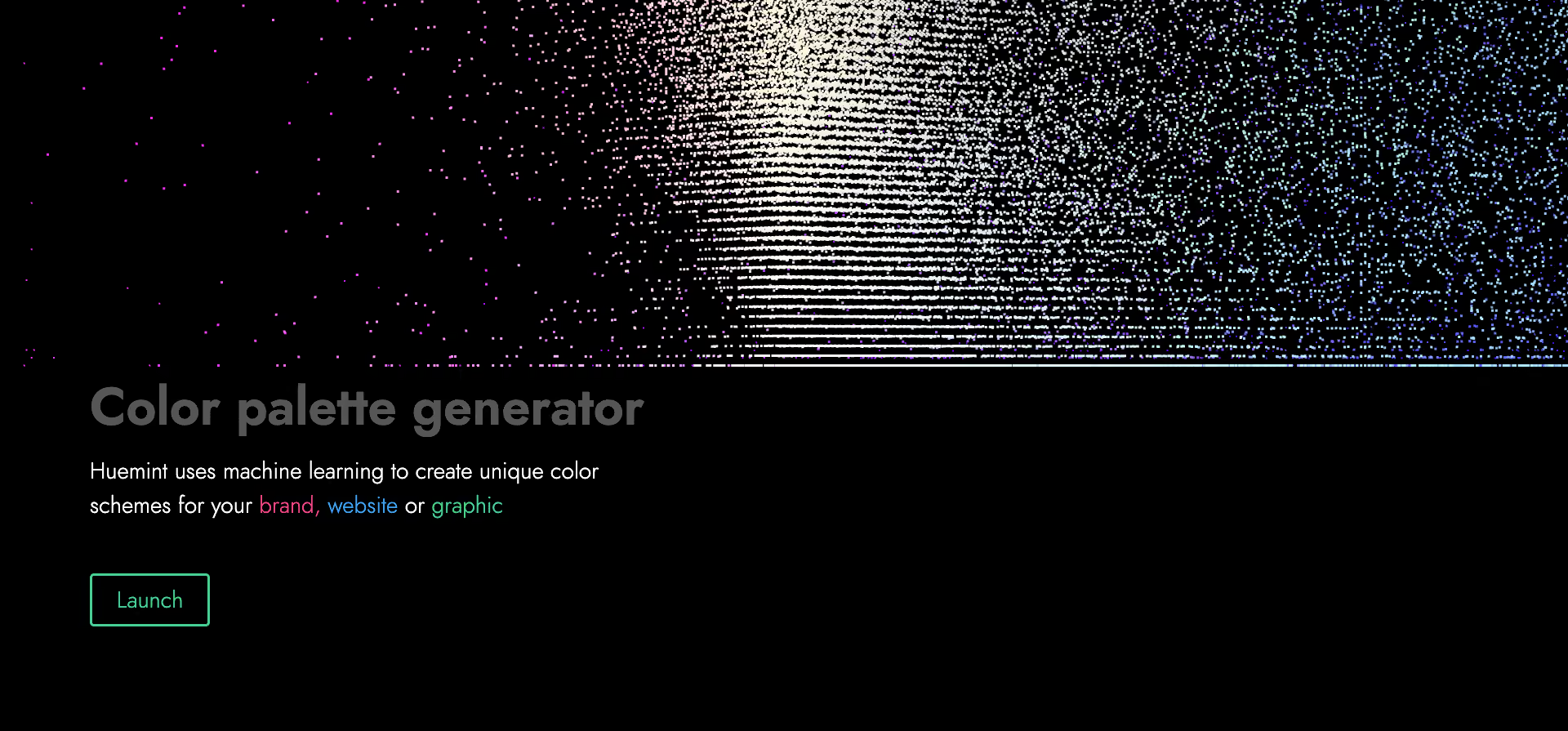
Huemint creates unique colour schemes for your brand, website or graphic using machine learning.
Website: https://huemint.com/
Type: Free
20. Leonardo
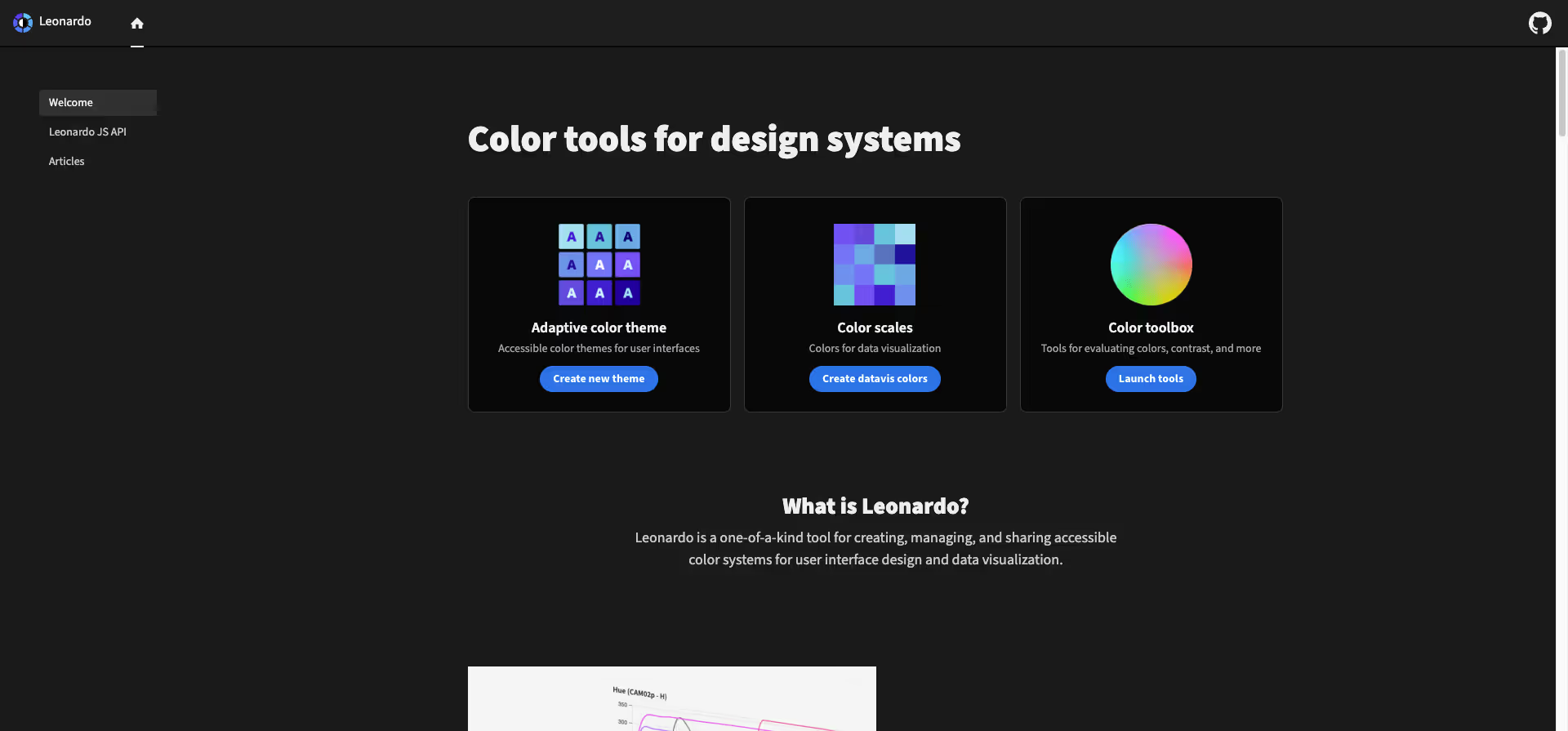
Leonardo is an ideal tool for creating, managing and sharing accessible colour systems for designing user interfaces and visualising data.
Website: https://leonardocolor.io/
Type: Free
21. Palettemaker
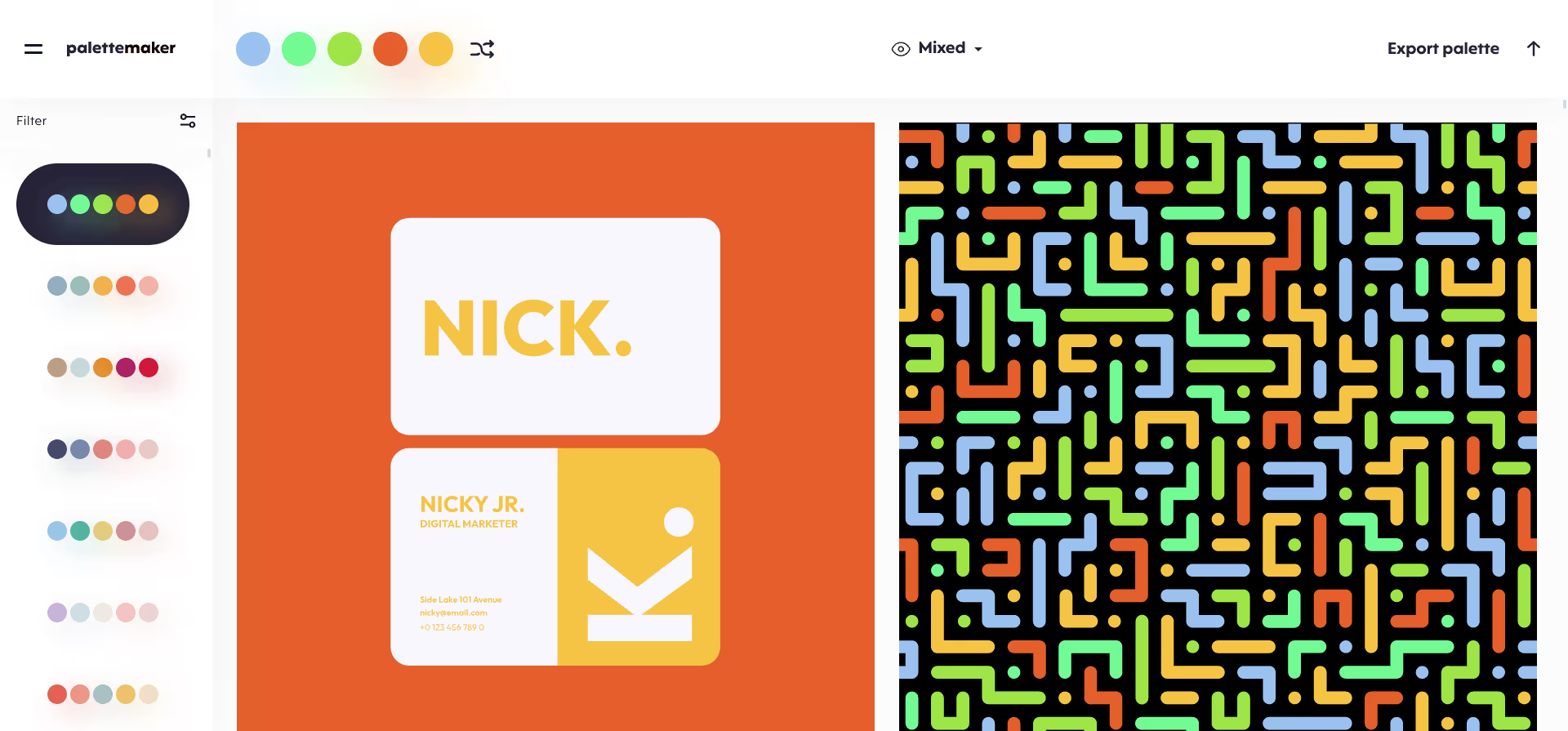
Palettemaker offers a wide range of colours and options with which you can create your own palette or be inspired by existing palettes. You can also use Palettemaker to carry out colour analyses and optimise the colours of your images.
Website: https://palettemaker.com/
Type: Free
22. Alphredo
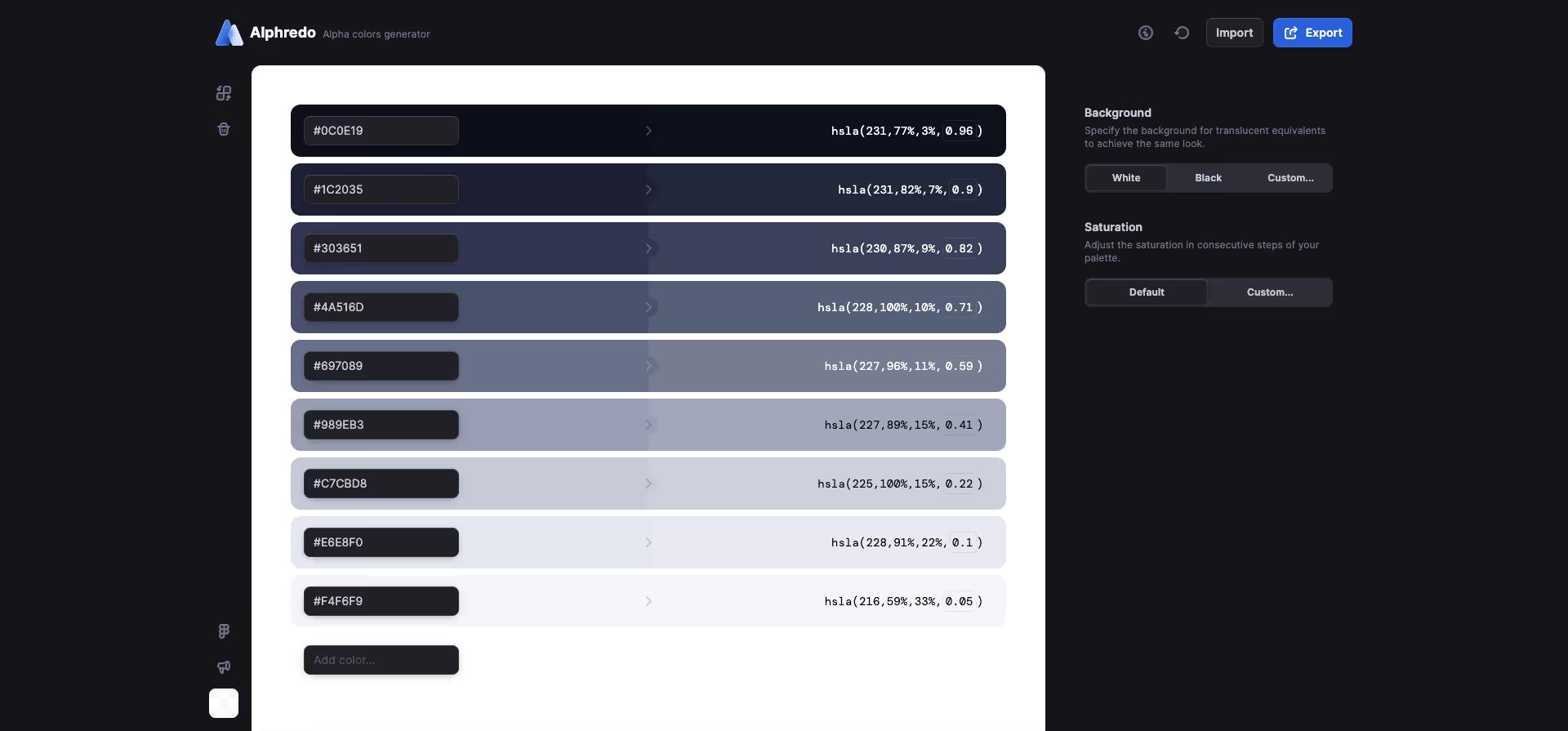
Alphredo is a user-friendly app that helps you personalise your design projects with fonts. With a wide range of fonts to browse and try, you can add the perfect font to your projects.
Website: https://alphredo.app/
Type: Free
Final Thoughts
The right color tool depends on where you are in your design process. If you're in early exploration mode, speed matters most. Tools like Coolors and Colormind let you generate dozens of palettes in minutes. If you're deep into production work, integration matters more, and that's where Adobe Color and Leonardo earn their place.
What we've noticed across our projects at magier is that most designers don't need all 22 tools. They need two or three that fit their specific workflow. For branding projects, we typically start with Adobe Color for palette exploration and then validate contrast ratios before handing anything off to development. For web design projects, we lean on tools like Leonardo and Material Design Color Tool to make sure our color systems are accessible from the start.
The biggest mistake we see is treating color selection as a purely aesthetic decision. Color affects conversion rates, readability, and brand trust. A palette that looks beautiful in a mockup but fails WCAG contrast requirements will create problems the moment it hits production. That's why we recommend always pairing a creative palette tool with an accessibility checker, even if they're built into the same app.
If you're building a brand from scratch or refreshing an existing one, we'd love to help you get the color strategy right. Reach out to the magier team and let's talk about your project.
Frequently Asked Questions
What is the best color palette app?
It depends on your workflow. For most designers, Coolors is the fastest and most versatile palette generator. If you're working in the Adobe ecosystem, Adobe Color offers the deepest integration. For AI-powered suggestions tailored to your personal taste, Khroma is the best option. And if accessibility is your priority, Stark is the go-to tool for checking contrast and WCAG compliance.
How do designers pick colors?
Most designers start with basic color theory: choosing complementary, analogous, or triadic color relationships from the color wheel. From there, they use palette generators to explore variations and narrow down options. Professional workflows typically include a primary brand color, 1–2 supporting colors, and a neutral set. The final step is always testing for accessibility to ensure the palette works for all users, including those with color vision deficiencies.
What is the best free color tool for designers?
Coolors and Adobe Color are both free and cover the widest range of use cases. Coolors is better for fast, iterative palette creation, while Adobe Color is better if you need library syncing with Photoshop and Illustrator. For AI-generated palettes, Colormind and Huemint are both completely free.
What are AI color generators?
AI color generators use machine learning to create color palettes automatically. Tools like Khroma learn from your personal color preferences (you pick 50 colors to train it), while tools like Colormind analyze existing designs, art, and photographs to generate harmonious palettes. Huemint takes it further by generating palettes specifically for brand applications like logos, websites, and marketing materials.
Do I need an accessibility checker for my color palette?
If your design will be used on the web or in any digital product, yes. WCAG 2.1 guidelines require a minimum contrast ratio of 4.5:1 for normal text and 3:1 for large text to meet AA standards. Many tools like Coolors, Adobe Color, and Stark have built-in contrast checking features, so you can test accessibility without needing a separate tool.


.avif)