Contentful Alternatives: The Best Headless CMS Options in 2026
Contentful is one of the most powerful headless CMS platforms out there. It strictly separates content from presentation and can deliver it via APIs to websites, apps, shops, or any other digital channel. That flexibility comes at a cost, though. You'll almost always need a separately built frontend, ongoing development work, and a fairly technical setup.
Many companies don't actually need this kind of architecture in their day-to-day work. What they really want is to run a visually impressive marketing website, publish new landing pages quickly, and manage content without constantly relying on developers. For these requirements, an integrated solution like Webflow is often a better fit. It combines design, CMS, and hosting in a single working environment.
There are also interesting Contentful alternatives among the classic headless systems. Storyblok offers a visual editor, Sanity allows highly customizable content structures, and Strapi gives you full control over hosting and source code. Hygraph is particularly suited for projects that need to aggregate and distribute content via GraphQL. In this post, you'll learn which options are most compelling in 2026, how they compare in terms of features, pricing, hosting, GDPR compliance, and development effort, and which projects they're best suited for.
Top Contentful alternatives at a glance
Prices refer to publicly listed plans as of June 2026. Taxes, additional users, API usage, bandwidth, extensions, and enterprise services can significantly change the total cost.
Important: When it comes to data privacy, a European server location alone is not enough. You should also review the data processing agreement, any sub-processors, international data transfers, and all integrated services. Forms, analytics tools, videos, fonts, and external scripts all affect how these Contentful alternatives handle GDPR, the upcoming ePrivacy Regulation, the Digital Services Act, and other regulations.
Why you need Contentful alternatives in 2026
A powerful headless CMS like Contentful brings clear advantages. Content can be managed centrally and distributed to various output channels via APIs. This is valuable when the same product information needs to appear on a website, in an app, a customer portal, and on in-store displays.
For a more or less standard business website, however, this kind of architecture often creates unnecessary overhead. Editors can work with the content, but they frequently need developer support for layouts, teaser modules, forms, or product displays. On top of that, there are costs for the separate frontend, its hosting, technical maintenance, and depending on the project, also for search, image optimization, or preview environments.
So it's worth comparing the best Contentful alternatives before making a decision. The following solutions take different approaches. Some remain fully headless but reduce certain barriers that are typical of Contentful. Others combine content management with visual design and hosting. Ultimately, the longest feature list isn't what matters most. The real question is which system fits your everyday workflow.
Alternative 1: Webflow (CMS, design, and hosting in one platform)
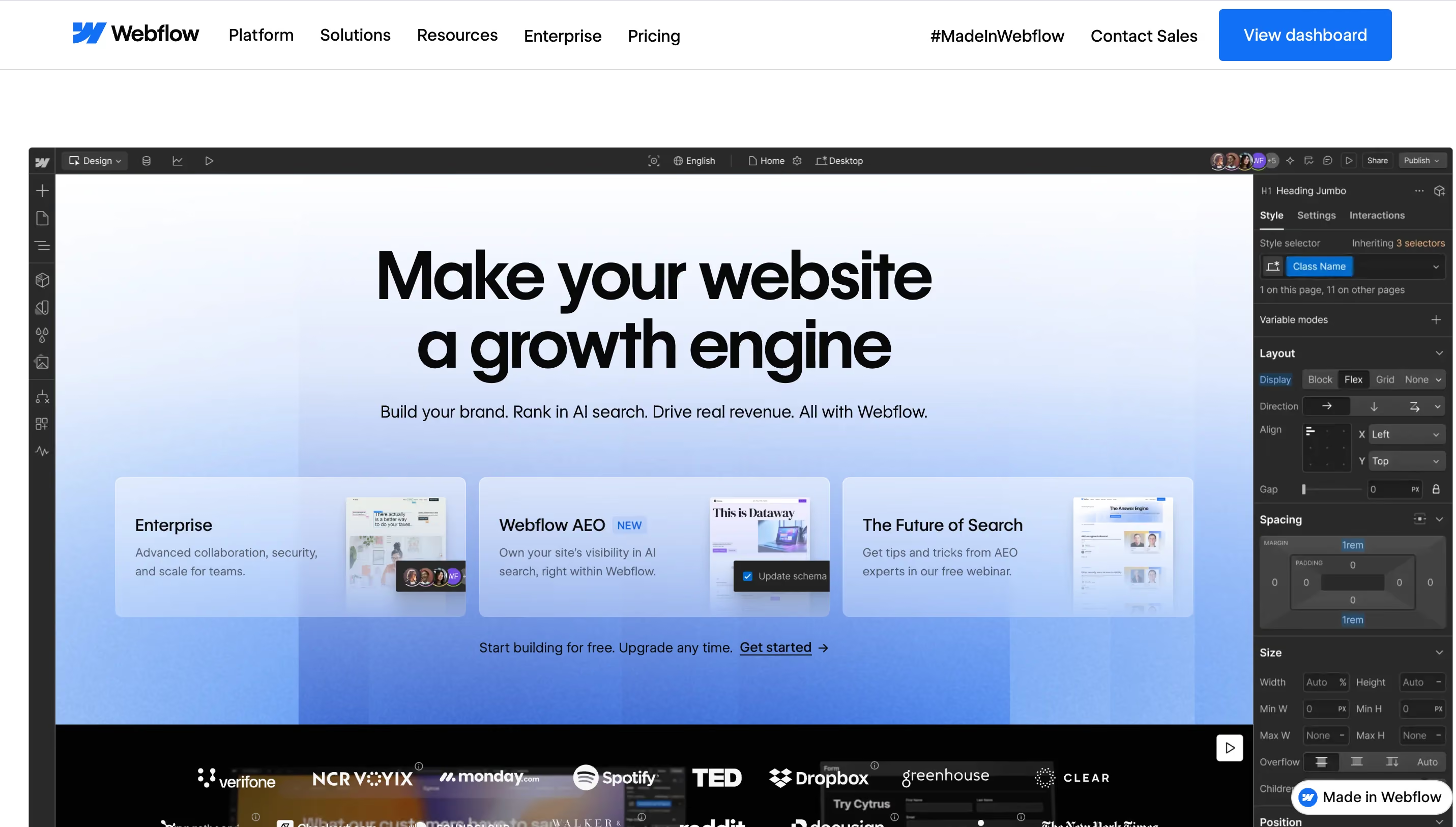
For websites with a strong marketing focus, Webflow is often the most natural Contentful alternative. The visual builder generates frontend code directly from the design. Your team can create pages, manage CMS content, and publish new sections without needing to build a separate frontend project first.
The biggest difference from Contentful lies in the architecture. Contentful delivers structured content via APIs. Webflow offers an all-in-one approach with integrated content management, layout, typical components like headers, teasers, and forms, animations, publishing, and hosting. This significantly shortens the technical chain.
For more complex builds, an experienced partner like magier can set up the design system, CMS structure, and integrations. You can find a selection of suitable agencies in our overview of the 15 best Webflow development agencies in 2026.
Key features:
- Visual designer with direct control over responsive layouts
- Integrated CMS for recurring and structured content
- Hosting, SSL certificate, and global delivery within the platform
- Components for reusable page elements
- Roles and permissions for team collaboration
- APIs and integrations for external marketing systems
- Localization for multilingual web projects
- Webflow Enterprise with advanced security and governance features
Ideal for: Webflow is a great fit for marketing teams, agencies, and mid-sized companies that want to independently evolve a modern website. For more complex builds, an experienced partner like magier can set up the design system, CMS structure, and/or integrations so the internal team can work efficiently afterward. Very large omnichannel projects with multiple apps or custom-built endpoints are not the platform's primary focus.
{{freebie}}
Talking about design - if you need some inspiration for your website, read this blog on the best graphic design styles. And if you need some plugins for seamless designing, this blog on the best Figma plugins is the right read for you.
Alternative 2: Storyblok (Visual editing to a headless setup)

If you're looking for a true headless CMS that still gives editors a visual editor, you should take a closer look at Storyblok. Content can be edited there in a preview, even though the rendering still comes from a separate frontend. This makes the solution more accessible than many purely form-based headless systems.
Technically, the fundamental effort remains. Developers need to build the frontend with a framework like Next.js, Nuxt, or Astro and connect the Storyblok components. The visual editor improves the editorial experience but doesn't replace frontend development.
For international companies, the choice of different data regions is an interesting detail. Storyblok lists Europe, North America, Canada, and Australia as available locations. However, the free choice of a region is reportedly tied to higher pricing tiers.
Key features:
- Headless architecture with REST and GraphQL APIs
- Visual editor with a preview of the connected frontend
- Component-based content models
- Support for multiple languages and markets
- Scheduling and editorial workflows
- Data regions in Europe and other markets
- Integrations for popular frontend frameworks
Ideal for: Storyblok is well suited for companies that need a headless CMS but want to give their editors a visual preview. It works well for multilingual websites, shops, and digital platforms with a dedicated development team.
Alternative 3: Sanity (Highly flexible content models for developers)
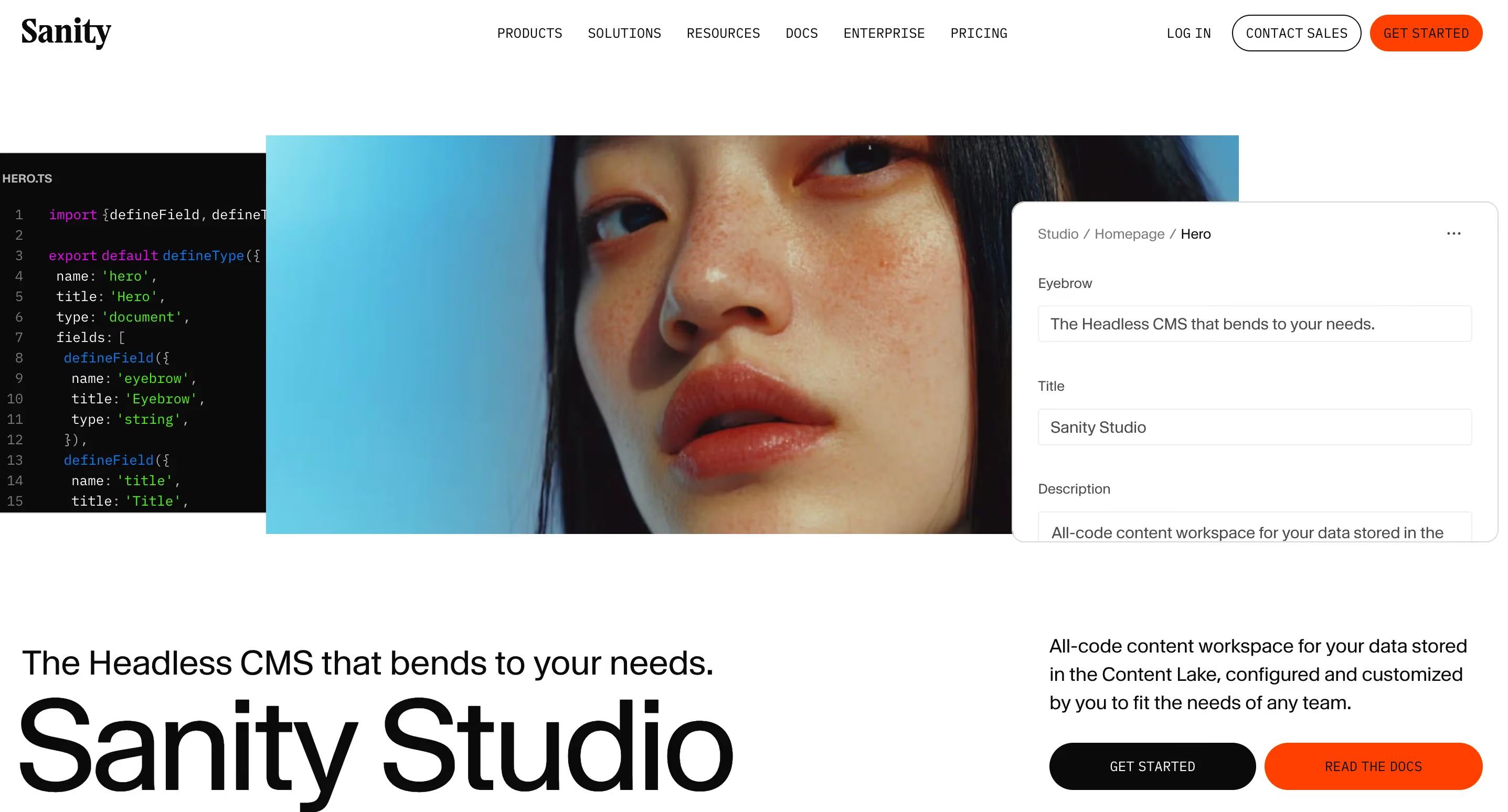
Sanity is aimed at teams that want to adapt their content platform to their own processes. The system combines a hosted content database with a customizable editorial interface. Sanity Studio is the customizable editing interface of the CMS. Teams use it to edit content, manage fields, and control publishing or editorial workflows. Because the interface is built on React, developers can heavily tailor it to internal processes and other specific requirements.
This freedom pays off with complex content structures. Content can be edited in real time and delivered to various frontends via the GROQ query language. For simple marketing websites, however, this approach can easily be more than what's needed.
The free plan is already suitable for smaller projects and testing. Growth costs $15 per paid user per month. Additional accounts or add-ons can generate extra costs. Enterprise features like SAML SSO, custom roles, and contractual service levels are available on a custom basis.
Key features:
- Structured content in a hosted real-time database
- Customizable Sanity Studio built on React
- Proprietary GROQ query language
- Visual editing and live preview
- Flexible content models and references
- APIs for websites, apps, and other endpoints
- Roles, comments, and tasks in paid plans
- Extensible functionality via code and integrations
Ideal for: Sanity is a strong fit for product teams and developers who need a customizable content platform for multiple applications. It's especially interesting when complex relationships between content or custom editorial processes play a central role.
Alternative 4: Strapi (Control over code and server location)
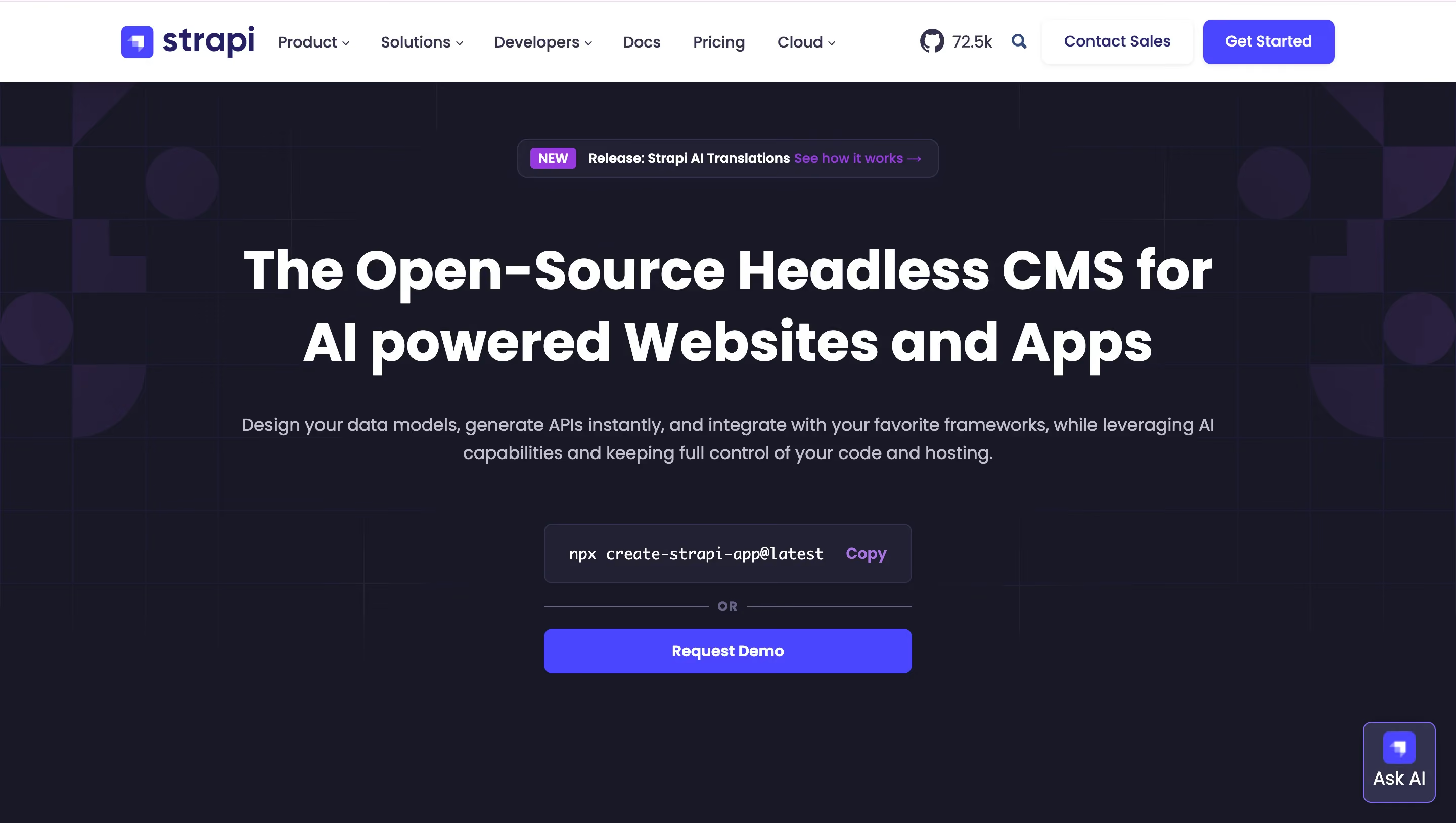
This Contentful alternative is built on an open-source model. That makes Strapi different from many SaaS offerings. You can run the headless CMS on your own infrastructure and thereby choose the server location, database, and many other technical details yourself.
This is particularly interesting if you want (or need) to align your Contentful alternative with GDPR, compliance, and other data-sensitive requirements as closely as possible. The responsibility for updates, security, backups, and availability then lies with your team, though.
Strapi also offers a managed cloud package. A European server location is available here as well. Official plans with hosting start at $15 per project per month (billed annually). Extended CMS features and enterprise services may be billed separately. There is also a free version.
Key features:
- Open-source headless CMS built on Node.js
- Self-hosting on any infrastructure of your choice
- Managed Strapi Cloud as an alternative
- REST and GraphQL APIs
- Customizable content types and admin interface
- Extensions via plugins and custom code
- European cloud region available
- Roles and permissions for editorial processes
Ideal for: Strapi is well suited for companies with their own development or DevOps team that want maximum control over infrastructure and data storage. It's a particularly interesting option when internal policies require a self-hosted CMS or a specific European hosting provider.
Alternative 5: Hygraph (GraphQL-based content platform)
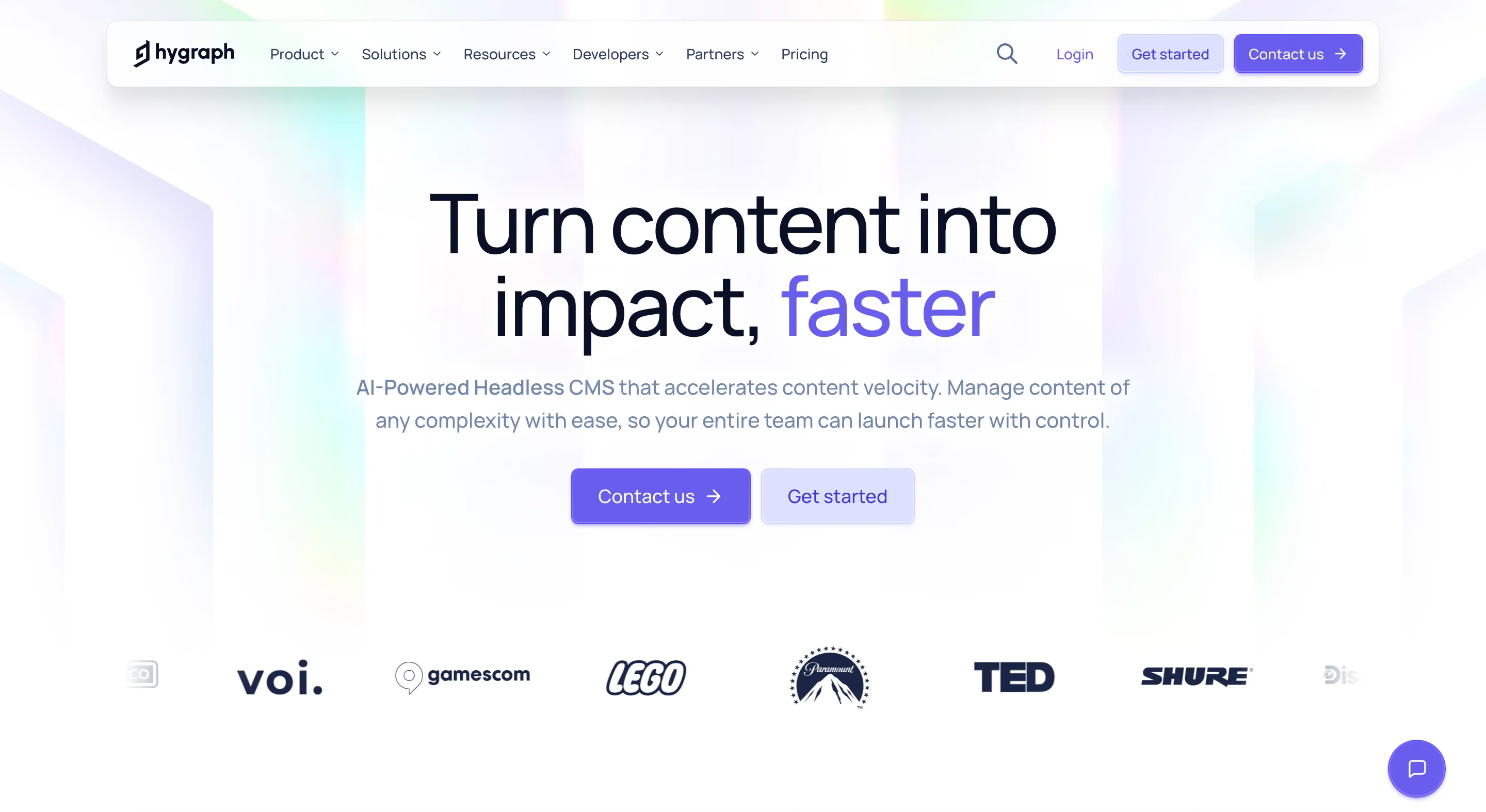
Hygraph takes an API-first approach with GraphQL at its core. The CMS can aggregate content from its own models and external systems. This makes it a good fit for digital platforms that combine information from product databases, shops, internal services, or multiple content sources.
The so-called content federation is a key differentiator compared to traditional website CMS platforms. Instead of copying all information into Hygraph, teams can make content from other systems available within a unified query. For small tests, a free plan is available. The publicly listed Growth plan currently costs $199 per month. Enterprise packages are priced individually.
Key features:
- GraphQL-native content platform
- Structured and interconnected data models
- Content federation for external data sources
- APIs for multiple frontends and digital channels
- Visual preview for connected projects
- Roles, workflows, and multiple environments
- Multilingual content structures
- Webhooks and integrations for external systems
Ideal for: Hygraph is a strong fit for companies with a GraphQL architecture and multiple data sources. The focus is more on demanding commerce projects, customer portals, marketplaces, or other digital applications with multiple data sources.
By the way, if you own a medical/healthtech website, we have gotten an excellent roundup of the best medical websites for you.
When does a headless CMS actually make sense, and when is an integrated solution like Webflow enough?
A headless CMS is worth it when your content truly needs to serve multiple independent endpoints. These include things like a website, native apps, a customer portal, digital displays in stores, and various regional shops. In that case, a central content source prevents duplicate maintenance and creates consistent data structures.
For a business website with a blog, landing pages, case studies, job listings, and multiple language versions, Webflow CMS is usually more than enough. You don't need a separate frontend, and you don't have to introduce every new component through a development project. Your marketing team can manage a lot of the content and pages on their own.
That said, a headless CMS might still make sense for your requirements. To find out, ask yourself five practical questions before deciding:
- How many output channels do you actually have? A website with desktop and mobile views counts as one frontend, not an omnichannel architecture.
- Who creates new pages and components? If the marketing team should be able to work independently, Webflow offers clear advantages. If you have a dedicated product development team, headless might be a better fit.
- How complex are your content relationships? Simple collections for blog posts, team members, or case studies rarely require a fully programmable content platform.
- What data needs to stay in the EU? If you have strict requirements, Strapi with self-hosting or suitable enterprise models from other providers offer the necessary control.
- What can the entire system cost? Add up CMS, frontend development, hosting, maintenance, monitoring, updates, and internal time.
"In over 100 website projects, we've often seen that headless plans were considered by companies solely because of their comparatively low prices. The larger expenses then came from frontend development, hosting, and increased maintenance effort. On the flip side, an integrated system only saves work if its limitations match the project. A thorough technical assessment before implementation or migration by an experienced partner like magier protects against an expensive misstep."

Final thoughts
When it comes to complex content models and large omnichannel projects, Contentful is undoubtedly one of the most powerful CMS platforms on the market. It can reliably distribute content across many digital channels and products. But not every modern website needs to be built on a decoupled headless architecture.
Flexibility always sounds appealing at first. But the more important question is whether your company actually uses it. As we've already covered in our comparison of the best WordPress alternatives in 2026, you should also ask yourself here whether you really need a system that can cover a wide range of scenarios. Less technical but more focused building blocks make maintenance easier, reduce coordination needs, and can make your marketing more effective.
For modern marketing websites, Webflow is our top recommendation. The platform combines design, CMS, and hosting without requiring a dedicated development team. Content, landing pages, and visual changes stay closer to the marketing team. Complex builds are possible and require professional execution, and magier is happy to support you with that.
The other Contentful alternatives also have their strengths: Storyblok is a good fit if you want to pair headless with a visual editorial environment. Sanity shines with highly custom content models. Strapi works well for companies that want to control code and hosting themselves. Hygraph plays to its strengths in GraphQL projects with multiple data sources.
Want to move away from Contentful but need a realistic assessment of the technical and editorial effort first? magier supports you with strategy, design, and Webflow implementation as your on-demand team. Based on our experience from over 100 website projects, we can accurately estimate content models, migration, and key components for a range of business requirements from the very start, and then systematically bring everything to life.
FAQ
For marketing websites, Webflow is often the best Contentful alternative. The platform combines design, CMS, and hosting in one system. This means your team doesn't need a separate frontend like with Contentful and can independently publish content, landing pages, or visual changes. This shortens coordination, speeds up campaigns, and makes your marketing significantly more agile in day-to-day operations.
No, Webflow is not a traditional headless CMS. The platform takes an all-in-one approach where content management is directly linked to the visual frontend and hosting. While content can be integrated into other processes via APIs, the primary purpose remains building and running websites. For many marketing teams, this integration is an advantage.
Strapi can be run on a self-chosen European infrastructure and also offers a European region in its cloud. Storyblok provides European data regions as well, although the free choice of location depends on your plan. Contentful itself offers EU data residency for qualifying enterprise packages.
Contentful works well as a headless CMS for large, complex content structures with multiple endpoints, especially for companies that have their own development team. Storyblok also takes a headless approach but adds a visual editor on top. Webflow is a better fit for websites where marketing, design, and content management need to work closely together and no separate frontend should be required.
A headless CMS is worth it when the same structured content needs to serve multiple independent websites, apps, shops, or other endpoints. It also fits well with digital products like customer portals, apps, marketplaces, or booking platforms that have their own development team and custom frontends. For a single marketing website, an integrated platform like Webflow is often the more practical choice, because the technical effort and processes better match the actual needs.


.avif)