.avif)
How Small Businesses can Streamline Their Workflow Using AI Design Tools
When I talk to small business owners about their marketing, almost none of them mention design as the fun part. They mention it as the part that eats a Sunday afternoon. That's the gap AI design is starting to close.
Used well, AI design tools let a solo founder or a two-person marketing team produce social posts, ads, and presentations in the time it used to take to open a design program and stare at a blank canvas. Used badly, they produce a pile of generic graphics that all look like they came from the same template, which is its own kind of time sink. This article is about the difference between those two outcomes, and which parts of your workflow are genuinely ready to hand over to AI right now.
I write this from the design side of the industry, where I spend most of my week talking to founders who are proud of their product but lack confidence in their graphics.
{{freebie}}
Why AI design matters for small businesses right now
Small businesses have always faced the same three constraints when it comes to design: not enough time, not enough budget, and not enough access to people who can do the work well. A recent survey of small business owners conducted by Talker Research on behalf of Adobe Express found that the average entrepreneur logs more than 200 "bonus" hours a year juggling roles they never planned to hold, and that 56% say creative and marketing tasks interrupt their core business at least once a week. Only one in five felt prepared for the creative and branding demands of running a business when they started.
That's the gap AI design is filling. Not by replacing good design decisions, but by removing the mechanical steps that used to require expensive AI design software, a freelancer's turnaround time, or hours of trial and error. A design generator that turns a text prompt into a usable social graphic doesn't make you a designer. It does let you skip hunting for a stock photo at 11pm before a launch, which is most of what AI for graphic design looks like day to day.
This is more important now than even two years ago, because the tools have gotten genuinely competent at the repeatable tasks that make up most small business design work:
- resizing an ad for five platforms
- generating headline variations
- cleaning up a background,
- drafting a first pass at a logo
None of the above require creative vision, just speed and consistency, which is exactly what AI is good at.
I'd also push back on the idea that these tools are only for businesses that can't afford a designer. I've seen well-funded startups use them for the same reason a solo Etsy seller does: the volume of small, repetitive design requests doesn't justify a designer's time even when you can afford one. AI design tools have become the right tool for a category of work, not just a budget workaround.
Where AI design tools deliver the fastest wins
Not every design task benefits equally from AI. In my experience, the best AI graphic design tools deliver the fastest, most reliable time savings in four categories for small businesses.
1. Social media graphics
This is the biggest win. Daily or near-daily posting across two or three platforms used to mean a repetitive manual process or a template reused until your audience could spot it from across the room. AI design tools now generate on-brand variations from a single prompt in seconds, rather than the 20 to 30 minutes a manual version typically takes.
2. Ad variations
Performance marketing runs on testing, and testing runs on having enough creative variety to learn something. Manually producing 8 to 10 ad variations could easily eat half a day. When the variations are short video rather than static creative, an AI online video editor can cut several vertical versions from one recording. Generating that same set with an AI tool, then editing the two or three that test well, is a different kind of afternoon.
3. Presentations
Investor decks, sales decks, and internal reports all benefit from a first draft that already has a coherent layout, so you're editing content instead of fighting with slide margins.
4. Product mockups
Showing a product in context (a mug on a shelf, a t-shirt on a model, a logo on a storefront) used to require a photoshoot or a stock photo license. AI product mockups now handle a large share of that need from a product photo or a text description. I've seen this stretch into unexpected categories too, like AI for interior design, where home stagers and furniture brands generate a "redesigned room" mockup before committing to actual staging.
Here's roughly how the time investment compares, based on the workflows I see most often with small business clients:
Those numbers are directional, not a guarantee. They assume you're generating a first draft and then spending real time refining it, which I'll return to below. Generation isn't the finish line.
The best AI design tools for small businesses, by task
There is no single best AI design tool. There's a best tool for the job you have this week. Here's how I'd match the most commonly used tools to the tasks they handle well, with more detail in the table below.
1. PosterMyWall
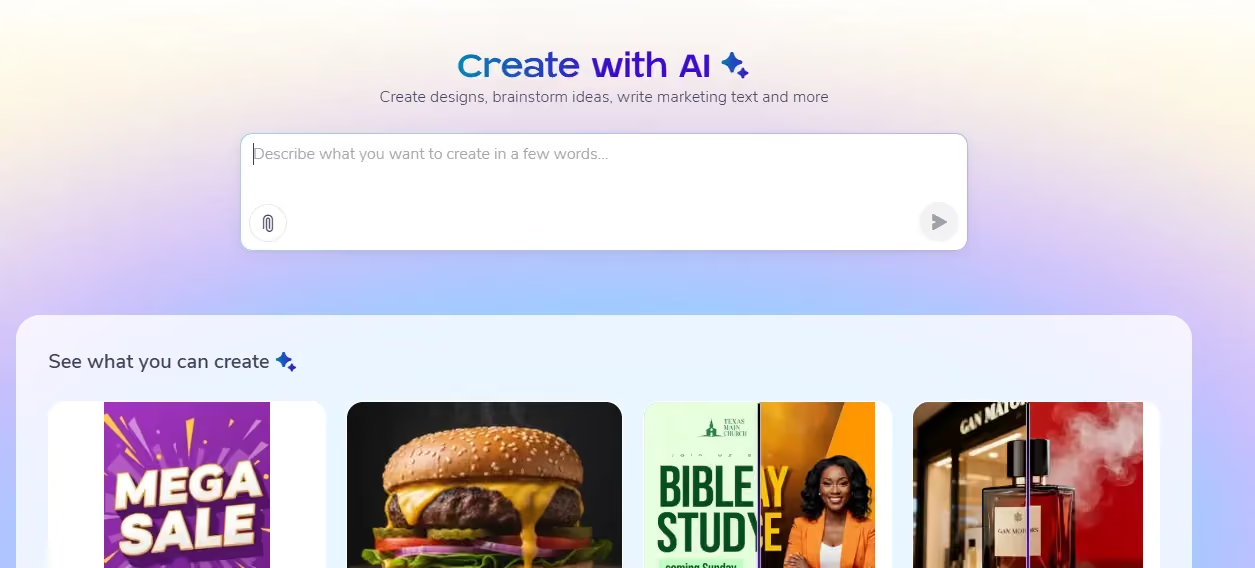
PosterMyWall's AI design tools cover a full marketing workflow, not one narrow task. AI Writer drafts captions and slogans, AI Background Remover cleans up product and portrait shots, AI Email Redesign restyles an email from a prompt, AI Subtitles Generator captions video automatically, and AI Voice generates voiceovers in a range of styles and languages.
The Create with AI chat-style tool turns a simple prompt into a finished social post, flyer, or short video. This AI design app is great if your weekly work is mostly social posts and event promotions.
2. Canva's Magic Studio
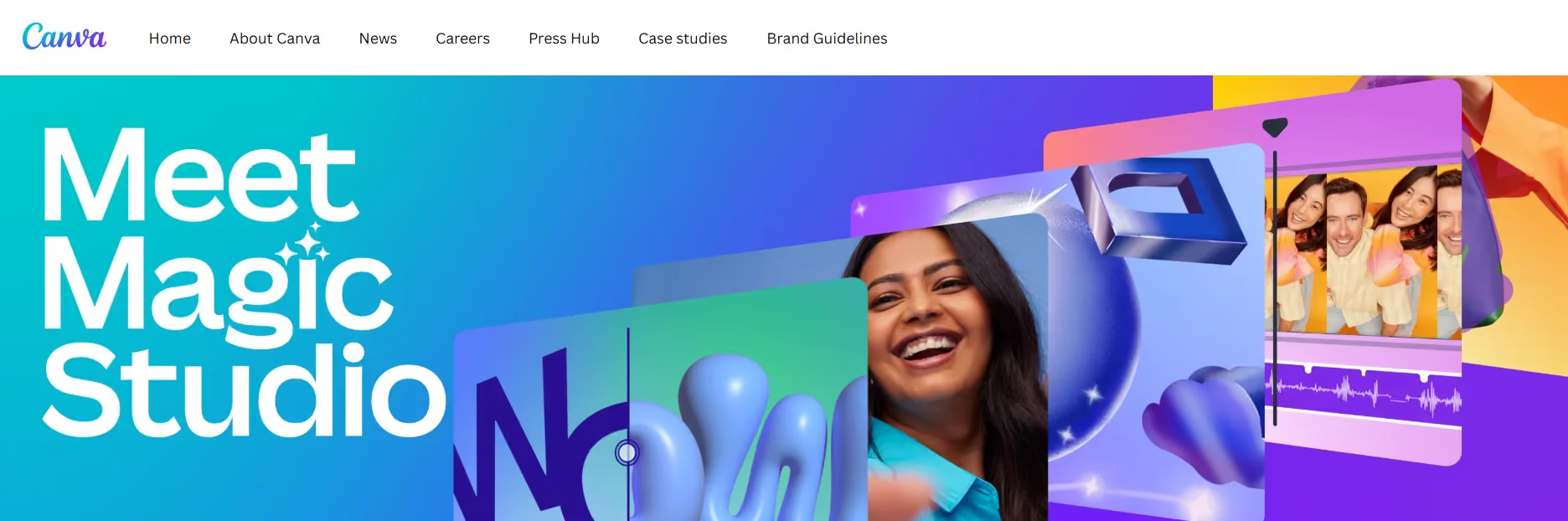
Canva’s Magic Studio is a general-purpose suite built into a design editor a lot of people already know. Magic Design assembles a layout from a prompt, Magic Media generates images and video from text, and Magic Eraser and Magic Expand handle image cleanup and reframing. It suits social graphics, presentations, and basic photo editing inside one familiar editor.
3. Adobe Firefly
Adobe Firefly focuses on image, vector, and video generation, and Adobe markets it as trained to be commercially safe, since it draws on Adobe Stock and licensed content rather than scraping the open web. If you want an AI design generator with that framing, it's worth a closer look, particularly for teams already inside the Adobe ecosystem.
4. Figma AI
Figma AI is the odd one out, aimed at people designing interfaces, not marketing graphics. Its First Draft and Figma Make features function as a kind of UI designer AI, turning a text description into a starting layout for an app screen. It's the tool most likely to save real time if you're building your own product interface, though the output still needs a human pass before it ships.
5. Midjourney
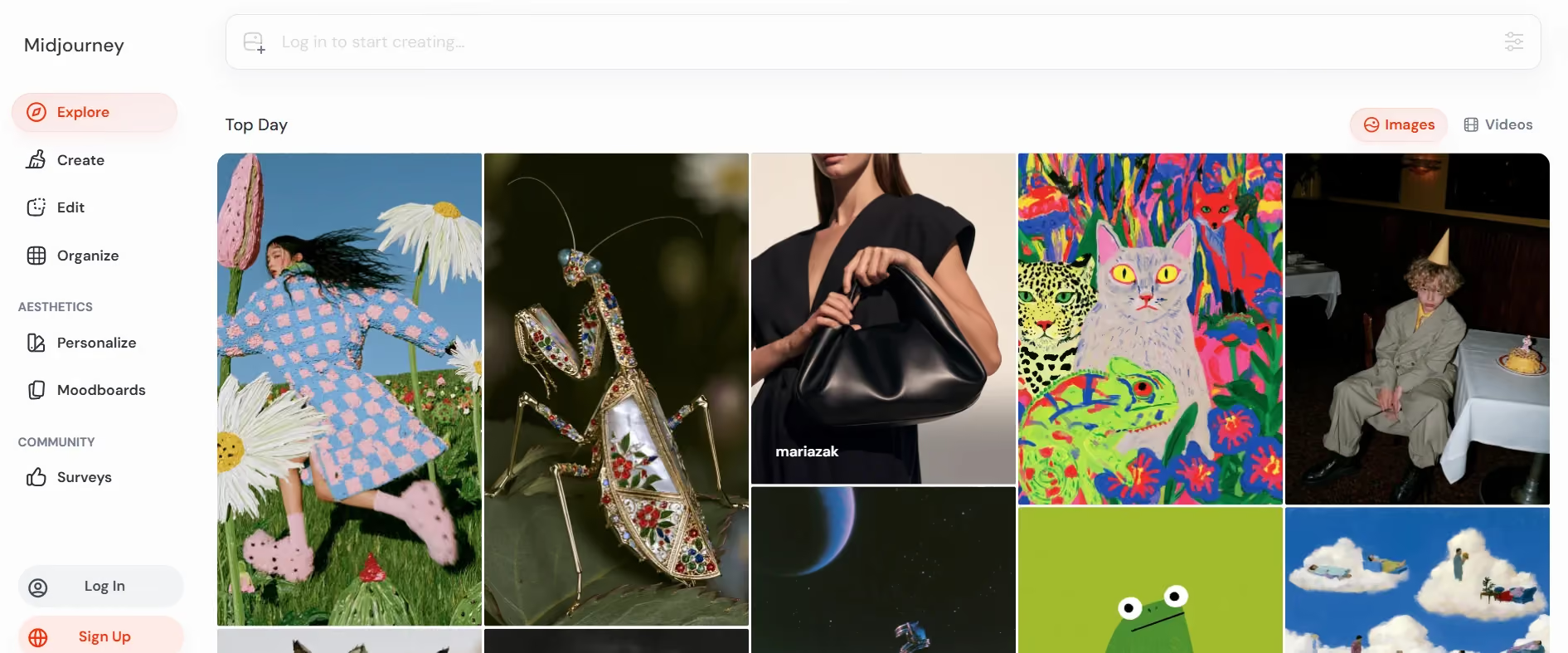
Midjourney produces the most visually distinctive images of the group, a strong choice for hero images and brand mood pieces where a more artistic, less templated look matters. It's not a great fit for anything that needs to match an exact brand system, since its outputs are stylized by design rather than tuned to your colors and fonts.
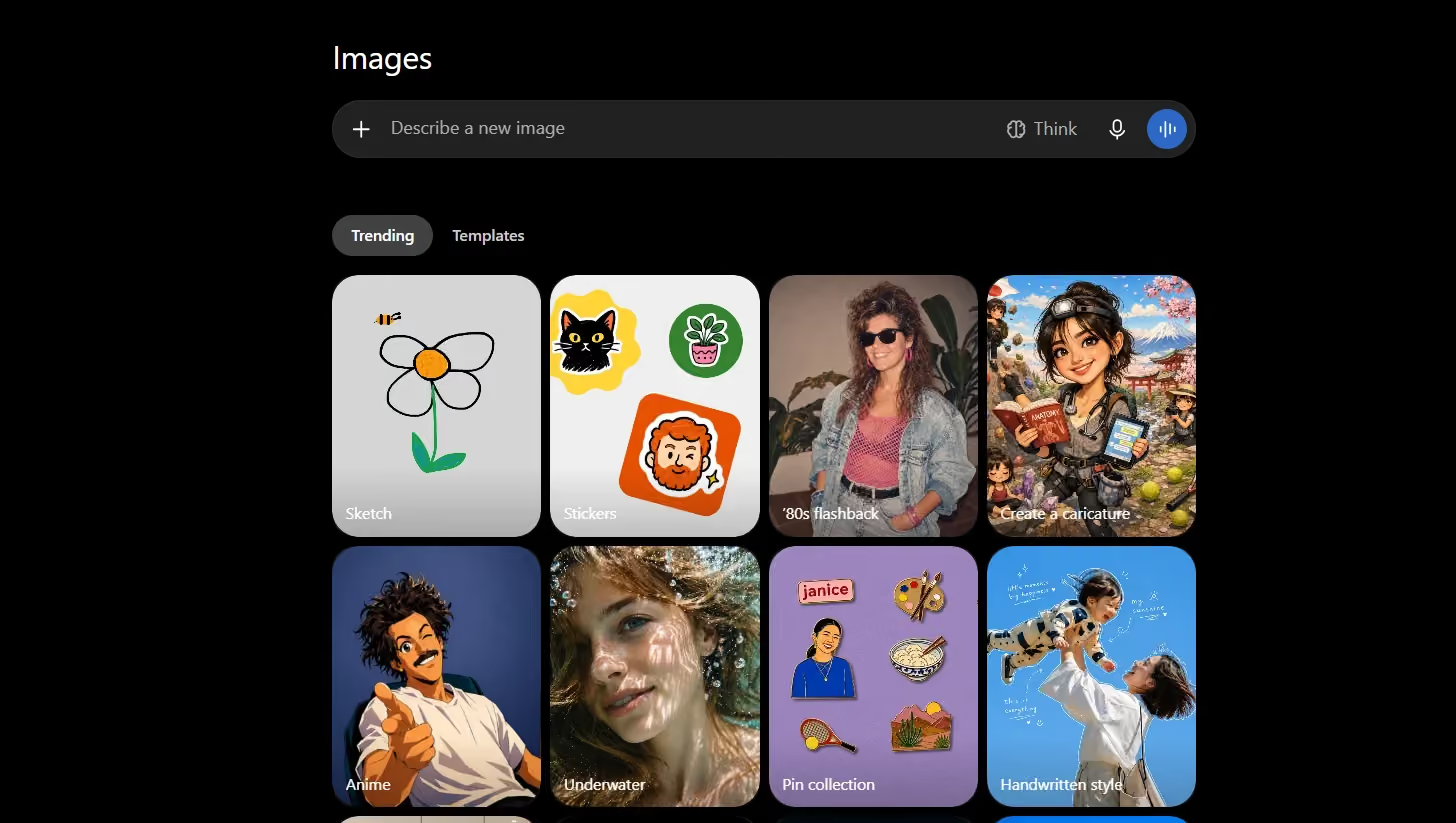
6. ChatGPT Images
ChatGPT images work less as a standalone design tool and more as a fast way to test a concept without opening a dedicated design app. Convenient if you're already using ChatGPT for copywriting, though outputs typically need more cleanup before publishing than a purpose-built design tool.

{{cta}}
A simple workflow for putting AI design into daily use
If your real question is how to use AI for design without it eating more time than it saves, the answer is process, not any single tool. The businesses that get the most out of AI design tools follow some version of the same repeatable process, rather than treating each task as a one-off experiment:
- Brief yourself before you prompt: Write two or three sentences on what the design needs to communicate, who it's for, and where it will run. A vague prompt produces a vague result.
- Generate three to five concepts, not one: Treat the first output as a rough draft. Most tools are fast enough that extra variations cost you almost nothing.
- Refine, don't just accept: Adjust colors, swap in your actual logo, fix any misspelled or misplaced text, and tighten the layout. This is where most real design judgment still happens.
- Resize for every platform you're using: A design built for an Instagram square doesn't automatically work as a story or a printed flyer. Use the resize feature most AI design tools include, rather than rebuilding manually.
- Launch with a naming and folder system you can find later: This has nothing to do with AI specifically, but it matters more once you're producing assets faster.
- Measure what worked: Note which variations got better engagement or conversion, and feed that back into your next brief. This is the step small businesses skip most often, and it's what turns AI design from a novelty into an actual AI design workflow.
Common mistakes small businesses make with AI design
I see the same handful of mistakes repeatedly, and almost all of them come from treating AI output as a finished product instead of a first draft.
1. Publishing unedited outputs
In a related Adobe Express survey of small business owners, only 6% published their most recent AI-assisted content without any edits, while 48% made heavy edits before it went out. That's the ratio to aim for. Publishing straight from the generator regularly is a sign your content is starting to look interchangeable with everyone else's.
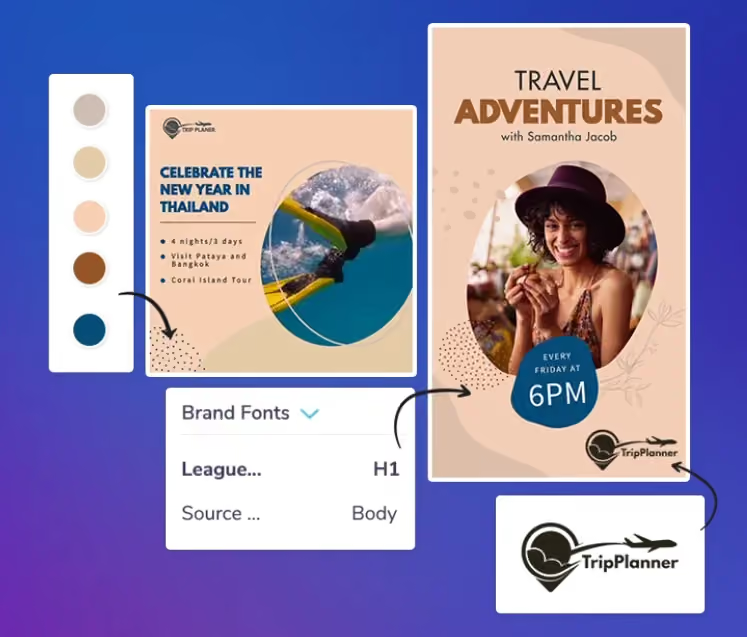
2. Inconsistent brand colors and fonts
AI tools default to whatever looks good in general, not your specific brand palette. Without a saved brand kit, you'll end up with a feed where every third post looks like a different company. Brand consistency has to be enforced deliberately; it doesn't happen automatically just because you're using the same tool.
3. Generic visuals
The fastest way to look like every other business using the same tool is to accept the first, most obvious output for every prompt. A few extra minutes of prompt refinement, or one distinctive brand element layered in, goes a long way.
4. Skipping testing
AI design tools make it cheap to generate variations, so skipping the step where you compare how they actually perform wastes the advantage. Fast generation is meant to help you test more, not just publish faster.
When to seek human design expertise instead of relying on AI design
I'd rather be upfront about this than let the rest of the article oversell what AI design can do: there's a real ceiling, and it shows up earlier than most people expect.
Brand strategy is the clearest example. Deciding what your business should stand for, how it should sound, and how it should differ visually from competitors is a judgment call informed by market context an AI model doesn't have. The same goes for creative direction on a campaign, where the goal is a specific emotional response, not just a technically competent image.
Visual identity systems (the logo, color palette, typography, and usage rules that hold a brand together everywhere) are another place I'd bring in a professional rather than rely on AI design tools alone.
A generated logo can look fine in isolation and still fail as a system once applied across a website, packaging, and a hundred social posts. This is where an experienced designer, or one of the specialist AI design agencies that pair AI speed with human review, tends to outperform going it alone, particularly once a wrong turn gets expensive to unwind. The same caution applies to a product launch or a fundraising deck, where a second, experienced set of eyes is worth the delay.
There's also a legal dimension worth knowing. The U.S. Copyright Office's guidance on AI and copyright makes clear that content generated purely from a prompt, without meaningful human creative input, generally isn't eligible for copyright protection. If a piece of work is central enough to your brand to protect, that's another reason to involve a human in the final output.
Getting started: your first week with AI design tools
If you're starting from zero, here's how you should spend the first week rather than overhauling your whole design process at once.
- Pick one recurring task, not your whole content calendar. A weekly social post or a single ad format beats redesigning your website.
- Choose one tool and commit to it for the week instead of bouncing between free trials.
- Save your logo, brand colors, and fonts into that tool's brand kit before generating anything, if it has one.
- Generate, refine, and publish at least three real pieces of work, not just test prompts you throw away.
- Note how long each piece actually took, start to finish, for a real baseline against your old process.
- At the end of the week, decide whether this was a genuine time save, and adjust accordingly.
Final thoughts
The honest answer to "should my small business use AI design tools" is: for some tasks, yes, without much hesitation, and for others, not yet without a human in the loop. Social graphics, ad variations, first-draft presentations, and product mockups are squarely in the "yes" category. Brand strategy, visual identity systems, and anything you'd genuinely mind getting wrong belong with a person who can sit with the problem longer than a single prompt allows.
The businesses I see benefiting most aren't the ones that adopted every AI design tool available. They're the ones that picked one or two tools, built a repeatable process around them, and stayed honest about which parts still need a human eye before anything goes out the door.
{{cta}}
FAQ
Save your logo, colors, and fonts into each tool's brand kit if it offers one, and use the same inputs every time rather than starting from a blank prompt. It also helps to designate one person for a final consistency check before anything publishes, since that's the step most likely to get skipped when a team is moving fast.
Most mainstream tools grant you usage rights to what you generate, but specifics vary by provider, so check the terms of service, especially around commercial licensing. Separately, the U.S. Copyright Office has clarified that purely AI-generated content generally can't be copyrighted unless a human contributes meaningful creative input, which matters if you want to protect a design as your own.
Most tools covered here offer a usable free tier, with paid plans generally starting between $10 and $20 a month per user. Costs scale with how many images or credits you need, so it's worth starting free and upgrading once you've confirmed the tool fits your workflow.
For repeatable, high-volume tasks like social graphics and ad variations, largely yes. For brand strategy, visual identity systems, and high-stakes campaigns, no, at least not yet. The tools are good at execution speed, not the judgment calls behind a coherent brand.
There isn't one universal answer, since it depends on the task. For everyday output like social posts and flyers, a tool built for that job, such as PosterMyWall AI, tends to be more efficient than a general-purpose tool.


.avif)