.avif)
WordPress Alternatives: The Best CMS Platforms in 2026
If you have ever spent an afternoon updating plugins instead of publishing content, you already know why so many teams start looking for a WordPress alternative. WordPress still powers roughly 43 percent of all websites, which makes it the most widely used content management system in the world. That scale comes with real strengths, but it also comes with real friction, and this guide walks through the platforms that solve for that friction in 2026.
We built this guide from a direct comparison of Wordpress alternatives, such as, Webflow, Storyblok, Contentful, Sanity, Framer, Ghost, Wix, Squarespace, and Shopify, based on how each one handles design, content management, hosting, and ongoing maintenance. magier has worked on 100+ website projects across marketing teams, startups, and B2B companies, so we have seen firsthand which platforms hold up once a site actually launches.
Here is what this guide covers:
- Why WordPress remains a strong choice for some projects, and where it tends to create the most maintenance work
- The 9 strongest WordPress alternatives for 2026, organized by what they are actually best at
- A side by side comparison table so you can shortlist options in minutes
- Where self-hosted, flat-file tools like Kirby and Statamic fit in if you want full ownership without a subscription
- A privacy and GDPR reality check that applies no matter which platform you choose
- Answers to the most common questions people ask about WordPress alternatives, including whether WordPress is still relevant in 2026
Top WordPress alternatives compared
Here is a side by side view of all 9 platforms, so you can shortlist your options quickly.
{{freebie}}
The 9 best WordPress alternatives in 2026
The CMS market has changed a lot over the past 10 to 20 years. Where WordPress used to be the default choice for almost any website, today's market includes visual website builders, headless CMS platforms, publishing focused tools, and no-code launch tools built for speed.
We picked 9 platforms out of a much larger field, and each one earns its place because it represents a genuinely strong alternative for a specific type of team or project. Some fit marketing teams best. Others suit developers, content-first publications, or startups that just need to go live fast. If you want help narrowing down the right option for your specific situation, magier is happy to walk through it with you.
Webflow: the best WordPress alternative for modern marketing websites
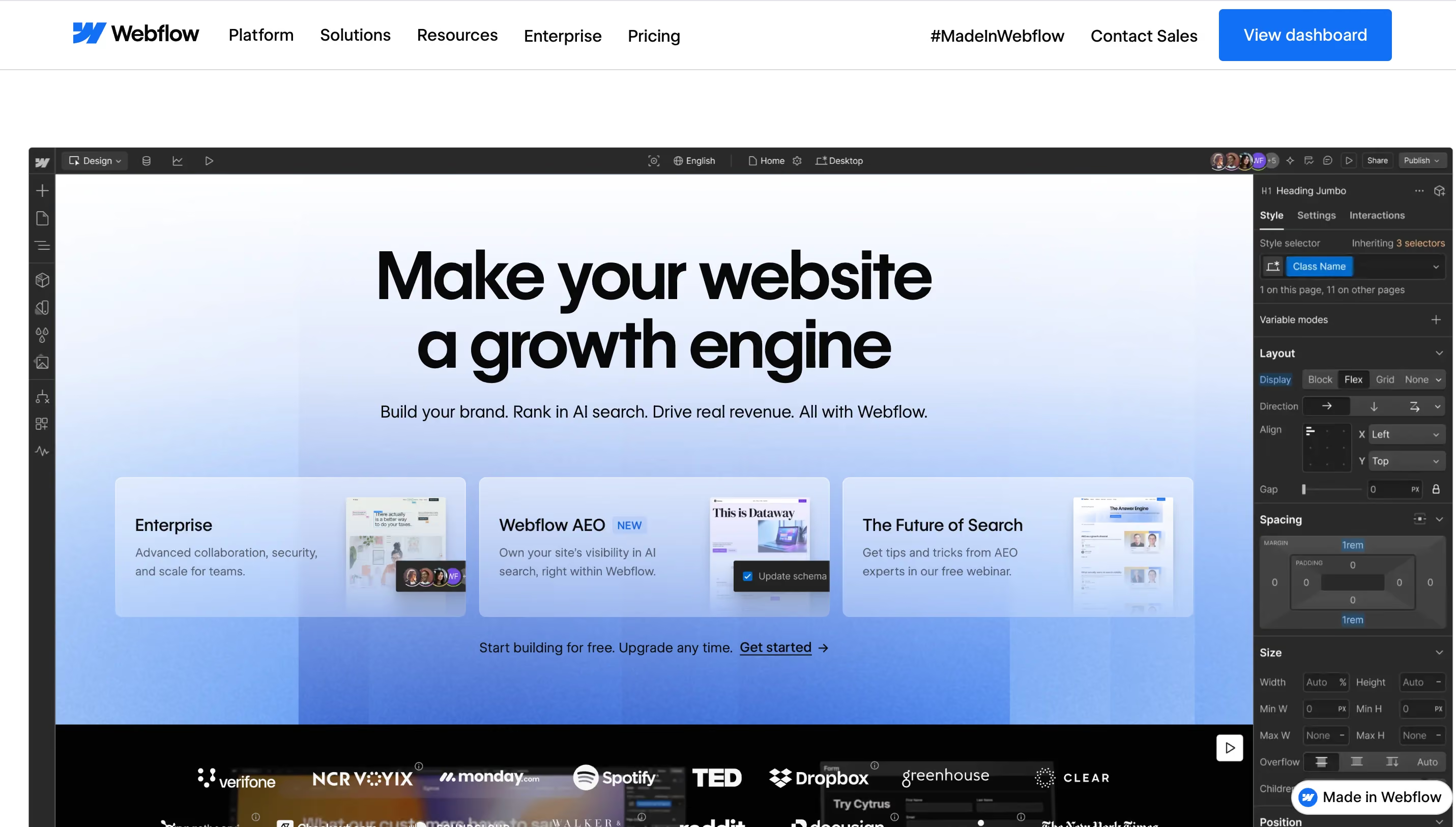
For most companies, Webflow is the strongest WordPress alternative in 2026 when design, CMS, hosting, and SEO need to live inside one clean system. The visual builder gives designers precise control over layout, marketing teams can update content afterward without touching code, and technical pieces like hosting, CDN, backups, redirects, and core SEO settings all live directly inside the platform.
The Webflow CMS works especially well for sites with a blog, landing pages, case studies, team pages, careers pages, or resource libraries. Larger organizations can step up to Webflow Enterprise for granular roles, SSO and SAML, stronger governance, higher usage limits, and dedicated support built for teams with multiple departments.
Key features:
- Visual builder with precise control over layout, responsive design, and animation
- Built-in CMS with collections, dynamic templates, and structured content
- Hosting, CDN, SSL, backups, and 301 redirects available directly in the platform
- SEO controls for title tags, meta descriptions, Open Graph data, sitemaps, and robots settings
- Native localization for multilingual websites
- DPA available, though cookie consent and privacy setup still need to be configured per project
Advantages:
- Very strong for custom marketing websites that would otherwise need constant WordPress plugin maintenance
- A solid balance between design freedom and day to day content management
- Fewer technical dependencies than a typical plugin-heavy WordPress setup
- Works especially well for agency workflows, since design and build sit closer together
Drawbacks:
- The learning curve runs higher than simple website builders
- Highly complex web applications or specialized logic usually need external tools or custom code
- Teams with large content volumes, many roles, or specialized permissions need to check plan limits carefully
Best for: B2B websites, startup sites, SaaS landing pages, agency projects, corporate websites, and marketing teams that want a high quality site without needing constant developer support.
{{cta}}
Storyblok: headless CMS with a visual editor

Storyblok is a headless CMS built in Austria, which makes it a natural fit for many European projects. Headless means the CMS manages content while the frontend gets built separately, often with Nuxt, Next.js, or another framework, so developers can push content out to websites, apps, portals, or multiple channels at once.
The biggest advantage over many other headless systems is Storyblok's visual editor. Content editors see their work close to how it will actually look on the live site, instead of working inside an abstract form with no visual context.
Key features:
- Headless CMS with API-based content delivery
- Visual editor for real-time editorial preview
- Component-based content model
- Multilingual support and workflows built for larger content teams
- EU-based company with hosting options that vary by plan and setup
Advantages:
- Works well for teams that combine developers with multiple digital channels
- Stronger editorial experience than most traditional headless CMS platforms
- A solid choice for international websites with structured content needs
Drawbacks:
- Not very usable without a developer on the team
- Frontend, hosting, and deployment all need to be planned separately
- Costs scale with traffic, API usage, roles, and enterprise requirements
Best for: companies with a development team, multilingual websites, content hubs, apps, and any project where the same content needs to appear across multiple channels.
Contentful: enterprise headless CMS for large content structures
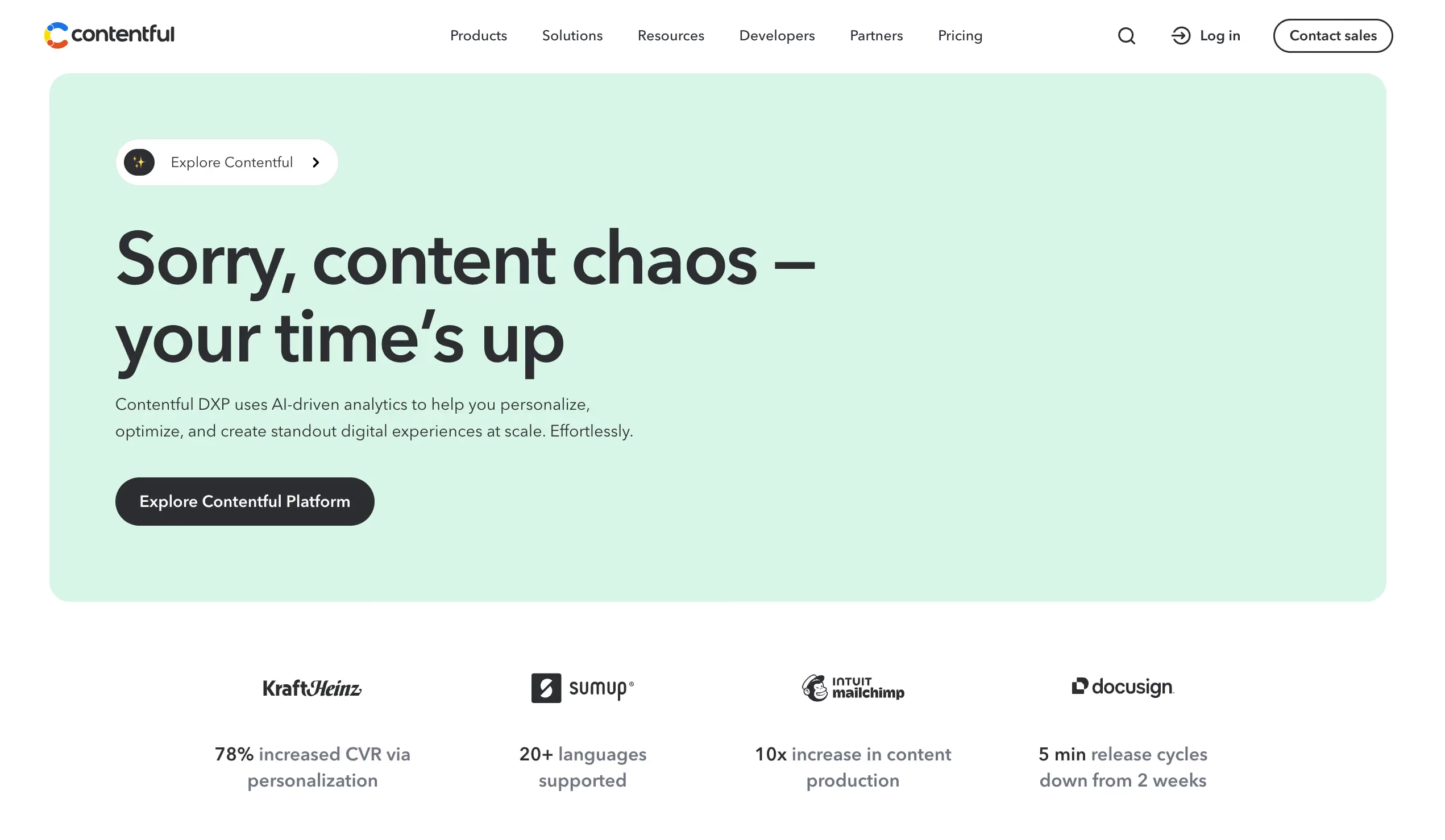
Contentful is one of the best known headless CMS platforms, built for larger teams managing complex content models. It separates content, design, and delivery completely, so the same content can power a website, app, online store, partner portal, or other digital product without duplicating work.
For beginners or small teams without much technical background, Contentful can feel complicated fast. But for teams that need to connect many markets, roles, workflows, and integrations, it offers a genuinely powerful platform.
Key features:
- API-first CMS built for structured content
- Content modeling with roles, localization, and workflows
- A free plan for testing, with the Lite plan currently priced at 300 US dollars a month
- Enterprise options with advanced security, governance, and SLA features
- EU data residency available as an add-on for eligible premium setups
Advantages:
- Strong for large, international content architectures
- Well suited to omnichannel projects
- Extensive integrations and mature developer documentation
Drawbacks:
- Often too expensive and too technical for small websites
- No traditional visual website builder included
- Frontend, hosting, and design system all need to be built separately
Best for: enterprise teams, large editorial departments, international brands, and companies that manage content centrally across multiple channels.

Sanity: flexible headless CMS for developers and product teams
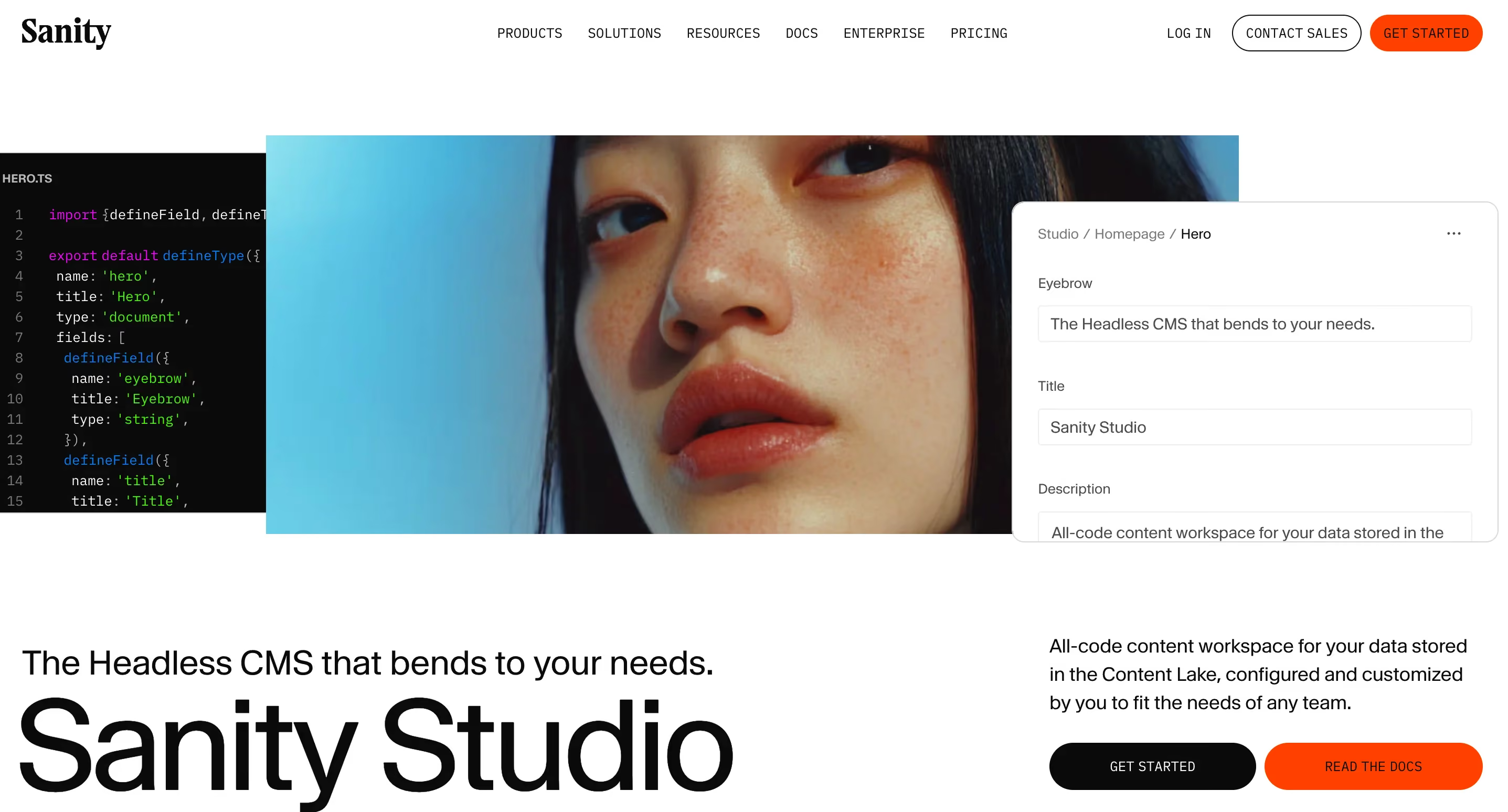
Sanity is another headless WordPress alternative, aimed mainly at teams that want to model content in a highly specific way. Its editorial interface, called Sanity Studio, can be customized heavily for the exact project it supports, and developers can build fields, content types, and workflows that map precisely to a website, app, or platform. Everything runs on a real-time database, and queries run through GROQ or standard APIs.
Sanity works especially well for product teams that do not want to think in fixed CMS templates. Instead, you build a content system that fits your specific website, app, or digital product.
Key features:
- Free plan supporting up to 20 users and 2 public datasets
- Growth plan currently starting at 15 US dollars per user per month
- Unlimited content types and locales within technical limits
- Real-time editing, live preview, and visual editing tools
- Global delivery through a CDN, with GDPR and CCPA documentation available
Advantages:
- Very flexible when it comes to content modeling
- A strong choice for developers who want to build their own workflows
- Often more affordable for small teams than large enterprise headless platforms
Drawbacks:
- Too demanding for marketing teams without a developer on hand
- Setup requires a clear technical plan from the start
- Privacy, hosting details, and data flows need to be reviewed per project
Best for: development teams, digital products, structured content platforms, and startups with a strong technical focus.
Framer: a no-code website builder for fast, visual launches
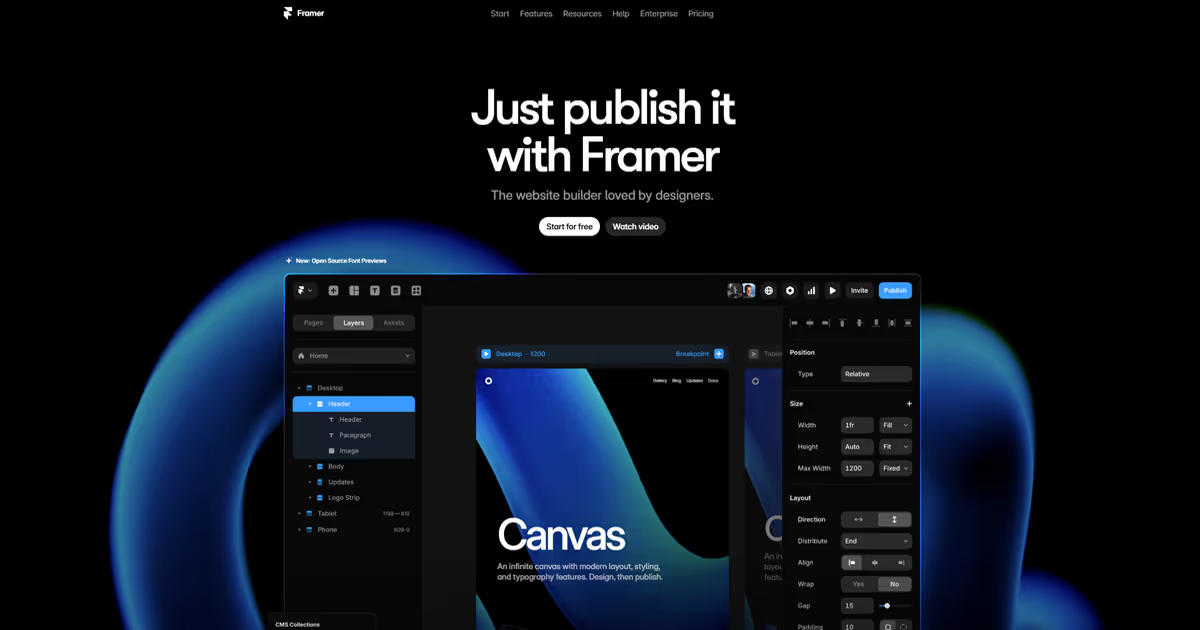
Framer is popular with designers, startups, and teams that want to build a polished landing page quickly. Many users say it feels more like a design tool than a traditional CMS. You design visually, publish directly, and use its CMS features for content that repeats across pages.
As a WordPress alternative, Framer fits best when speed and visual impact matter more than deep CMS complexity. For large content structures, Webflow, which follows a similar approach, is usually the stronger choice. Framer shines for fast marketing pages and prototypes instead.
Key features:
- Visual no-code builder with a strong design focus
- Built-in CMS with collections and items
- Basic plan currently starting at 10 US dollars a month
- Localization available as an add-on starting at 20 US dollars per locale
- A/B testing and expanded hosting options available as add-ons
Advantages:
- Very fast for landing pages and campaign pages
- A strong choice for designers who want minimal development work
- A modern interface with quick publishing
Drawbacks:
- The CMS and role model are less developed than Webflow or a headless CMS
- Add-ons can raise costs noticeably
- Often a weaker fit for complex corporate websites
Best for: startup landing pages, portfolio sites, campaigns, MVPs, and design teams that need to publish quickly.
If you're comparing Framer against other options, read this blog on Webflow vs Framer.
Ghost: a focused CMS for blogs, newsletters, and memberships
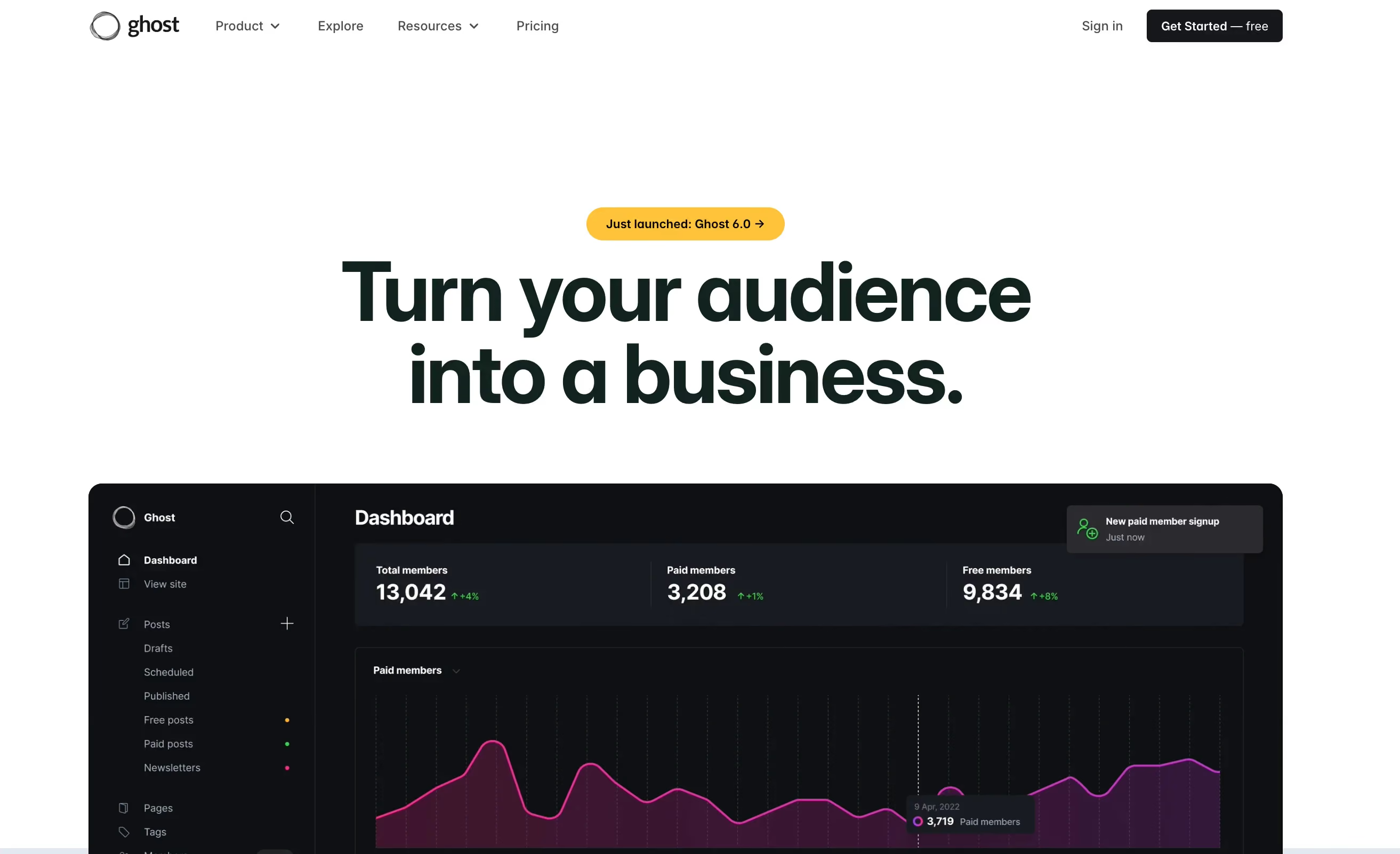
Ghost puts publishing front and center. If you want to build a blog, a magazine, a newsletter, or a membership model, Ghost gives you plenty of room to do it, with far less overhead than WordPress. The editor is built specifically around writing, publishing, and growing subscribers.
Ghost Pro includes managed hosting, newsletter tools, and memberships directly inside the platform. Ghost's own site states it can run up to 1,900 percent faster than WordPress, a claim worth verifying against your specific setup rather than taking at face value. For traditional company websites with many different page types, Ghost fits less well, but for focused content projects, it holds up strongly against publishing-first competitors like Substack and Medium.
Key features:
- Open source CMS with managed hosting through Ghost Pro
- Newsletters and memberships built in
- Starter plan currently starting at 18 US dollars a month on an annual plan
- Publisher plan currently starting at 29 US dollars a month on an annual plan
- Ghost states it stores data in the EU and provides a DPA
Advantages:
- A clear, focused approach to publishing
- Less plugin dependency than WordPress
- Well suited to paid content, newsletters, and community building
Drawbacks:
- Not ideal for complex marketing websites
- Less design and layout freedom than Webflow
- Special functionality usually needs an integration or custom development
Best for: blogs, trade publications, newsletter projects, creators, media brands, and membership offerings.
Wix: a simple website builder for small businesses
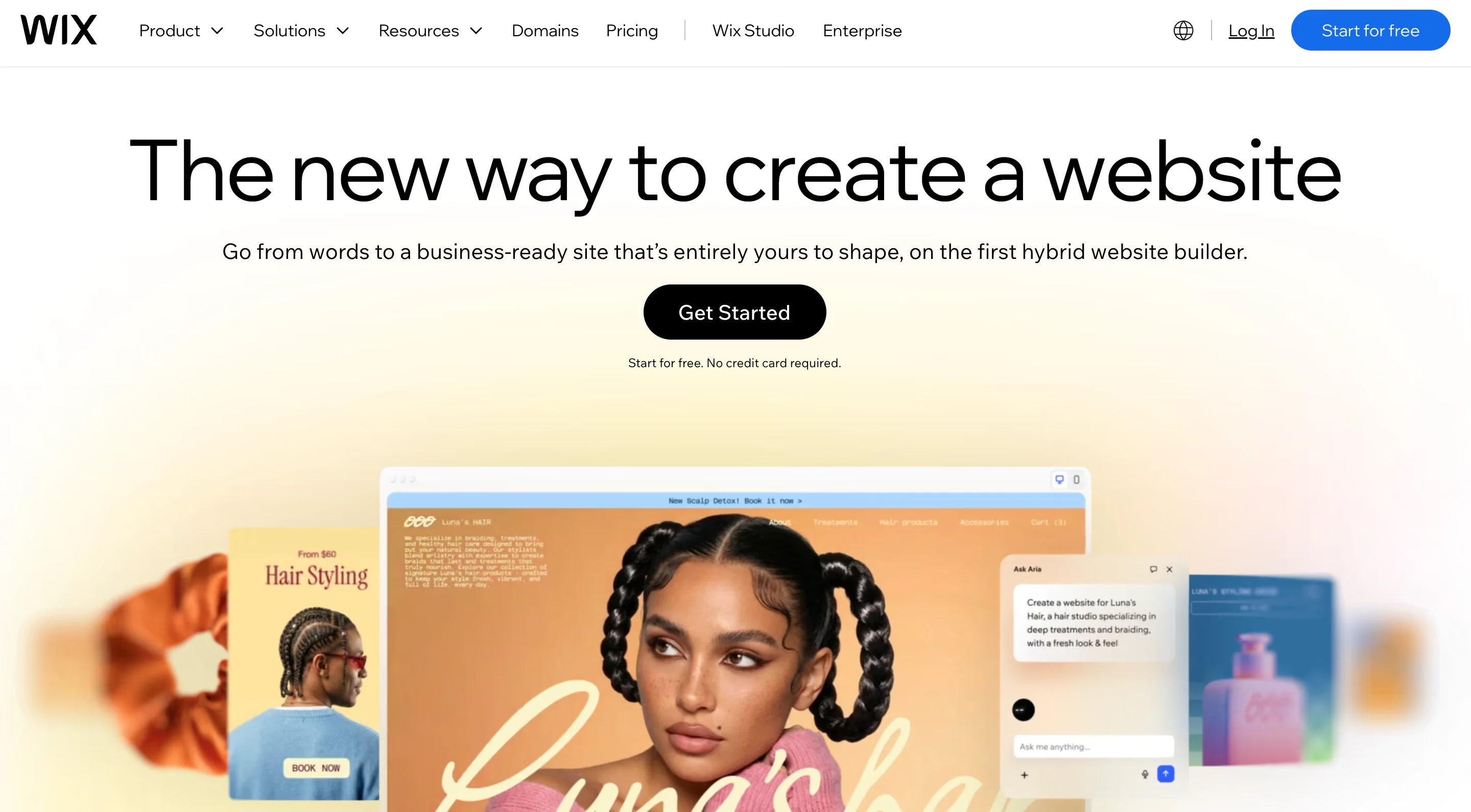
This WordPress alternative is one of the most recognized website builders on the market. Wix works well if you want a functional, professional looking website without hiring an agency or developer or spending weeks learning a new tool. The builder includes templates, hosting, domain connection, basic SEO, forms, booking tools, simple stores, and a wide range of add-ons.
For professional marketing websites with a strong design requirement, Webflow is usually the better choice. Wix wins out for small budgets, simple site structures, and users who want to get started on their own right away.
Key features:
- Drag and drop website builder
- Hosting, SSL, and domain connection included on premium plans
- A free trial available with Wix branding included
- Paid plans currently starting at 17 US dollars a month on an annual plan
- A DPA is available, and Wix states data may be stored in several countries, including the United States, Ireland, Israel, South Korea, and Taiwan
Advantages:
- Very beginner friendly
- A wide range of templates and business tools
- A strong fit for small websites, local businesses, and simple online stores
Drawbacks:
- Less control over clean code and complex design systems
- Privacy setup needs extra attention
- Growing teams may eventually need to move to a more professional setup
Best for: small companies, local service providers, solo founders, simple online stores, and anyone who wants a website live quickly without deep technical work.
Squarespace: the best WordPress alternative for portfolios and small business sites
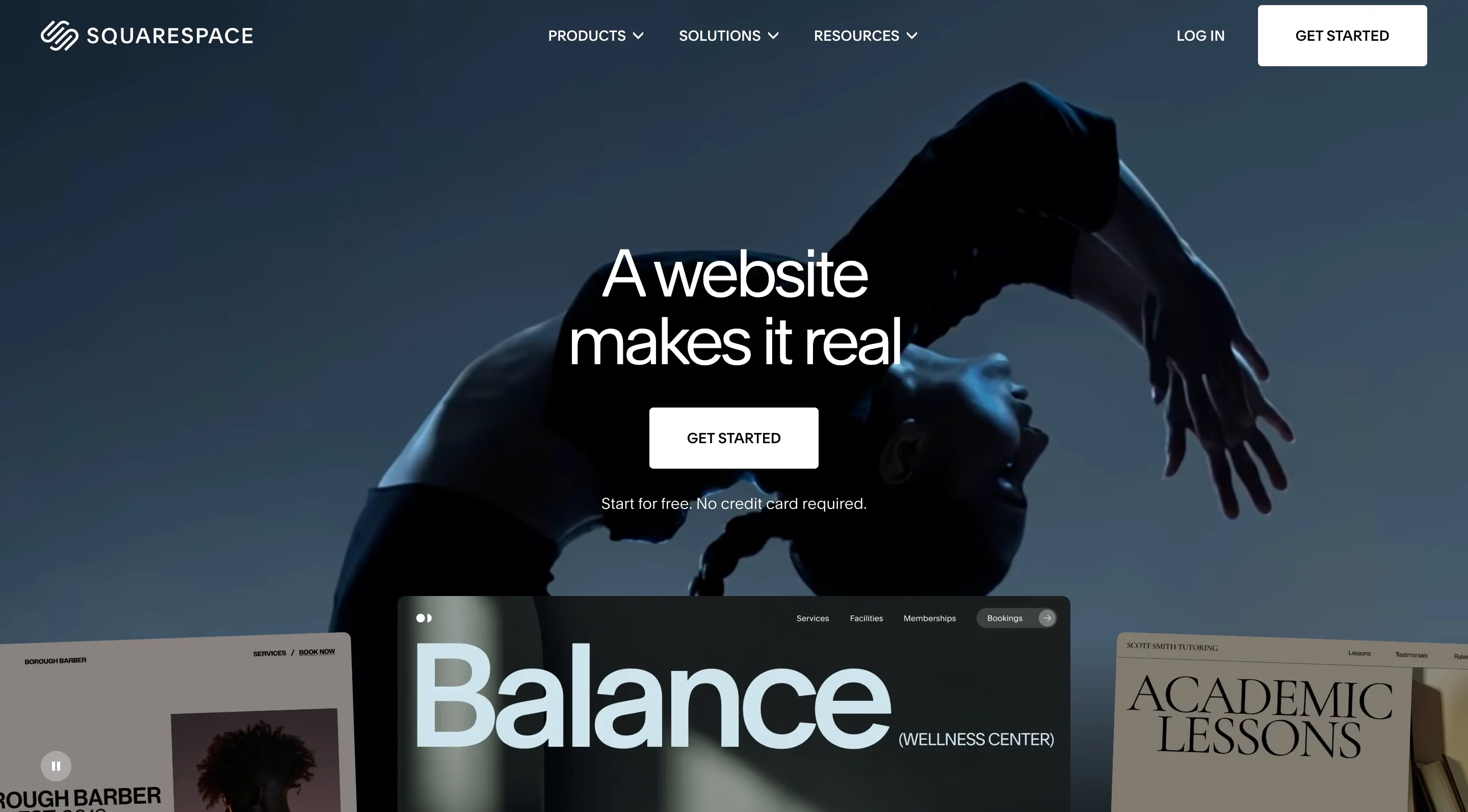
Squarespace has built its reputation on clean, design-forward templates that work well straight out of the box. It appeals to freelancers, small businesses, and anyone building a portfolio, since the templates already look polished before you customize anything. That makes it one of the platforms search results and Google's AI Overview consistently point to first when someone searches for a WordPress alternative.
Where Squarespace differs from Wix is in its visual style. Squarespace leans toward a more curated, editorial look, which suits creative fields like photography, design, and hospitality particularly well. It includes hosting, basic SEO tools, and simple e-commerce features, so a small business can launch without stitching together separate services.
Key features:
- Template-based builder with a strong focus on visual polish
- Hosting, SSL, and domain tools included on paid plans
- Basic e-commerce features available on business and commerce plans
- Built-in blogging tools suited to portfolios and small content sites
- Plans currently starting around 16 US dollars a month on an annual plan
Advantages:
- Templates look professional with minimal setup work
- A strong fit for visual portfolios and small service businesses
- Simple built-in tools cover most small business needs in one place
Drawbacks:
- Less flexibility than Webflow for custom layouts or complex content structures
- CMS capabilities are lighter than a dedicated headless or enterprise CMS
- Scaling past a simple site usually means outgrowing the platform
Best for: freelancers, photographers, small service businesses, and anyone who wants a polished portfolio or brochure site without custom design work.
Shopify: the best WordPress alternative for e-commerce

Shopify is not a direct WordPress competitor for content-first sites, but it is the platform search results and AI Overview results point to first the moment e-commerce becomes the priority. It handles payments, inventory, and shipping natively, which removes a large chunk of the plugin dependency that WooCommerce sites on WordPress tend to accumulate over time.
For a team choosing between WordPress with WooCommerce and Shopify, the decision usually comes down to how much store complexity you need against how much time you want to spend on maintenance. Shopify trades some content flexibility for a much lighter operational load, since payments, inventory, and shipping all live inside one system instead of across several plugins.
Key features:
- Native payment processing, inventory, and shipping management
- App marketplace for extending store functionality
- Built-in abandoned cart recovery and basic marketing tools
- Plans currently starting at 29 US dollars a month
- Multi-channel selling across web, social platforms, and marketplaces
Advantages:
- Far less plugin dependency than a WooCommerce setup on WordPress
- Strong, reliable checkout and payment infrastructure
- Scales well from a small store to a high-volume operation
Drawbacks:
- Content and blogging tools are noticeably weaker than a dedicated CMS
- Transaction fees apply unless you use Shopify Payments
- Highly custom storefronts often need app add-ons or developer work
Best for: online stores, direct-to-consumer brands, and any business where selling products matters more than publishing content.
"In 100+ website projects, we have consistently seen Webflow perform best for marketing teams that publish landing pages, case studies, or campaign pages on a regular basis. The biggest win usually shows up after launch, in how fast the team can move, rather than in the initial design itself."

A quick note on self-hosted and flat-file options
If full ownership matters more to you than a monthly subscription, a small group of self-hosted, flat-file tools is worth knowing about, even though they did not make the main list above. Platforms like Kirby, Statamic, Hugo, and Astro skip the traditional database entirely and store content as files you control directly. That approach appeals mainly to developers who want speed, simplicity, and no ongoing SaaS fees, though it usually means giving up the visual, no-code editing that tools like Webflow or Wix offer to non-technical team members.
A quick note on privacy and compliance
On the important topic of privacy, no CMS is automatically GDPR compliant just because the provider offers the right documents or EU hosting options. You still need to configure cookies, tracking, forms, third-party tools, data processing agreements, hosting regions, and consent settings correctly for your specific project. If you work in healthcare, legal services, finance, or the public sector, get your setup reviewed both legally and technically before launch.
If you need some brandinginspiration for your website, check out our recommendations here.
Why teams look for a WordPress alternative
WordPress remains powerful. Its plugin ecosystem covers nearly every use case you can think of, including e-commerce, membership sites, multilingual setups, and highly specific integrations that would otherwise take custom development. For a huge number of projects, that flexibility is exactly why WordPress still makes sense.
.avif)
The tradeoff shows up over time, not on day one. Plugins need regular updates, updates sometimes conflict with each other, and security patches become an ongoing responsibility rather than a one time task. According to Patchstack's 2025 mid-year vulnerability report, over 90 percent of vulnerabilities across the WordPress ecosystem come from plugins and themes rather than WordPress core itself, which means the maintenance burden sits mostly outside WordPress's own code.
That maintenance work adds up in ways that are easy to underestimate. A managed WordPress business site realistically costs somewhere between 150 and 300 US dollars a month once you total managed hosting, a premium theme, and the plugins most marketing sites end up needing. And let's be honest, an unoptimized WordPress install often scores only 40 to 60 on Lighthouse, while a well built alternative can reach 90 or higher without any extra tuning.
So is WordPress still relevant in 2026? Yes, especially for projects that need deep e-commerce functionality through WooCommerce or a large, complex editorial archive built up over many years. But if your priority is a clean marketing site, a fast blog, or a content hub with less ongoing upkeep, the alternatives below are worth a serious look.
Final thoughts
WordPress remains one of the best CMS platforms in 2026. It is flexible, widely supported, and still a strong choice for plenty of projects. That said, it no longer has to be the default choice for every website.
The real question is simpler than it sounds. Do you actually need a system built to do almost everything, or would a more focused platform handle your specific use case faster, cleaner, and with less ongoing maintenance?
For modern marketing websites, Webflow is often the best WordPress alternative available today. It combines design freedom, a built-in CMS, hosting, core SEO tools, and strong editorial features inside one system, so teams can manage their own content without pulling in a developer for every small change. The result stays organized, low maintenance, and scalable at the same time.
Headless CMS platforms like Storyblok, Contentful, and Sanity make the most sense when content needs to reach multiple frontends, apps, or digital products at once. Framer suits fast, visual launches, Ghost fits blogs, newsletters, and memberships well, and Squarespace and Wix remain solid choices for smaller sites where speed and ease of use matter more than a fully custom design system. Shopify, meanwhile, is the clear pick once selling products becomes the main goal.
Webflow might be the right fit for your project too. If you want to see what is possible on the platform, magier brings experience from 100+ website projects and can help you figure out whether it makes sense for your specific situation. We can take on planning, design, Webflow build work, and ongoing development exactly to the extent you need it. As a Webflow Premium Partner, we have worked across setups for startups, scaleups, and B2B companies with a wide range of requirements. Check out our design services if you want to talk through your options.
{{cta}}
FAQ
A headless CMS usually makes more sense when content needs to reach several digital destinations and applications at once. Webflow works better when you want to build, design, and maintain a strong website without managing the frontend, hosting, and CMS as three separate pieces. For most marketing teams, Webflow ends up being the more practical option.
No CMS is automatically GDPR compliant. Webflow, Storyblok, Contentful, Sanity, Framer, Ghost, Wix, Squarespace, and Shopify each offer different privacy documents, DPAs, or EU hosting options, but your actual setup, including cookies, tracking, forms, third-party tools, hosting settings, and data processing agreements, is what determines compliance. Get a legal review done for any project handling sensitive data.
Yes, WordPress is still relevant in 2026, especially for projects that need deep e-commerce functionality through WooCommerce or a large, complex editorial archive built over many years. For teams that want a cleaner marketing site or a lower maintenance blog, one of the alternatives above is often a better fit.
For marketing-led businesses, SaaS, agencies, and most B2B sites in 2026, yes. Webflow is faster to ship, easier to maintain, and gives better technical SEO out of the box. For content-heavy publishers, complex membership sites, and businesses that need very specific plugin functionality, WordPress is still the better choice.
Wix is usually the easiest option for beginners, since templates, hosting, and business tools all come together in one clear structure. Squarespace and Framer are also easy to pick up, especially for designers. Webflow takes more time to learn, but it gives you far more control over layout, structure, and professional marketing needs.
For modern marketing websites, Webflow is often the best WordPress alternative, since it combines visual development, a CMS, hosting, SEO tools, and editorial features in one system. Ghost tends to fit better for pure publishing projects, while Wix and Squarespace suit fast, simple launches. Large omnichannel setups usually work best with a headless CMS like Storyblok, Contentful, or Sanity.



.avif)
.avif)