Best Headless CMS Platforms in 2026: How to Find the Right One
magier builds websites in Webflow, which is not a headless CMS platform.
That makes us an unusual author for a headless CMS guide, but it also means we hold the most unbiased perspective on the internet.
If you are a B2B SaaS marketing lead or founder choosing a CMS, you have probably opened several “best headless CMS platforms” lists and found that each one crowns its own author’s product. If that sounds familiar, you’re not alone, and it was never your fault, because those lists answer “which is best” without asking what your team needs. You might be thinking a ranking still saves you the work, but it only fits a team that shares the author’s needs.
This guide matches platforms to your team instead of ranking them, and it adds a check most lists skip, which is who owns the platform. We have written this specifically for marketing leads and founders, and here is what it covers.
- What is a headless CMS platform and whether you need one
- Headless CMS vs a normal, hybrid or visual CMS platforms
- A six-factor method that matches platforms to your team
- Profiles of nine platforms, including two with new owners
- Costs attached to a headless CMS platform
- How to find the right headless CMS platform for your needs
- Whether Webflow counts as a headless CMS
Hope you find it useful!
{{freebie}}
Best headless CMS platforms in 2026, matched to team type
Why not just rank them? A top headless CMS for one team can be the wrong pick for another, and almost every list comes from a vendor or agency with something to sell, so each one crowns a different winner. This guide matches these headless CMS options to team types instead. Each profile below follows the same format, so you can compare platforms side by side, and this table gives the short version first.
Pricing in these profiles reflects figures reported by third-party comparisons in September and October 2026. Plans change often, so confirm each figure on the vendor’s pricing page before you decide.
Sanity
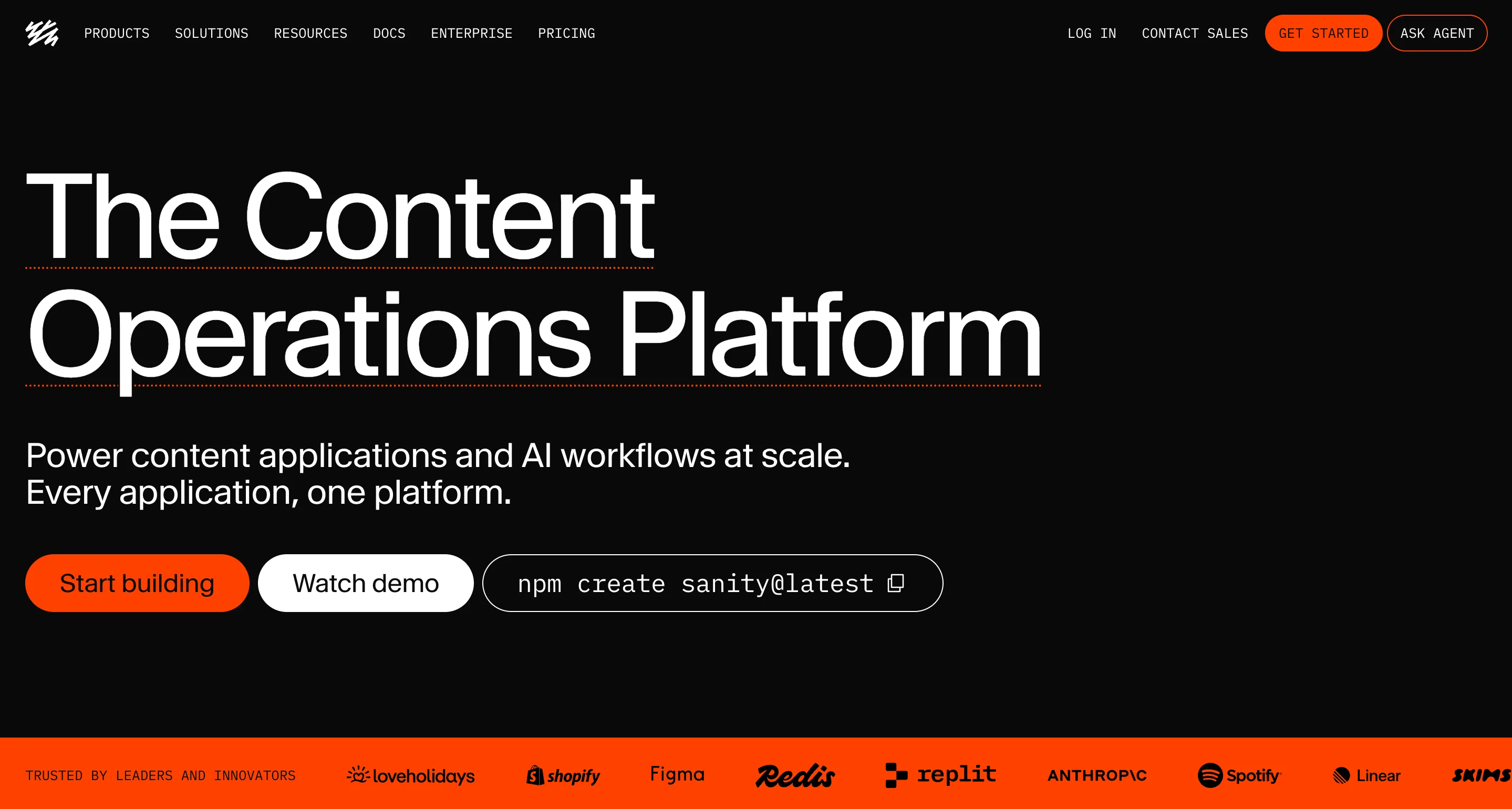
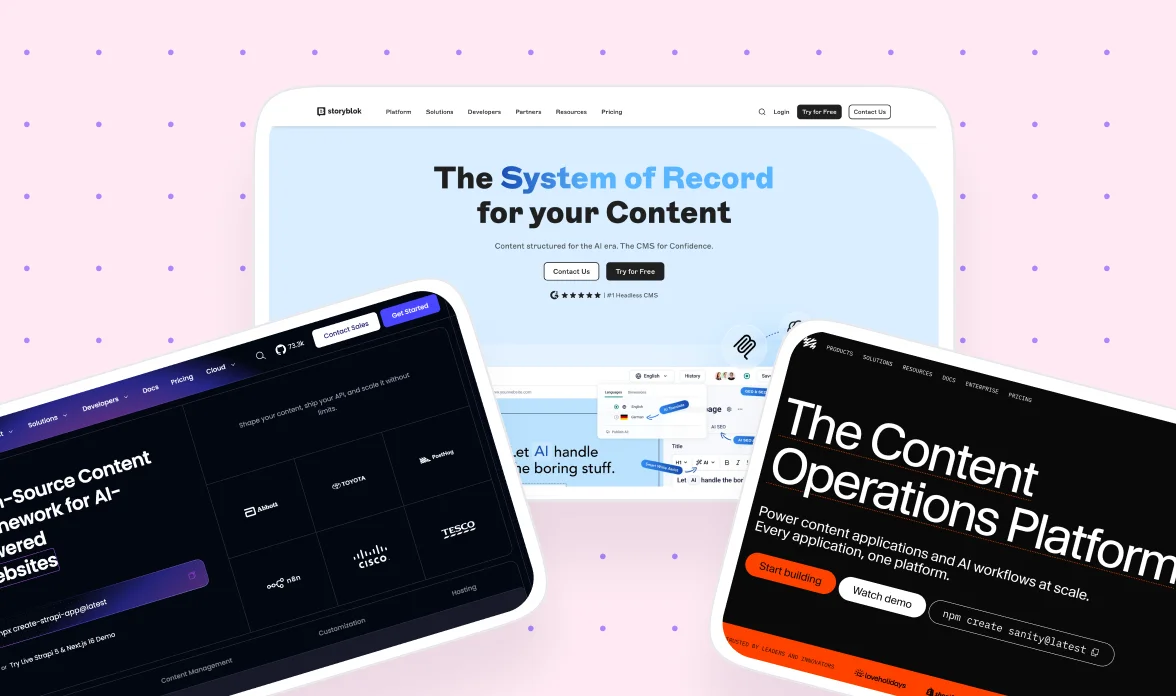
Sanity treats content as structured data and lets developers define the content model in code, then build an editing interface called Studio around it. It suits teams that want a custom editorial setup and content they can reuse across channels.
Hosting and API: Cloud, with GROQ and GraphQL.
Key features:
- Schema defined in code (JavaScript or TypeScript) and versioned like any other codebase
- Studio, an open-source React app that developers can customize down to individual fields
- Real-time collaborative editing, so several people can work in one document
- GROQ, a query language that fetches exactly the data a page needs, plus GraphQL
- Visual editing with live previews
Best for: developer-led teams with structured, reusable content such as case studies, resources, and authors.
Watch out for:
- Marketers usually need a well-configured Studio before the editor feels comfortable
- The Studio customization that makes Sanity flexible also needs ongoing development work
- Add-ons and usage can raise the total cost at scale
Not the best fit if: marketers must work independently from day one with no developer help.
Pricing: Free plan (about 20 seats and 2 public datasets). Growth starts at about $15 per seat per month, extras such as additional datasets and dedicated support cost more, and Enterprise is custom.
Contentful
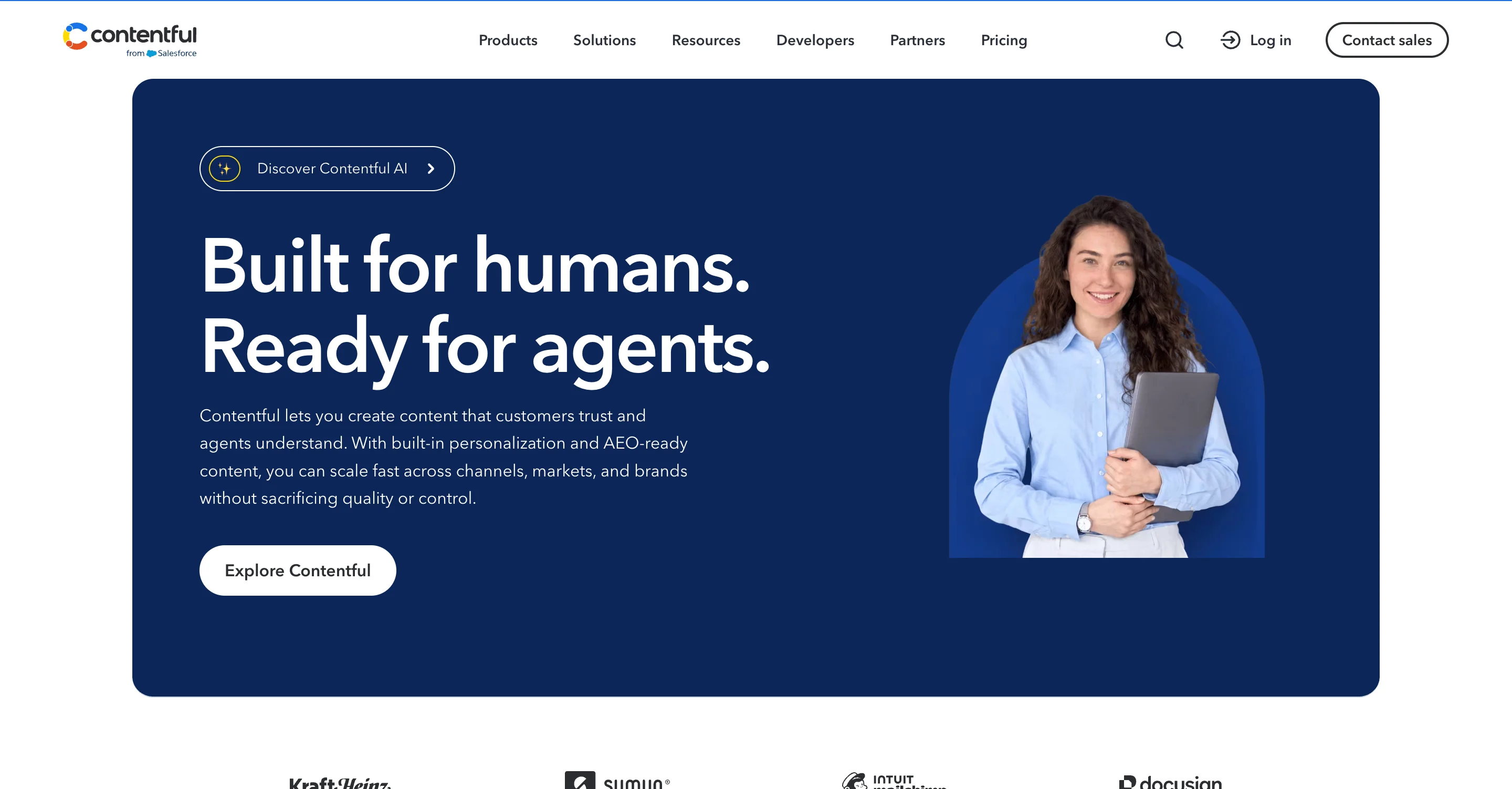
Contentful, often searched as Contentful CMS, is one of the most established enterprise headless platforms, built API-first with strong localization and governance. Salesforce describes it as trusted by more than 4,800 brands, which shows how widely it is used, though not how well it fits your team.
Hosting and API: Cloud, with REST and GraphQL.
Key features:
- Content modeling with content types and references between entries
- REST and GraphQL APIs
- Localization with field-level translations
- Roles, permissions, and enterprise security features on higher tiers
- A large app framework and partner network for integrations
Best for: large organizations with many markets, brands, and editors that need governance and a mature partner network.
Watch out for:
- Cost and implementation complexity, since initial modeling often needs specialists
- Salesforce completed its acquisition on September 1, 2026, so the roadmap now sits inside a larger company’s strategy
- A complete price list is not public
Not the best fit if: you run one simple marketing site and would pay for capacity you will not use.
Pricing: Free tier. Lite starts at about $300 per month (some regions see euro pricing, so check your billing currency), and Enterprise is a custom quote.

Storyblok
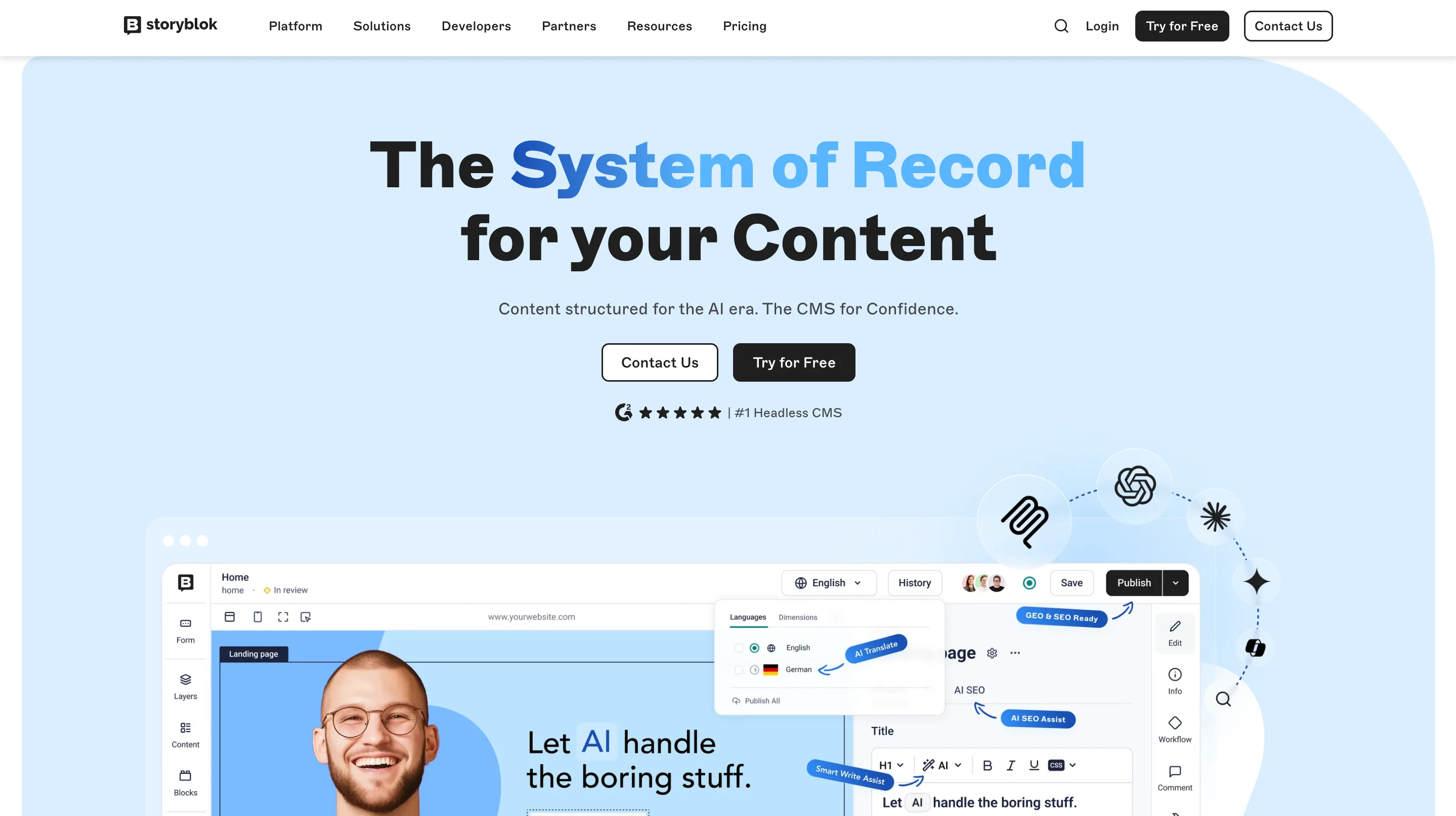
Storyblok pairs an API-first, component-based setup with a visual editor, so marketers can rearrange pages in a live preview while developers define the components. It fits teams that want marketing autonomy without giving up developer control of the architecture.
Hosting and API: Cloud, with REST and GraphQL.
Key features:
- A visual editor with in-context, drag-and-drop page building
- Reusable, nestable components that follow your design system
- Localization tools at field, folder, and space level
- REST and GraphQL APIs, with guides for Next.js, Nuxt, Astro, and other frameworks
- ISO 27001 certification
Best for: marketing-led teams with a design system that want to build and rearrange pages without waiting for developers.
Watch out for:
- Developers still have to build and connect every component, so visual editing does not create the website by itself
- Plans scale with traffic and seats, which makes cost comparison harder
- Multi-brand or multi-site setups may need a higher tier, so check space limits
Not the best fit if: your content is mostly app-style data with few pages, since the component model shapes how you structure content.
Pricing: Free tier. Growth starts at about $99 per month (5 seats), higher tiers add traffic and seats, and enterprise plans are custom.
Strapi
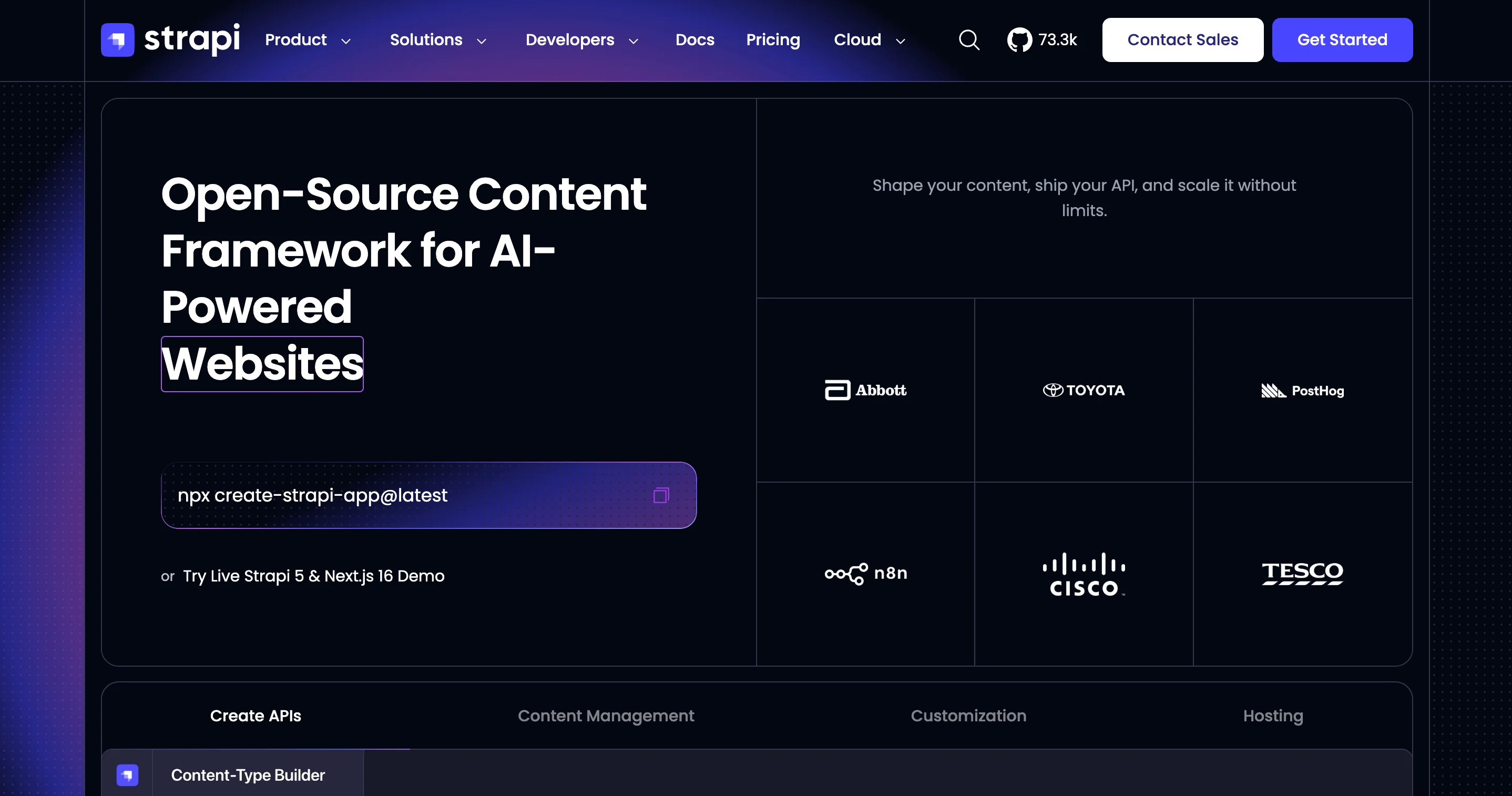
Strapi is an open-source, Node.js-based CMS (an Open-Source-Headless-CMS in German searches) that you can self-host anywhere or run on managed Strapi Cloud. It generates REST and GraphQL endpoints from the content types you define.
Hosting and API: Self-hosted or Strapi Cloud, with REST and GraphQL.
Key features:
- A content-type builder with auto-generated APIs
- Role-based access control and login options
- A plugin system with hundreds of extensions
- Your choice of database and hosting
- TypeScript-friendly customization
Best for: teams that want control over their data and infrastructure, including those with strict hosting or compliance needs.
Watch out for:
- Self-hosting means you own hosting, upgrades, security patches, and uptime
- Upgrades between major versions can be disruptive
- Some enterprise features need paid plans even when you self-host
Not the best fit if: nobody on your team can run and maintain infrastructure.
Pricing: Free to self-host. Strapi Cloud starts at roughly $35 to $45 per month per project depending on the plan, and enterprise pricing is custom.
Payload
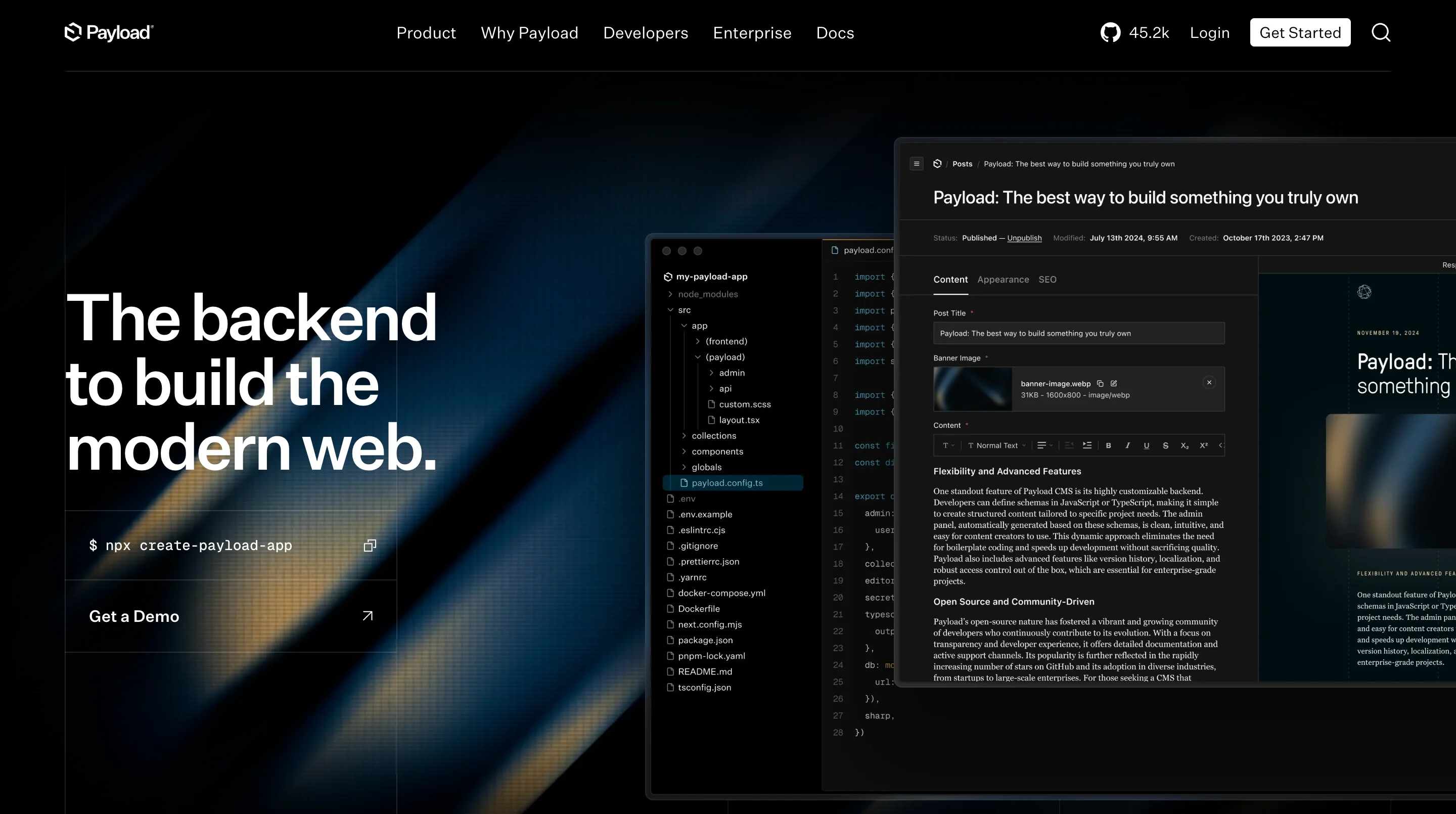
Payload (Payload CMS) is an open-source, TypeScript-first CMS configured in code, and teams often run it inside a Next.js project. Figma acquired Payload and has so far committed to keeping it open and independently usable.
Hosting and API: Self-hosted or Payload Cloud, with REST and GraphQL.
Key features:
- Collections, access control, and content structure defined in TypeScript
- An admin interface generated from your configuration
- REST and GraphQL APIs
- Built-in authentication
- A setup that lives next to your application code
Best for: TypeScript and Next.js teams that want the CMS and the front end in one codebase.
Watch out for:
- Your team owns more architecture, deployment, and upgrades than with a managed platform
- A new owner means you should follow its roadmap
- It needs developers to set up and maintain
Not the best fit if: your team has no developers, or marketers need to compose pages visually from day one.
Pricing: Free to self-host, with paid managed cloud options. Check Payload’s pricing page for current cloud plans.
Hygraph
Hygraph (formerly GraphCMS) is built around GraphQL and content federation, which unifies content from several sources behind one API. It suits teams whose content already lives in multiple systems.
Hosting and API: Cloud, with GraphQL only.
Key features:
- A GraphQL API with auto-generated queries and mutations
- Content federation that pulls in content from remote sources
- A visual schema builder
- Roles, permissions, and single sign-on
- EU hosting available, with a Berlin headquarters
Best for: teams with content in several systems that want a single GraphQL API over all of it.
Watch out for:
- Teams without GraphQL experience face a learning curve
- Federation may be more than a simple site needs
- The entry paid plan costs more than some rivals
Not the best fit if: you want a simple, REST-based marketing site.
Pricing: Free tier with small limits on seats, entries, and API calls. Growth starts at about $199 per month, and Enterprise is custom.
Directus
Directus wraps a SQL database you already have and exposes it through an API and an admin app, so you do not move content into a new model. It treats your data as the source of truth.
Hosting and API: Self-hosted or Directus Cloud, with REST and GraphQL.
Key features:
- Works on top of an existing SQL database such as Postgres or MySQL
- REST and GraphQL APIs
- Granular permissions
- An admin app for editing data
- No forced content model
Best for: teams with an existing database, or data-heavy applications with several interfaces.
Watch out for:
- It is more database-oriented than page-oriented, so editors may need page-composition tools built for them
- Editor experience is not its strongest dimension
- Self-hosting adds operational work
Not the best fit if: marketers need to build pages visually without developers.
Pricing: Free to self-host (Core). The managed Cloud Team plan starts at about $499 to $599 per month, and Enterprise is custom.
Prismic
Prismic uses slices, which are reusable page sections that developers build and editors assemble into pages. It is built for marketing sites that follow a repeatable design system.
Hosting and API: Cloud, with REST and GraphQL.
Key features:
- Slice Machine for building reusable sections
- Page composition by editors from approved slices
- Slice variations, such as light and dark options
- Preview workflows
- Next.js and Nuxt integrations
Best for: marketing sites and campaign landing pages with a planned component library.
Watch out for:
- Content modeling is less flexible than on Sanity or Contentful
- The model works best when you plan components and structure early
- Costs can rise as you add projects
Not the best fit if: your content is complex and relational, or your project is closer to an application than a marketing site.
Pricing: Free tier, with paid plans listed on Prismic’s pricing page.
DatoCMS
DatoCMS is a hosted CMS focused on structured content, media workflows, and localization. It gives content-rich sites a managed backend without running infrastructure.
Hosting and API: Cloud, API-first (check current options).
Key features:
- Structured content modeling
- Image and media workflows
- Localization
- Developer-friendly APIs
- Managed hosting
Best for: content-rich websites and publishing projects that want a managed backend.
Watch out for:
- Plan limits and required editorial features need checking against your project
- Less code-level control than a self-hosted platform
Not the best fit if: you need self-hosting or deep code-level control.
Pricing: Free tier and paid plans. Check current limits on the vendor’s pricing page.
Other platforms worth a look
- Contentstack and Kontent.ai: enterprise platforms that emphasize governance, approval workflows, and compliance. Pricing is quote-based, so expect a sales conversation.
- Agility CMS: built for marketer independence and multi-site publishing from one shared instance, which is worth testing if several brands share one CMS.
- Builder.io: a visual page builder on a headless architecture, with drag-and-drop composition, A/B testing, and personalization. It can be heavier than teams need if they mainly want a content API.
- Ghost: a publishing platform with built-in memberships and newsletters that can run headless through its Content API, which makes it a fit for the best headless CMS for blog searches.
- AEM Headless: the headless mode of Adobe Experience Manager, which needs experts to set up and maintain and mainly fits global-scale governance.
Shortlists by situation
Use this table to build a shortlist, and treat it as a starting point and not a verdict.
What is a headless CMS platform?
What does "headless" actually mean, and why does it need its own kind of platform? A headless CMS platform, defined in one line, is a content system without a built-in website, so editors write and manage content in one place while developers deliver it through an API to any front end, such as a site, an app, or a kiosk. You will also see it written as a headless content management system, and German-speaking markets call it a Headless-CMS or a headless Content-Management-System, with the front end called the Frontend.
A traditional CMS such as WordPress bundles the content system and the website together. A hybrid CMS (Hybrid-CMS in German, also called a hybrid headless CMS) keeps a built-in front end but also offers an API, so content can reach other channels. This table shows the three side by side.
Before you compare a single platform, there is one question to answer first, and most lists skip it. Skipping it is how teams end up paying for a build they did not need.
When do you need a headless CMS platform?
The question is whether you need headless at all. Many teams pick it because it sounds modern, and let's face it, a fashionable headless architecture does not publish a page any faster. Choosing a headless CMS for a five-page marketing site is like buying a freight truck to carry groceries, because you pay for capacity you will never use.
Headless moves layout work to developers, so it pays off only when your channels or custom needs justify that cost. This table shows when each approach fits.
You might be near the point of switching to headless when changes keep waiting on developers, when the same content is copied across several channels, or when plugins slow the site down. If none of those sounds familiar, the rest of this guide still helps, because it shows how to confirm that before you spend money.
WordPress can also run headless through its REST API or WPGraphQL, which keeps a familiar editor while a separate front end handles display. The cost is that you now run and secure two systems.
Headless is also the core of a composable architecture, often described with the MACH principles (microservices, API-first, cloud-native, headless). It means assembling your stack from separate services connected by APIs, so each part can change without rebuilding the rest.
Headless CMS vs traditional, hybrid, and visual CMS platform
Which kind of CMS are you really comparing? Four types come up in most selection projects, and they differ mostly in who controls the front end and who has to change it. This table shows how they compare.
A traditional CMS such as WordPress (a Content-Management-System in German) bundles content and website together. A hybrid CMS keeps that built-in front end but adds an API, and a visual builder lets designers and marketers build and edit pages in one tool with a built-in CMS. A headless CMS has no front end at all, so your team builds one.
Use these four questions to find your starting point.
- Traditional CMS: choose it when your editors already know it and you mainly run one site, because a familiar tool saves training and migration time.
- Hybrid CMS: choose it when one main website must also feed an app, because you keep a built-in front end and add an API only where you need it.
- Visual builder: choose it when marketers and designers need fast, controlled page changes, because the editor and the front end live in one tool and layout changes do not wait for a developer.
- Headless CMS: choose it when content must power several channels or a custom application and you have developers to own the front end, because that separation is the whole point.
magier works in Webflow, so we lean toward the visual option for marketing sites, and we say so because you should weigh that bias. Webflow is not purely one type either, since it also offers APIs, which the Webflow section below covers. None of these four is the best in general, so choose by who needs to change the page and how often.
How to find the right headless CMS platform: six decision factors
Which questions separate a good fit from a good-looking demo? These six factors do, and each one comes with a question to ask and a red flag to watch for.
Picture a marketer who needs to fix a typo in a headline and has to file a ticket to do it. That is the daily cost of getting factor two wrong, and it is why this factor deserves the most attention in a headless CMS for marketers.
For a typical B2B SaaS marketing site, factors two and five usually weigh more than raw API flexibility. A platform that needs a developer for every layout change defeats the purpose, however elegant its API looks. Weigh the factors for your own team before you look at a single vendor, because that keeps a polished demo from setting your priorities.
"The first thing I ask a SaaS team is how often they change their homepage, because a team that edits weekly needs a different tool than one that edits quarterly."

How much does a headless CMS platform cost?
The number on the pricing page is rarely the number you pay. Platforms charge on different axes, so comparing starting prices across them is misleading. If you are looking for the best free headless CMS or the best open source headless CMS, remember that a free license only changes where the cost lands.
The subscription is only a portion of the bill. Plan for these costs too.
- Implementation: building the content model and the front end.
- Hosting and CDN: for the front end, and for the CMS if you self-host.
- Maintenance: upgrades, security patches, and developer time.
- Seats and usage: editor seats, API calls, and content limits.
- Workflows: localization and approval processes.
- Integrations: previews, analytics, and connections to other tools.
- Migration: moving content in now and out later.
You might be thinking a free tier means the platform is free. A free open-source license moves the cost to hosting and engineering, and a free tier on a hosted plan usually ends once your team, content, or traffic grows. A self-hosted CMS can cost more overall than a managed subscription if your team spends a lot of time maintaining it, so model your expected scale 12 to 18 months out before you compare plans.
Is a headless CMS good for SEO? It depends on how you render pages
Does going headless help or hurt your SEO, and what does headless CMS SEO really depend on?
Neither, by itself, because the CMS only serves content by API, and the front end you build decides what search engines see. Picture a page that looks perfect in your browser but sends an empty shell to a crawler, with the real content arriving only after JavaScript runs.
That is the risk to avoid. Google processes JavaScript web apps in three phases, and its guide says server-side or pre-rendering is still a great idea. The reasons are that it makes your site faster for users and crawlers, and that not all bots can run JavaScript.
Pages rendered on the server, or generated ahead of time, keep your content visible in the first HTML response. Static generation builds pages ahead of time, and incremental static regeneration (ISR) rebuilds only the pages that changed, which helps when content updates often.
A headless CMS also hands you the SEO work that a traditional CMS often handles automatically. In German-speaking markets this topic is searched as CMS SEO, and an SEO friendly CMS in this setup really means an SEO-friendly build. This table lists what your front end must handle.
Who owns your headless CMS? Questions to ask before you sign
Here is what changed in 2026. Salesforce completed its acquisition of Contentful on September 1, 2026, and says Contentful will be integrated natively across Customer 360 while preserving the composability developers expect. CMSWire notes that the deal brings Contentful under US law, including CLOUD Act jurisdiction, a concern open source advocates flagged for European public sector customers. Payload, as noted above, now belongs to Figma.
Neither deal means the platform will get worse. It means your evaluation should include the owner's direction, because a roadmap can change after a sale. And let's face it, most evaluations never ask what happens if the vendor changes hands.
Look before you decide
Add these questions to every vendor conversation, ideally with your legal and security colleagues if you operate in the EU or UK, since a headless CMS security review rarely stops at a feature checklist.
- Where is our data stored and processed (data residency)?
- Which legal entity provides the service, and who owns it?
- Which subprocessors can access our data?
- How do we export all of our content, and in what format?
- How do pricing and plan limits change at renewal or after a change of ownership?
- Which SSO, audit log, and compliance features, such as SOC 2 or ISO 27001 certification, sit on which plan tier?
How to test headless CMS platforms before you commit
How do you see which platform fits before you sign? A sales demo is like a house tour with the furniture arranged for the photos, so run your own headless CMS comparison with real content. Set aside one week and give every shortlisted platform the same seven tasks.
Score each platform on the same tasks, and ask the people who will use it every day to do the work. The platform that causes the fewest questions from your editors usually deserves the most weight, because daily friction is the cost you will feel longest.

How to switch to a headless CMS without losing your SEO
What do you need to protect when you move? Your rankings depend on URLs, redirects, and metadata surviving the move, and those are the parts migrations most often get wrong. Follow these six steps.
- Audit content and URLs. List every page, because you cannot protect what you have not counted.
- Model the content. Define the fields each content type needs before you migrate anything.
- Map every old URL to a new one. Plan redirects for each, so old links and rankings carry over.
- Carry over metadata and structured data. Titles, descriptions, and schema should arrive with the content.
- Test on a staging site. Check links, redirects, and rendering before launch.
- Monitor after launch. Watch Search Console and crawl errors for the first weeks.
That's where a team that has handled large URL migrations helps, because the discipline is the same on any platform. magier has done this on the Webflow side, including 200+ URLs migrated for plancraft, and the same mapping habits apply to any CMS move.
Is Webflow a headless CMS?
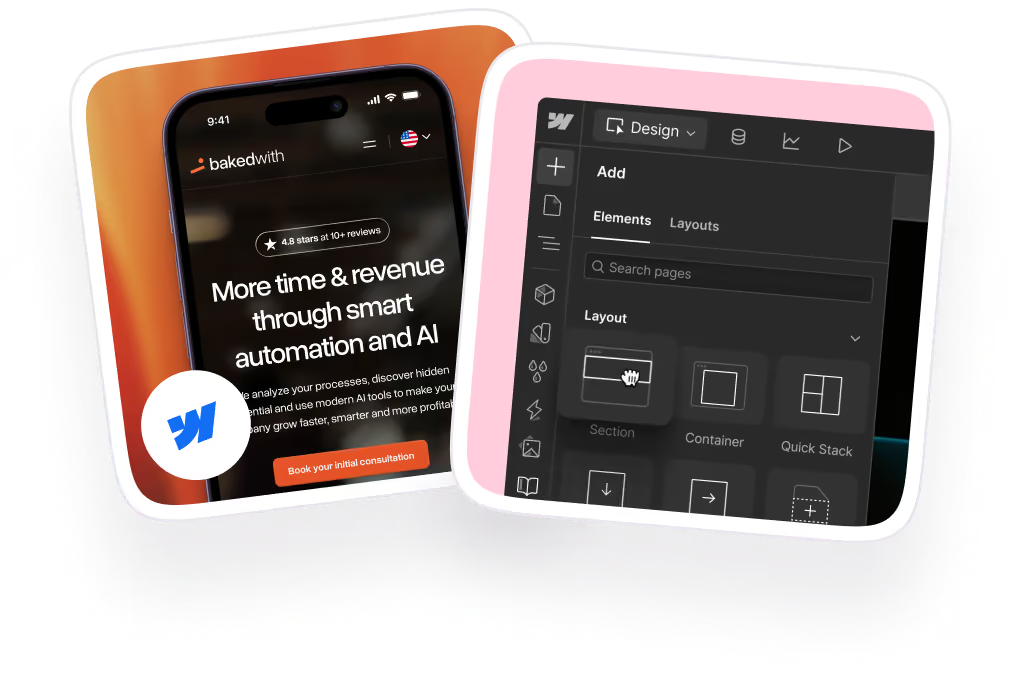
magier works in Webflow and does not use a headless CMS, so read this section as one team's honest view and not a neutral ranking. The short answer is partly. Webflow is a visual site builder with a built-in CMS, often called the Webflow CMS, so by default your content and your front end live together, much like a hybrid CMS.
It does offer APIs. Webflow's Data API lets you create, update, delete, and publish CMS items, and it supports webhooks for real-time change notifications. Webflow also describes a content delivery API for low-latency delivery of CMS content to apps and other platforms, but the page says it is available to Enterprise customers only. So you can use Webflow as the editing home for content and read it elsewhere, which is a different setup from a platform built headless-first.
You might be thinking Webflow is just a website builder, so it cannot be a serious CMS. For a B2B SaaS marketing site, a visual builder with a built-in CMS often covers what the team needs, and marketers can change layouts without developers, which a headless setup usually hands back to the dev team. This table shows the difference.
Headless still wins when your content must power many channels or a custom application. For a marketing site that mostly needs fast, controlled page changes, that's where a design and Webflow team helps, because the person who designs a page can also build and adjust it without a development ticket. magier's Webflow service includes expert Webflow developers, integrations, migrations, and a staging and push-to-live workflow, with a dedicated project manager, and combined design and Webflow work for plancraft produced a 20% conversion increase. See how magier handles Webflow development if a visual build fits your team.
{{cta}}
How important is the AI-readiness of these CMS platforms?
Many vendors now claim to be "AI-ready," and most of those claims come without numbers you can check. What helps AI tools is mostly boring. Structured content gives them clean facts, an API or an MCP server (a standard that lets AI tools connect to a platform) gives them access, and permissions limit what they can read or write.
Salesforce, for example, says Contentful's structured content architecture will become accessible to Agentforce, so agents can query and assemble content without manual publishing steps. Treat that as a direction and not a proven result. Ask each vendor whether content is structured, whether a documented API or MCP server exists, who can approve AI-written changes before they go live, and what the AI features cost.
Final thoughts
The right headless CMS platform comes from matching your team's skills, content, and growth plans to a platform, and from checking who owns it and what it costs at scale. The question most lists skip is whether you need headless at all, and the one most evaluations skip is what happens when the vendor changes hands. Execution still takes work, because the test, the build, and the migration all need real attention.
You might be thinking that asking an outside team for help with a site decision costs too much. magier's Webflow service starts from €890 per month for a fixed fee, design starts from €2,750 per month, and you can cancel or pause anytime. See how magier covers both design and Webflow.
Pick the shortlist table that matches your team and run the one-week test on two or three platforms. If you would like a second opinion on whether Webflow fits instead, book a free demo with magier.
.avif)

%202%20(1).webp)

%20(1).avif)