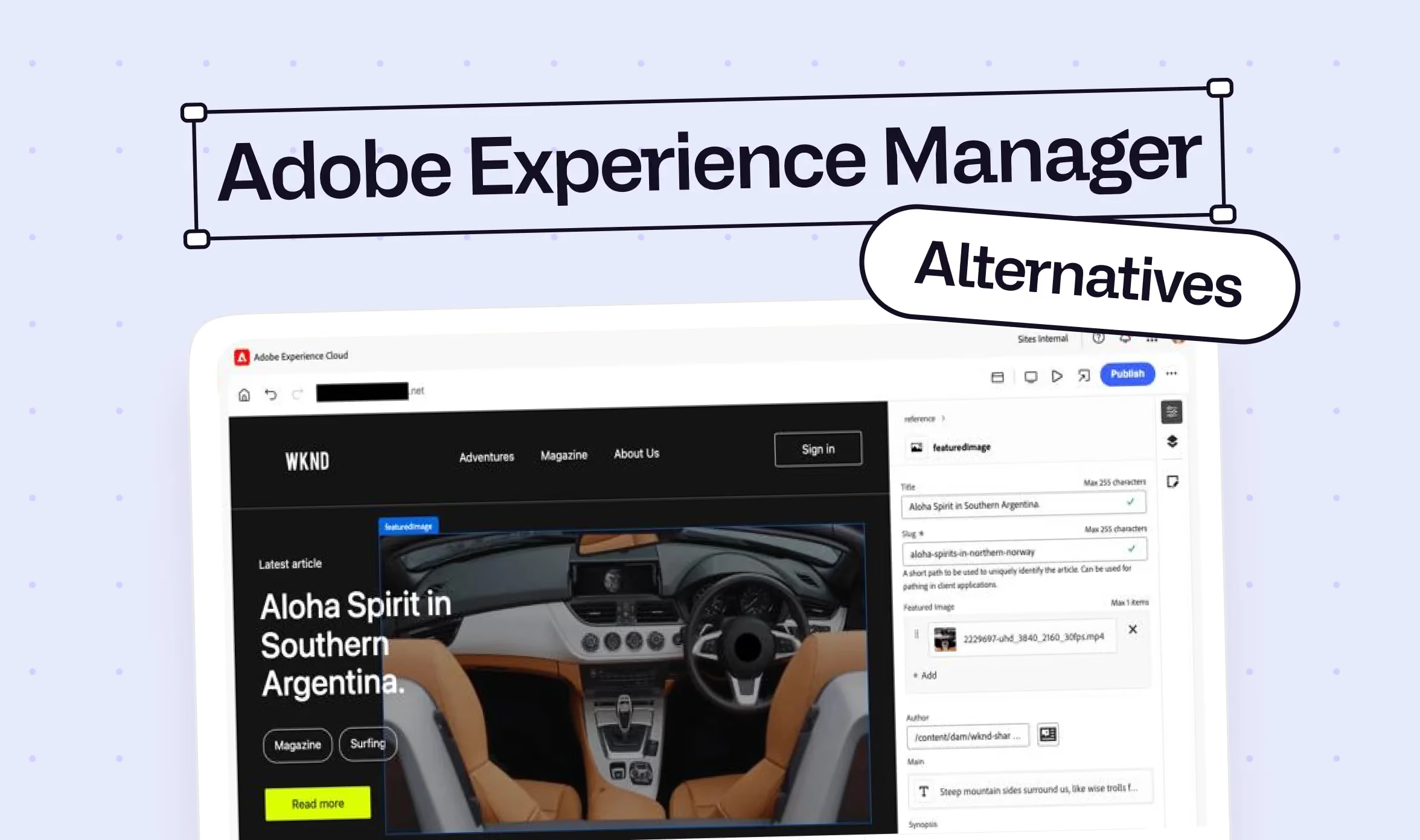
Adobe Experience Manager (AEM) Alternatives 2026: 5 Modern Solutions Compared
Your enterprise website can do a lot more than display information. Under the right conditions, it supports campaigns, captures leads, and actively drives revenue. But to turn your online presence into that kind of growth engine, you need more than marketing know-how. You need flexibility. And that's exactly where Webflow and other Adobe Experience Manager alternatives are gaining ground.
Adobe Experience Manager (AEM) is a powerful digital experience platform (DXP) built for global brands that need highly personalized, multilingual content across complex digital ecosystems. But that scope comes with significant overhead. Licensing, implementation, ongoing operations, and specialized developers all consume budget and headcount. Even minor updates can require additional coordination or technical support, and in the worst case, you end up paying for a solution that no longer fits your actual needs.
That doesn't mean AEM is the wrong choice across the board. But many companies don't need a full DXP. What they need is a flexible platform for running an effective, modern marketing website. In this guide, we compare five AEM alternatives for 2026 that deliver exactly that. We'll walk through their features, strengths, limitations, and ideal use cases so you can make a more informed decision.
Here's what we cover:
- What separates a CMS, a website platform, and a full DXP
- How Webflow, Contentful, Sitecore, Optimizely, and Storyblok compare as AEM alternatives
- A side-by-side comparison table covering cost, time to value, team requirements, and maturity fit
- When AEM still makes sense and when it doesn't
- Which platform fits your team's size, budget, and technical maturity
- FAQs on pricing, speed to launch, and platform capabilities
{{freebie}}
The 5 best Adobe Experience Manager alternatives for 2026
A traditional CMS helps you manage and publish page content like text and images. A website platform bundles those tasks more tightly, so design, CMS, hosting, forms, and publishing all work together inside a single system. That makes website platforms especially attractive for marketing teams that want to build new pages and launch campaigns without long technical approval cycles.
A DXP like Adobe Experience Manager goes further. It connects content with customer data, personalization, analytics, commerce, and multiple digital channels. Website platforms can do some of that too, but not at the same scale. That level of scope pays off when an organization needs to manage many brands, countries, audiences, and channels from one central system. For a typical B2B website with a blog, landing pages, a few language versions, and a CRM integration, a leaner solution is often the smarter choice.
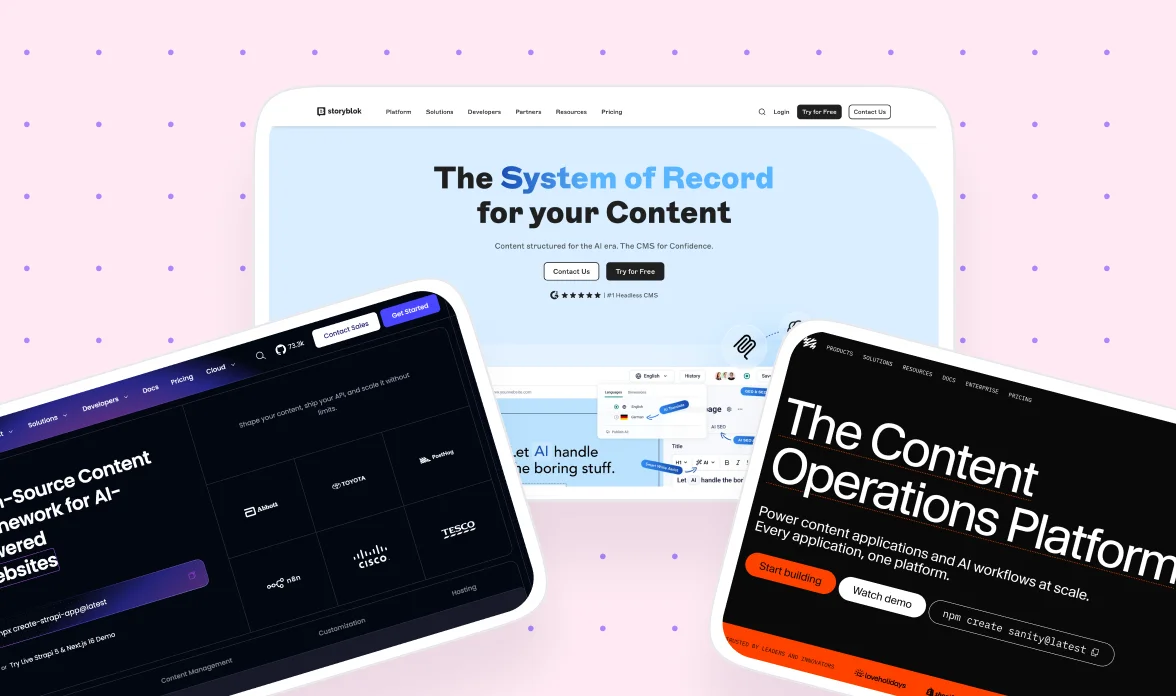
The following AEM alternatives take different approaches. Webflow is a website platform with design tools, CMS, hosting, and a growing set of enterprise features. Contentful and Storyblok deliver content as headless systems to various frontends. Sitecore and Optimizely stay closer to a full DXP model. The question isn't which system has the most features. It's which one best covers your actual requirements.
1. Webflow gets marketing websites out of the development bottleneck
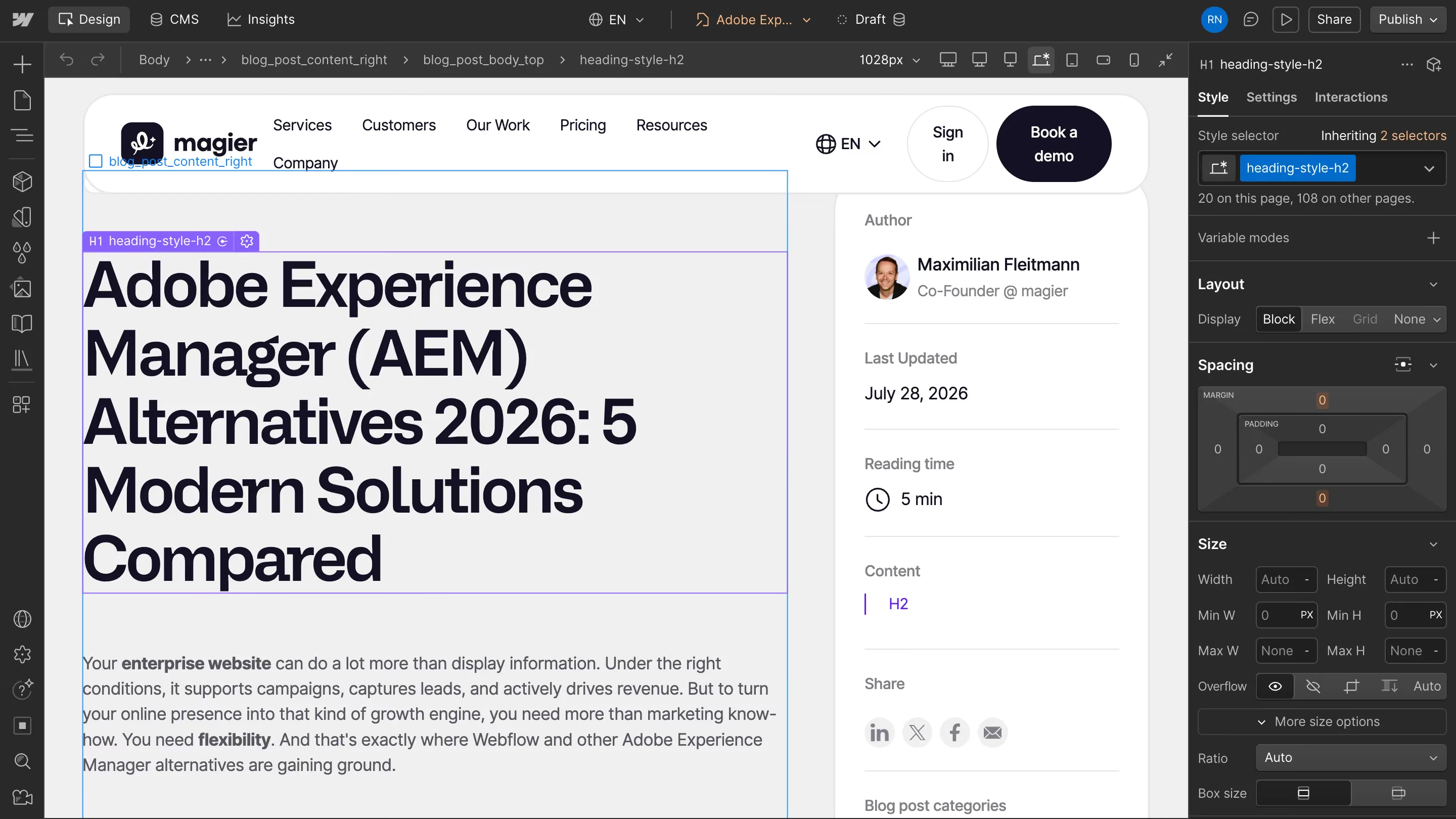
With Webflow, design and marketing teams can build custom enterprise websites with flexibility and manage content independently through the CMS. Many new pages, campaigns, and even layout changes can be shipped without waiting on a separate dev team. Reusable components help teams create new pages faster while keeping the visual identity consistent across the entire site.
For larger websites, Webflow Enterprise adds SSO, SCIM, custom roles, granular permissions, and an audit log API. Access can be restricted by CMS collection, page, and language version. Localize handles localized content, URLs, and SEO metadata, while Optimize adds testing and personalization. The platform reaches further than a typical website builder but stays leaner than AEM. A DPA is available, though the specific GDPR configuration remains the company's responsibility.

Key features:
- Visual designer with responsive layouts, components, and variables
- Webflow Localize for localized content, URLs, assets, and SEO metadata
- Optimize for A/B tests, audience targeting, and personalized variants
- Enterprise governance with SSO, SCIM, custom roles, and audit log API
Pros:
- Marketing and design teams can publish many changes without developer involvement
- Frontend, CMS, and hosting don't need to be set up as separate systems
- Ongoing technical operations are significantly leaner than a full DXP
Cons:
- Webflow is not a complete DXP with its own customer data platform and comprehensive journey orchestration
- Complex portals, transactional applications, and large-scale commerce processes require additional systems
Best for: Companies whose website primarily supports marketing, lead generation, and brand communication. Webflow is a strong fit when teams want to build new pages and campaigns independently. Webflow Enterprise adds finer access controls, custom roles, and structured approval workflows for larger organizations.
{{cta}}
2. Contentful distributes structured content across many channels
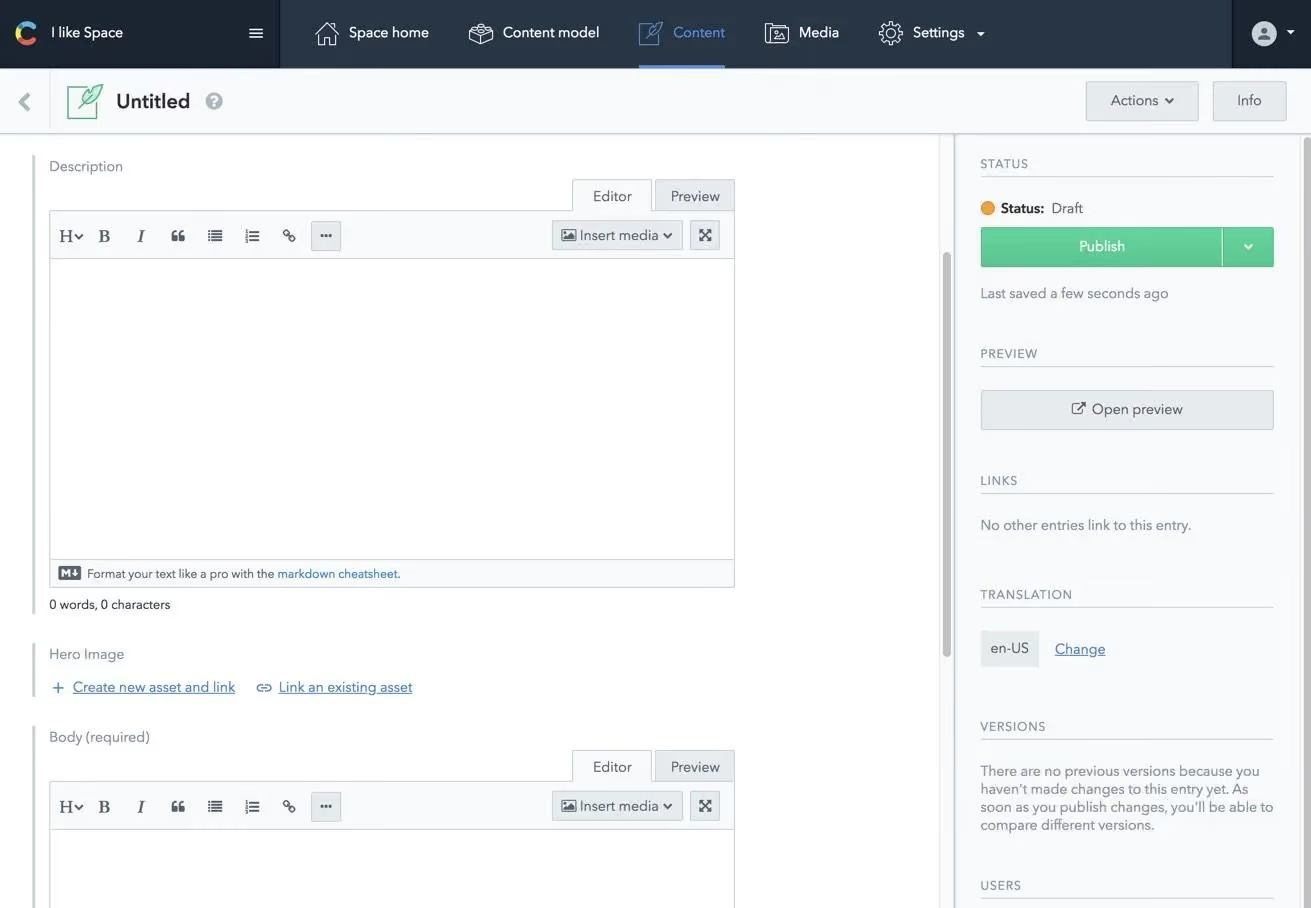
Contentful provides a reusable content foundation rather than a finished website. Text, product data, and images are modeled in a structured way. Frontends retrieve them via REST or GraphQL APIs and render them on websites, apps, or other endpoints.
This headless, API-first approach is a good fit for companies with a strong development team and multiple digital products. Live Preview, scheduled publishing, and localization support editorial workflows. The Enterprise tier adds finer roles, SSO, SCIM, extended workflows, and optional EU data residency. For A/B testing and personalized content, Contentful Personalization is available as an additional product.
Key features:
- Structured content with reusable content models
- REST, GraphQL, Preview, Management, and Image APIs
- Multilingual support, versioning, and scheduled publishing
- Enterprise governance with SSO, SCIM, and EU data residency as an option
Pros:
- Content can be reused across multiple channels and frontends
- Developers are free to choose their own framework, hosting, and technical architecture
Cons:
- A publish-ready website is not part of the CMS itself
- Frontend development, hosting, search, and forms all need to be planned separately
Best for: Digitally mature companies that distribute content to multiple websites, apps, or products. As an AEM alternative, Contentful works best when you already have your own frontend platform and structured content matters more than visual web design tools.
3. Sitecore XM Cloud combines headless CMS with DXP extensibility
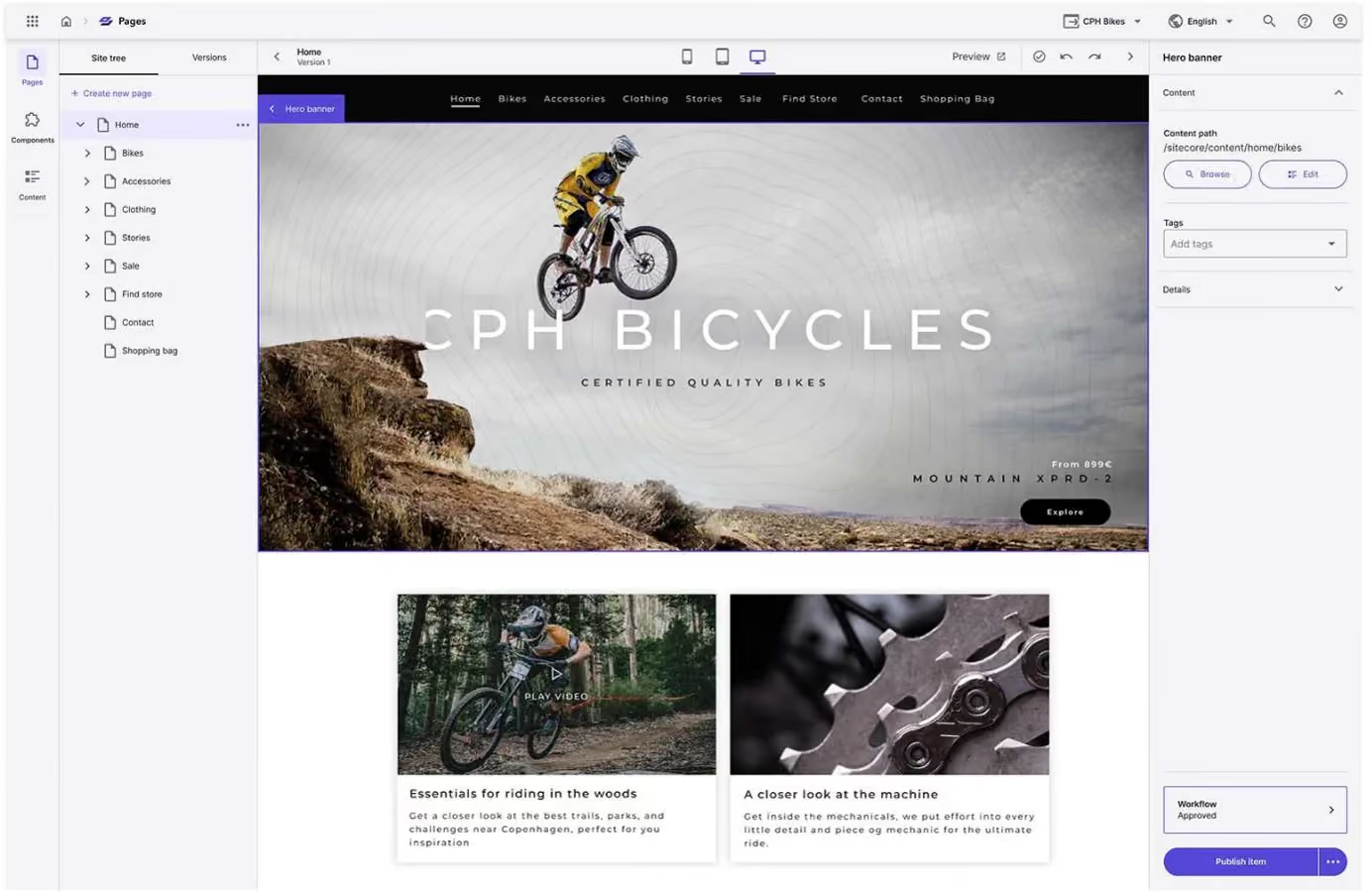
If you want to replace AEM but keep a comprehensive experience platform, Sitecore is a direct enterprise competitor. XM Cloud is the cloud-based CMS core. Marketing teams build pages visually and deliver content through a headless architecture.
The scope depends on the package you choose. XM Cloud Plus connects the CMS with search, personalization, customer data, and analytics. A dedicated Commerce bundle is also available. The modular structure offers a lot of flexibility but also increases planning effort. Companies need to select the right modules, connect systems, and define clean data flows. That typically requires experienced developers or a specialized implementation partner.
Key features:
- Cloud-based headless CMS with a visual page builder
- Component-based page creation and API content delivery
- Extensions for Sitecore Search, Personalize, CDP, and Analytics
Pros:
- Personalization and customer data can be integrated deeply into the experience architecture
- Sitecore is well suited for international brands with complex governance requirements
Cons:
- Costs and contract scope are hard to compare without a custom quote
- A production-ready platform requires frontend developers, architects, and integration expertise
- For a marketing-only website, Sitecore is often more than what's needed
Best for: Large enterprises that want to replace AEM with another DXP and continue to manage personalization, search, customer data, or commerce centrally. For teams that primarily want to publish landing pages faster, Sitecore is rarely the leanest option.
4. Optimizely connects the CMS directly to testing and personalization
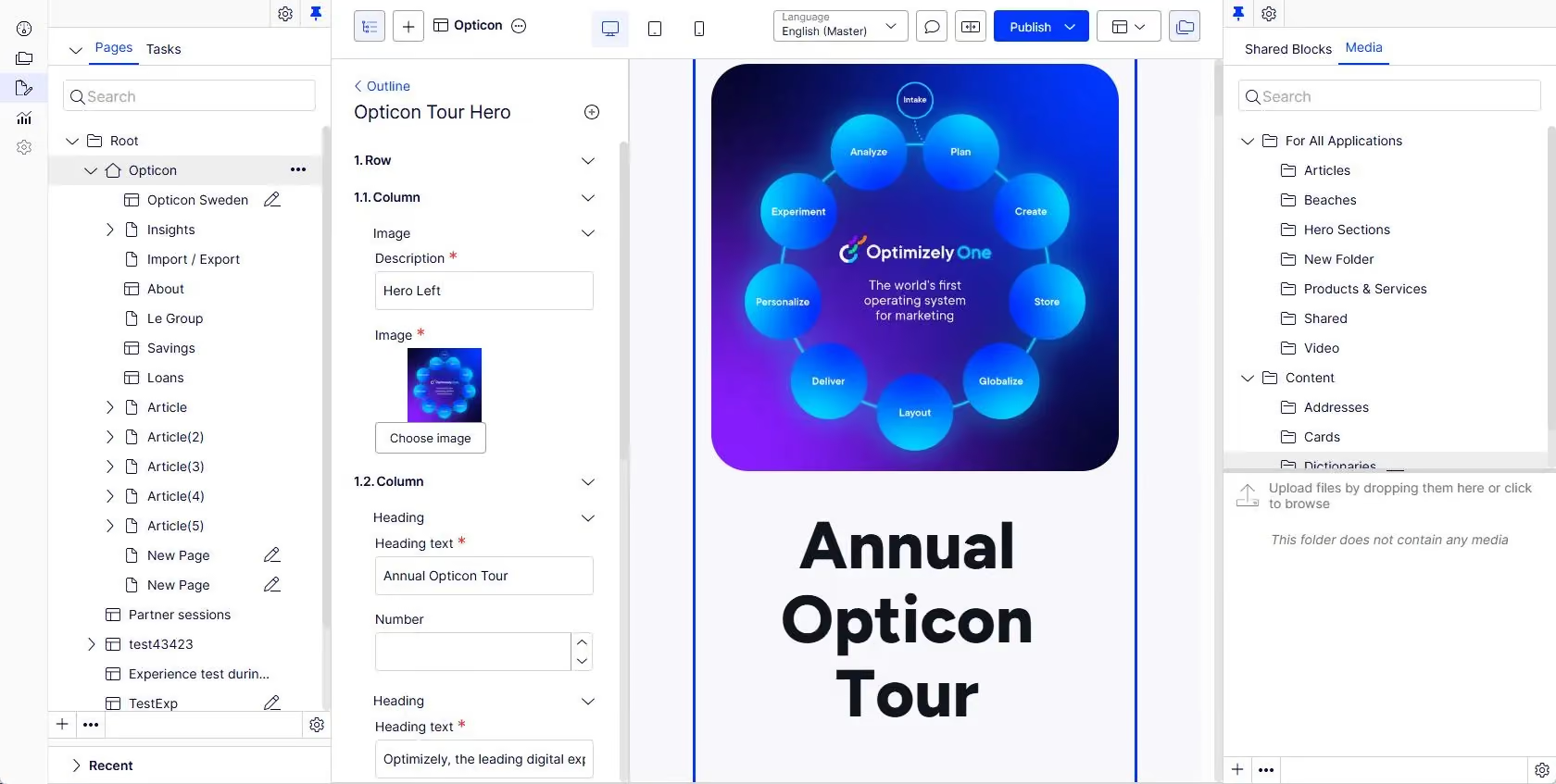
If ongoing testing is a core part of your website strategy, Optimizely can be a very compelling Adobe Experience Manager alternative. The CMS offers visual authoring, approval workflows, and an API-first architecture. Native experimentation and personalization are among its central strengths.
Additional products cover content planning, commerce, assets, customer data, and feature testing, so you can build toward a broader DXP step by step. However, each added module increases the demands on architecture, data modeling, and operations.
Key features:
- Visual authoring and flexible headless delivery
- Integrated workflows for review and approval
- Native A/B tests, multipage tests, and personalization
- Extensions for commerce, content planning, data, and assets
Pros:
- Content and testing are more tightly connected than in many traditional CMS platforms
- Marketing teams can build test variants directly into their publishing workflow
Cons:
- Pricing only becomes visible after a consultation and package definition
- Data integration and advanced testing require specialized expertise
Best for: Companies that regularly improve their website through A/B testing and tailor content to different audiences. Optimizely pays off especially when a dedicated marketing or analytics team is in place. If the goal is simply to publish new pages faster, the platform is often more than what's required.
5. Storyblok combines headless flexibility with a visual editor
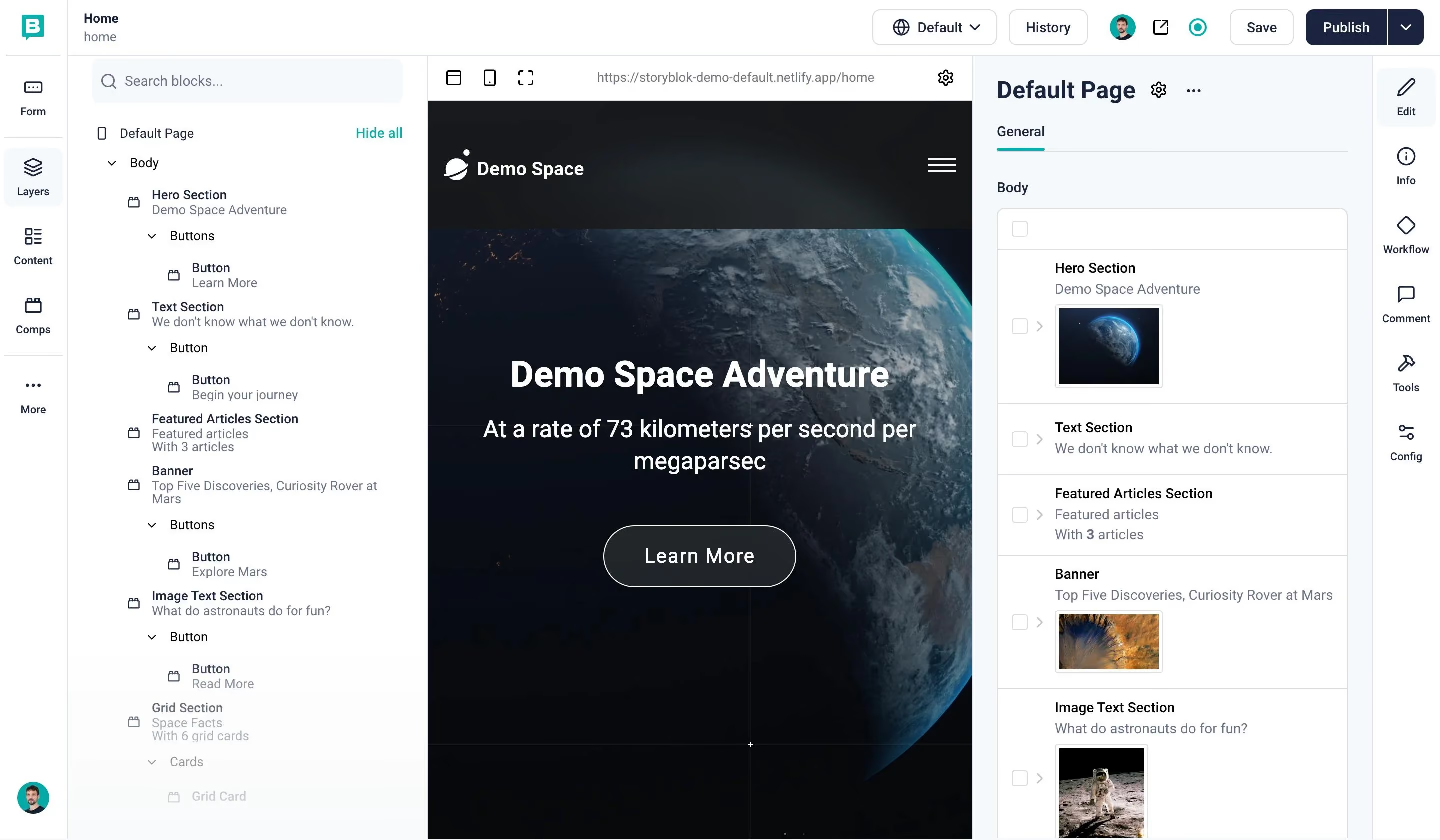
Storyblok bridges the gap between a headless CMS and an intuitive editorial experience. Developers create reusable components in their preferred framework. Editors then assemble pages in the visual editor and see changes in a live preview.
The component model supports multiple websites, brands, and languages. Higher tiers add roles, workflows, release management, SSO, and SCIM. APIs and webhooks make integrations easier. But Storyblok remains a headless CMS at its core, so the frontend, hosting, and many website functions are the development team's responsibility.
Key features:
- Visual editor for component-based headless websites
- REST and GraphQL APIs, plus webhooks
- Multilingual content and reusable components
- Roles, workflows, SSO, SCIM, and release management in enterprise tiers
Pros:
- Editors get more visual guidance than in many pure headless CMS platforms
- Developers retain full control over the frontend and technical architecture
Cons:
- Frontend and hosting create additional development and operational costs
- New components still require developer involvement
Best for: Companies that want a modern headless frontend but also want to give marketing teams visual page-building capabilities. Storyblok is a strong AEM alternative for international websites when an experienced JavaScript team is available.
If you're looking for a trusted team to handle your migration from AEM and a redesign within a budget, read our blog on the best affordable webdesign and development services.
Top Adobe Experience Manager alternatives: implementation, timelines, and team requirements
A fair comparison looks at licensing, implementation, and operations together. The pricing listed here comes from the vendors themselves and reflects the state as of July 2026. For AEM, Sitecore, Optimizely, and enterprise packages, the actual cost is negotiated. The timeline examples are drawn from documented customer projects and are not guarantees. The team column is a practical estimate based on each platform's architecture and typical enterprise operations.
Important note: Comparing license costs alone is misleading. A headless CMS at $300 per month can end up costing more than an integrated platform once you factor in frontend development, cloud operations, and maintenance. On the other hand, a higher Webflow tier can pay for itself once developers no longer need to manage every campaign page.
What is Adobe Experience Manager?
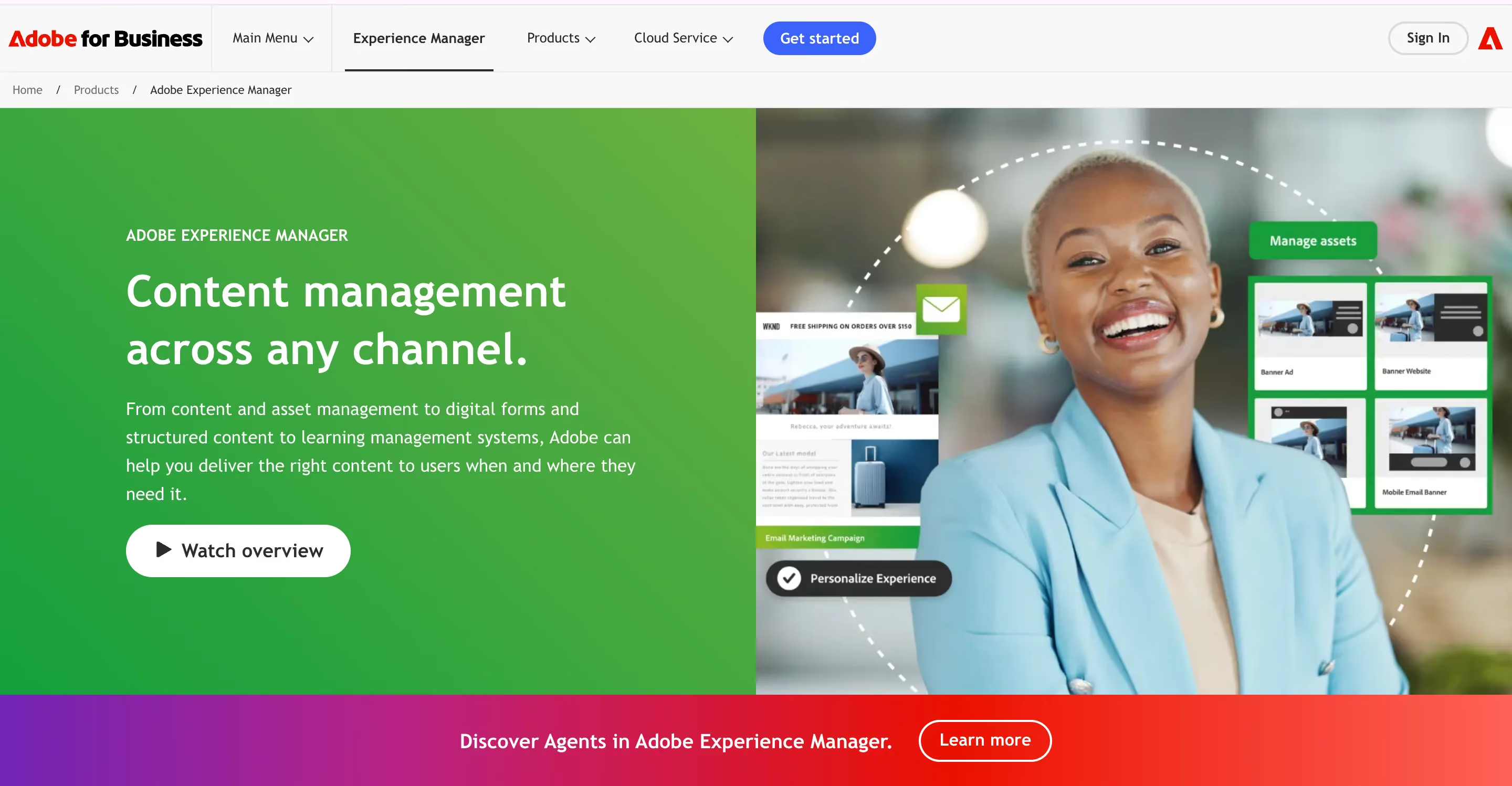
Adobe Experience Manager (AEM) is a comprehensive content management system and digital asset management platform used to create, manage, and deliver websites, mobile apps, and digital forms. It combines marketing tools, asset storage, and multi-channel publishing into a single cloud-native workspace that sits within the broader Adobe Experience Cloud.
So what does that mean in practice? AEM is built around a set of core modules, each designed to handle a specific part of the digital experience.
AEM Sites
This is the content management layer. It lets teams build and launch web pages using pre-made templates and blocks, which means marketers and editors can create pages without writing code from scratch. For organizations managing dozens or even hundreds of localized sites, Sites provides the structural backbone.
AEM Assets
This is the cloud-based media library. It stores, organizes, and auto-optimizes images and videos for different devices and screen sizes. If your team is working with thousands of brand assets across multiple markets, this is where everything lives and gets distributed from.
AEM Forms
It handles paperless digital forms, electronic signatures, and user onboarding. It's especially relevant for industries like financial services, healthcare, and government, where form-heavy processes need to be digitized without sacrificing compliance.
AEM Screens & Guides
This covers more specialized use cases. Screens manages physical digital signage displays, while Guides supports structured product manuals and technical documentation.
Beyond the modules, AEM's value comes from three key capabilities. Omnichannel delivery lets you publish content across websites, apps, and screens from a single hub. Personalization allows you to tailor experiences and target specific audience segments at scale. And cloud integration connects AEM tightly with other Adobe Experience Cloud tools like Adobe Analytics, Adobe Target, and Adobe Commerce for data tracking and marketing workflows.
But here's the thing. All of that power comes with significant complexity. AEM requires specialized developers (often Java-based), dedicated architects, and a sizable budget for licensing, implementation, and ongoing operations. For companies that fully use its capabilities across many brands, countries, and channels, the investment makes sense. For companies that primarily need a marketing website with a blog, landing pages, and CRM forms, it's often more platform than the situation calls for.
That's the context for the alternatives we've compared.
If you're looking for some inspiration for your website, check out our blog on the best medical webdesigns.
When AEM as a full DXP actually makes sense, and when it doesn't
AEM delivers its best value when a company needs to centrally manage content, assets, and campaigns across many countries, brands, and digital channels. The platform becomes especially relevant when Adobe Assets, Forms, Analytics, Target, Commerce, or a customer data platform need to be tightly connected.
In those scenarios, it's no longer enough to personalize individual landing pages or push data to a CRM. Companies need to deliver content consistently across websites, apps, stores, and other channels, recognize audiences across multiple touchpoints, and evaluate campaigns centrally. That level of interconnection is what a DXP like AEM is built for.
On top of that, organizations using AEM typically deal with complex approval processes, different responsibilities across countries or brands, and strict security, compliance, and governance requirements. AEM performs well in those structures too. Webflow can complement DXP capabilities as an Adobe Experience Manager alternative, but it does not replace a centralized customer data and journey orchestration platform.
However, many enterprise websites primarily need landing pages, case studies, blog posts, a few language versions, and CRM forms. A full DXP often introduces more architectural complexity and overhead than it returns in value. Additional modules tend to create more coordination and dependencies rather than a better website.
"In many replatforming projects, the biggest win isn't a longer feature list. What matters most is how many changes marketing can ship after launch without compromising design consistency, content quality, or security. We've seen this firsthand across many client engagements."

Oversized solutions can visibly slow projects down. Campaigns wait on developers, small updates travel through ticket queues, and new page types get postponed. A Forrester study commissioned by Webflow found that a modeled organization achieved a 94% improvement in time-to-market and $850,000 in savings through retired legacy systems and redistributed work hours. Those numbers aren't universally transferable, but they illustrate the impact of shorter publishing cycles.
The actual cost benefits depend heavily on your current AEM setup. Companies that mainly run a marketing website and barely use their DXP features can significantly reduce their total cost of ownership with Webflow. If deep personalization, DAM, commerce, or a customer data platform are still required and need to be integrated separately, the cost advantage shrinks accordingly. For a more detailed breakdown, check out our article on what a digital experience platform (DXP) is.
Final thoughts
A full DXP has a clear place in the market. AEM remains a strong choice when global brand management, personalization, commerce, digital asset management, and multiple channels all come together within an Adobe architecture. But for many marketing websites, that level of scope is heavier and more resource-intensive than it needs to be.
Before choosing a platform, ask yourself one simple question: which AEM feature creates measurable value for your company today? If there's no clear answer, you probably don't need the biggest system available. Flexibility, short feedback loops, and editorial independence deliver more day-to-day value than a long list of features that may never get used.
Webflow is our top recommendation for modern marketing websites with high design standards. Your team can manage content and publish many new pages independently, and Webflow Enterprise adds the governance larger organizations need. Contentful works well for omnichannel content with a custom frontend. Storyblok adds a visual editor to the headless model. Optimizely fits mature testing programs. Sitecore suits companies with a full DXP strategy.
Evaluating whether AEM is still the right platform for your website? magier can help you assess your requirements and existing integrations, and develop the right Webflow architecture for a rebuild or migration.
{{cta}}
FAQ
For a standalone marketing website, Webflow often delivers the shortest time to launch because no separate frontend or hosting architecture needs to be built. In an enterprise context, a project can wrap up in six to eight weeks. Storyblok, Contentful, and other headless systems can reach similar timelines, but they generally require more development resources to get there.
Neither Adobe nor Webflow publishes general contract pricing for their enterprise products. Webflow does list smaller tiers publicly, though. Premium costs $25 per site per month, and Team runs $2,500 per month on an annual contract. With AEM, you typically need to budget for a specialized implementation and operations team on top of the custom license fee. That's why any meaningful comparison should always account for total cost of ownership.
AEM is primarily worth it for companies that manage content across many brands, countries, and channels and need complex approval workflows to support that. The platform can also make sense when Adobe Assets, Analytics, Target, Commerce, or Real-Time CDP are already tightly integrated into the digital infrastructure. For a typical marketing website with a blog, landing pages, multilingual content, and a CRM connection, a leaner platform is usually sufficient.
No, Webflow is not a full DXP in the sense of Adobe Experience Cloud, Sitecore, or Optimizely. The platform does offer CMS, localization, analytics, testing, and personalization through its own products. But a customer data platform, comprehensive journey orchestration, and complex enterprise commerce are not part of the core. Those capabilities need to be added through other systems.
For marketing websites, Webflow can be a significantly more cost-effective AEM alternative. Design and marketing teams can handle many pages, content updates, and layout changes on their own, which reduces development effort and coordination across multiple systems. CMS, visual website building, and hosting all run on a single platform. The Premium plan starts at $25 per site per month with annual billing. Larger teams may need additional plans or a custom Enterprise quote. However, the real cost difference comes down to implementation, ongoing maintenance, and required staffing.


.avif)
%202%20(1).webp)